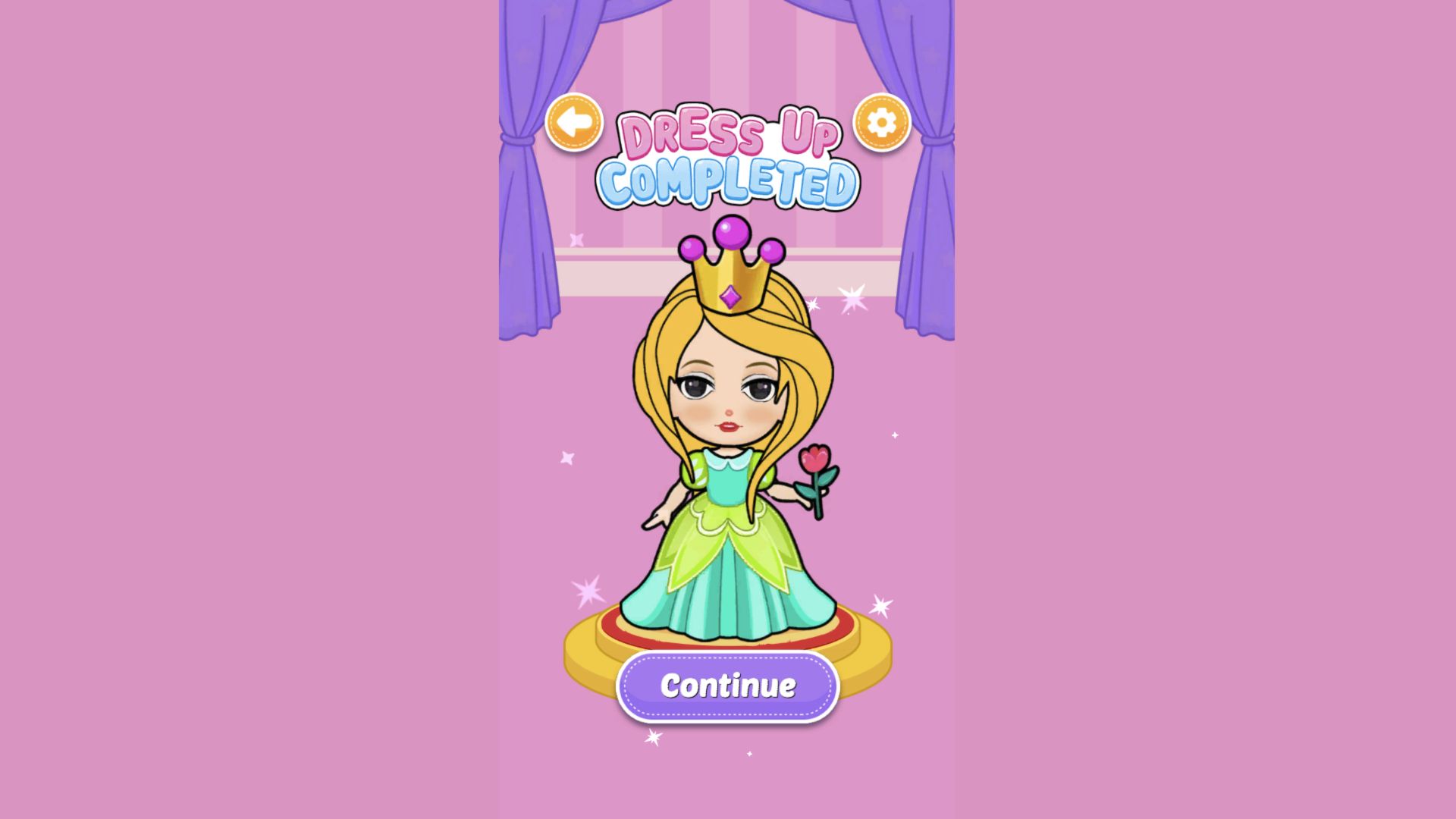
Paper Princess - Doll Dress Up opens like a cheerful sticker book
The opening screen looks more like the cover of a children's activity book than a conventional game menu. A rainbow, smiling clouds, stars, dolls, a unicorn, a teddy bear, and grooming icons surround one large blue play button. That direct presentation suits the audience: there are no profile fields, text boxes, social links, or complicated mode choices between the player and the first room.
After pressing play, the game moved into a tall portrait canvas centred on the desktop screen. Pink bands fill the unused sides rather than stretching the art. This preserves the proportions of the dolls and keeps every button large, although it leaves considerable empty space on a 16:9 monitor. The play area itself remained sharp and readable at 1920 by 1080 throughout my session.
The castle room gives the makeover a small role-play context
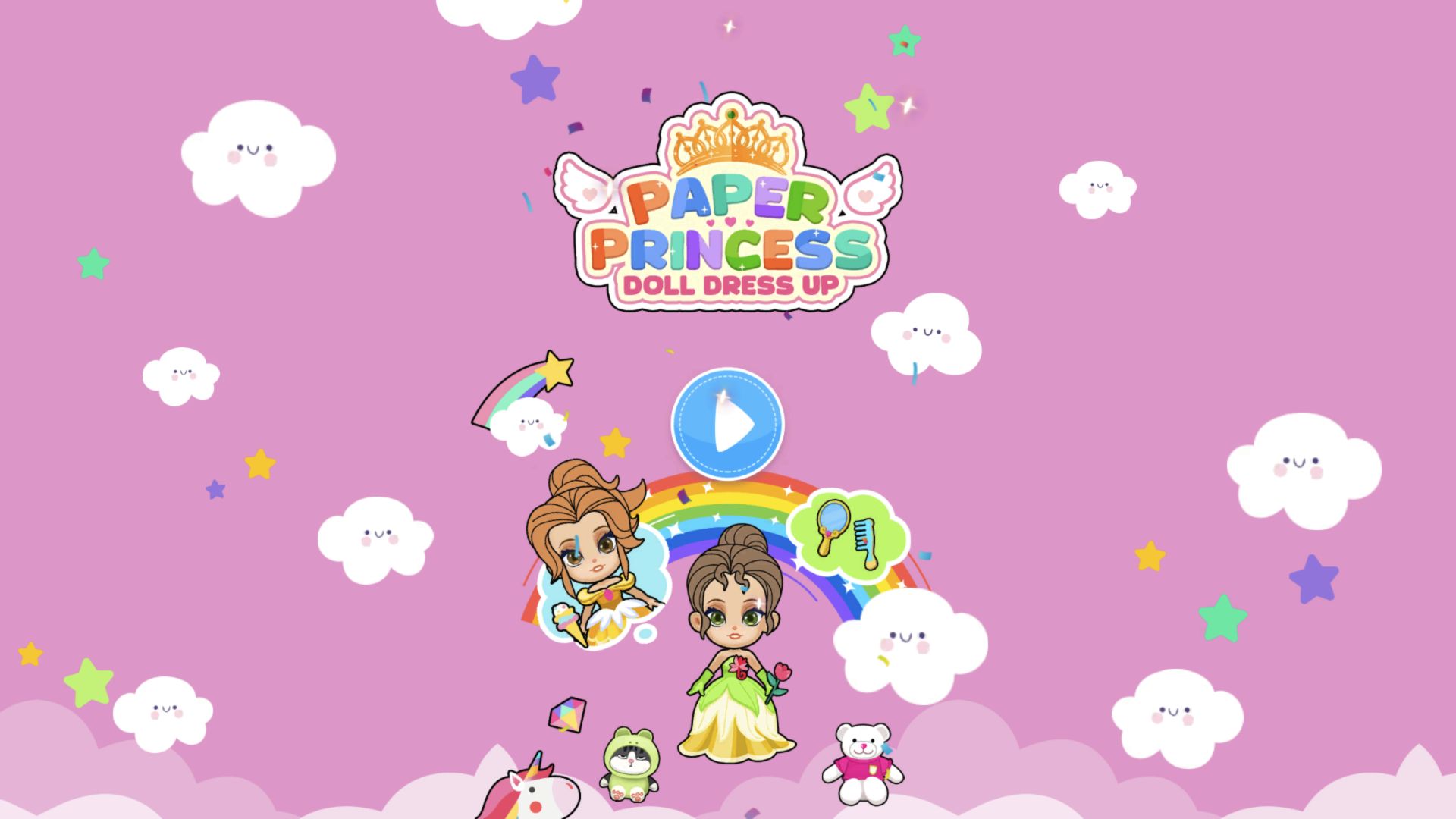
The first interactive room contains a piano, teapot, cups, cookies, a pink sofa, chairs, a plant, stairs, and a blonde doll in a simple pale dress. She is visibly crying and asks, Tap to help me dress up! An animated hand points to her. Clicking the fingertip opened the wardrobe without making me search for a small clothing icon, so the transition from room play to makeover is clear.
Several room controls remain visible, including back, settings, an expression icon, and a dress icon. Upward arrows near the window suggest that the castle has more vertical space to explore. I focused on the prompted dressing loop rather than claiming every room object is interactive. The room matters because the doll begins as a character in a place, not as a mannequin floating against a blank catalogue.
The dress grid mixes generous free choices with clearly marked video items
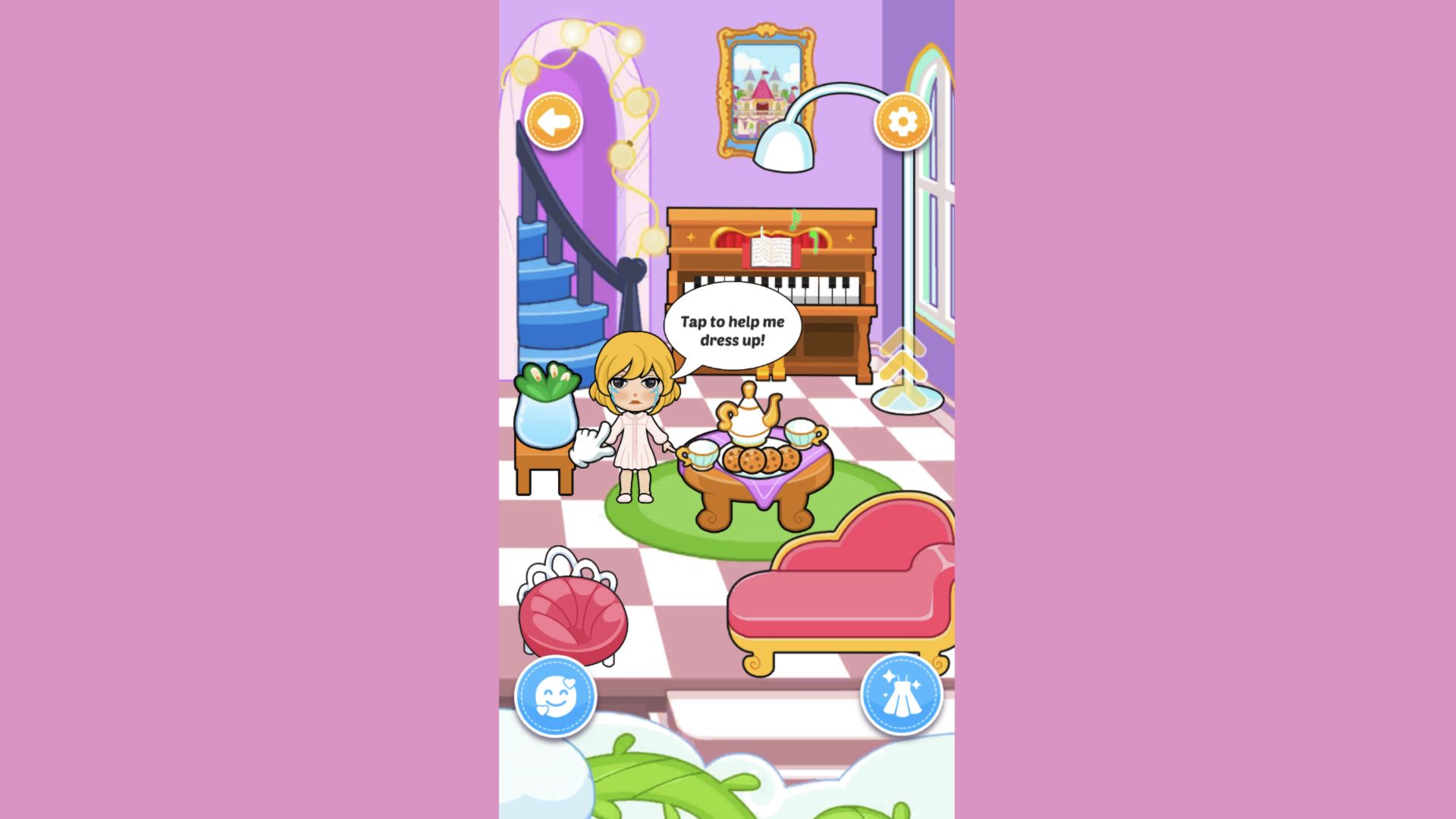
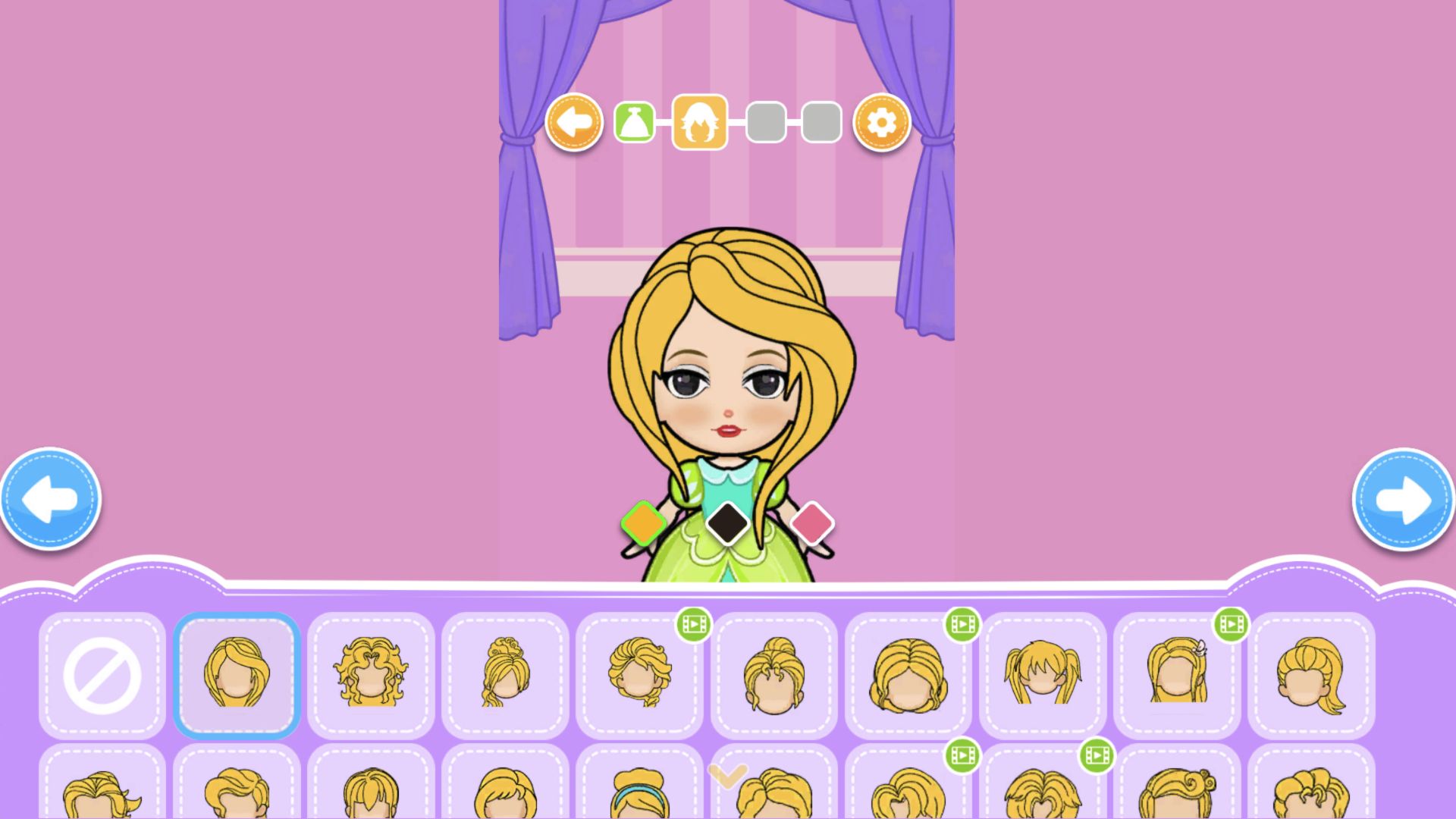
The wardrobe uses a simple four-step tracker across the top. The first tab is a dress silhouette, followed by hair, a crown, and a handheld accessory. In the dress grid I could see mint, coral, orange, blue, yellow, black, green, and uniform-like outfits at the same time. A few cards carried small green video badges, while many did not. I deliberately selected only unmarked options and never opened an advertisement.
I chose the first free gown, a turquoise skirt with layered lime-green leaf panels, a teal bodice, pale collar, and puffed sleeves. One click replaced the starter dress instantly and outlined the selected card in blue. There was no drag precision to fight and no confirm window to dismiss. A large right arrow appeared as soon as the category had a selection, making progression understandable even without written instructions.
Hair and crown choices change the character more than their tiny cards suggest
The hair category zoomed the doll closer and presented a broad shelf of blonde silhouettes. I selected the first free style after the remove icon. The short bob became a long side-swept hairstyle that wrapped around both shoulders and partly overlapped the gown. The card itself was small, but the full-size preview made the new silhouette immediately obvious.
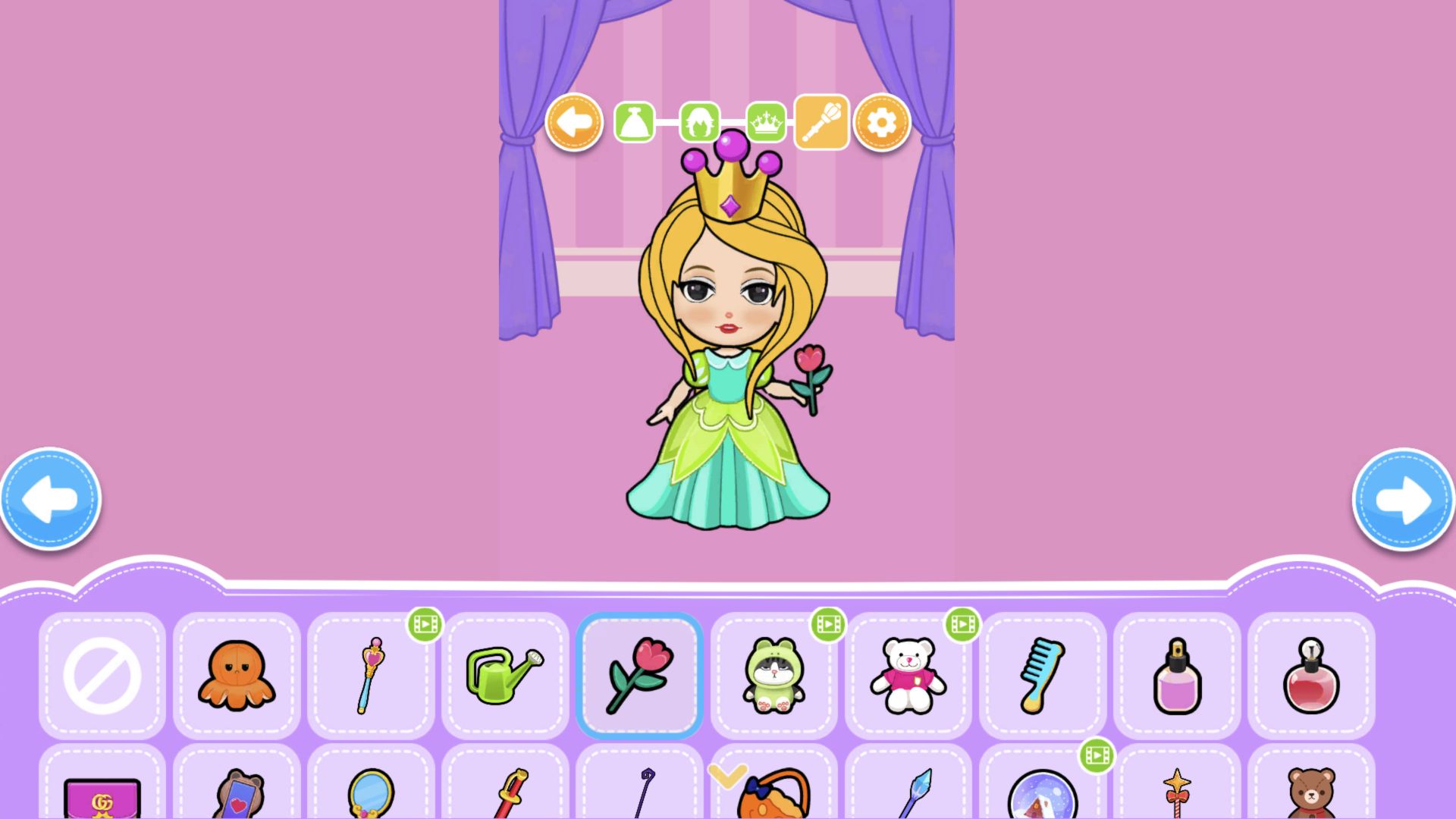
Next I chose a chunky gold crown topped by three purple spheres and a small diamond. It is intentionally oversized, fitting the paper-princess fantasy rather than realistic proportion. Several neighbouring tiaras and hats again showed video badges, but the crown I used was available without one. The game keeps monetized choices visible among free pieces; the badge is legible, yet an adult may still want to explain that marked items are optional before a child explores the full grid.
A pink flower completed the four-part look without an ad
The final category contains a deliberately playful mix: octopus, wand, watering can, flower, plush toys, comb, perfume, mirror, books, and fantasy props. I picked the unmarked pink flower. It appeared in the doll's right hand with the stem aligned to her fingers, while the gown, long hair, and crown all remained intact. That persistence makes the four-step sequence feel like building one coherent paper figure rather than viewing disconnected previews.
My completed design used a consistent spring palette—turquoise, lime, blonde, gold, purple, and pink—without spending currency or watching a video. The interface never scored colour matching, demanded a particular princess costume, or rejected a combination. Its appeal is selection and visual assembly, not optimization. Children can make a conventional royal outfit or mix the more unusual props without being told that one answer is correct.
The catalogue also keeps experimentation reversible. Each category includes a large remove card at the left, and the back arrow lets the player revisit an earlier stage before completing the look. I did not need either control for this outfit, but their presence reduces the fear of making a permanent mistake. The larger concern is discoverability: icons replace text throughout the wardrobe, so a first-time player learns by trying a card and watching the doll rather than by reading a label.
Dress-Up Completed provides a clear ending to a short creative loop
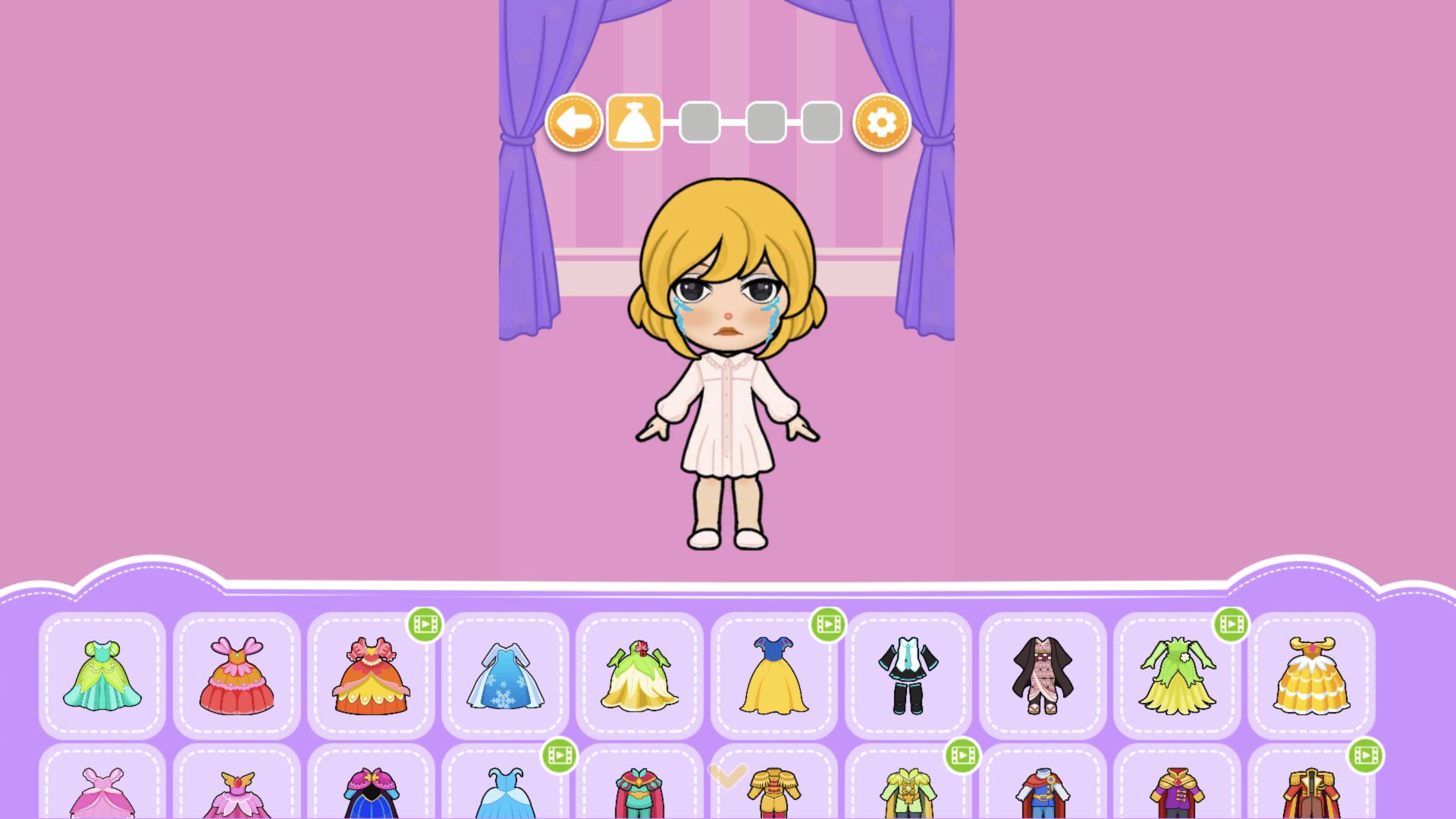
Advancing from the accessory tab produced a dedicated Dress-Up Completed screen. The princess stood on a gold pedestal against the pink background, surrounded by small sparkles, with one purple Continue button beneath her. No score, star rating, or ad multiplier covered the finished design. That uncluttered result is an effective reward because it gives the player a moment to inspect the complete character at full size.
My verdict is that Paper Princess succeeds as a gentle, highly readable dress-up activity. Its strengths are the large previews, four understandable categories, immediate layering, broad free selection, and explicit completion state. Its limitations are the portrait-only desktop presentation and video-marked items mixed into shelves aimed at young players. This review verifies one complete desktop loop at 1920 by 1080: castle-room entry, free gown, free hair, free crown, free flower, and the final result. I did not test a comparable mobile full-viewport loop, so I am not making a touch-performance or best-device claim.