The Tutorial Is Small, but It Teaches the Whole Puzzle
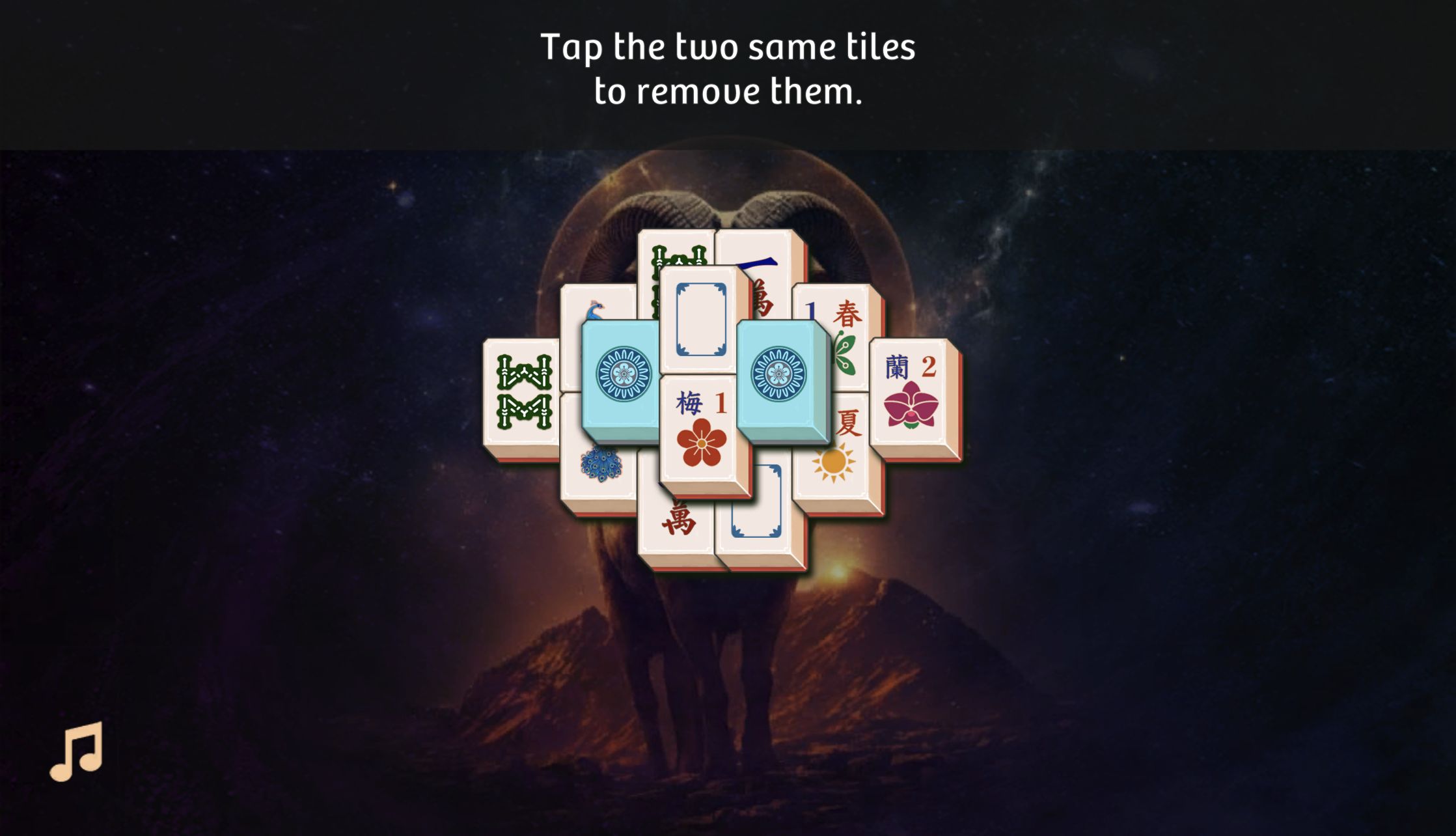
Mahjong Solitaire Zodiac opens with a compact layered board rather than a long menu tutorial. The first instruction is simply to tap two same tiles, but the layout already contains every idea that mattered during my test: exposed edge tiles, pieces covered by higher layers, matching symbols, winds, flower tiles, season tiles, and a pair of face-down medallions. I cleared the complete tutorial on desktop and then repeated the same board inside a recorded 390-by-844 mobile browser-emulation session.
The controls are direct. A click selects a tile, a second valid click removes the pair, and an invalid choice stays on the board. There is no timer pressure during the matching itself, so the challenge is visual reading rather than speed. The ram and night-sky artwork gives the board a distinct zodiac identity without obscuring the ivory tile faces on desktop. The best early habit is to scan the outside silhouette before looking for identical art in the crowded middle.

Flower Pairs Match Even When Their Pictures Differ
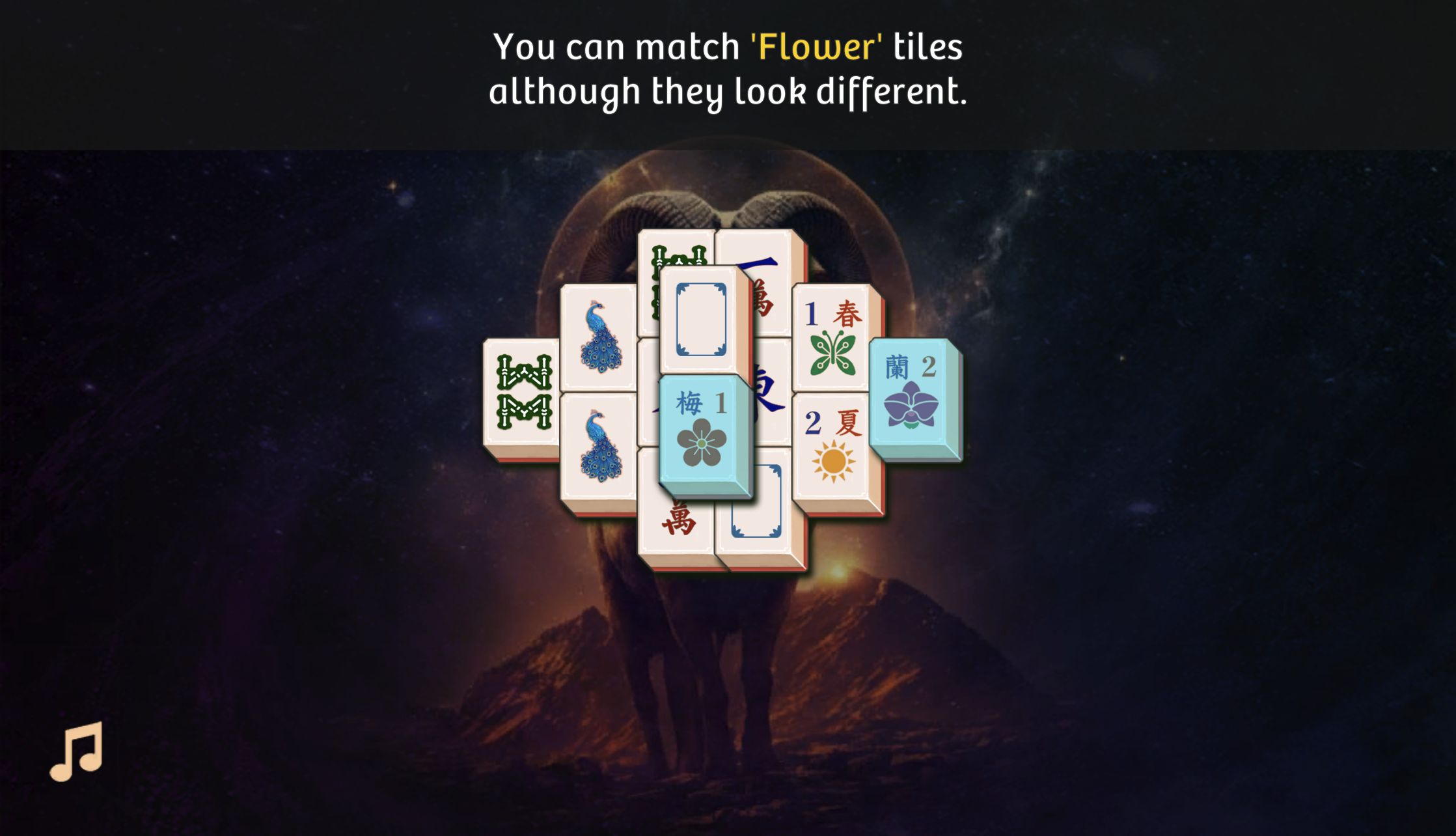
The most useful rule in the tutorial is also the easiest one to overlook if you approach the board as a pure picture-matching exercise. Flower tiles can be paired even when their illustrations differ. My board used a plum blossom marked 1 and an orchid marked 2; removing them was valid because the category mattered more than the drawing. That exception is communicated in a large line of text as the relevant pieces become available.
This rule changes how I scan a stack. Two exposed flowers are not unrelated clutter simply because one is red and one is purple. Treating them as a flexible pair can open opposite sides of the layout and reveal more ordinary matches underneath. I would prioritize a legal flower pair when it uncovers a central cap or frees a blocked column, but I would not remove it automatically if another move exposes more of the structure.
Season Tiles Use the Same Family Rule
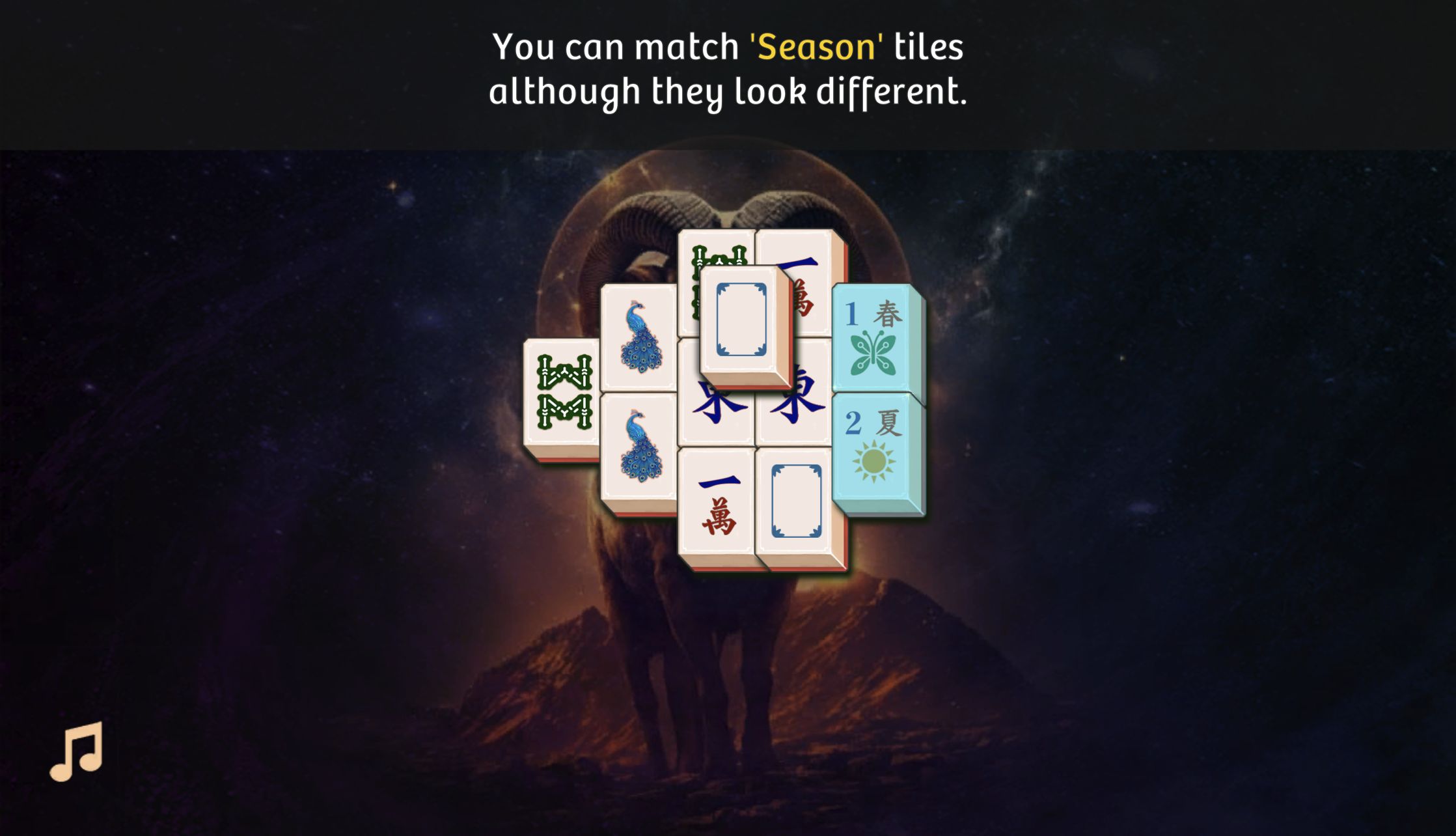
Season tiles work like flowers: different faces can still form a legal pair. In my run, the green spring tile and yellow summer tile cleared together. Once both exceptions are understood, the opening board becomes much less arbitrary. Ordinary suits, winds, and identical pictures still require a true match, while flowers and seasons ask you to recognize a shared class.
The distinction is small but gives the tutorial a satisfying sequence. Each special-category removal also changes the physical outline of the stack, exposing pieces that were previously pinned on both sides. Rather than memorizing every tile immediately, new players can use a three-part checklist: identical face, any two flowers, or any two seasons. That covered every legal pair type I encountered in the completed tutorial.
My One Mistake Was Choosing a Match That Was Still Blocked
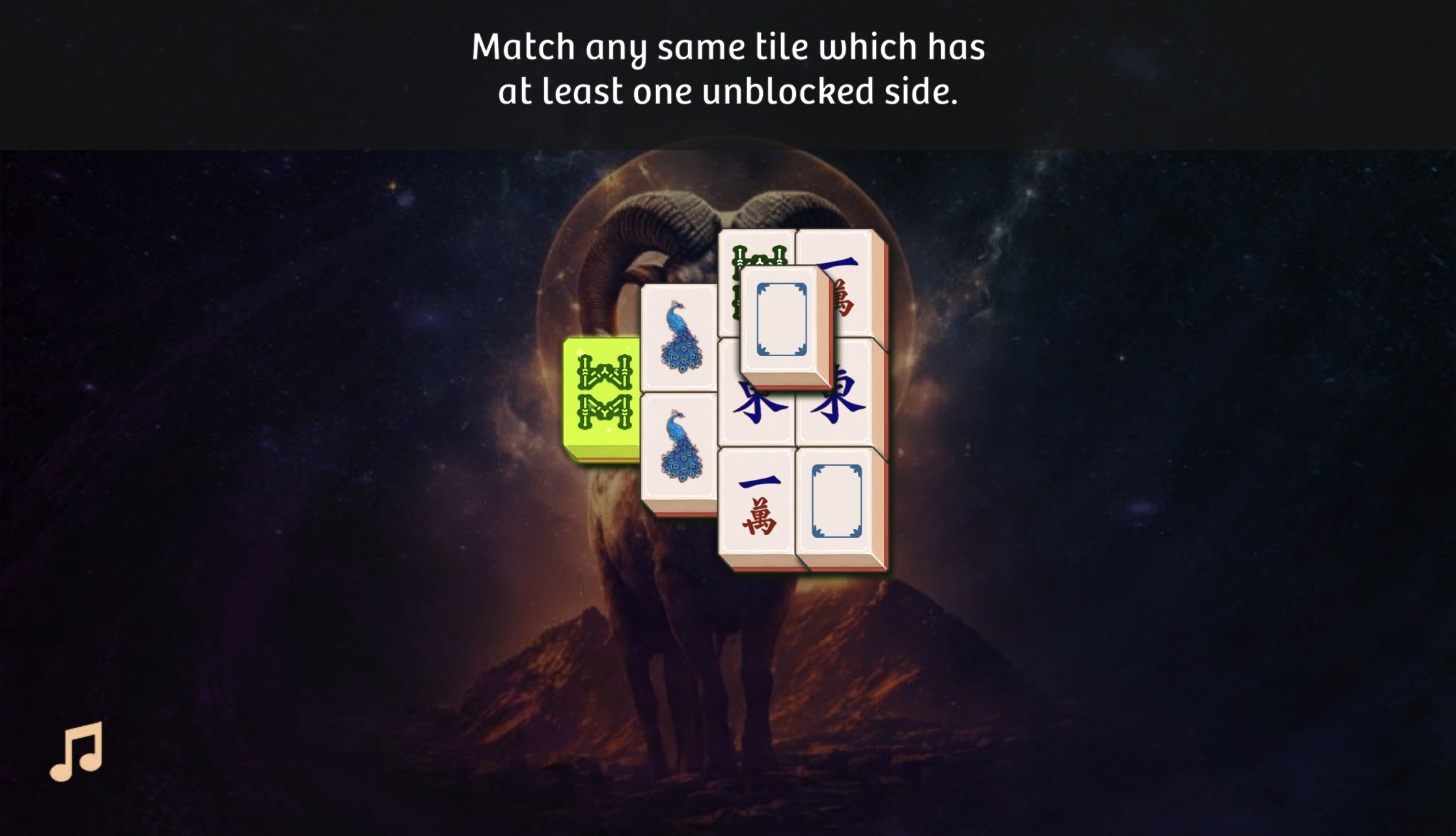
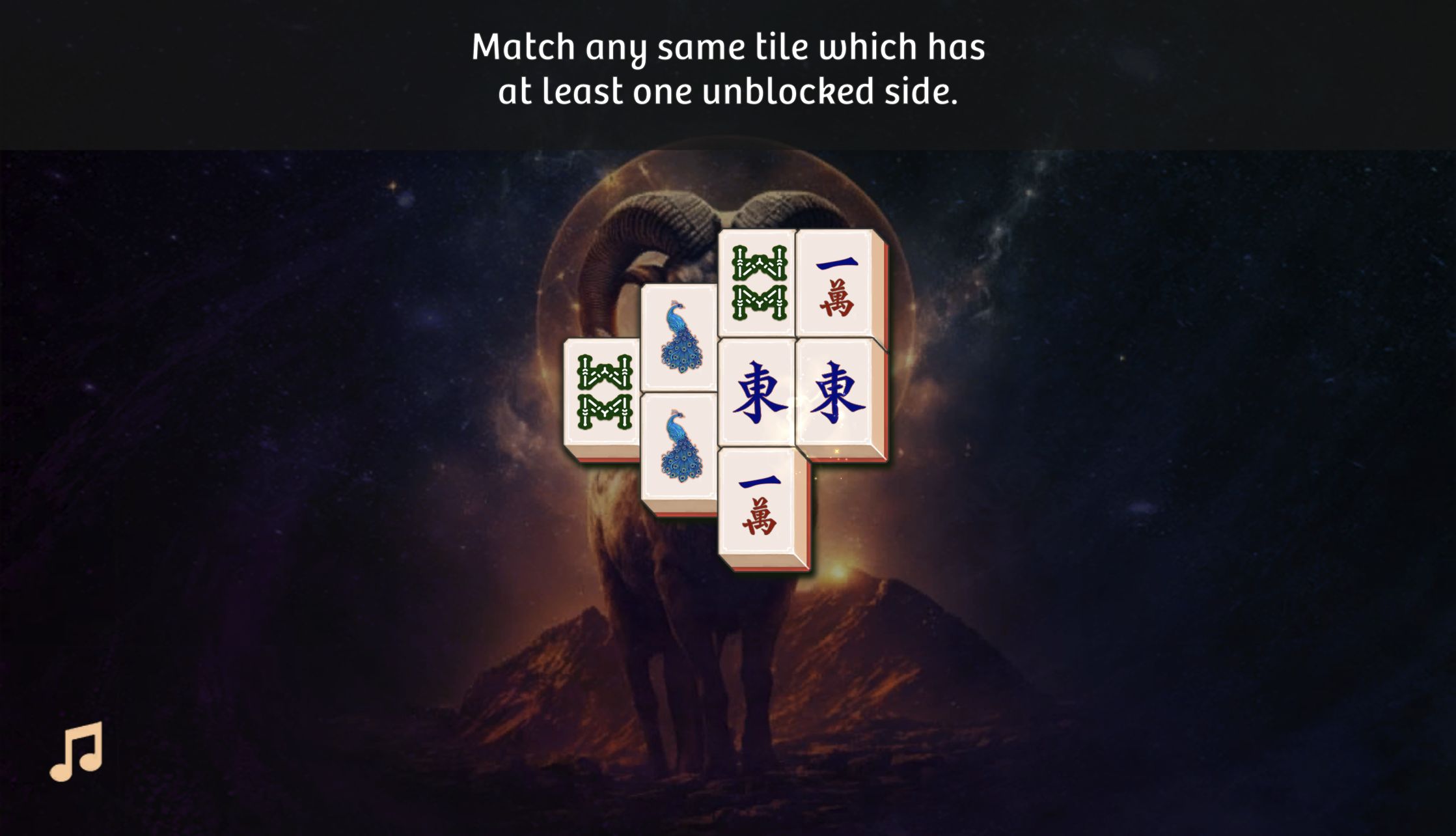
My only meaningful mistake came from spotting two identical bamboo-pattern tiles and clicking too quickly. One was still trapped by the surrounding stack, so the pair did not clear. The game responded with the exact rule I needed: a matching tile must have at least one unblocked side. A correct picture is therefore only half of a valid move; the piece also has to be physically free.
That feedback is better than silently ignoring the input because it teaches what counts as open. A tile can have nothing directly above it and still be unavailable when both horizontal sides are occupied. After the warning, I stopped searching the whole board for twins and worked from the exposed left and right edges inward. Clearing the top blank-border pair also released several pieces at once, which was more valuable than chasing a buried match.
The Endgame Became a Readable Chain of Forced Pairs
After the category exceptions and outside tiles were cleared, the dense-looking stack contracted into a short chain. Matching blank-border tiles exposed characters beneath them; removing the bamboo-pattern pair released the peacocks; and the remaining character and wind tiles became easy to compare. The board never required guessing because each successful pair visibly changed what was free next.
This is where Mahjong Solitaire Zodiac feels most relaxing. There are no moving hazards or combo meters competing for attention, just a shrinking shape and a clear consequence for each choice. The music toggle sits unobtrusively in the lower-left corner. I left the tutorial's hint and shuffle controls unused during the solve, so the three-star result came from reading the board rather than paying to bypass it.
Two East Winds Finished the Board
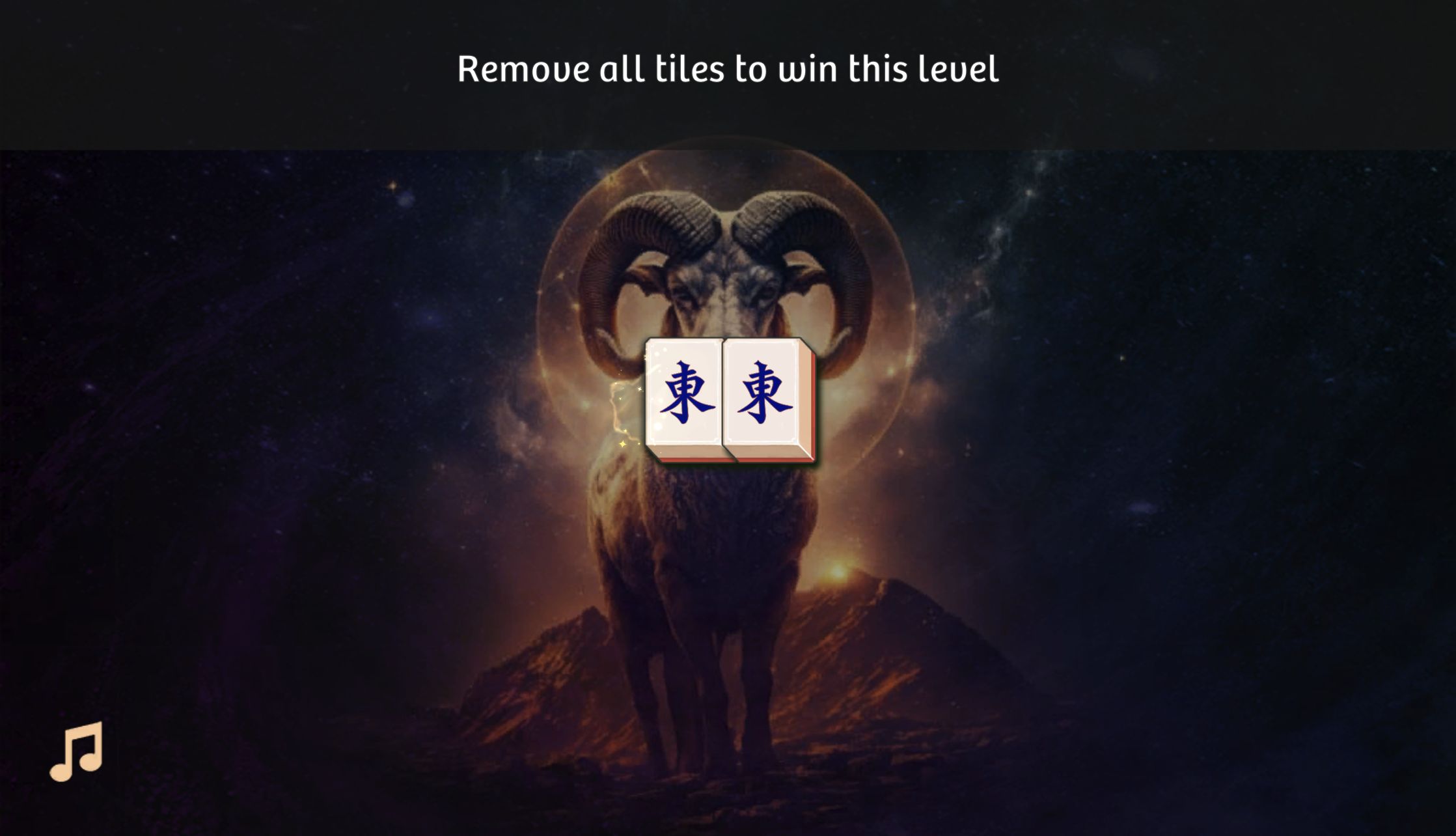
The last move in my desktop run was a pair of East winds. By then every layer above and beside them was gone, so the closing click felt earned rather than automatic. The tutorial restated the goal—remove all tiles to win—and the board immediately transitioned to a dedicated result panel after the pair disappeared.
That complete loop matters because it confirms the puzzle is not scored only by the number of matches. The objective is a full clear. A cautious player should therefore avoid spending both members of a flexible flower or season family when doing so could strand ordinary tiles later in a larger board. The tutorial itself was fully solvable with straightforward edge-first play, but its structure hints at deeper layouts where pair order will matter more.
The Clear Awarded Three Stars and Three Coins
The result panel displayed three gold stars, a large 20:30 value, and Reward +3. On desktop, the upper-left also showed Complete 06:16. Because the interface did not label the relationship between those two times, I am not treating either as a speed target. The important verified outcome is the full tutorial clear, three-star rating, and three-coin reward.
The same panel revealed the game's light coin economy. The hint icon showed a cost of 5 and shuffle showed 10, while my completed tutorial added 3. I did not see a shop or purchase prompt during either solve, and the catalog lists no in-game purchases. I did, however, encounter a skippable preroll advertisement before the mobile game loaded, so this should not be described as an ad-free session.
The catalog supports desktop, Android, and iOS, but my mobile evidence comes from portrait browser emulation rather than a physical phone. The full-viewport mobile test worked and I completed the same tutorial, yet the landscape board was compressed and some instruction text extended beyond the narrow frame. Desktop is my readability recommendation for this specific board: tiles, side gaps, and full instructions were substantially easier to inspect. That is a layout judgment, not a claim about real-device performance.
