Puzzle 1 Beat Me at 0:00
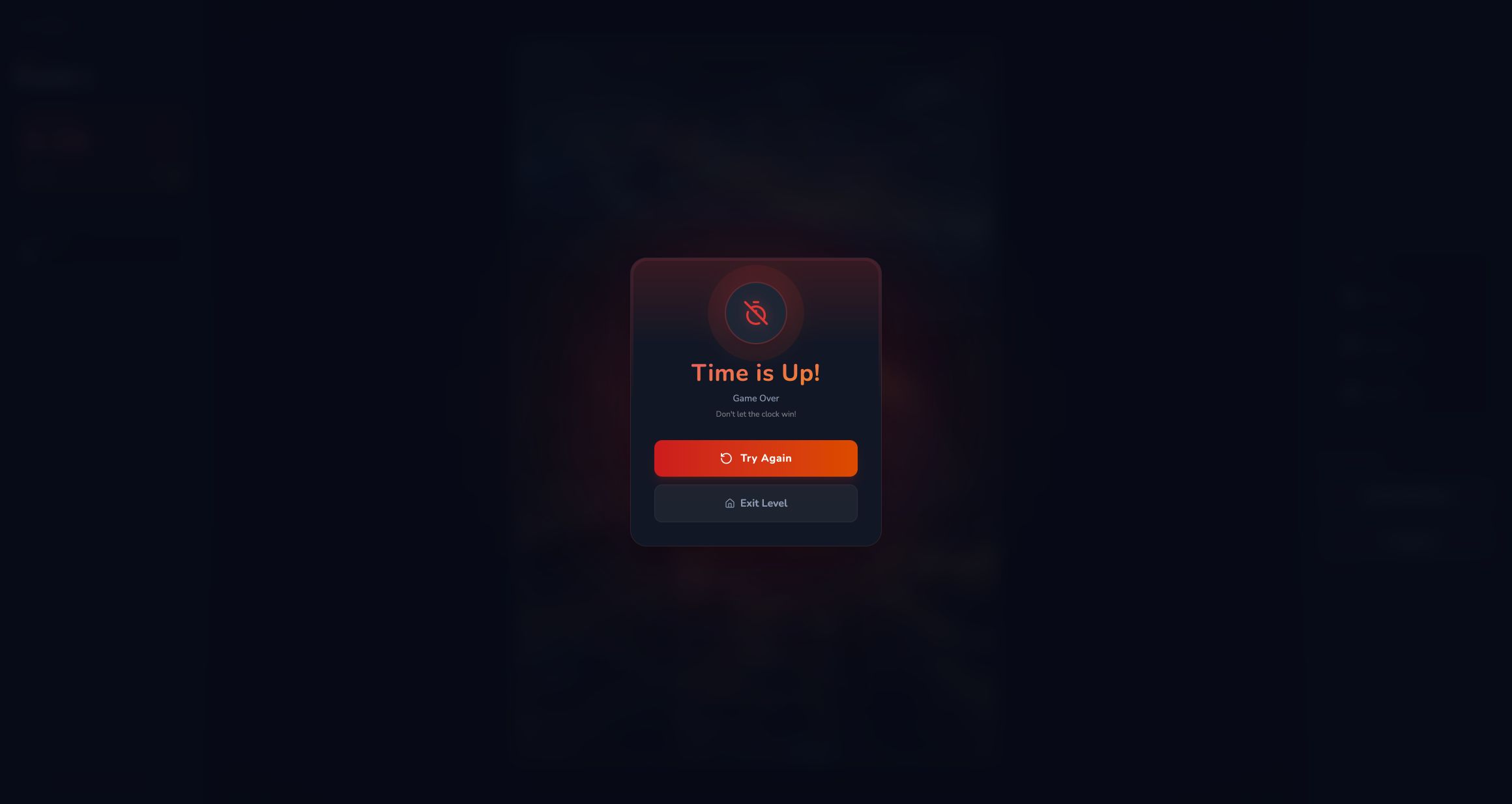
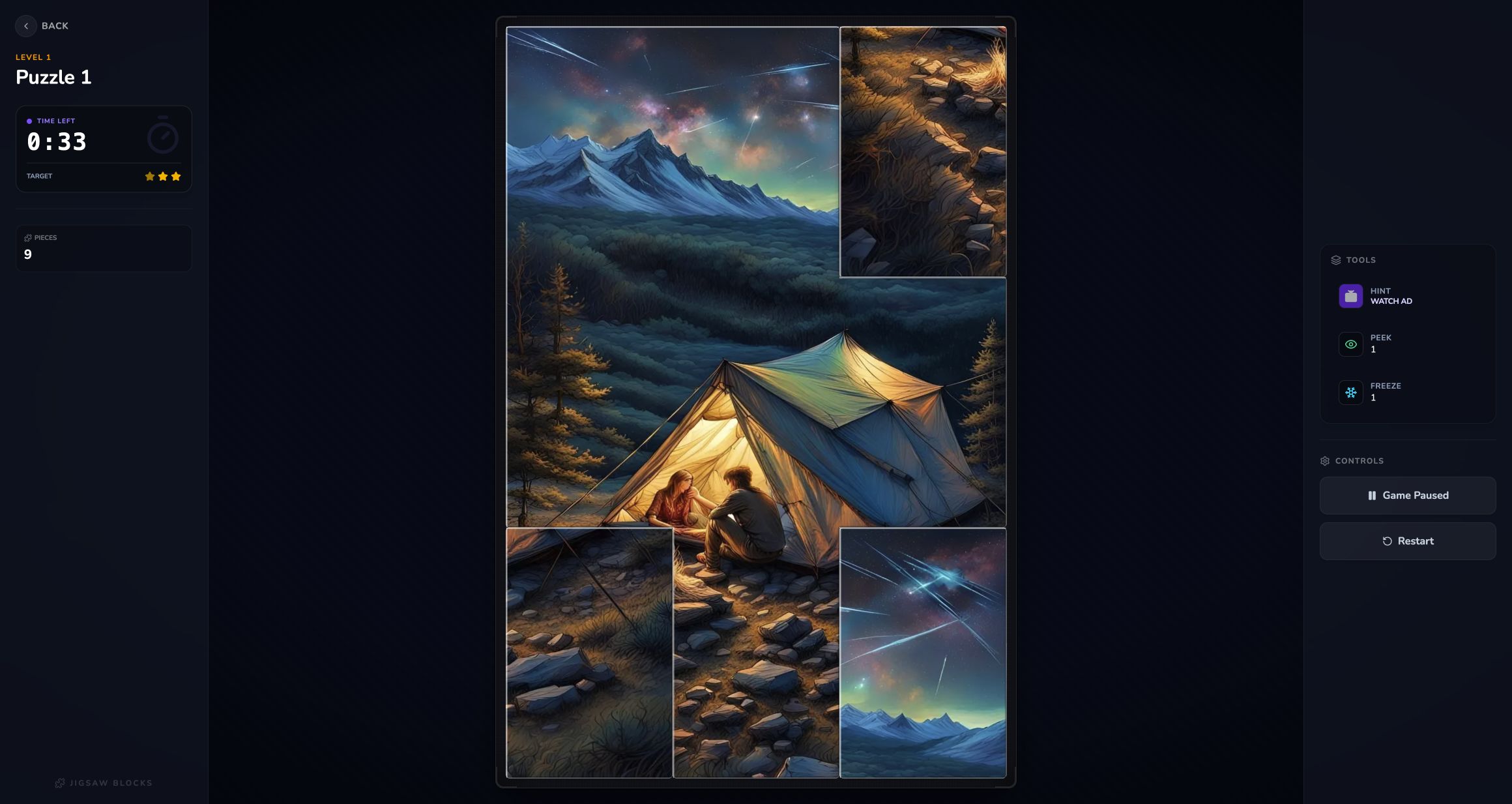
Jixora's first adventure puzzle gave me 33 seconds to repair a scrambled three-by-three image. I placed several pieces, used the available aids, and saw most of the campsite come together, but the clock still reached 0:00. The result panel did not soften that outcome: Time is Up, Game Over, and Don't let the clock win appeared above Try Again and Exit Level.
That failure is a fair summary of the game's personality. This is not a slow digital jigsaw where pieces can sit on a table indefinitely. It is a speed puzzle about recognizing image fragments, swapping them into a fixed grid, and spending limited assistance before the countdown removes the board. My adventure progress remained at zero completed puzzles and zero stars after the attempt.

Adventure Starts with One Unlocked Puzzle
The adventure menu communicates progression immediately. Puzzle 1 is outlined and playable, while the cards that follow display locks. My account showed 0 of 100 completed and no stars, alongside separate Play and Free Play choices. I tested the numbered adventure route because it provides a clear start, timer, and result rather than an open-ended sandbox.
The phone layout suits this screen particularly well. Two tall cards fit across the portrait display, and the first puzzle remains easy to identify without tiny text. Desktop shows more of the grid at once, but that extra space matters less here than it does during play. The meaningful device difference begins after the image is divided into pieces.

Hints Lock Pieces Instead of Merely Pointing
The desktop session offered three free hints. Each use did more than flash a suggested location: it placed and locked a correct fragment. After the third hint, the control changed to Watch Ad. That makes hints powerful enough to reshape the whole attempt, but also finite enough that spending all three before reading the remaining corners can leave the final seconds exposed.
When I reopened the same game on mobile after consuming those freebies, the assistance buttons already showed Watch Ad. I therefore did not treat mobile as a fresh free-tool test or click the video actions. The shared state is worth noting: switching devices or tabs in the same browser session does not necessarily reset the hint allowance.
Swapping Corners Is Faster Than Hunting Loose Pieces
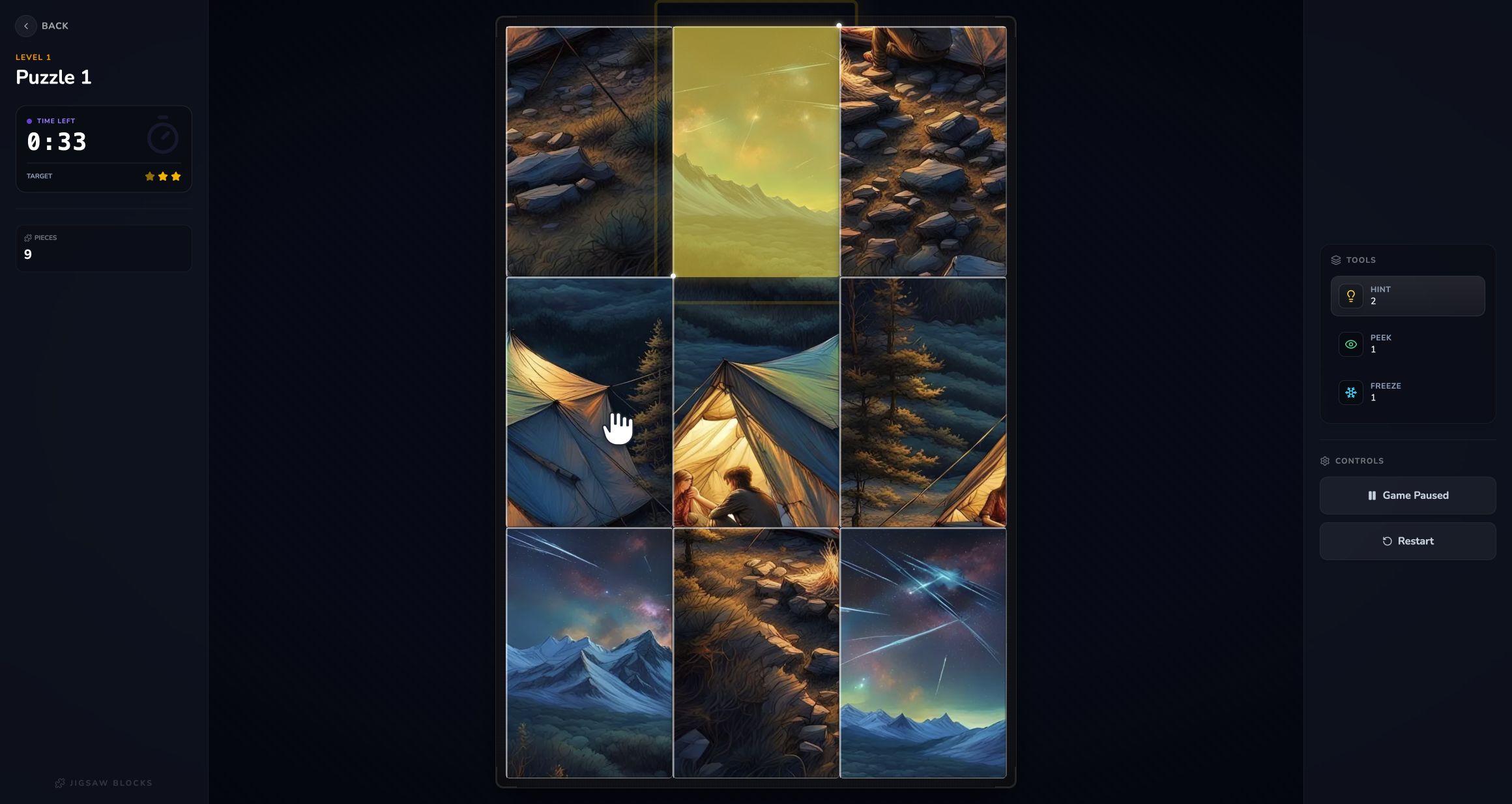
Jixora keeps all nine fragments inside the board. Selecting one cell and then another swaps their positions, so there is no tray of loose pieces and no need to drag across a large workspace. The fastest anchors in Puzzle 1 were the meteor-streaked sky at the top, the mountain horizon, and the bright tent edges. Once two top corners aligned, the middle row became much easier to judge.
The method that worked best was boundary-first: establish corners, continue straight lines through neighboring cells, then resolve texture-heavy rocks and grass last. Random swapping costs too much time because every move disturbs two positions. A wrong choice should still teach something about color continuity; immediately reversing it is better than starting a new chain of guesses.
Peek Showed the Answer, but the Timer Kept the Pressure On
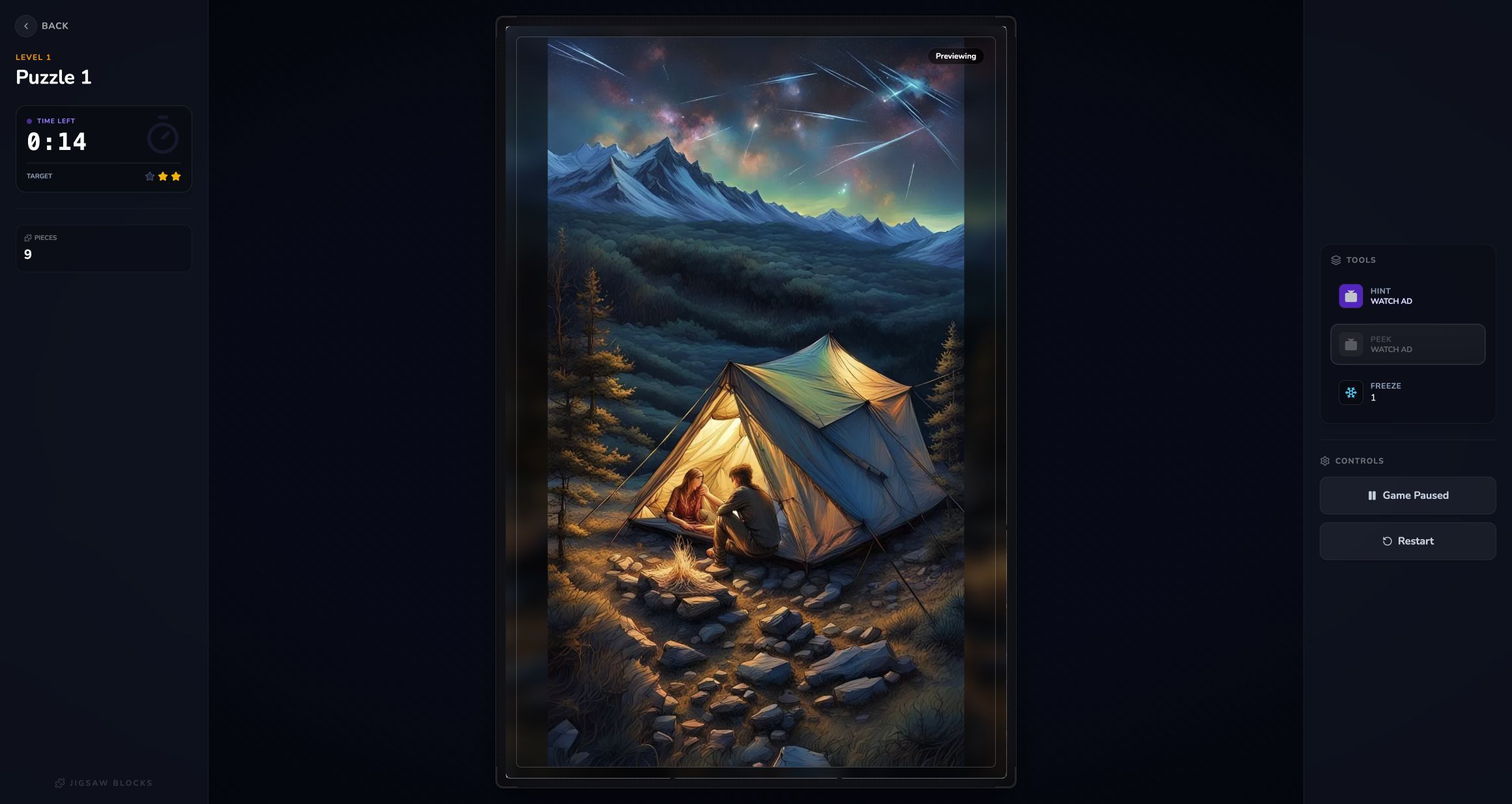
One free Peek temporarily revealed the finished illustration: a glowing tent with two people, dark pines, mountains, a meteor-filled sky, and rocky foreground. After that use, Peek became a video option. I also triggered the single free Freeze near two seconds remaining; it paused the clock briefly, then changed to Watch Ad as well. Neither tool substitutes for a plan if they are used late.
A stronger retry would peek immediately, memorize the top sky and central tent, use normal swaps to assemble those landmarks, and reserve hints for ambiguous ground pieces. Freeze is most valuable while making a deliberate final sequence, not while staring at the board. Jixora is recommended for players who want jigsaw recognition under arcade pressure; anyone seeking a calm puzzle should choose Free Play or a different title.