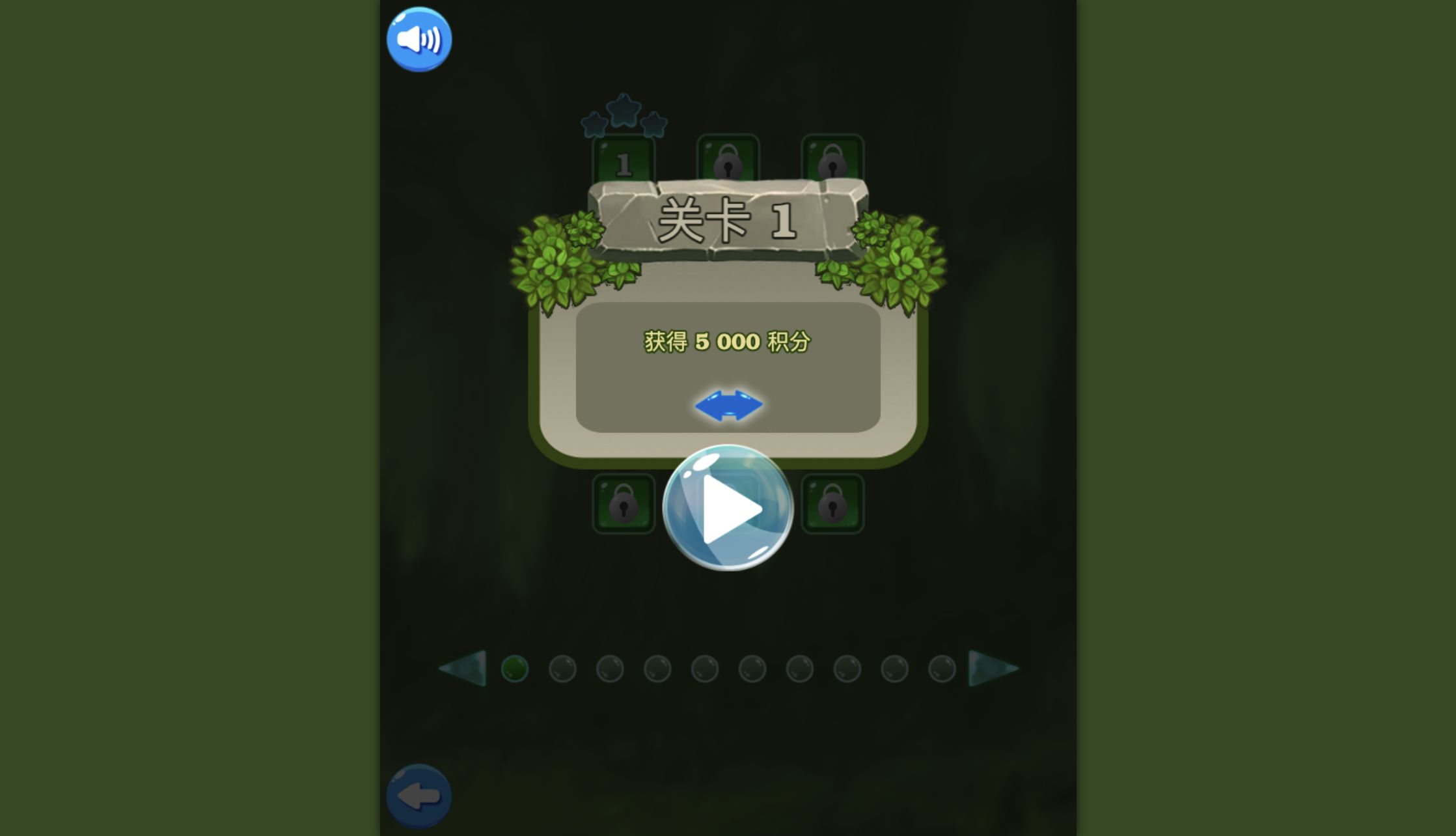
Level 1 Gave Me 15 Moves to Reach 5,000 Points
Jewel Magic's first level sets a modest target: earn 5,000 points before 15 moves run out. I completed that full move budget twice—once in a desktop Chrome session and again inside a recorded 390-by-844 mobile browser-emulation session. Both attempts ended in three-star wins, although the boards and cascades diverged enough to produce very different final scores.
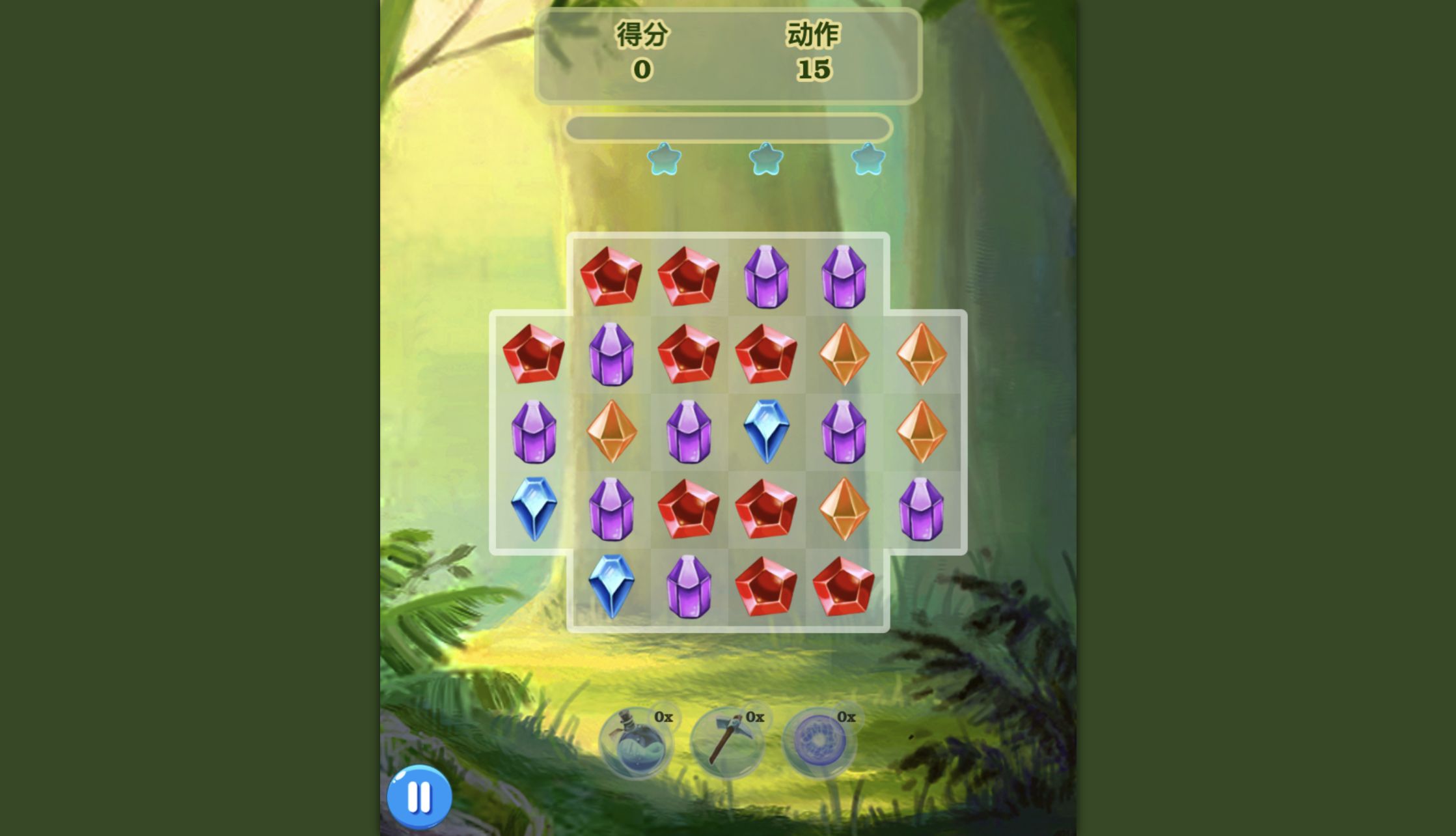
The board is an irregular cross rather than a plain rectangle. Four gems fill the short top and bottom rows, while six fit across the three middle rows. That shape creates useful edge patterns because a move near the center can feed several columns, whereas outer gems have fewer possible neighbors. The three circular tools at the bottom all showed 0× initially, so every verified point in the opening run came from ordinary swaps and specials created on the board.

A Drag Worked Where Two Separate Clicks Did Not
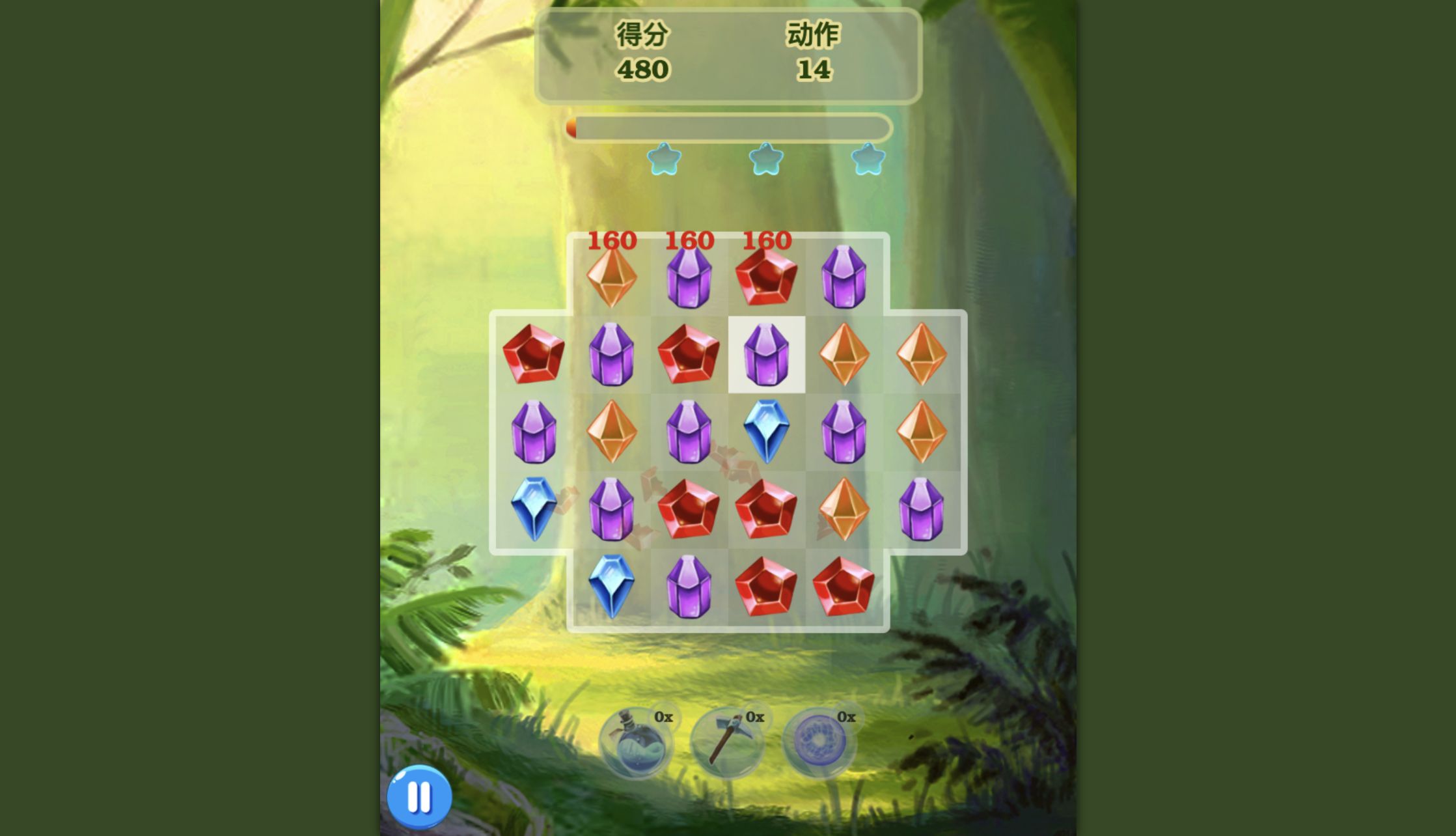
My first control experiment was a failed one. I clicked one gem and then clicked its neighbor, but the game only highlighted a square and did not swap the pieces. Dragging a gem into the adjacent cell worked immediately. The first legal move created a three-gem line, produced 480 points, and left 14 moves. Invalid arrangements reverted without spending a move during my test.
That makes the practical control rule simple: press on the gem, drag across one cell, and release. A short deliberate motion was more reliable than a quick tap sequence on both desktop and the emulated mobile board. Before committing, I looked for two gems already aligned with a third matching color one row or column away. Because the board contains only four colors, these one-swap patterns appear frequently and are readable without a hint system.
Cascades Made the Score Less Predictable Than the Move Count
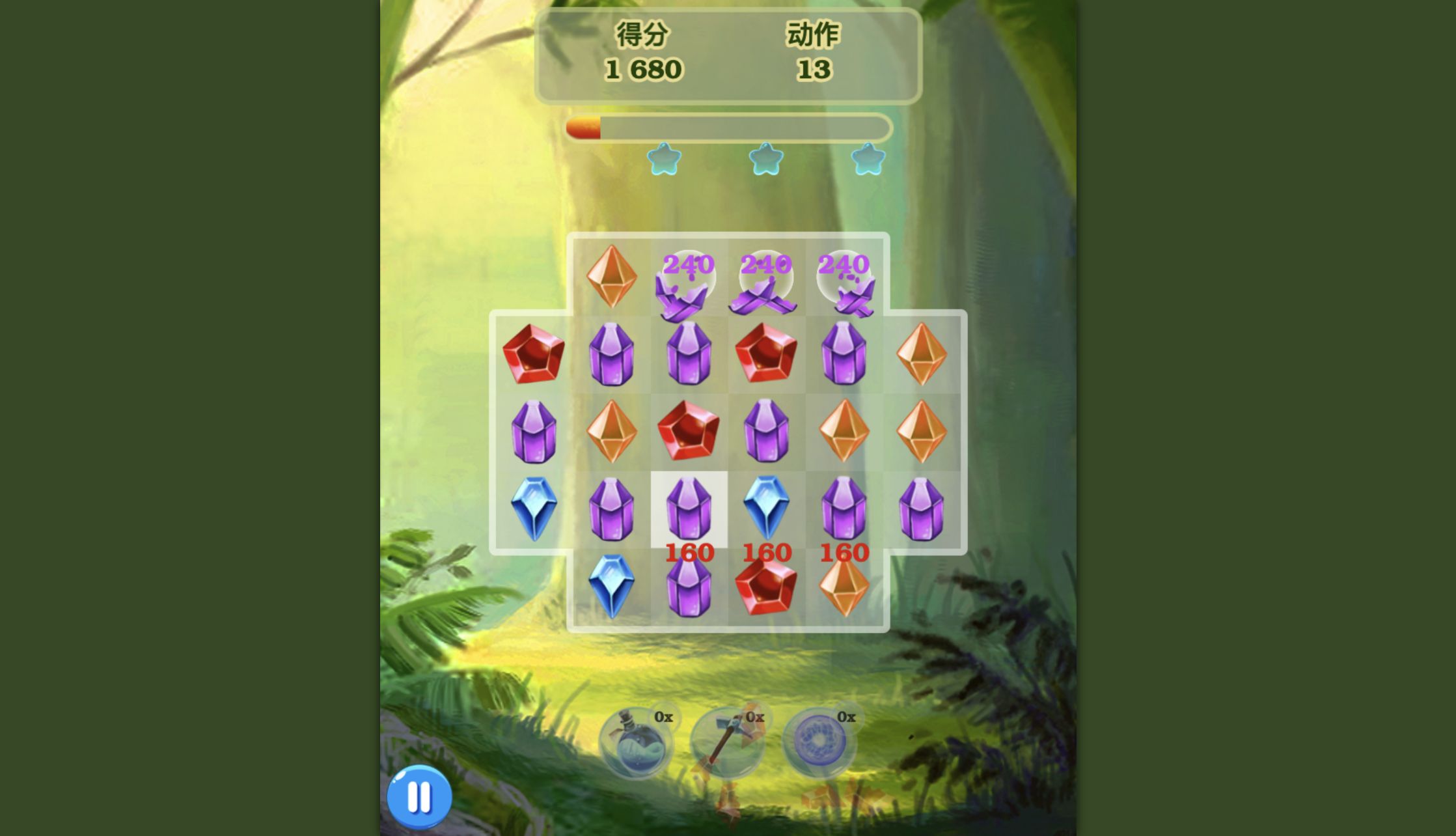
My second desktop move completed a red match along the lower edge. The score settled at 1,680 with 13 moves remaining, a 1,200-point jump from the first result. I had selected only one match; the additional value came from gems falling into new combinations. That cascade behavior is the main reason two complete Level 1 runs can share the same move limit and still finish thousands of points apart.
I found it more useful to plan for board shape than to calculate an exact score. A horizontal clear near the bottom pulls several columns down at once and therefore creates more chances for accidental matches. A move near the top may be safer but changes fewer pieces. Once the 5,000-point objective is secured, aiming low and central gives the falling board more opportunities to turn one swap into a chain.
Four-Gem Lines Created Candle Specials
A four-gem match produced the first special object in my run: a narrow colored candle with a flame. The board showed 2,880 points and 12 moves after that sequence. Later four-lines and cascades produced additional candles, while another chain created a round bomb. These pieces remain embedded in the grid rather than being added to the 0× inventory counters below it.
Specials still need a useful alignment. Clicking a bomb by itself did not clear the board, and dragging it into an arbitrary neighbor did not spend a move. I eventually progressed by treating the special's cell as part of the positional puzzle—moving the surrounding colors to complete a normal line and allowing the cascade to engage the special. The lesson is to avoid repeatedly poking a newly created icon; first look for a legal match beside or through it.
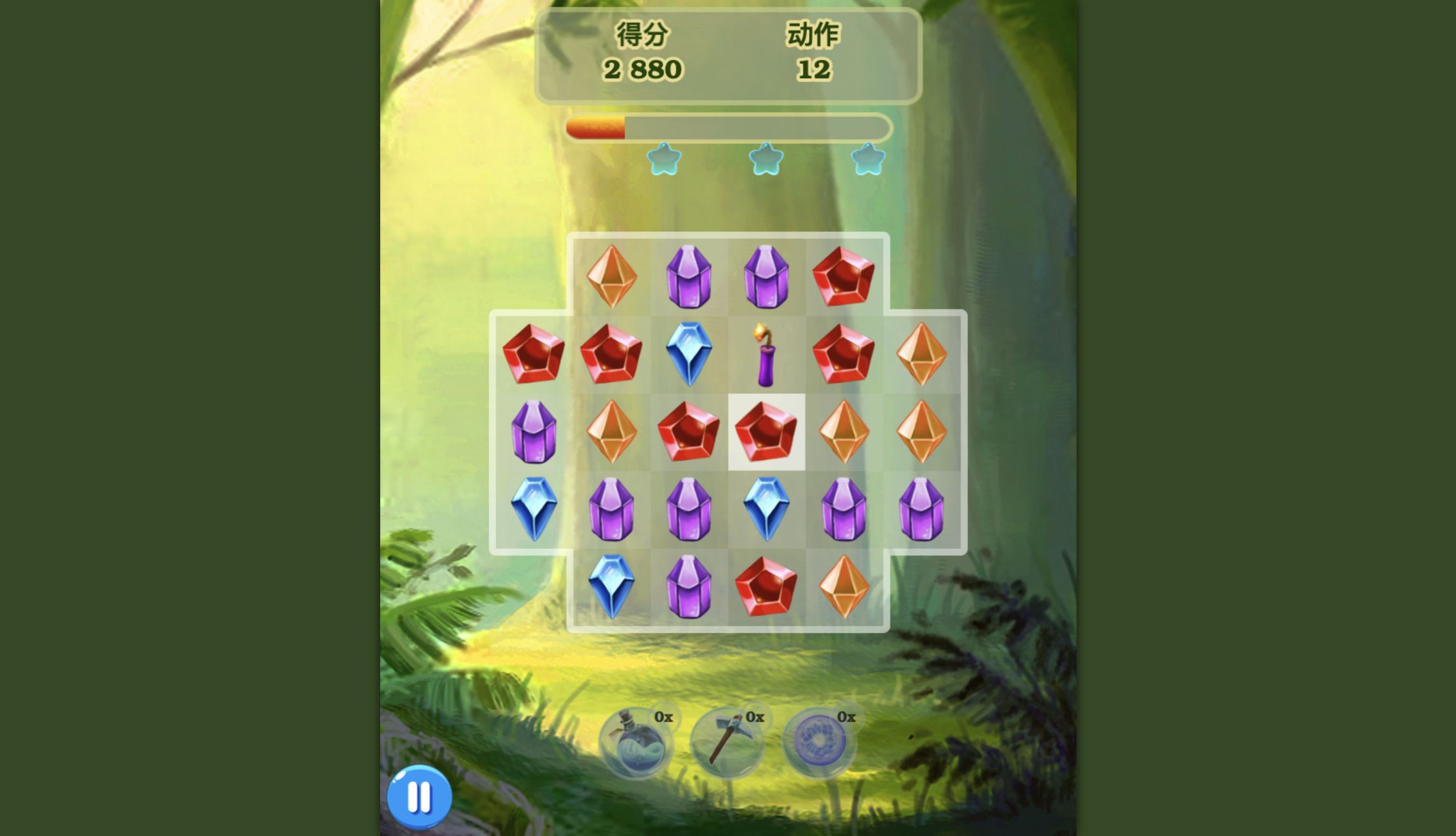
A Four-Blue Setup Turned the Middle Game into a Cascade
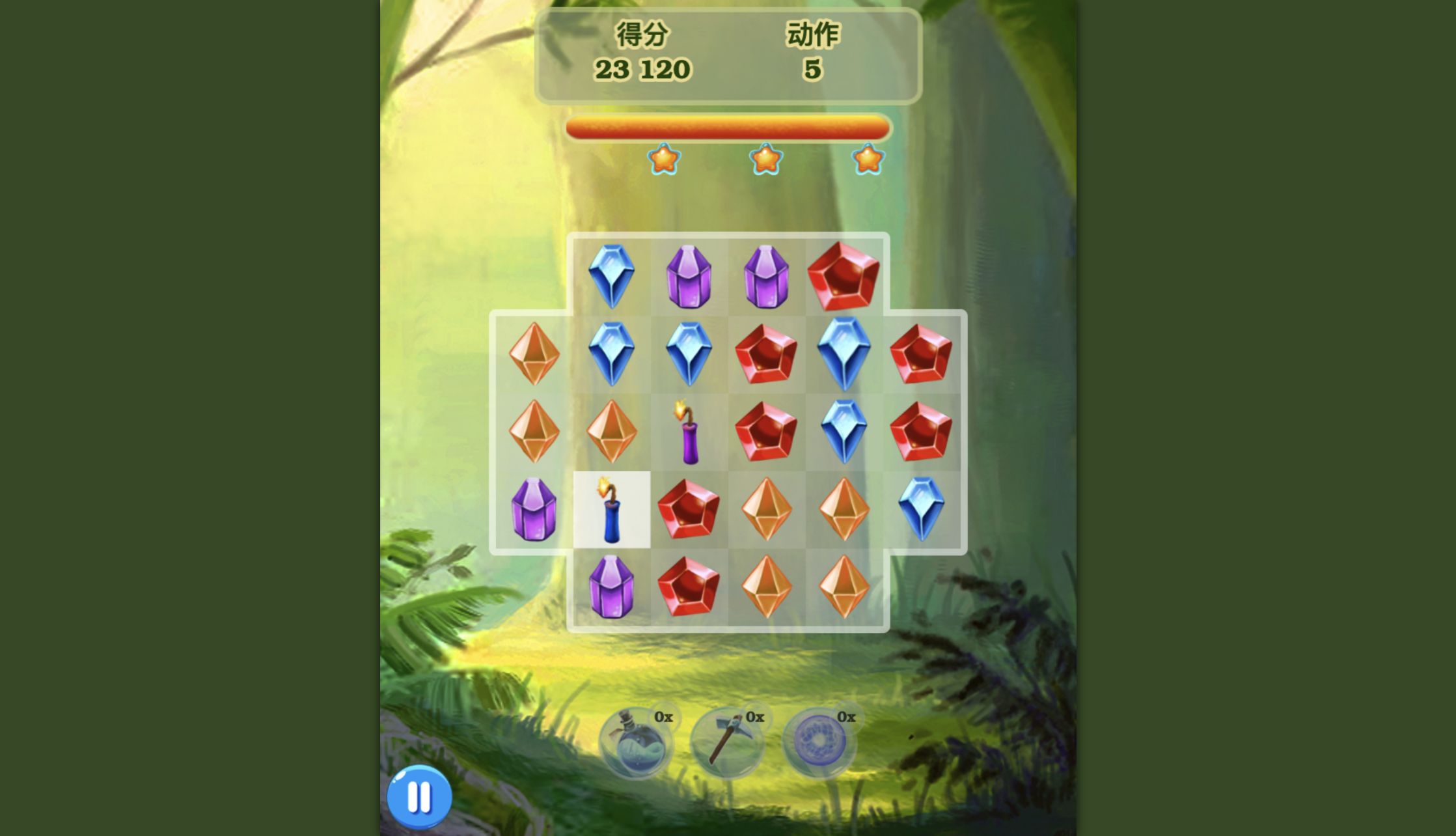
The desktop score accelerated when I moved a blue gem upward to complete four blue pieces across a lower row. Falling pieces chained into more matches, and the settled board showed 23,120 points with five moves still available. By then all three stars were lit. The original 5,000-point objective had stopped being a concern; the remaining question was how high the cascade-heavy board could finish.
This was also the point where planning one move at a time worked better than hunting for a dramatic special activation. I scanned every row for two adjacent colors, then checked the cells directly above and below the gap. A legal three-line preserves the move budget and reshuffles enough of the cross-shaped board to reveal another. The game does not require rapid input, so letting every fall finish before reading the next arrangement prevented accidental drags.
The Desktop Result Was 37,840, Three Stars, and an Axe
Using the final move did not end on a frozen board. After the last cascades settled, a dedicated victory panel appeared with three stars, Level 1, 37,840 points, a new-high-score message, and Reward 1× beside an axe icon. That is the verified desktop completion result after all 15 moves, not an estimate taken from a mid-level screenshot.
The mobile loop reached its own independent You win panel after 15 moves. It showed 19,360 points, three stars, new highscore, and 1× beside a blue potion-like icon. The lower score does not show that the mobile version is harder; the starting arrangement and subsequent cascades differed. More importantly, both sessions cleared the same 5,000-point requirement comfortably and confirmed that the full result flow works in desktop and portrait full-viewport emulation.

Language and Advertising Changed Between the Two Launch Paths
The catalog lists English support, but my two launch paths did not present identical language behavior. The separate desktop session kept the Jewel Magic title in English, then displayed the Level 1 objective, score label, move label, and result text in Simplified Chinese. I did not find a language selector. Inside the recorded full-viewport mobile test, the objective, HUD, and result panel appeared in English. Players should therefore expect the export or locale path to influence the interface instead of assuming every screen will match the catalog line.
The mobile launch also placed a preroll advertisement between the provider landing page and the game loader. I waited until a visible Close control appeared and used only that control; no advertisement was clicked and no ad frame was retained as review evidence. I did not encounter another forced ad during the 15-move level. The catalog says there are no in-game purchases, and I observed no shop, checkout, login, or purchase prompt in either completed loop.
Jewel Magic's portrait layout was comfortable at 390 by 844: the score, moves, star bar, board, pause button, and power-up counters all fit in the modal. Desktop made individual gems larger, but mobile did not compress the board into an unreadable strip the way a landscape game can. Because this was browser emulation rather than a physical device, I am not making performance or battery claims. For controls and readability alone, both tested layouts were usable; desktop is roomier, while mobile matches the game's vertical design naturally.