My First 100-Cash Purchase Turned an Empty Lot into a Business
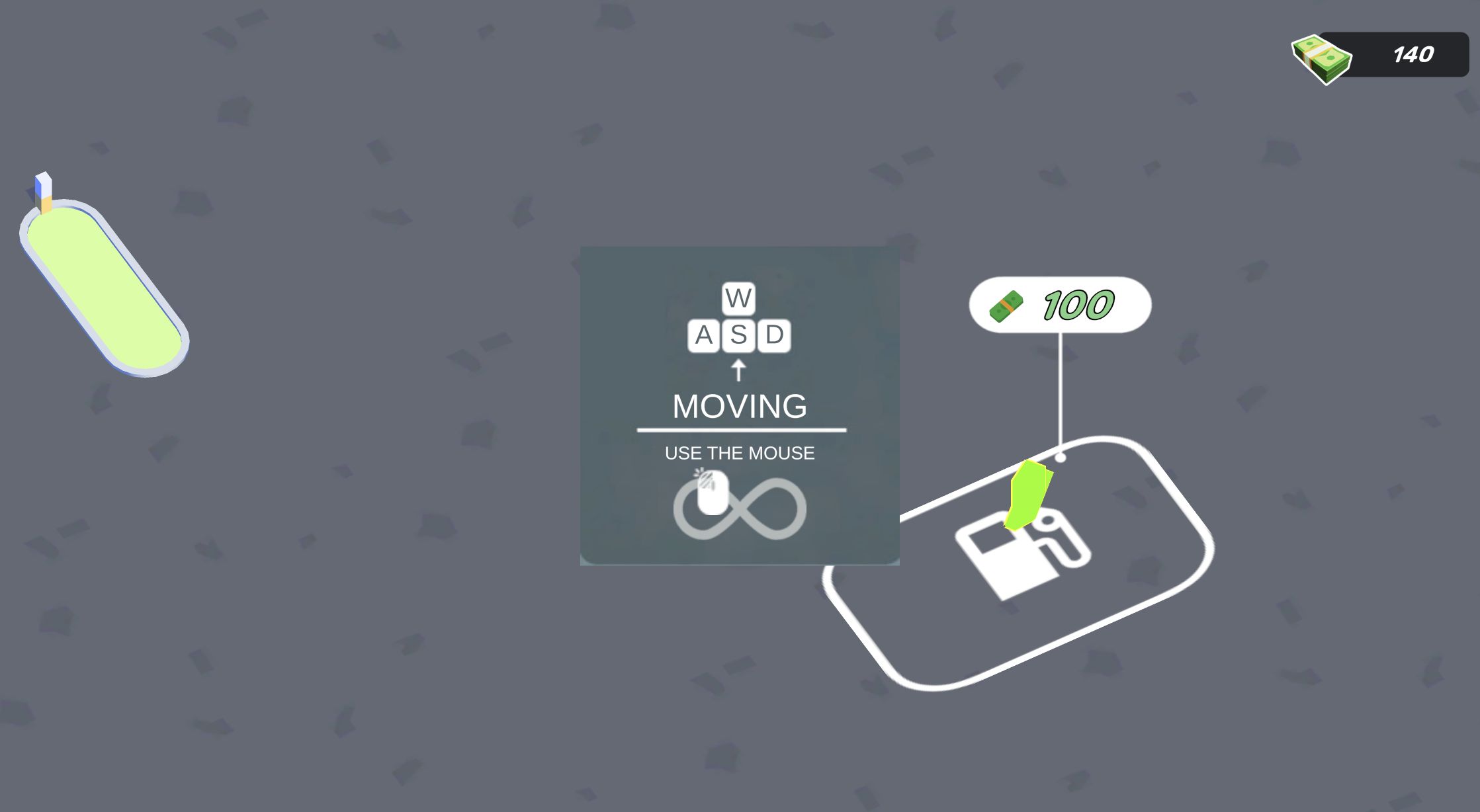
My first Gas Station Simulator run began with a balance of 140, an empty roadside plot, and one obvious objective: turn the marked construction pad into a working pump. Walking onto the 100-cost purchase zone triggered the build and reduced the balance to 40. That single transaction supplied the clearest early lesson. Cash is not a score to hoard here; it is the material that converts bare ground into a sequence of jobs you can actually perform.
The new pump did not immediately become passive income. A yellow car arrived and waited, but the pump still needed fuel. That pause is important because it separates this game from a simple idle clicker. Buying equipment creates capacity, while stocking and serving make that equipment productive. The station only started to feel alive after I understood those three states: build, supply, collect.
The bright low-poly presentation makes each state easy to read. Purchase pads display their cost on the ground, customers stop in clearly marked positions, and newly constructed objects appear with a quick visual change. I never needed a dense management panel during the opening loop. Most information was attached to the physical station, which kept my attention on the lot rather than on menus.
WASD Movement Was Simple, but Position Was the Real Control
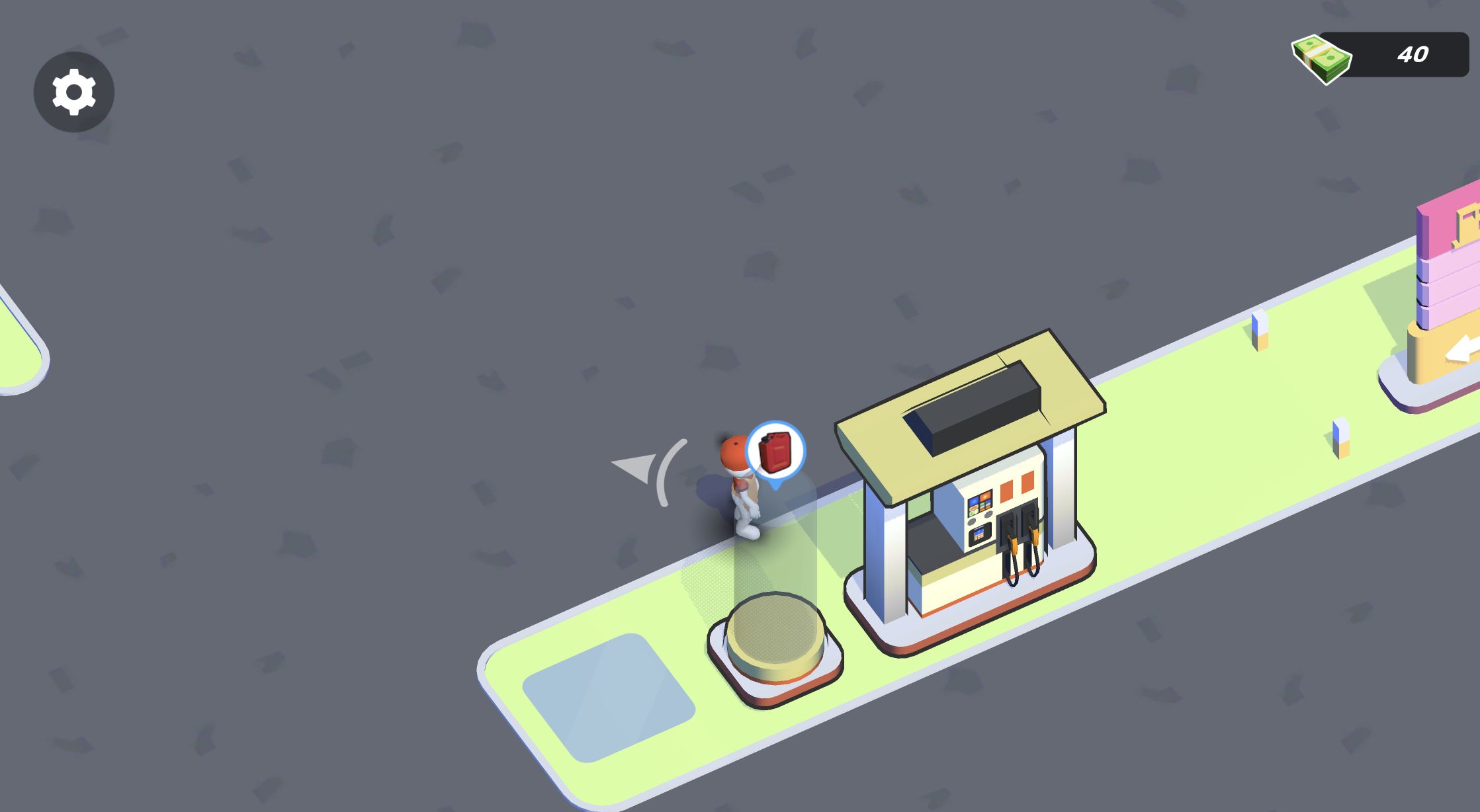
On desktop I dismissed the opening prompt and tested the WASD keys. Repeated presses moved both the character and the view across the forecourt. There was no complicated action bar in the loop I completed. Instead, interaction happened by moving the character onto a purchase pad, stock point, pump, or cash collection area. The challenge was less about remembering buttons and more about approaching the correct object from a useful angle.
That proximity-based design is friendly at first, although the camera can make a short walk feel longer than expected. When I headed from the supply rack back to the pump, the destination was sometimes outside the current view. The safest method was to use small directional adjustments, watch how the scene shifted, and avoid holding a key long enough to overshoot a narrow activation area.
My first practical mistake was treating the station like a menu-driven tycoon game. I expected the pump purchase to automate the next step and spent a moment circling the waiting car. The game was waiting for me to build the separate fuel stock point. Once I began reading the ground markers as a route rather than decoration, the process became much more predictable.
The 20-Cash Fuel Stock Purchase Completed the Opening Plan
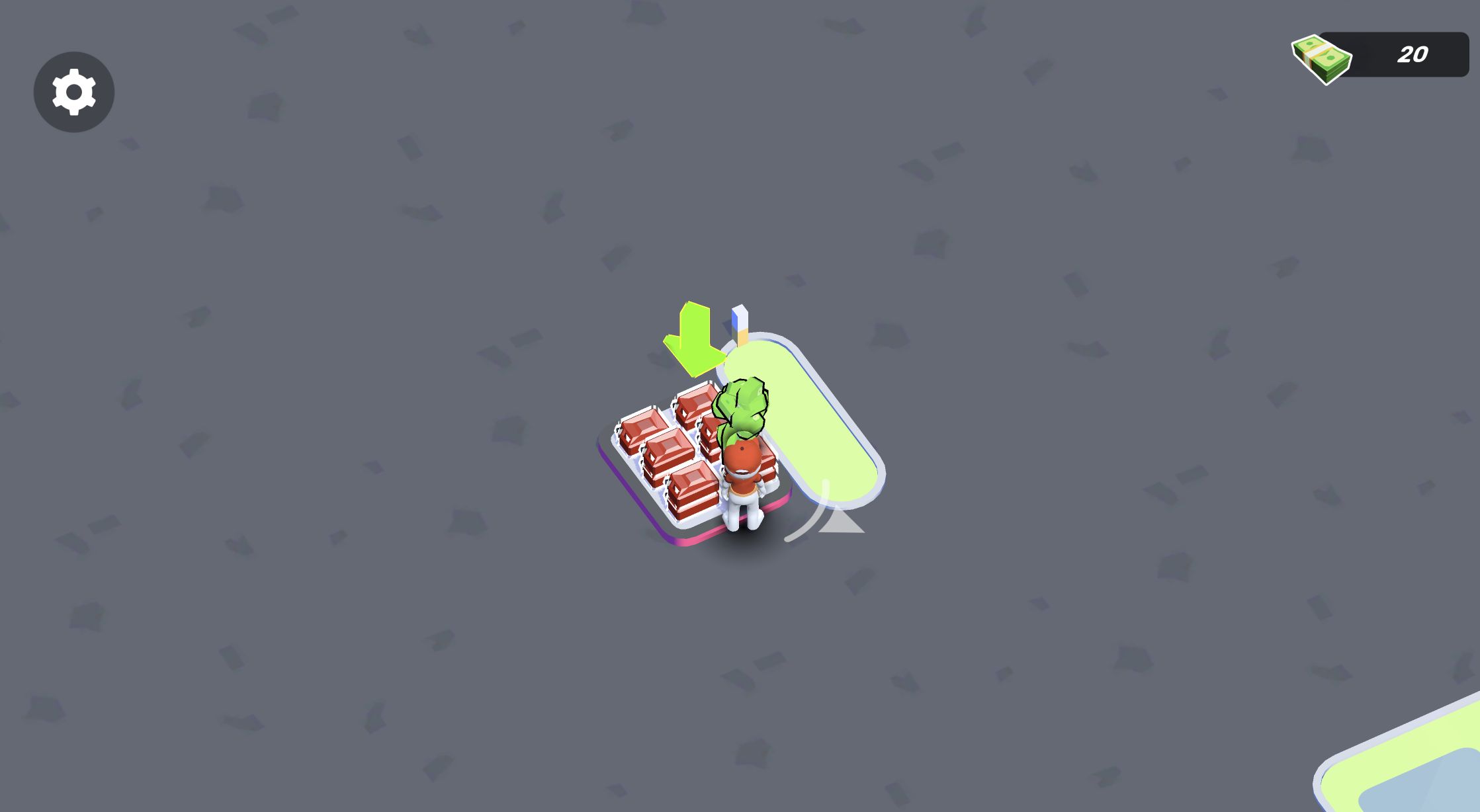
The next marked upgrade cost 20. Buying it took the balance from 40 to 20 and produced the station's fuel-stock rack. The arithmetic matters because the starting 140 was exactly enough to establish both parts of the first service chain while retaining a small reserve. Spending 100 on the pump was not a trap, but the pump alone was incomplete.
This is the most useful beginner sequence from my test: buy the first pump, locate the 20-cost fuel-stock pad, and build it before waiting for a customer payout. The game does not require an elaborate optimization plan at this stage. It asks whether you can recognize that the customer-facing object and the supply object depend on each other.
I did not encounter an account sign-in or a purchase prompt during either completed loop. The mobile launch path did show third-party provider ads, and the game later displayed optional clapperboard-marked FREE and x2 Boost offers. I closed the provider ads without selecting their creatives and left the optional offers untouched, so this review does not claim what reward they grant or how often they appear.
Restocking the Pump Made the Simulation Feel Hands-On
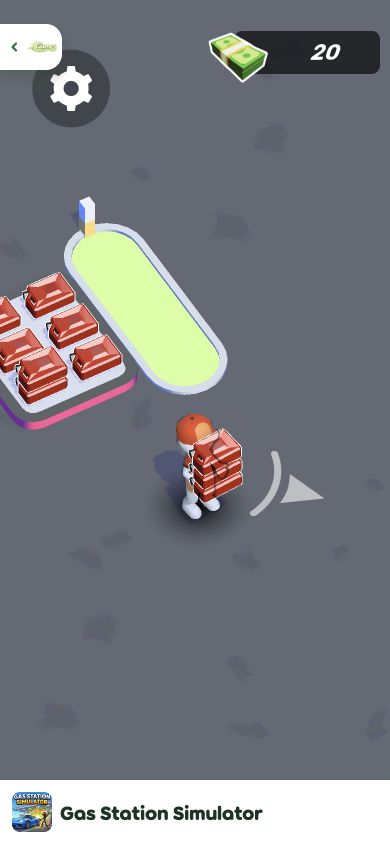
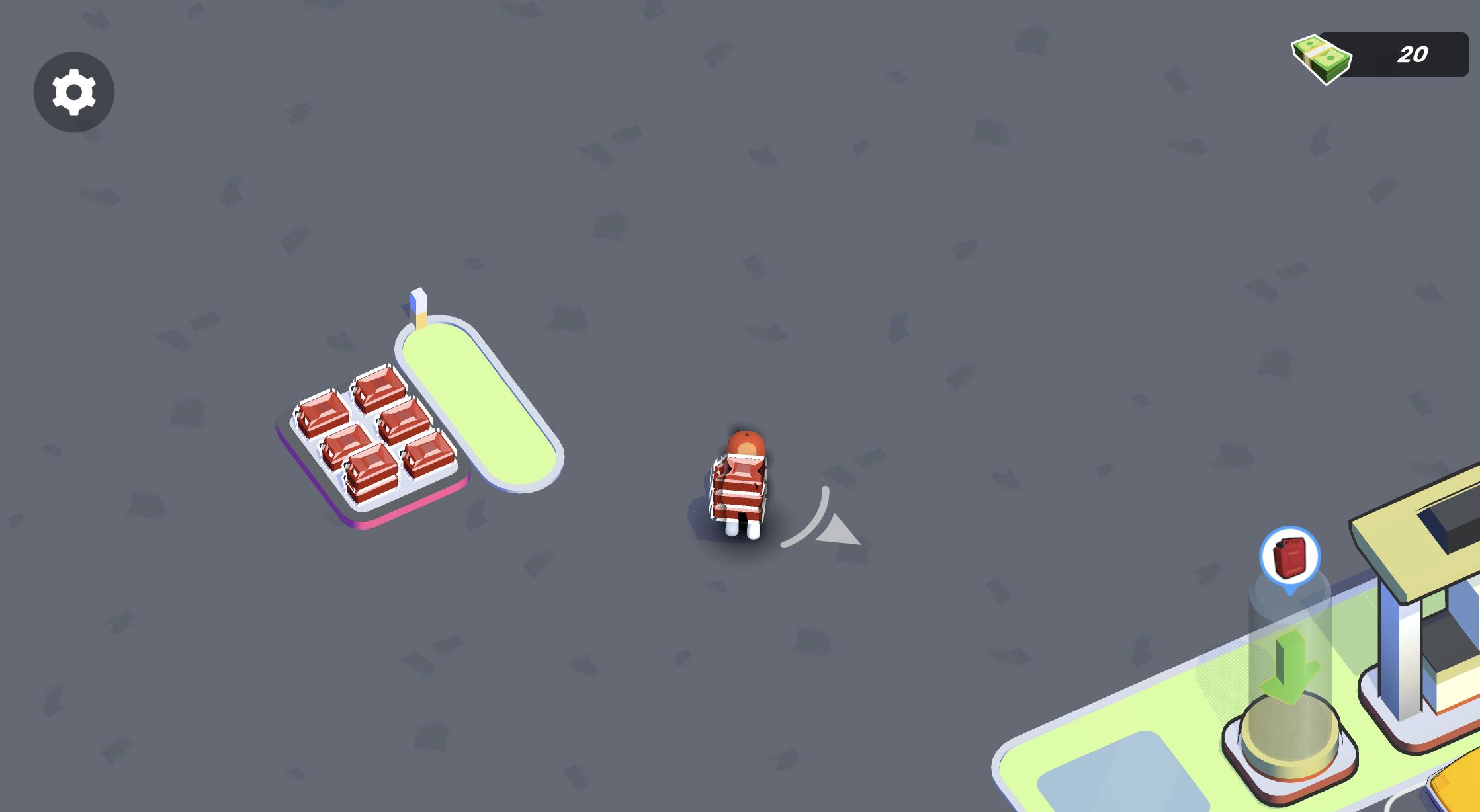
Walking into the new rack placed a visible stack of red fuel containers in the character's hands. I then carried that load across the forecourt and entered the pump area. The containers disappeared into storage and a blue cylinder beside the pump showed that the station was supplied. This manual delivery was the most satisfying part of the first loop because it connected the two purchases through an action I performed myself.
The carried stack also functions as feedback. I could see when the character had collected stock, and I could tell when the delivery had registered because the load left the character and the pump's storage state changed. That is much clearer than silently changing a fuel counter in a corner of the screen.
The main risk is pathfinding by eye. On desktop, the wide view made the rack and pump relationship easy to understand. On the 390 by 844 mobile layout, direct touch drags moved the character successfully, but the smaller scene made it easier to lose the target beyond the current camera position. Short drags were more reliable than a long swipe once I knew which direction the station object was in.
The Mobile Pump Still Needed a Separate Delivery
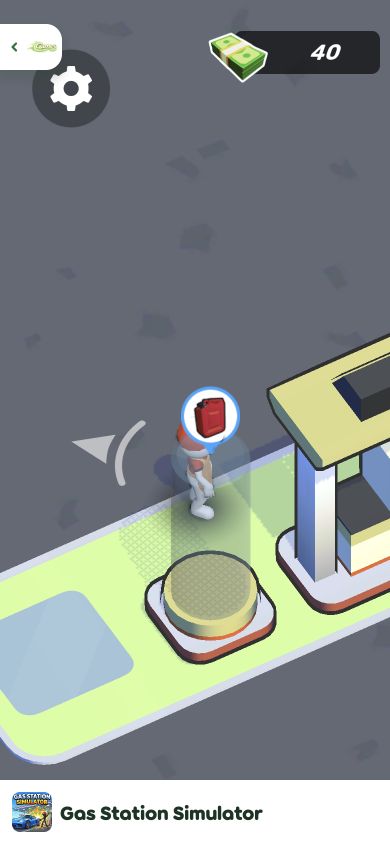
The mobile loop confirmed the same dependency as desktop. Building the pump reduced the balance to 40, but the new equipment did not become productive by itself. I still had to buy the fuel-stock point, collect the visible containers, and carry them across the forecourt before a customer could complete a stop.
This is where Gas Station Simulator begins to reveal its rhythm. The player is always looking one step ahead: a built pump needs inventory, inventory needs delivery, a served vehicle produces cash, and cash opens the next improvement. The individual actions are deliberately simple, yet leaving out any link stalls the whole chain.
I would still like more explicit status text around a newly built object. The visual cues were enough after experimentation, but a first-time player can briefly wonder whether a parked car is waiting for input, fuel, or time. The good news is that the opening economy is forgiving. My mistaken lap around the pump cost seconds, not money or a failed run.
Mobile Repeated the Delivery Before Its First Payout
The first desktop customer left a cash bundle on the collection pad. Walking over it raised my balance from 20 to 34, an increase of 14. In the comparable mobile run, I repeated the same 100-cost pump and 20-cost stock purchases, carried fuel, served the first car, and collected from 20 to 41. The different increases of 14 and 21 suggest that an individual early payout is not a fixed number I would build a strategy around.
What is fixed is the collection step. Earnings did not silently enter the balance when the vehicle departed; the visible bundle waited for the character. That extra walk keeps the player involved and gives the forecourt a useful route: supply area, pump, then collection pad. It also means unattended money may be a practical bottleneck if the station expands beyond the small layout I tested.
Both device tests completed the same meaningful loop, so I can make a real comparison. Mobile touch works and the portrait mobile test keeps the game contained, but desktop is my recommendation for the opening hours. The wider view reduces camera hunting, and separate WASD taps make fine positioning easier. Players who enjoy light tycoon progression with manual errands should find the first station rewarding; those expecting a fully automated idle game should know that the early fun comes from doing the work yourself.