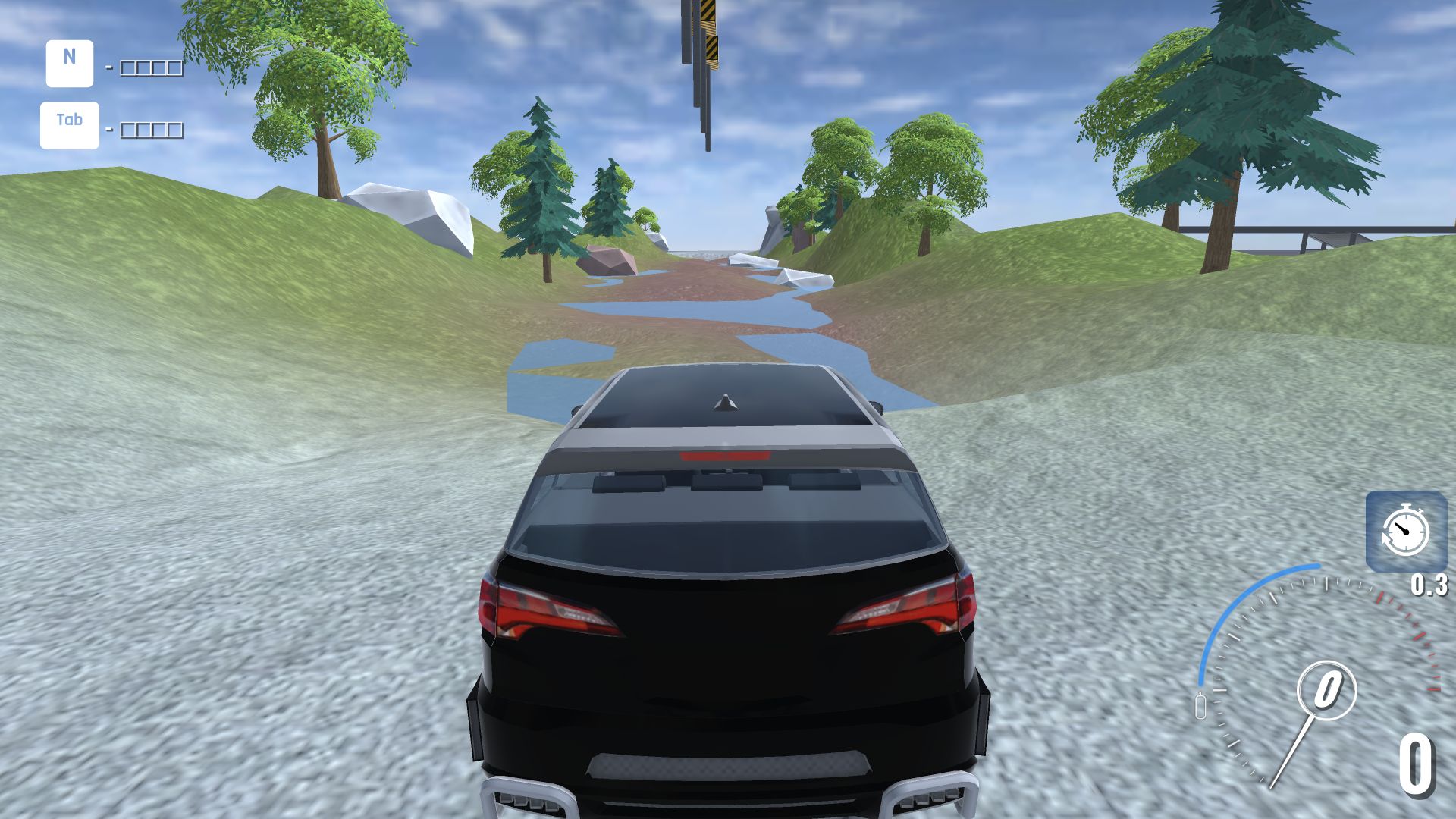
BMG Crash Test gets from menu to metal quickly
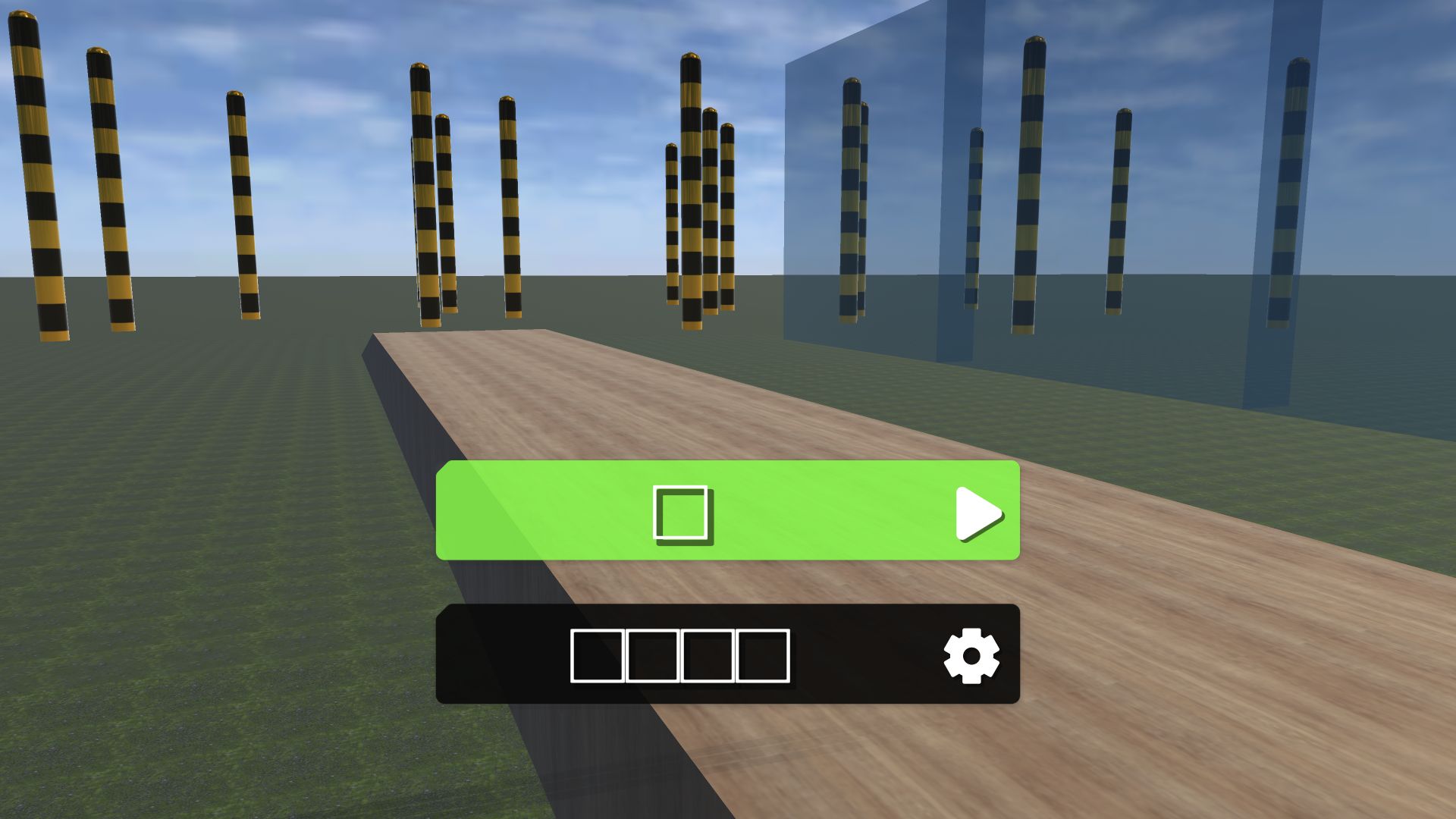
My desktop session began with an unusually bare vehicle selector: a row of vehicle slots, a black SUV in the active position, and a large triangular play control. I chose that SUV because its taller body promised a useful test of roll, suspension, and obstacle clearance. The menu does not explain weight, power, drivetrain, or durability, so this is not a garage for players who enjoy tuning numbers. Its advantage is immediacy. Two clicks separated the opening screen from the course picker, and no account, purchase, or forced upgrade interrupted the route.
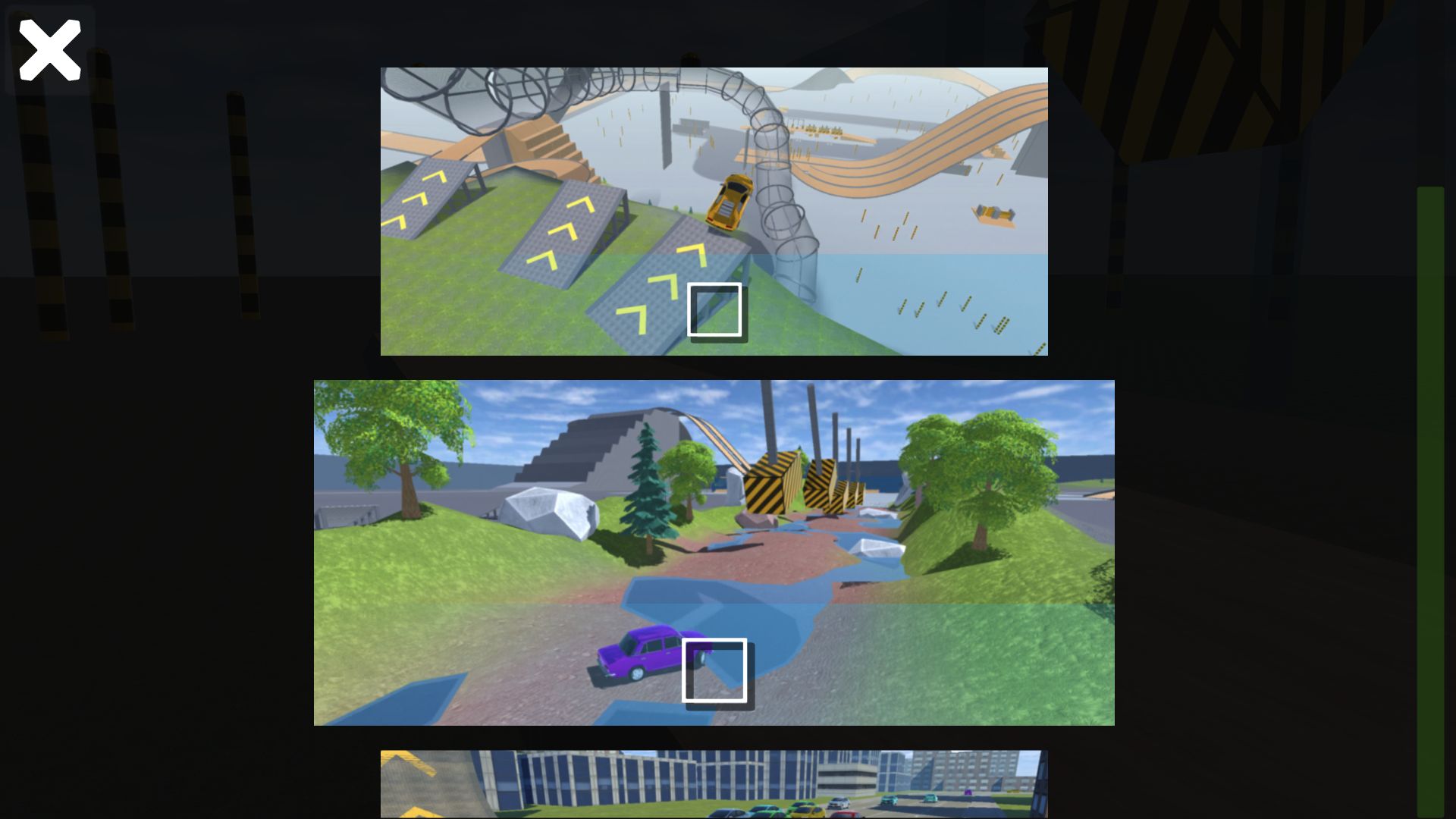
The vehicle thumbnails were visually plain during this run, which made the selection feel less polished than the 3D driving screen that followed. Even so, the next decision was meaningful: several environments were presented as distinct cards rather than as tiny variations of one arena. I selected the wooded river course in the middle. That choice produced moving water, large rocks, muddy banks, yellow-and-black machinery, and a route that eventually opened onto a broad testing floor. It offered a better representative loop than simply accelerating into one wall on the flat map.
The river course tests steering before spectacle
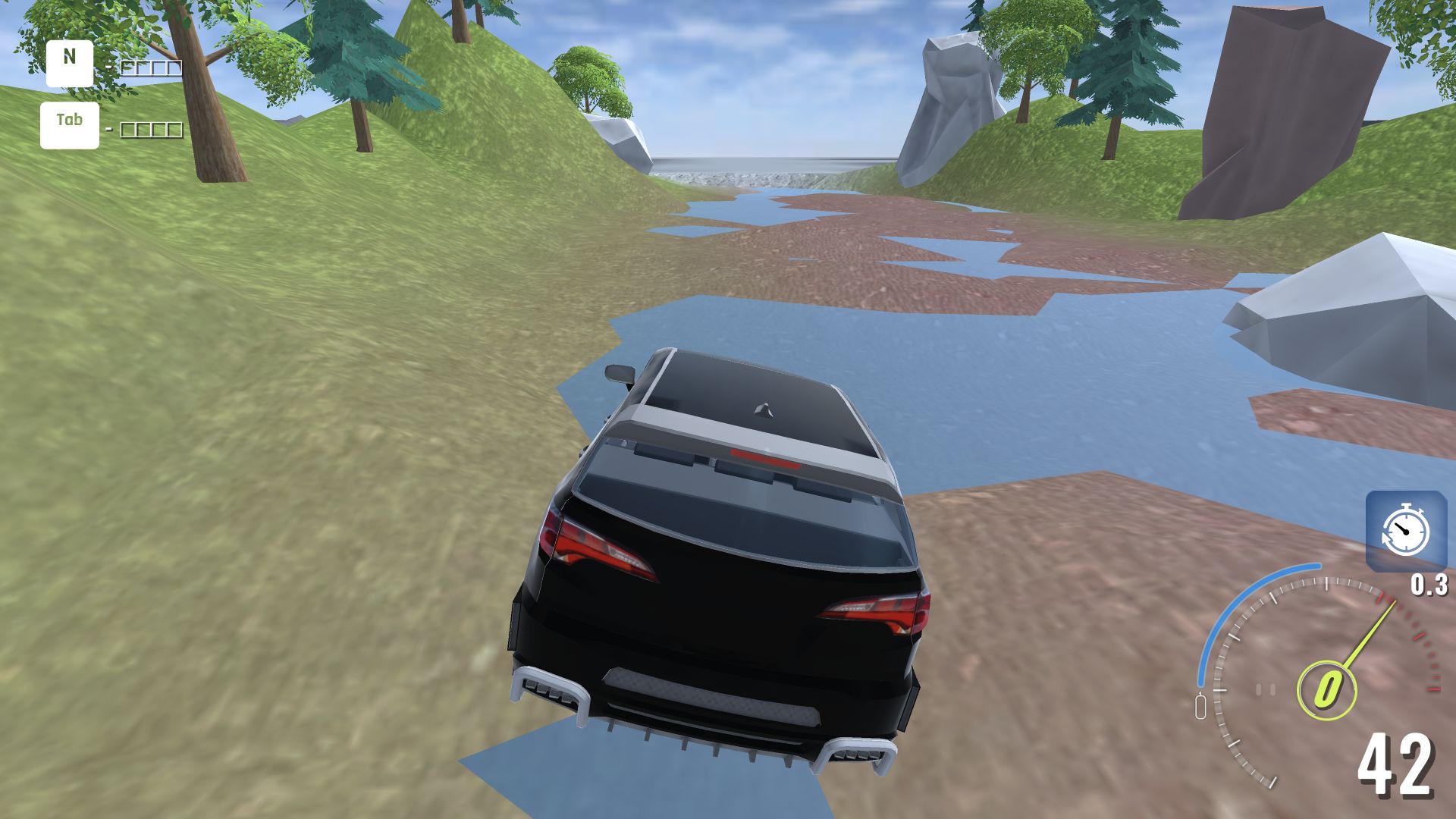
The SUV spawned facing a shallow river corridor. I used W to accelerate and A and D to steer, while the HUD reported speed and a 0.3 slow-motion value. Early inputs raised the speed from 0 to 16 and then into the low 40s. Water did not stop the vehicle, but the channel walls and scattered rocks forced small corrections. The camera stayed close enough to read the car's direction while preserving a wide view of the next hazard. For a low-complexity simulator, that opening is well judged: it teaches the controls by making straight-line driving slightly unsafe.
There is little audiovisual subtlety. The environment uses simple materials, broad shapes, and a deliberately rough presentation. Players expecting the weight and deformation detail associated with premium soft-body simulators should reset those expectations. BMG is closer to a lightweight browser playground. What held my attention was not fidelity but the sequence of practical questions: how fast can this SUV cross the water, will the bank redirect it, and can it recover after an awkward impact? Those questions appear without a tutorial box because the course itself supplies them.
A white rock created the session's best recovery problem
My first decisive mistake was carrying too much speed toward a giant white rock. The SUV contacted it and settled at 0 instead of glancing away cleanly. Repeated forward input did not solve the angle. Reversing with S, adding right steering, and then accelerating again freed the vehicle. That small recovery was more informative than the impact itself: the game allows a bad approach to become a positioning puzzle rather than instantly resetting the run. It also confirmed that reverse and steering remain responsive while the body is pressed against scenery.
The collision was mechanically clear but visually underwhelming. I did not see the dramatic crumpling, detached panels, or persistent body deformation implied by the words crash test. The SUV looked broadly intact after rock contact and later brushes with the course. That is the central limitation of this test. Obstacles alter motion, and the scenery can trap or redirect the vehicle, but the damage fantasy is much lighter than the title suggests. Players who enjoy route experimentation may accept that; players arriving specifically for forensic vehicle destruction may not.
The hazard gate turns speed into a timing choice
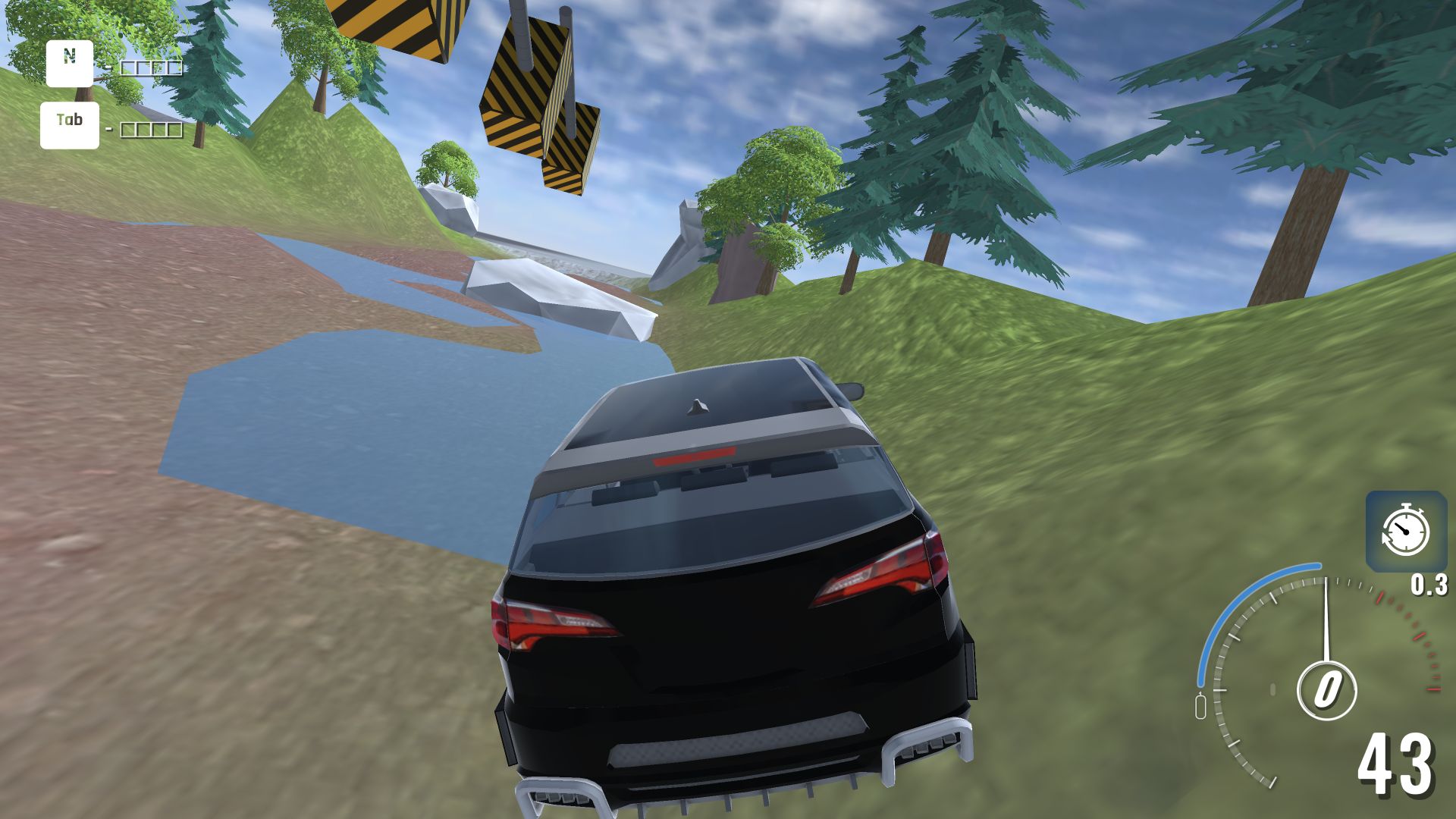
Farther along the valley, large yellow-and-black moving structures crossed the route. I entered that section at roughly 18, passed through the active area, and accelerated back to 42 on the far side. The machinery adds a useful timing layer because holding W is no longer the only decision. A slower approach gives more room to read its sweep, while a faster one reduces the time spent beneath it. My successful pass came after the rock recovery, so the run developed a satisfying rhythm of mistake, correction, and renewed commitment.
The screenshot also captures the game's strongest scale contrast. The SUV is small against the industrial obstacle and broad valley, making the course feel more like a toy-box stunt set than a conventional road. Slow motion is visible in the interface, though I did not need to change it to finish this route. The lack of a score target or mission timer makes experimentation forgiving. There is no penalty for pausing to inspect an obstacle, backing away, or taking an untidy line. That freedom suits short browser sessions, even if it reduces competitive urgency.
The test floor revealed both useful camera control and a modest speed ceiling
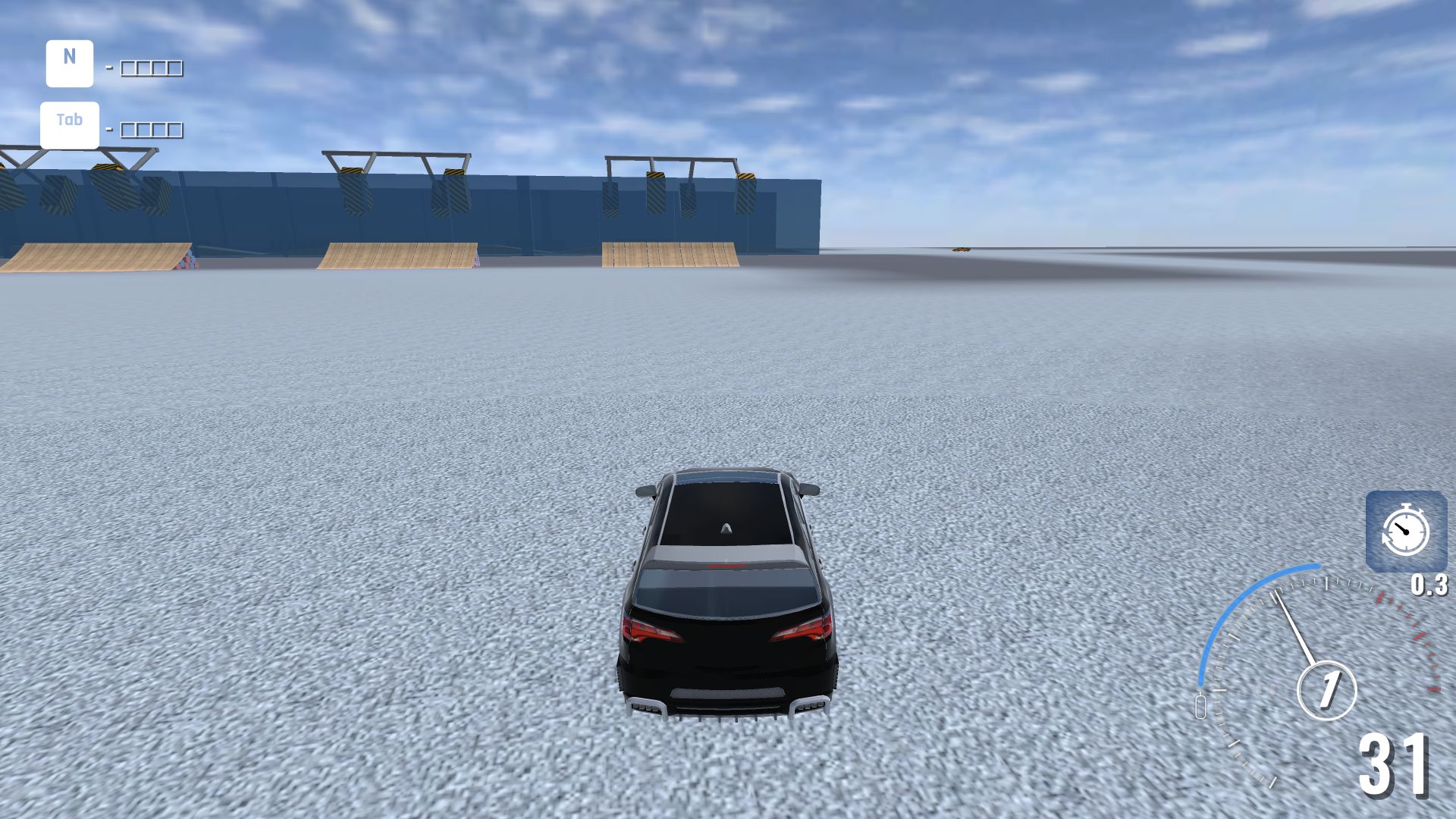
The river eventually opened onto an adjacent flat test area. With fewer obstacles ahead, the SUV reached the highest speed I observed: 51. Pressing C changed to a wider camera while the vehicle was still moving in the low 30s, then I continued accelerating. The new view made the relationship between car, ramps, and open floor easier to judge. Camera switching is a small feature, but it matters in a physics sandbox because close chase framing is useful for steering while a wider view is better for planning the next experiment.
The open area also exposed how quickly the current vehicle's performance tops out. A displayed speed of 51 feels adequate for hitting nearby props, not for building enormous long-distance crashes. I did not test every car or map, so a faster combination may exist. Within this verified loop, BMG worked best as a compact obstacle run: choose a machine, cross rough terrain, collide, recover, and emerge into a space where another stunt can begin. It is less convincing as a deep engineering simulator.
My verdict: a forgiving driving toy with honest limitations
BMG Crash Test is easiest to recommend as a low-pressure driving toy. The controls were understandable, the river map supplied several different problems, and getting unstuck after the rock collision was more engaging than a scripted crash animation would have been. Its weaknesses are equally clear: basic presentation, little visible damage during my impacts, and sparse explanation around vehicles and modes. The title promises a crash laboratory; the session delivered a simple obstacle sandbox with collisions.
This review is based on a complete desktop loop at 1920 by 1080: vehicle selection, map selection, river driving, rock impact, reverse recovery, hazard crossing, camera change, and exit onto the test floor. I also opened the recorded browser-emulation session at a 390 by 844 Android-style viewport. The provider startup screen and its preroll appeared, but the nested game Play control would not begin a comparable touch-driving loop after the bounded retry. I did not interact with the ad. Mobile support therefore remains unverified here, and these screenshots and control judgments apply to desktop play only.