The First Lollipop Unraveled in Exactly 12 Selections
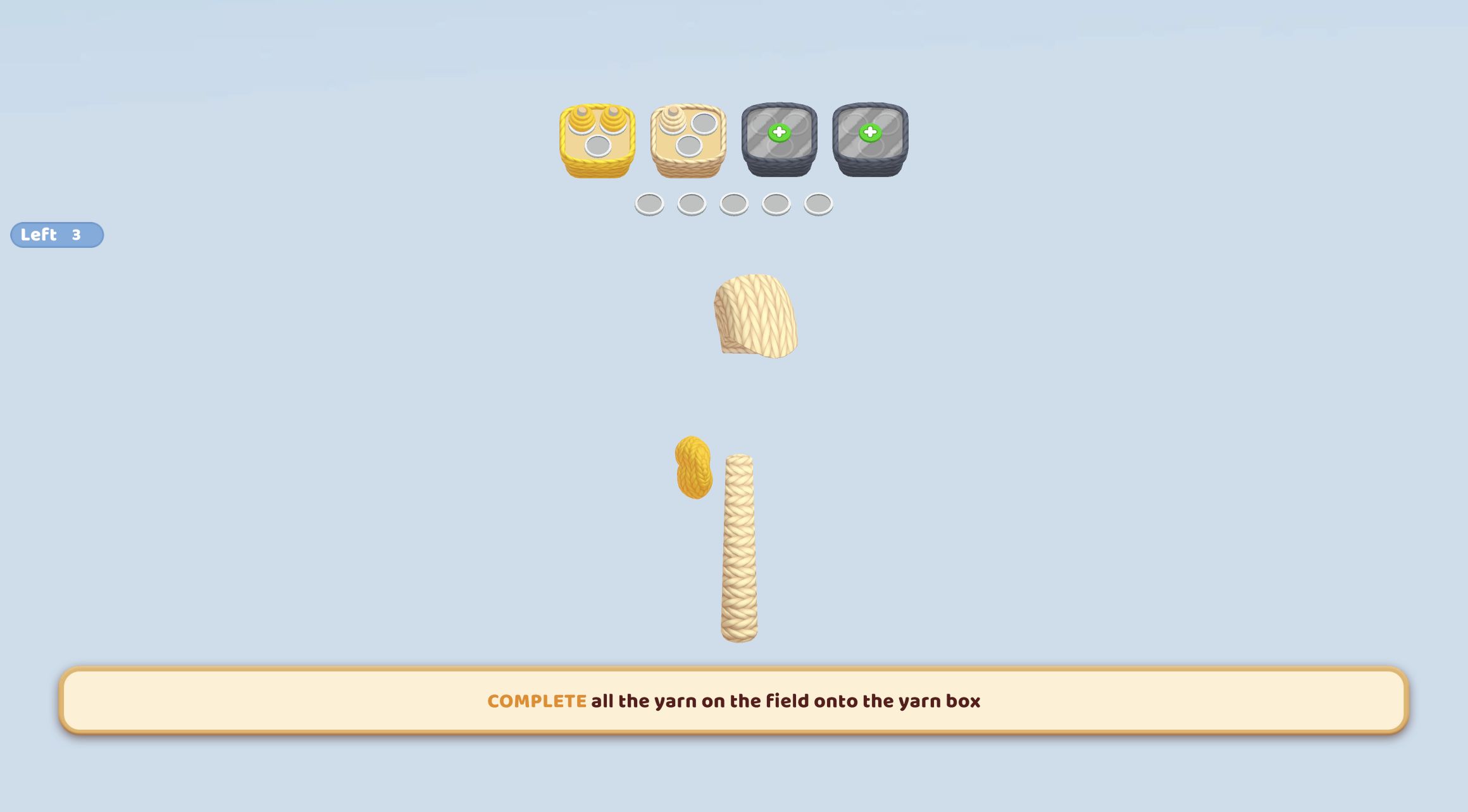
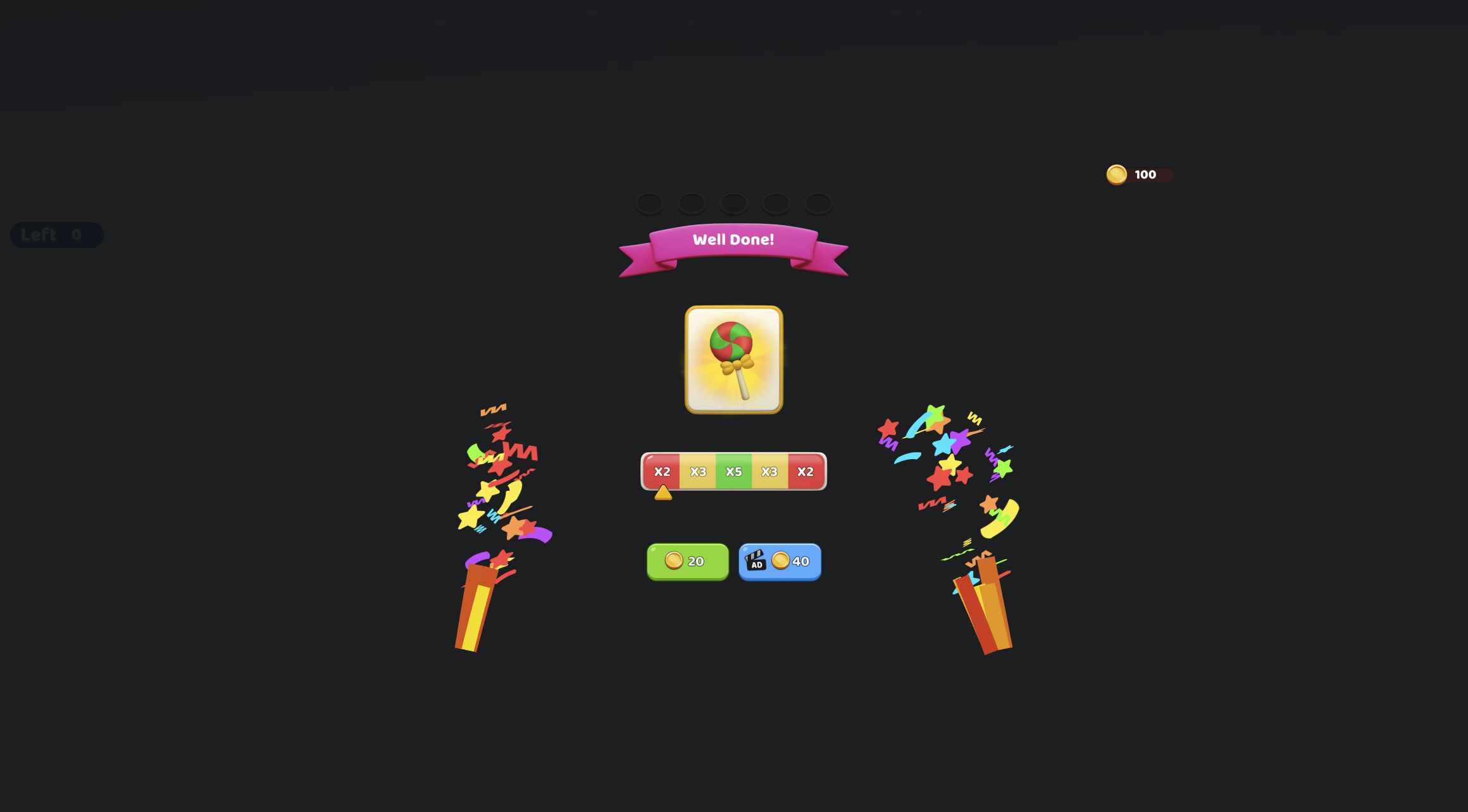
My first complete Yarn Fever! Unravel Puzzle board was a knitted lollipop made from 12 removable yarn sections. I sorted three red, three green, three yellow, and three cream pieces into their matching boxes, reducing the counter from Left 12 to Left 0. The result screen darkened the cleared field, displayed 'Well Done!', and showed the finished red-and-green lollipop card. That loop established the real appeal: every correct selection physically strips another layer from a soft 3D object until its construction disappears.
The first level is strongly guided, but it still contains the systems later puzzles can complicate. Boxes hold three yarn spools each, five temporary holes can retain colors that do not yet have an active box, and parts of the object can hide behind its current angle. The work is less about matching two identical icons and more about choosing a removable surface color without clogging the temporary queue. By the end, the lollipop had changed shape so many times that the opening candy swirl felt like a small object I had actually dismantled.
Three Red Pieces Taught the Box Rule Without a Long Explanation
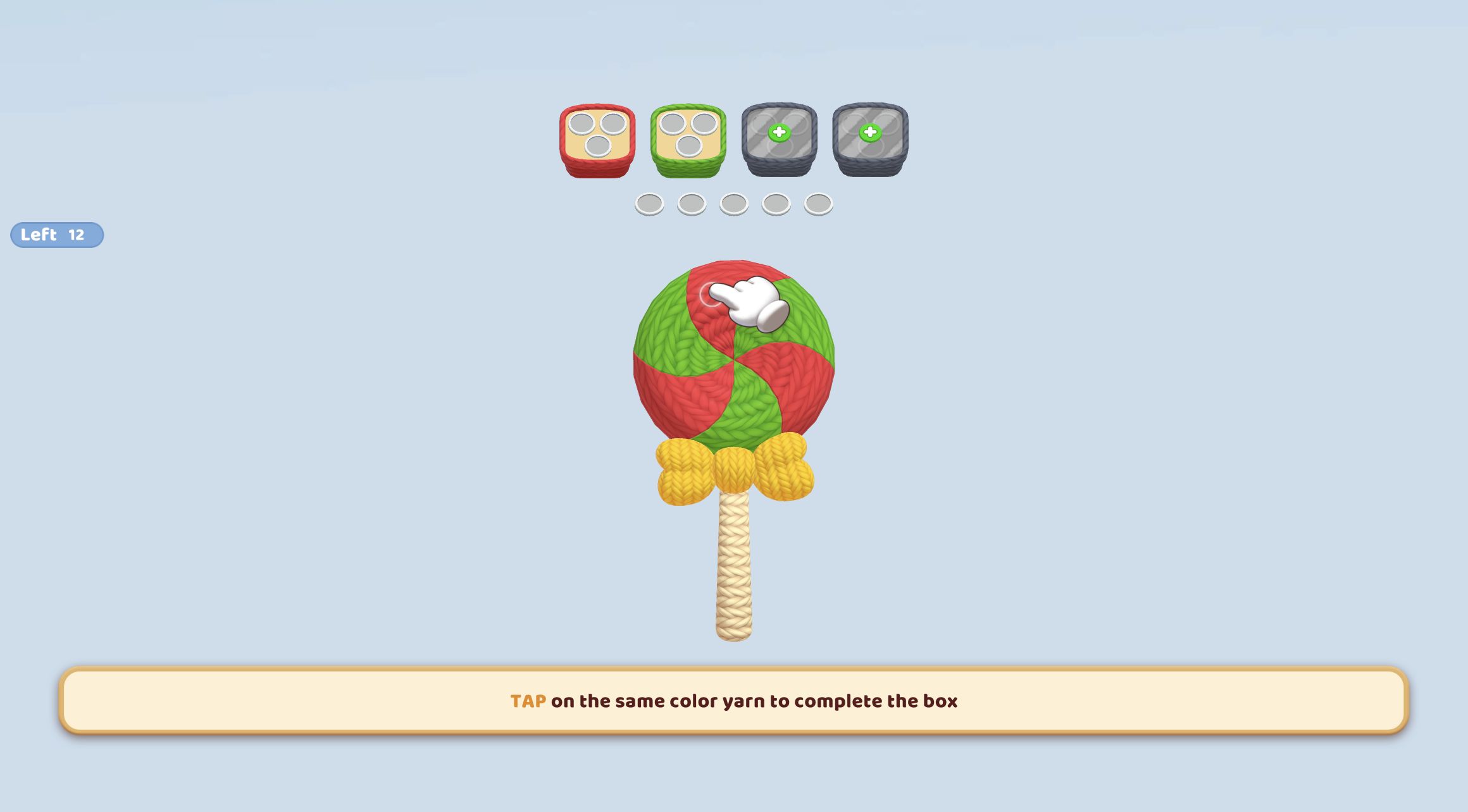
The opening screen made the immediate rule legible. A red box and green box sat above the object, each with three circular sockets. Five empty temporary holes formed a row beneath them, while two gray boxes with plus symbols remained unavailable. A large hand pointed to the exposed red yarn and the instruction read, 'Tap on the same color yarn to complete the box.' Clicking that surface pulled it off the lollipop and placed a small red spool into the first box.
The Left counter was useful confirmation. It moved from 12 to 11 after the first selection and to 10 after the second red piece. Each removed section exposed a different part of the swirl, so the target was not always at the same coordinates. I had to look again rather than repeat-clicking one spot. The animation was quick enough to preserve momentum, but waiting for the object to settle before choosing the next layer prevented me from tapping where a piece had just disappeared.
Completing a Box Changed Which Colors Were Safe
The third red selection filled all three sockets. That was more than a visual milestone because a completed box stopped being the immediate destination for later yarn. The board then introduced another color while the green box remained active. This replacement rhythm means progress depends on sets of three: collecting one or two colors can help, but closing a box is what frees the board's limited sorting capacity.
A temporary slot makes an early off-color selection recoverable. During my run, I clicked a layer that I read as green after rotating the object, but a cream spool moved into the first temporary hole instead. It was not a dead end. When the cream box later opened, the stored spool transferred into it automatically. That small mistake taught the queue more effectively than the prompt did: temporary holes are useful buffers, but each one spent on the wrong future color reduces room for harder choices.
Rotation Was the Puzzle's Most Tactile Decision
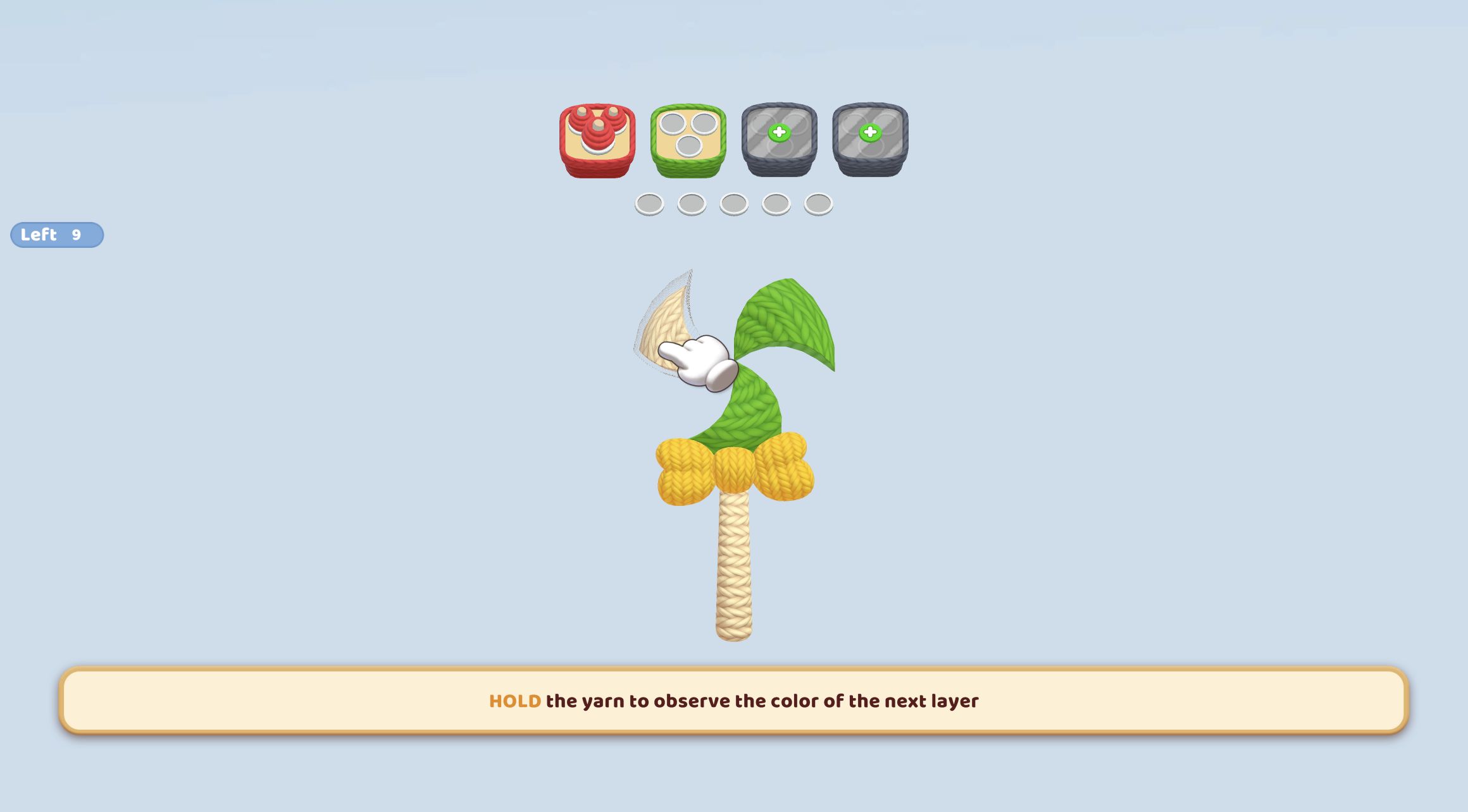
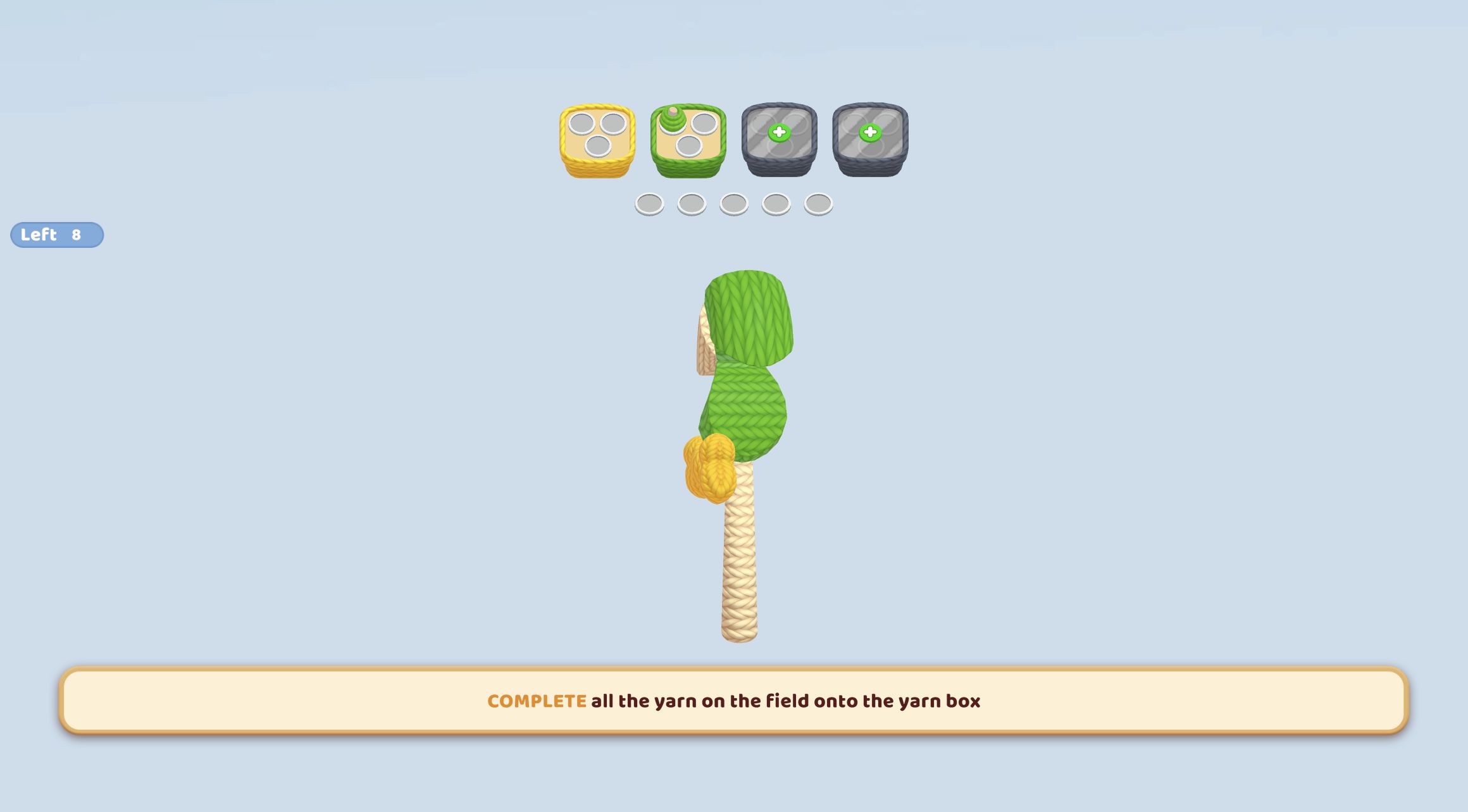
Once the obvious front pieces were gone, the tutorial asked me to hold a yarn section to inspect the next layer and then to rotate the object. A horizontal drag swung the remaining lollipop into a side view. The new angle exposed a broad green band, yellow bow segments, and the cream stick that were partially hidden before. This was the point where Yarn Fever became more than a flat color sorter.
Rotation changes what information is available without consuming a slot, so it is the safest action when the board feels uncertain. My beginner rule after this level would be: rotate before storing a questionable color. The object can look deceptively simple from one side, especially where cream and yellow yarn overlap at the base. Turning it may reveal a box-ready piece and save a temporary hole. The drag response was smooth with a desktop mouse, and the object stopped at a readable side angle rather than spinning uncontrollably.
Green, Yellow, and Cream Closed in a Satisfying Chain
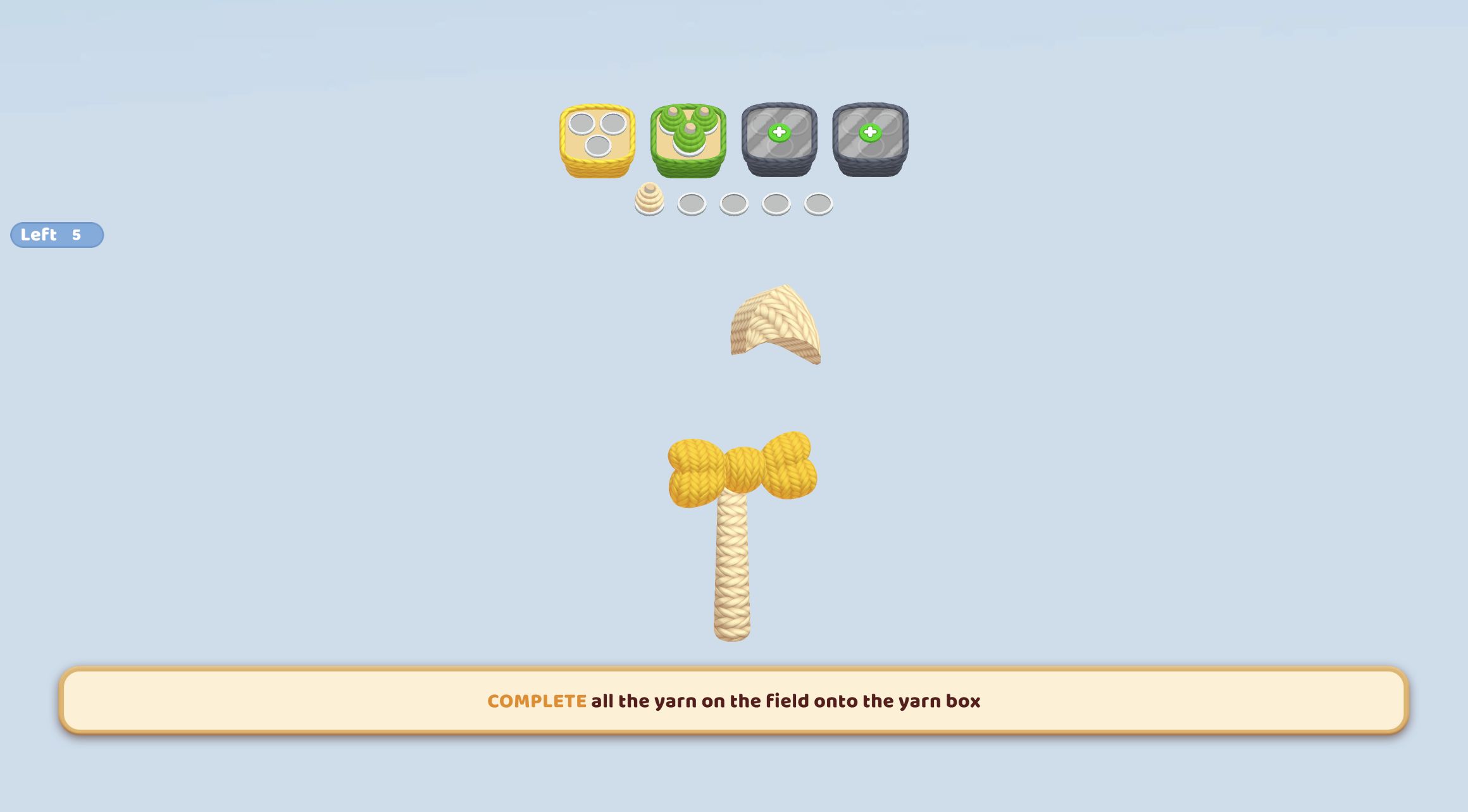
I filled the green box next. As its three spools collected, the leafy-looking yarn bands vanished and the lollipop's lower yellow bow became much easier to read. The counter fell to five with three yellow and two new cream pieces effectively remaining on the field, plus the cream spool already waiting in the temporary row. That sequence demonstrated why color order matters even in a tutorial: clearing the broad green covering exposed compact targets underneath.
Yellow required three separate clicks because the bow changed position after each removal. I initially clicked too quickly at an old location and the counter stayed put; after waiting for the animation, the final yellow piece was visible on the opposite side of the center. The yellow box completed, leaving cream as the last active set. One final cream section reduced Left 1 to Left 0 and triggered the result. There were no lives, timer, or failure penalty in this opening board, but careless queue choices are clearly the pressure mechanism.
The Video Reward Multiplier Moved from x2 to x5
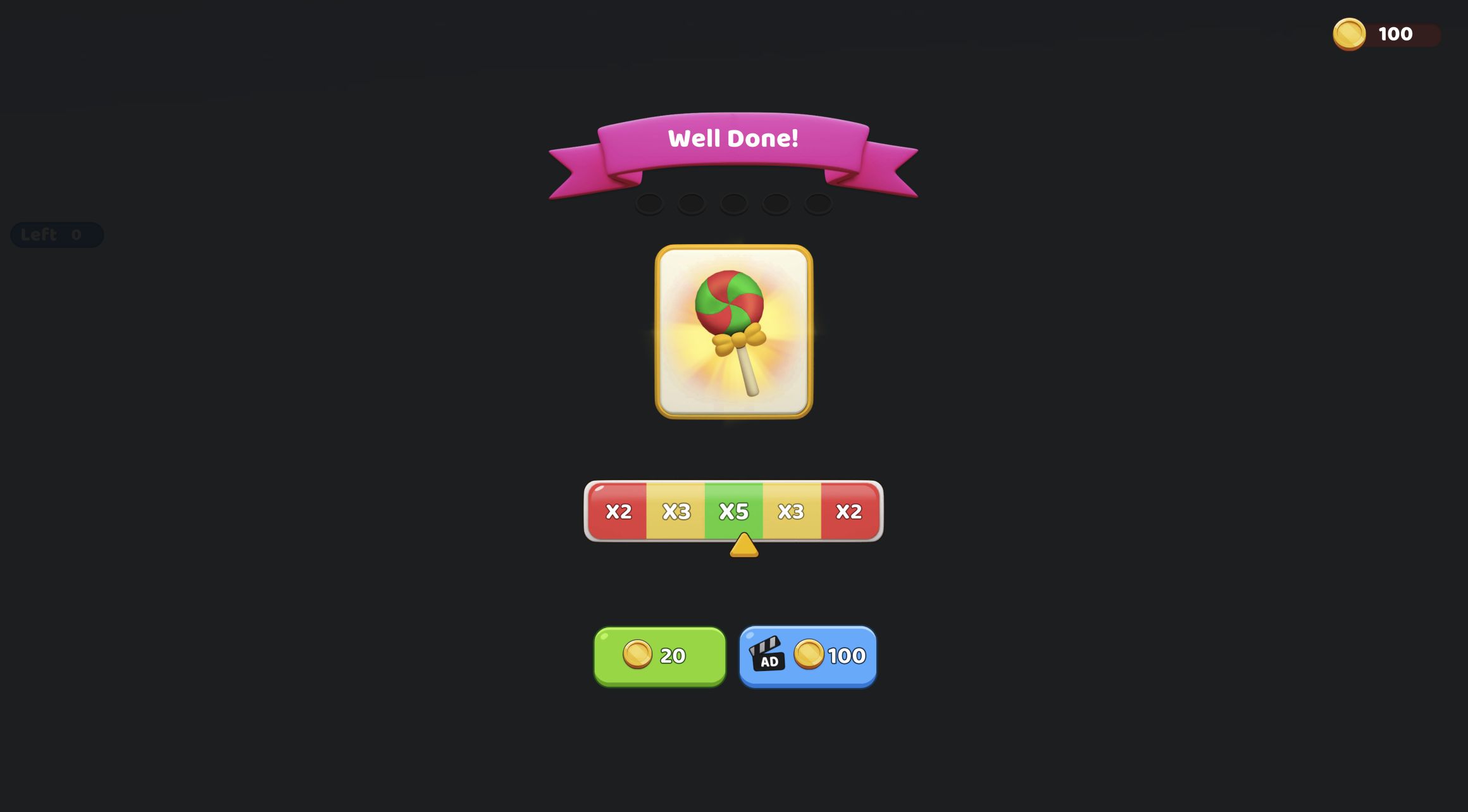
The result screen introduced the session's only monetization surface. A plain green button offered 20 coins. Beside it, a blue button marked with an AD icon offered a larger amount controlled by an animated x2/x3/x5/x3/x2 strip. On my first observation the pointer was in the left x2 zone and the video offer read 40. I did not click it. Roughly five seconds later, the pointer had moved to the central x5 zone and the displayed video offer had changed to 100, while the ordinary reward remained 20.
That is not a fixed double-reward button; it is a moving, variable ad-reward offer whose value changes with the pointer. The top-right balance displayed 100 coins during the result screen, but I did not claim either button, watch an advertisement, or test what happens after the pointer leaves x5. No ad interrupted the puzzle itself, and I saw no login or purchase request during the completed level. Players who dislike reward-video pressure can still see a normal 20-coin option, though the larger animated amount is visually prominent.
A Cozy Look Hides a Real Queue-Planning Puzzle
The knitted textures and pastel blue field make Yarn Fever look gentle, and the opening level is forgiving enough to match that mood. Underneath, its useful decisions are about information and capacity: which layer is actually exposed, which box can accept it, whether a hidden color is worth buffering, and whether rotation can reveal a safer choice. Players who enjoy screw sorters, color queues, or layered object puzzles should recognize that structure, while the unravel animation gives it a warmer identity than plastic bins and bolts.
The desktop loop was clear and responsive, although large tutorial banners occupied the bottom of the screen until each mechanic was demonstrated. The catalog declares desktop, Android, and iOS support. I attempted to enter the required local mobile fullscreen flow, but Chrome's security policy blocked the mobile route and explicitly prohibited a retry or browser workaround. I therefore cannot verify touch rotation, mobile layout, or performance and am not recommending one device over another. This review is grounded in the completed desktop Chrome level only.