My first choice arrived under a category 7 storm
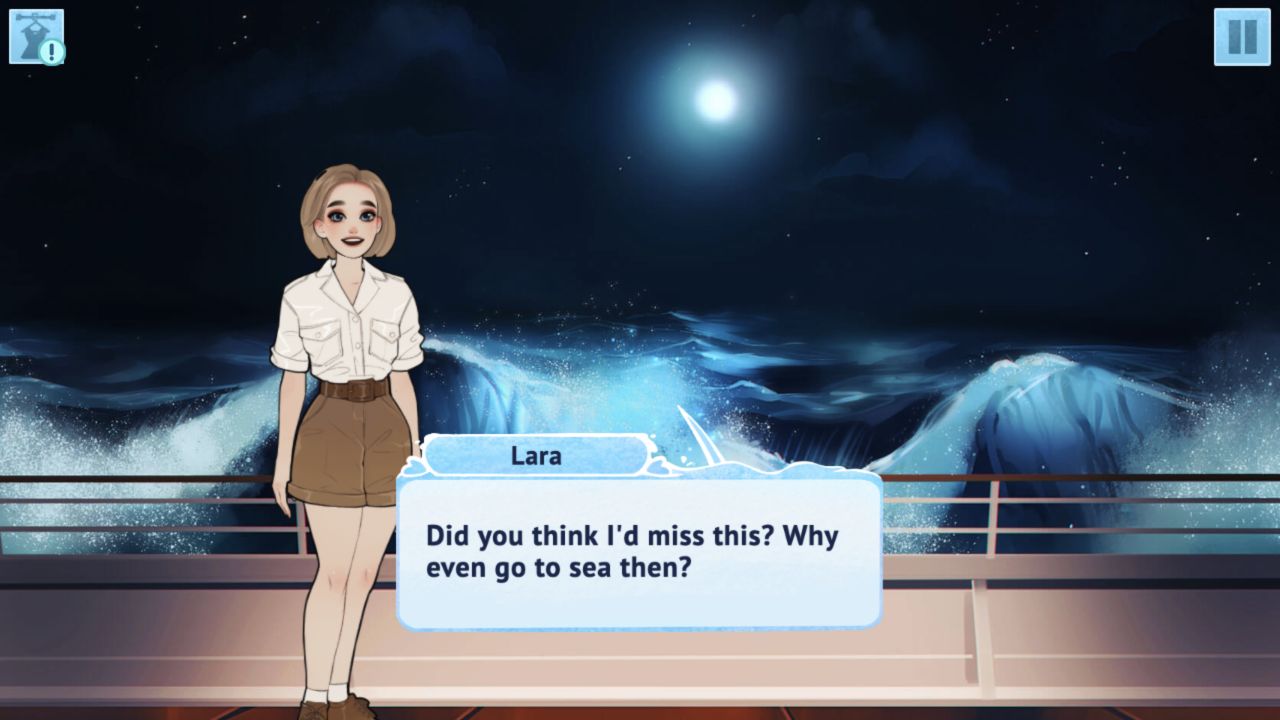
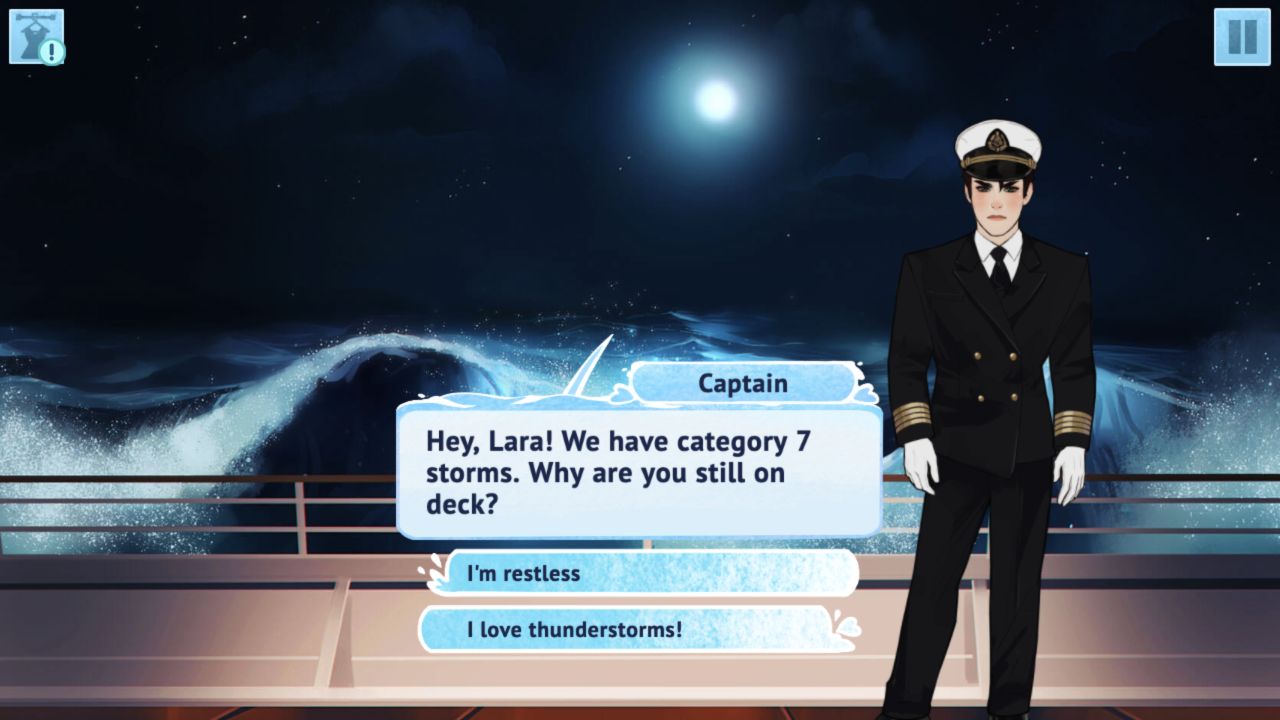
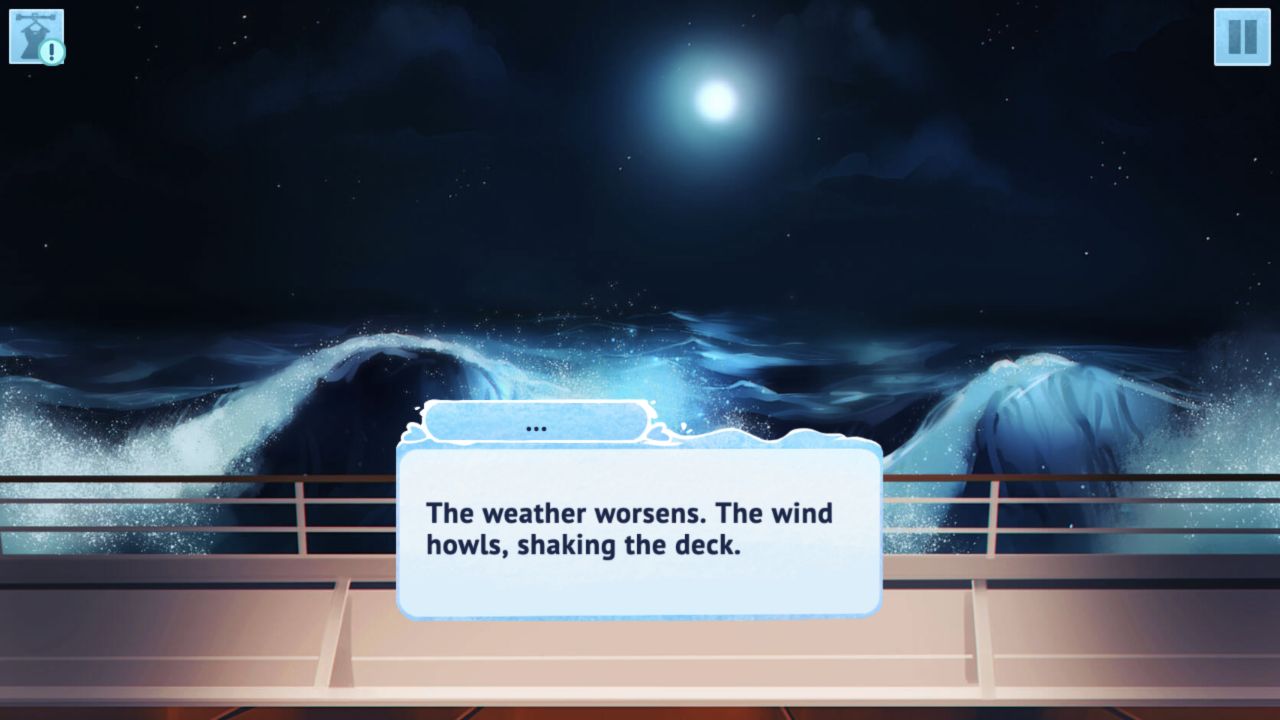
My verified Wild Love session began with Chapter 1, not with the mysterious island promised by the catalog. The opening placed Lara aboard the ship Azure at night as the weather worsened. A tutorial explained that decisions influence the story, and the Captain soon supplied the first concrete pressure point: category 7 storms were approaching, yet Lara was still standing on deck. The scene did not need an action sequence to create urgency. Rolling blue water, a dark sky, the Captain's stern expression, and two large answer buttons made the conflict readable before I had learned much about either character.
The options were “I'm restless” and “I love thunderstorms!” I chose the second because it sounded more revealing than the cautious answer. Lara immediately changed to a broad smile and began a reply that was still animating when the captured observation ended. I will not complete that line from memory or pretend one answer revealed a full branching route. What the moment did prove is the game's basic loop: read a short exchange, select a tone for Lara, then watch her expression and dialogue respond. It is a small result, but it is a real start-to-choice-to-consequence sequence rather than a summary copied from the provider page.

Lara became my character before the plot moved
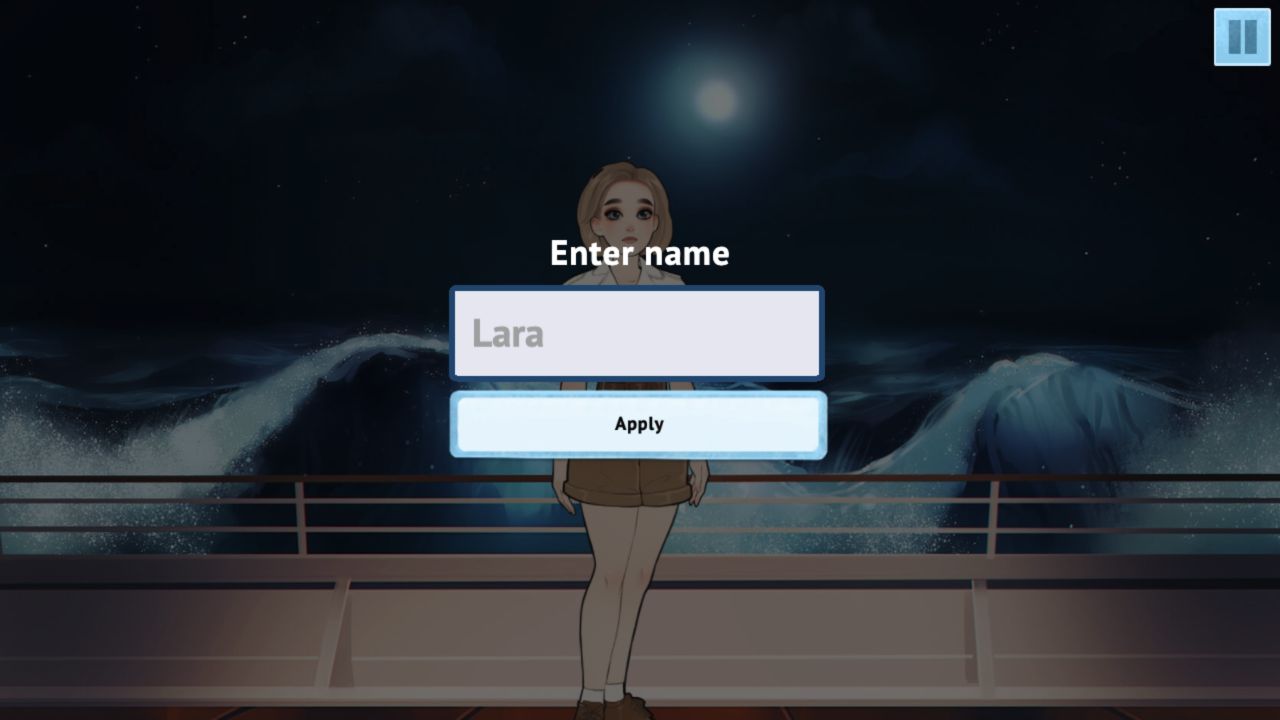
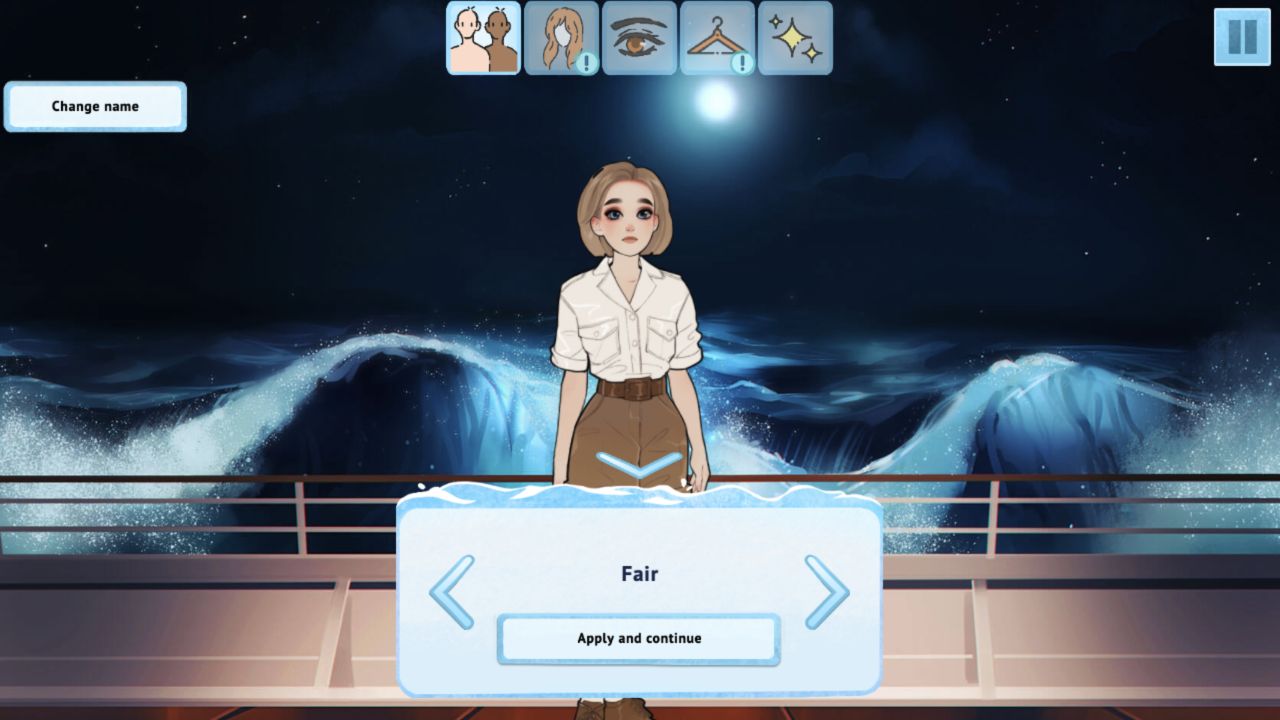
Before the storm conversation, Wild Love asked me to name and style the heroine. I kept the default name Lara and moved through categories for skin tone, hair, eyes, clothing, and a sparkle or effect option. I left the default look intact, but the editor still helped establish ownership: the woman speaking to the Captain was the same character I had just configured. A tutorial also said that appearance can be changed later through the icon in the upper-left corner, so customization is not presented as a one-time decision that must be perfected before the story starts.
The editor favors clarity over fine-grained sliders. Each category is represented by a large illustrated icon, and the current choice appears on the full-body character model. “Apply and continue” moves through the categories in sequence. That structure is easy to understand, though it can feel repetitive when the defaults are already acceptable because the same confirmation must be pressed several times. Players who enjoy dressing a protagonist will get more from this prelude than readers who want the plot immediately. Either way, the customization is integrated into the opening rather than hidden in a separate profile screen.
Simple clicks work, but the text asks for patience
Every tested interaction used one pointer button. I clicked large menu controls, advanced dialogue through the text area, and selected an answer from two wide buttons. The Chapter 1 tutorial reinforced the same model instead of introducing keyboard commands. That makes Wild Love approachable for readers who do not normally play action games, and the generous target sizes were comfortable in the tested 1920 by 1080 desktop canvas. The pause control remained in the upper-right during the story, while the appearance icon stayed in the upper-left after the editor closed.
The main input lesson is not dexterity but restraint. Dialogue appears with a character-by-character animation, so rapid clicks can move faster than the text can be read. I caught myself wanting to press again as soon as a line looked nearly complete. The safer habit is to let each sentence finish, then advance once. That measured rhythm suits a visual novel, although an obvious instant-text option would help impatient readers. I did not test later settings or claim that such an option is absent; it simply was not part of the observed opening flow.
A preroll and a black screen complicated the route to Chapter 1
The most candid criticism belongs before the story. Starting Wild Love from the local Playflaming page opened the provider frame, where a Playgama preroll advertised World of Sea Battle. I did not click the promotion or its outbound links. After the close control became available, I dismissed the ad and reached Wild Love's chapter menu. Chapter 1 was open, while Chapters 2 through 5 and an Extra: St. Valentine's entry were locked. The catalog says there are no in-game purchases, and I saw no shop, paid currency, loot box, spin, or random-reward control in the tested game flow, but the observed preroll means this experience should never be described as ad-free.
Selecting Chapter 1 inside the local desktop embed then produced a persistent black canvas. Refocusing with a center click did not recover it, and the console showed cross-origin errors involving advertising and consent frames around the HTTP localhost parent. Following the project's recovery order, I opened the catalog's declared direct build and restarted the chapter there. The direct canvas loaded at 1920 by 1080 and supported the full verified choice sequence. That recovery makes the game reviewable, but it also leaves a real warning: the normal embedded route was less reliable than the direct build during this session.
The romance framing is mild, but it is not child-directed
Wild Love presents itself as a dating and romance story, and its opening art includes mild intimacy and a shirtless male character. In the portion I played, however, the actual Chapter 1 content stayed with avatar setup, danger at sea, and a conversation with the uniformed Captain. I saw no explicit nudity, sexual act, graphic violence, blood, shocking image, chat, username, upload, or multiplayer surface. That distinction matters: the material I verified is teen-skewing romance, not explicit adult content, but the dating premise and suggestive promotional framing still make a children's-game description inappropriate.
The provider identifies the game as teen-rated, while the catalog targets a female audience and uses tags such as visual novel, decision, cute, interactive fiction, and dating. Those labels fit the observed emphasis on presentation and dialogue. They do not prove the tone of every later chapter, so this opening-session review cannot promise that the rest of the story remains equally mild. Editorial coverage should keep the teen-romance context visible and avoid turning the characters or relationship imagery into clickbait. Wild Love is approved here for independent review only, not as an advertising candidate.
Mobile reached the title screen, while desktop carried the story evidence
The opening is most likely to appeal to players who enjoy customizing a heroine, reading at an unhurried pace, and expressing personality through short dialogue choices. My bold storm answer produced an immediate emotional change in Lara, which is exactly the kind of feedback a choice-driven story needs. Beginners should keep the default appearance if they want to reach the narrative quickly, read each animated line before clicking again, and treat the two answer buttons as characterization rather than as a puzzle with an obviously correct response. I did not reach the island, meet a romance route, finish Chapter 1, or unlock another chapter, so none of those outcomes is claimed here.
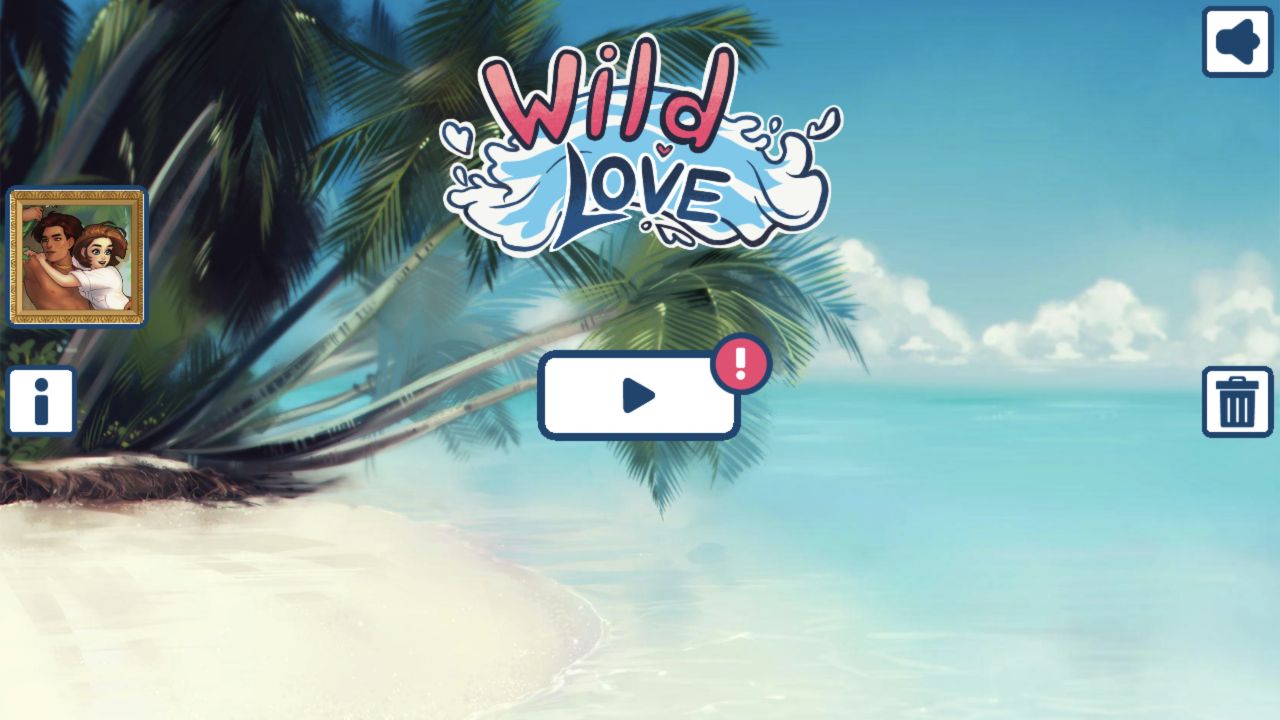
I also entered Wild Love through Playflaming's own Play button at 390 by 844, confirmed the fullscreen player from its persistent back control and title strip, dismissed the provider preroll through its close control, and reached the game's tropical title screen. The logo, sound button, central play control, and chapter-card icon all fit the portrait canvas cleanly. I did not replay the full Chapter 1 choice sequence on touch, so this is mobile launch and layout evidence rather than a second completed narrative loop. Desktop remains the only environment in which the verified storm choice and Lara's response were completed; no claim is made about physical-phone performance, battery use, or later chapter stability.