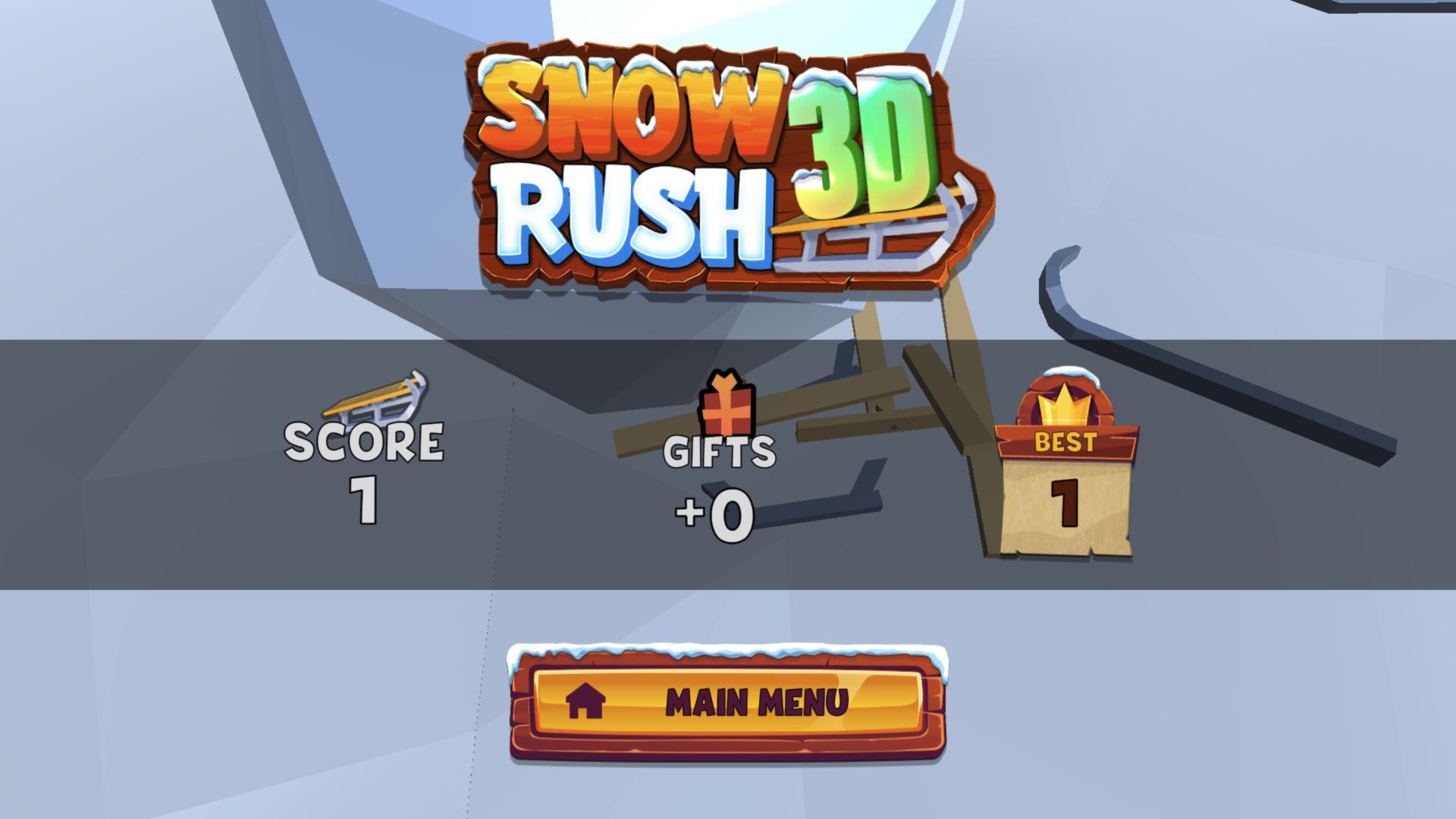
My First Run Lasted One Point, and the Second Did Too
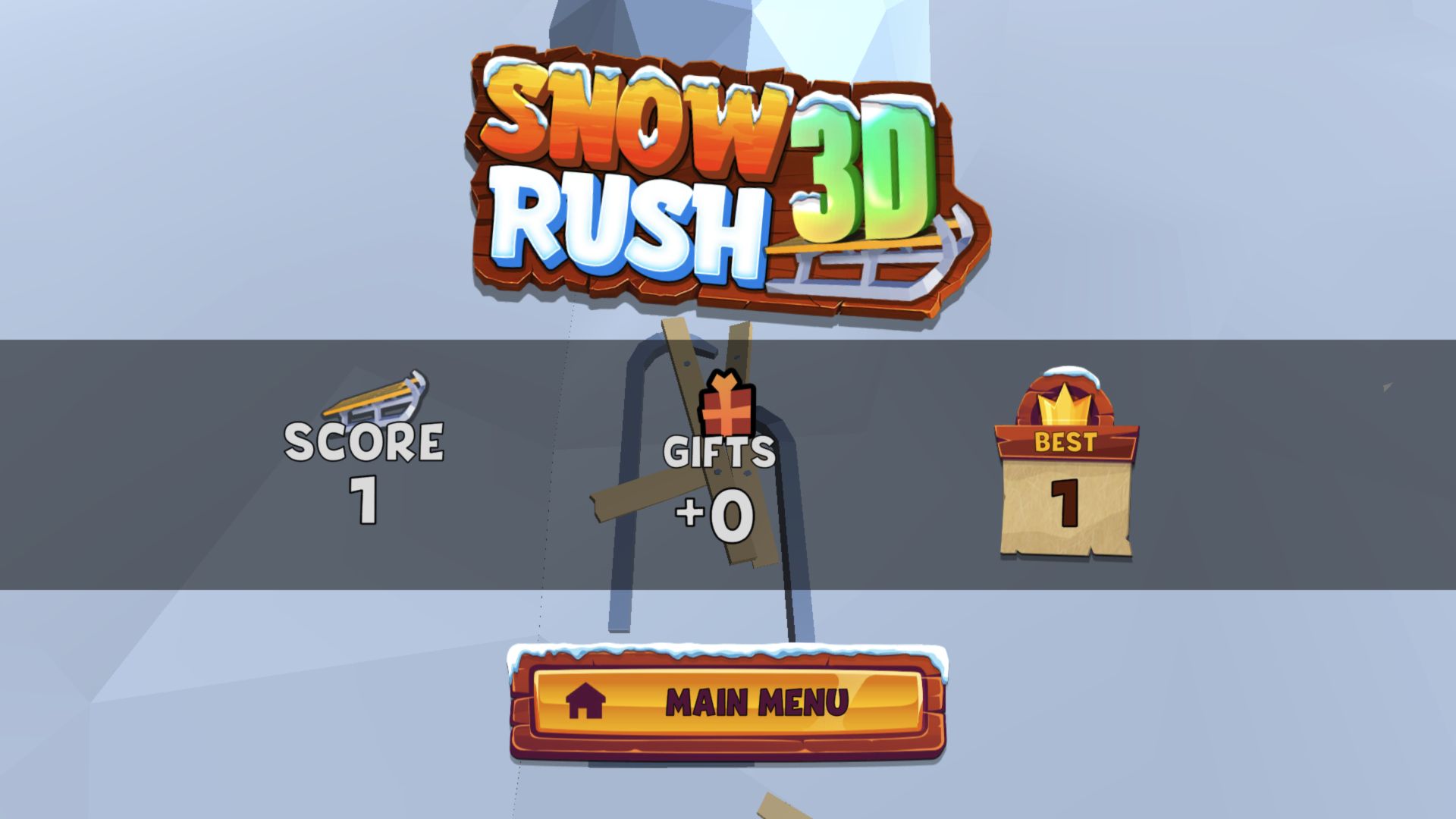
My first Snow Rush 3D attempt was brutally short. After leaving the start, I pressed D twice to move right and then W to jump. The sled hit an obstacle before that correction could help, flipped into loose wooden pieces, and produced a result of Score 1, Gifts +0, and Best 1. I left the failure intact because it reveals the game better than a rehearsed long run would: early steering inputs matter immediately, and a jump is not a rescue button once the line is already wrong.
I tried a second complete start-to-crash loop without steering at the opening. That run also ended at Score 1 and Gifts +0. The result suggests that simply holding a central line is no safer than overcorrecting. Snow Rush 3D asks for active reading from its first obstacle, but the low camera and fast approach leave little time to understand a hazard on a first visit. The restart loop is quick enough that the harsh lesson feels more like an invitation to retry than a long punishment.
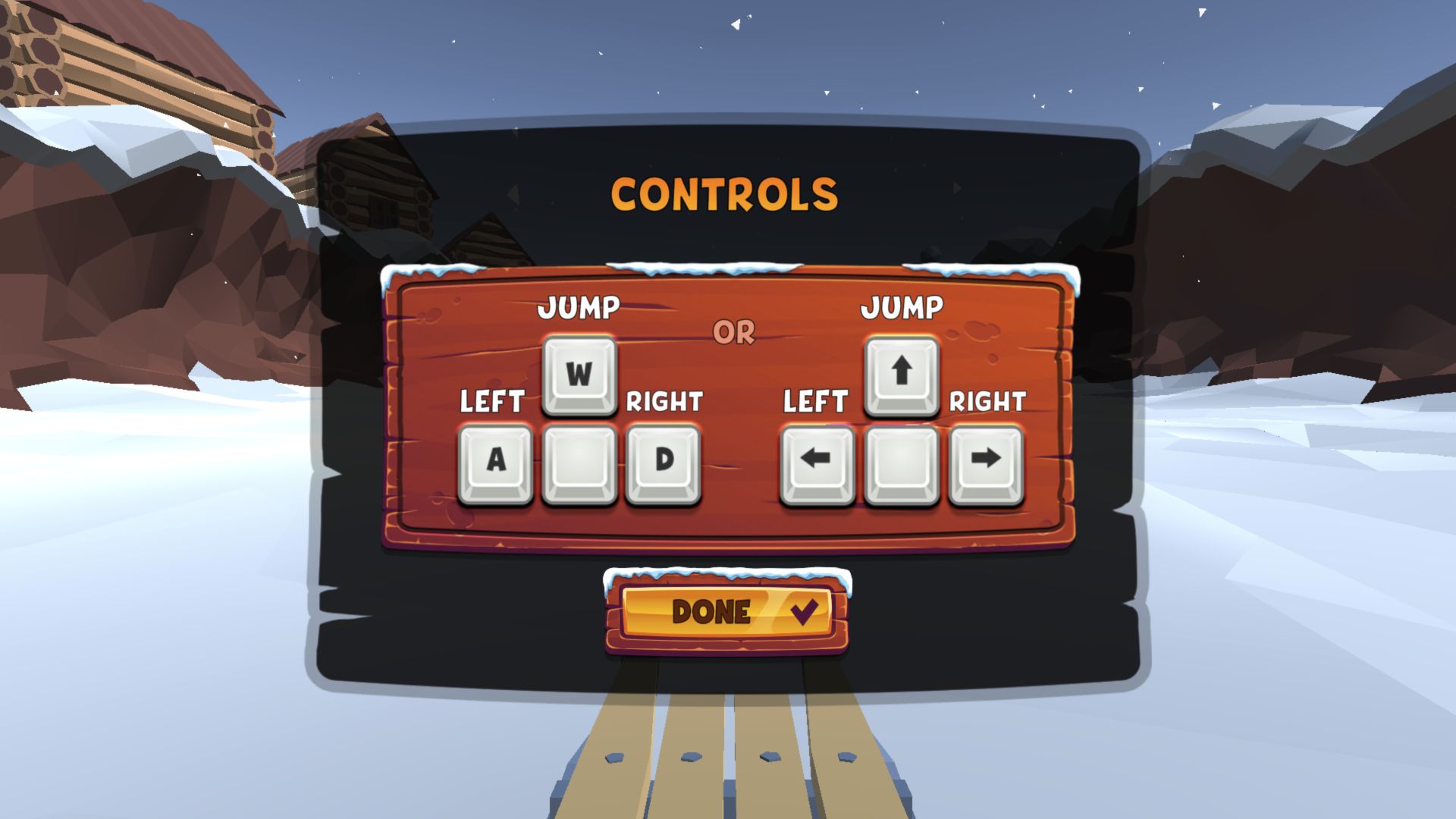
The First-Run Control Card Is Short and Accurate
A one-screen tutorial appears only when the first run is ready. It maps jump to W or the up arrow, left to A or the left arrow, and right to D or the right arrow. I used the W/A/D set. The presentation is refreshingly direct: there is no acceleration button, brake, trick meter, or camera control to learn. Forward motion is automatic, so every decision is about choosing a lane or clearing something in front of the sled.
That simplicity does not make the handling forgiving. Each keypress visibly commits the view toward a new line, and the game keeps moving while the player interprets the low-poly scenery. My late W input did not cancel the bad setup created by the two D presses. A better beginner sequence is to make one steering correction at a time, reassess the open channel, and reserve jump for an obstacle identified early rather than pressing it in panic.
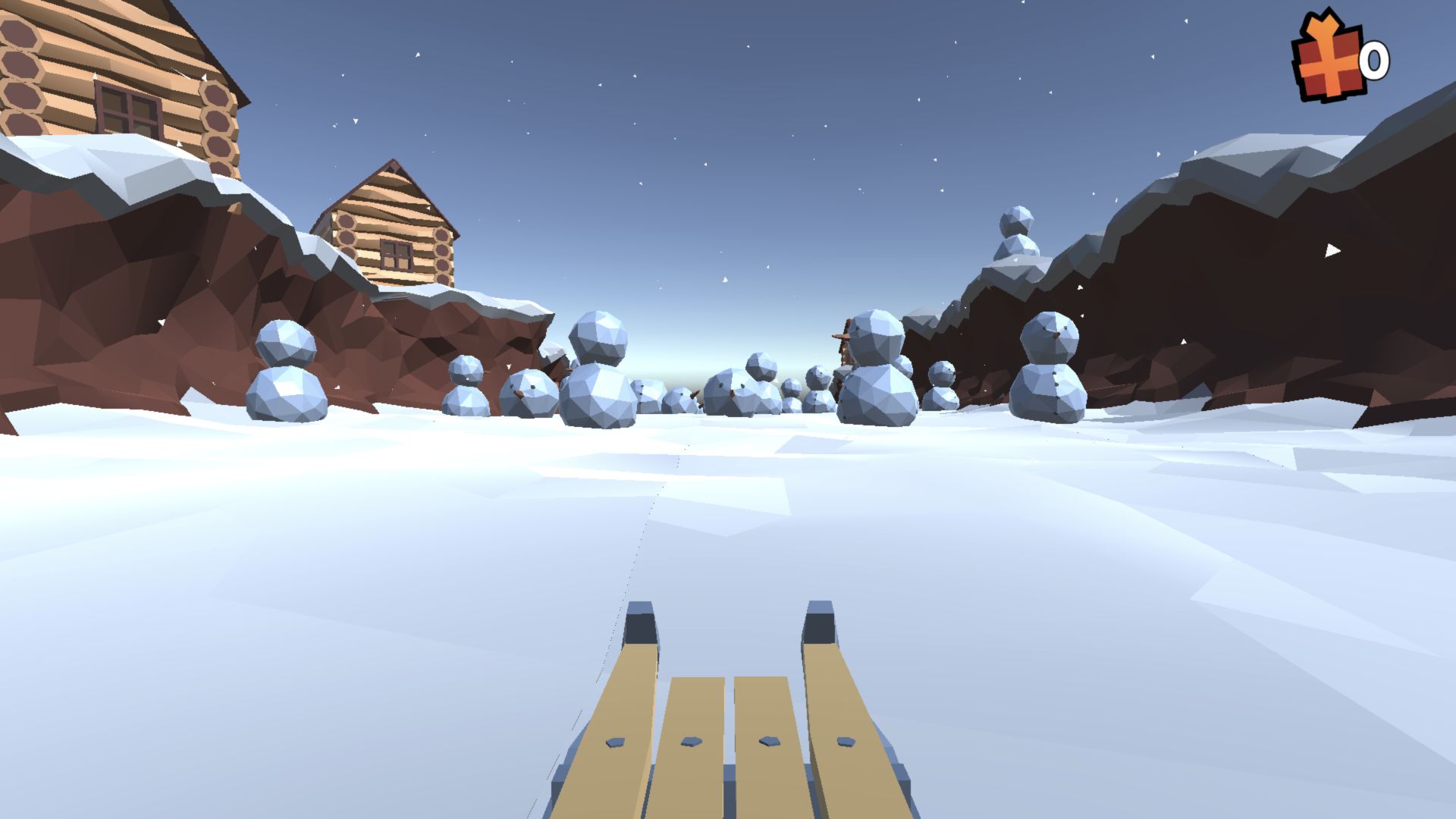
A Clean Opening Slope Quickly Narrows into Snowmen and Rocks
The ride is shown from directly behind and slightly above the wooden sled. Cabins sit on the cliffs, snow particles cross the sky, and clusters of snowmen and angular rocks occupy the valley. The full-viewport desktop image is readable, but the sled itself fills a large part of the lower center. That makes the experience feel fast while also hiding some of the ground immediately ahead.
The strongest visual choice is contrast. The tan runners stand out against the white snow, dark rock walls frame the course, and the orange gift icon stays visible in the upper-right corner. The weakness is obstacle recognition at speed: snowmen, loose snowballs, and pale terrain share similar colors. Players who enjoy short reaction tests will appreciate the quick scan-and-correct rhythm; anyone looking for a relaxed winter ride will probably find the first crash surprisingly abrupt.
The Sled Garage Shows Progress Before It Shows Variety
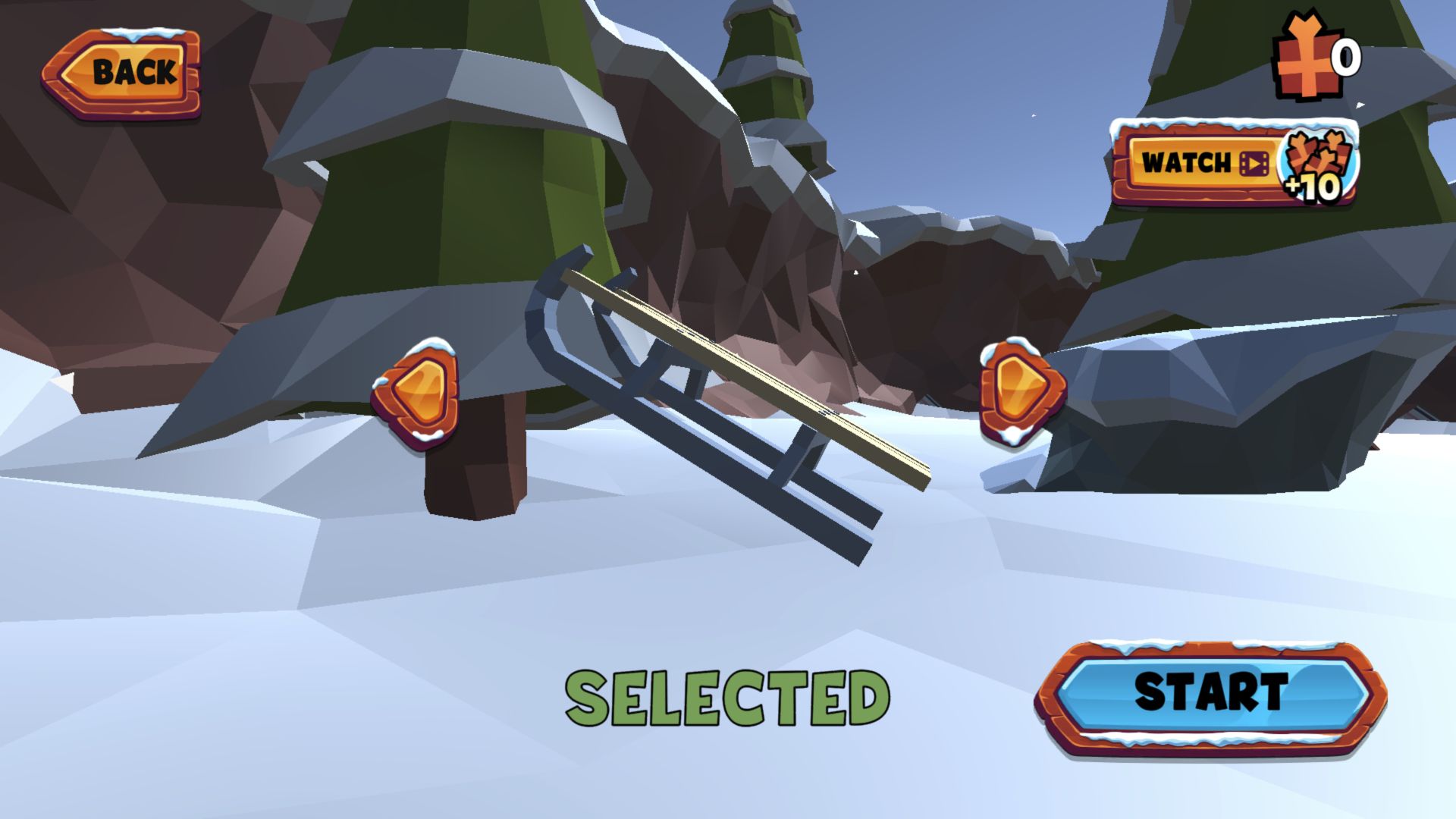
Choosing 1 Player does not throw the sled straight onto the course. It first opens a garage-style selector with the basic wooden sled, left and right arrows, a zero-gift balance, and a large Start button. This pause gives the collectible currency a clear purpose, although I did not earn a gift in either completed run and therefore did not unlock or claim another sled.
A Watch button with a video icon promises +10 gifts. That is a concrete rewarded-video offer, not background decoration, and I left it untouched. I also did not see a cash-price purchase, account prompt, or login during the tested desktop loops. Because the selection screen places the video reward beside the normal progression currency, players should expect the garage economy to offer an optional shortcut even before they have demonstrated a successful run.
Crashing Opens a Three-Second Video Revival Window
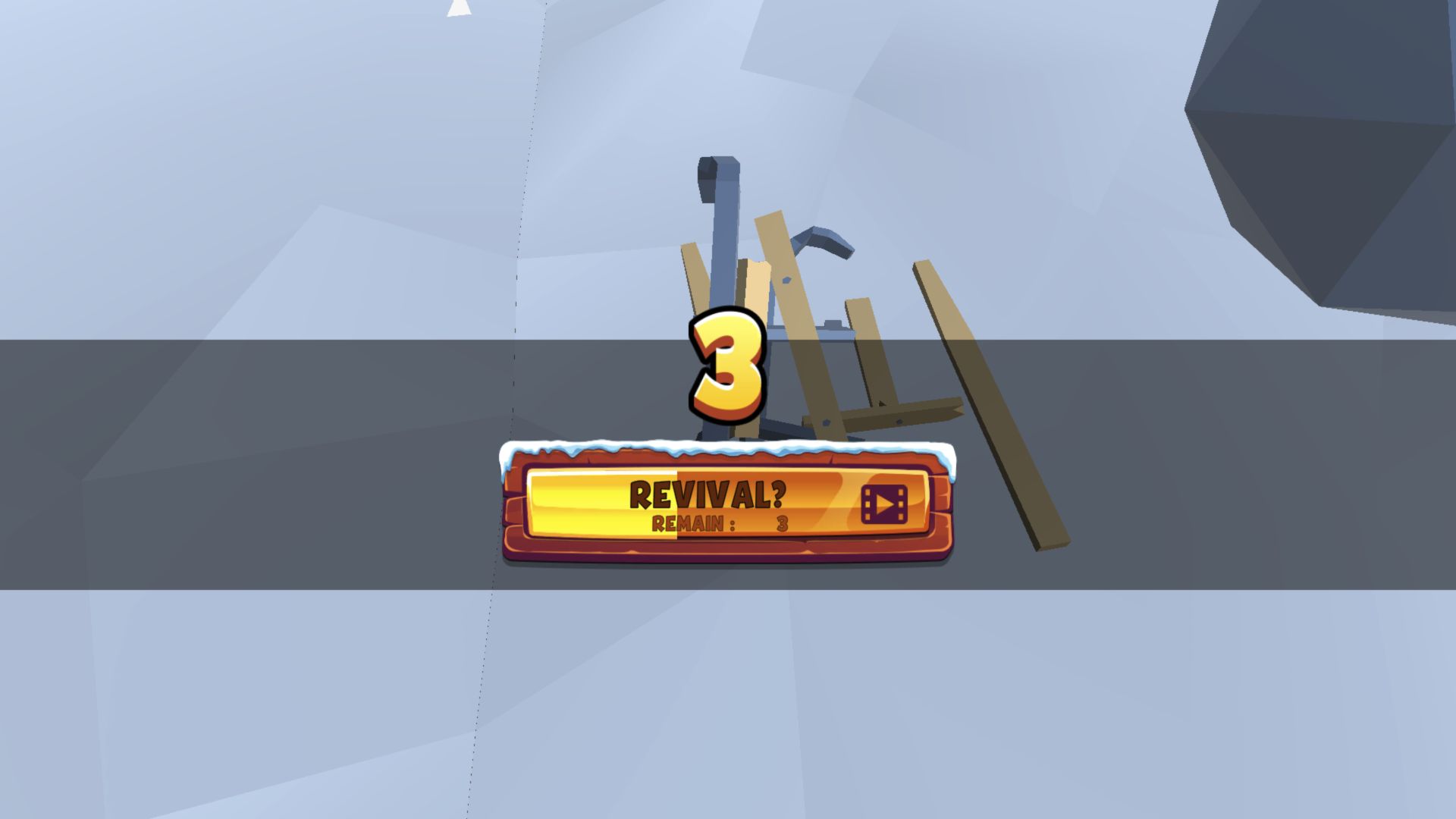
The second crash revealed another monetization-related state. The broken sled remained visible behind a dark overlay while a large 3 counted down above a REVIVAL button carrying a video icon. I did not activate it, and the game advanced to the ordinary result screen when the window expired. This preserves the honest failure and confirms that revival is offered through video rather than automatically.
The countdown adds pressure at exactly the point where a player may be disappointed by a mistake. It is easy to understand, but it interrupts the otherwise immediate crash-and-retry rhythm. Players who do not want to use video rewards can ignore it and wait a few seconds; those chasing a long distance should know that a run may offer continuation before its final score is recorded. I observed no forced video playback after declining by inaction.
One-Player Delivered the Runs; Two-Player Stayed on the Menu
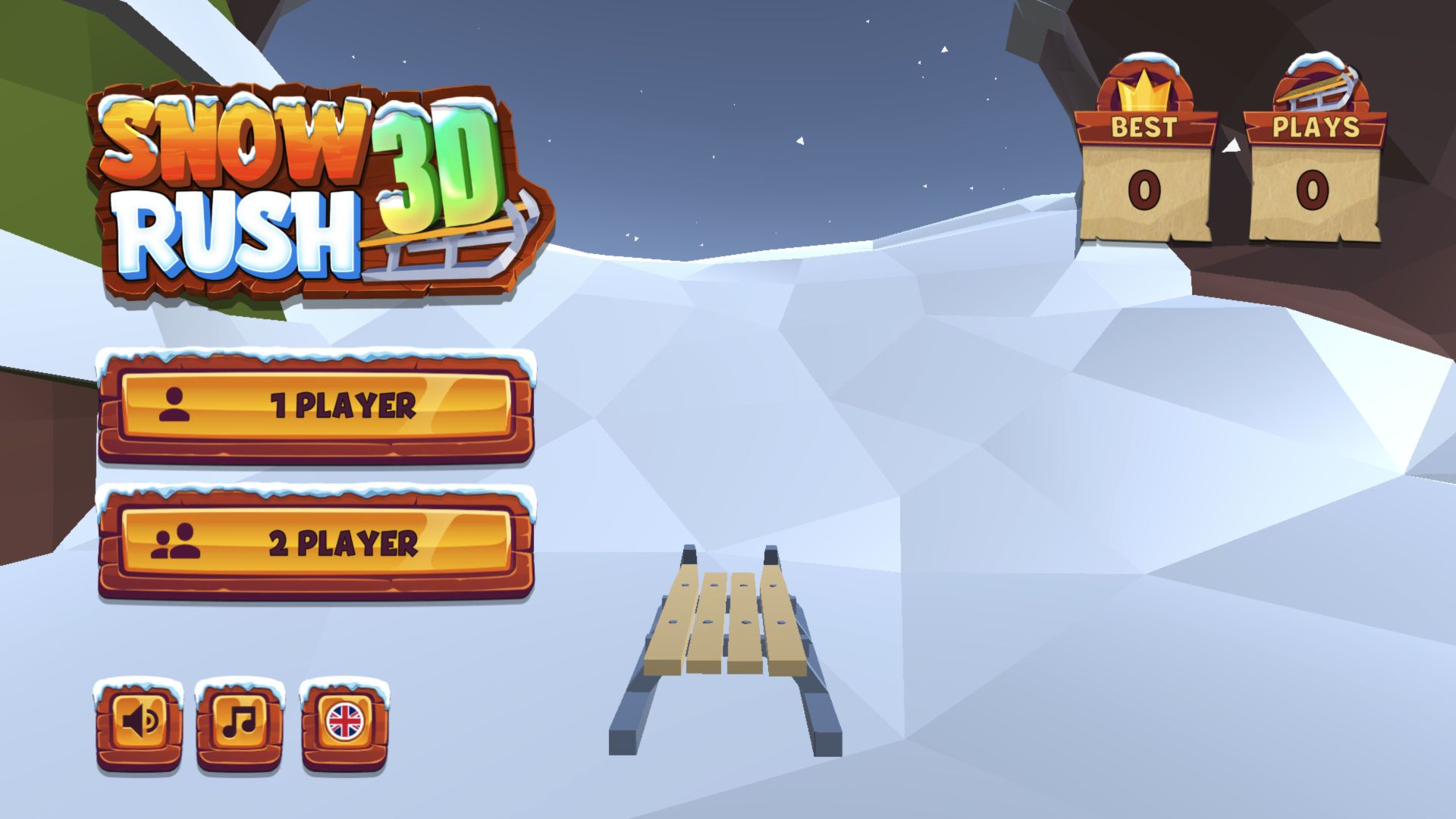
The main menu offers 1 Player and 2 Player as equally prominent choices. I selected 1 Player for both runs, so I cannot report the feel of sharing one keyboard or compare the competitive mode. After returning from the first result, the menu showed Best 1 and Plays 2. The counters make even a very short session legible and encourage another attempt without burying the player in a larger profile system.
Startup friction was modest on desktop: a Unity splash, a tap-to-start screen, the player-count menu, the sled selector, and the one-time control card came before the first ride. No authentication request appeared. Audio and music each have their own button on the menu, which is useful for a game built around rapid retries. The low-poly winter scene loaded cleanly in desktop Chrome throughout the two desktop runs.
The Declared Mobile Route Could Not Be Verified
The catalog declares desktop, Android, and iOS support. I completed the two desktop loops above, then attempted the required 390-by-844 Playflaming route that should open the game through the page's Play button and fullscreen modal. The dedicated Chrome session was denied access to the isolated local detail-page origin by browser security policy before the page loaded, so the Play button, modal boundary, touch controls, and mobile game loop could not be verified.
That limitation matters. I did not replace the required route with a narrow desktop canvas or use the direct export as mobile evidence, and I cannot recommend one device over another. The provider metadata says mobile uses screen taps for left and right and a two-finger tap to jump, but those are catalog instructions, not actions proven in this session. Until the local fullscreen flow can be tested, treat this as a desktop-only hands-on verdict: Snow Rush 3D is a sharp, retry-friendly reaction challenge with clear keys, severe first obstacles, and visible optional video-reward pressure.