Level 1 opened in the middle of the road, not on a rooftop
My verified Rooftop Run session began with a surprisingly grounded view: a broad city road between dark-windowed office blocks, several parked or slow-moving cars, and a streetlight almost exactly on the center line. The logo sat above a large LEVEL 1 label, while TAP TO PLAY made the first action unambiguous. Nothing on this screen explained a route, score target, timer, enemy, weapon, or finish condition. That restraint helped me start quickly, but it also meant the level itself had to teach me what forward progress would look like.
The viewpoint was first person, so there was no runner model to read for posture or momentum. Instead, the scene used the road, curb, vehicles, and repeating lamps to establish depth. The top bar was empty at the start, and the settings button was the only obvious menu control. This is a clean opening rather than a busy one: the title, level number, and single instruction are readable at a glance, and the bright blue sky separates the white interface text from the environment.

The first lesson was camera control, with progress still at zero
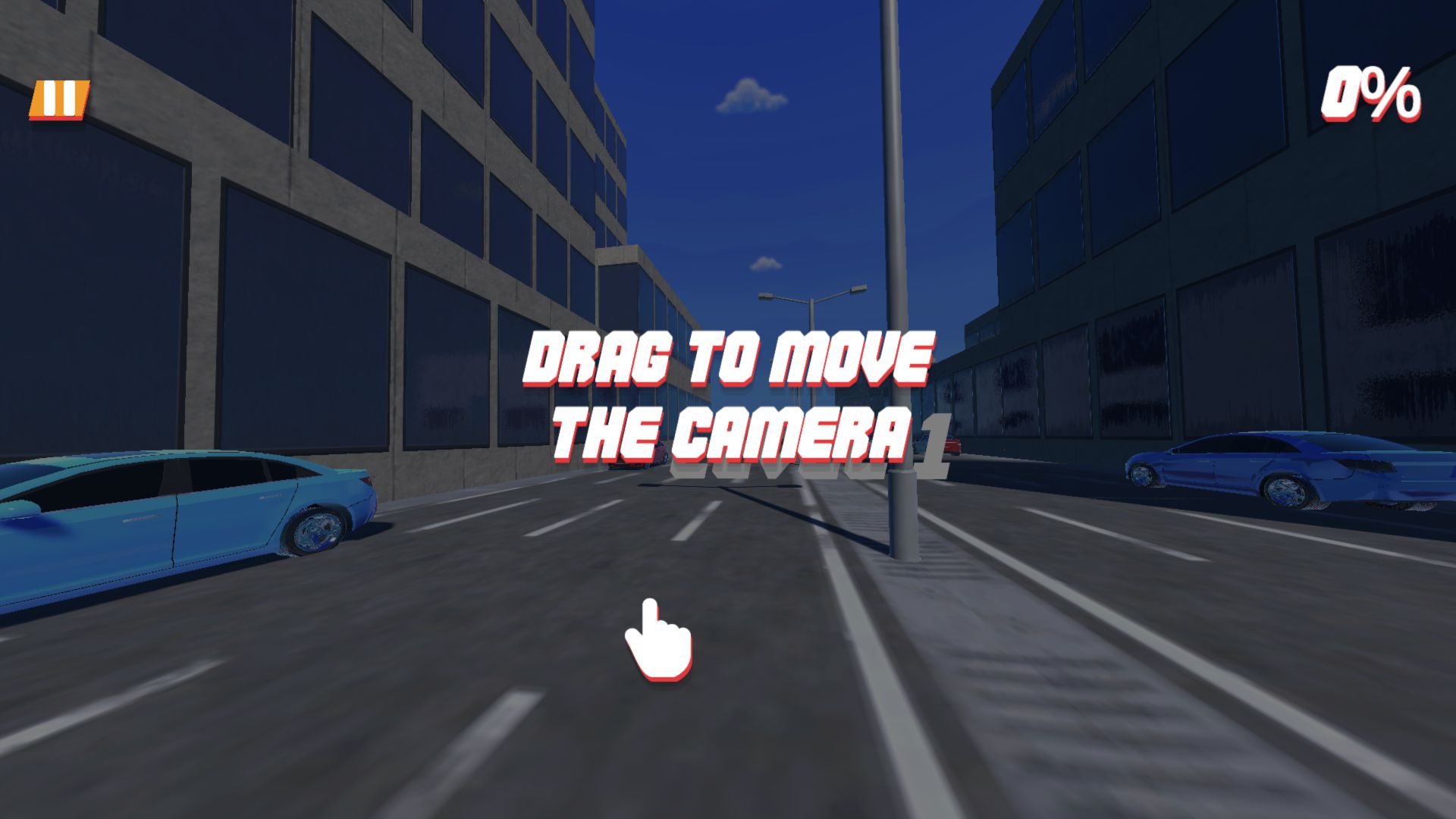
After starting, the game dimmed the street and displayed DRAG TO MOVE THE CAMERA over a large hand icon. A pause button appeared at the upper left and a percentage counter at the upper right, which read 0%. That combination is useful because it separates looking from advancing: the tutorial did not pretend that rotating the view had already earned progress. The prompt also matched the first-person presentation better than a conventional left-right button guide would have done.
The lesson was understandable, yet it left several control questions open. The catalog mentions keyboard movement, firing, and boost controls as well as touch controls, but this observed tutorial only confirmed camera dragging. I did not verify a shot, target, boost activation, jump, slide, or manual lane change in this session. Those catalog descriptions are useful test leads, not substitutes for play evidence, so this draft deliberately does not turn them into claims about how Level 1 actually unfolds.
The run advanced to 20%, then the camera became the main obstacle
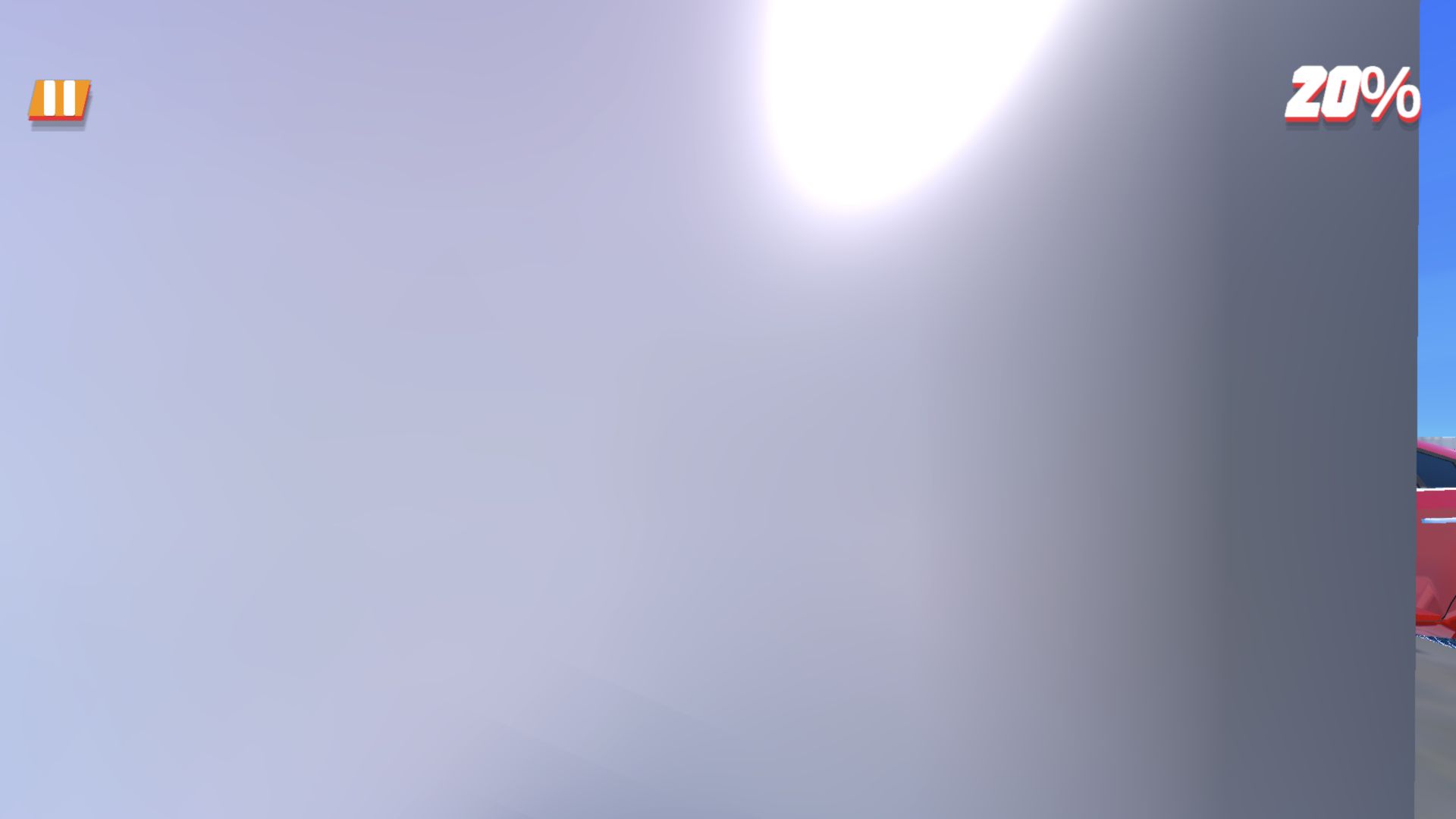
The percentage counter did begin moving, and the verified run reached 20%. That confirms the opening was interactive, but it does not support a completed level, finish time, reward, or account of the full obstacle sequence. After the obstructed state, the attempt ended on a LEVEL FAILED panel with a RETRY button. The result boundary is therefore explicit even though the course and its later mechanics remain untested.
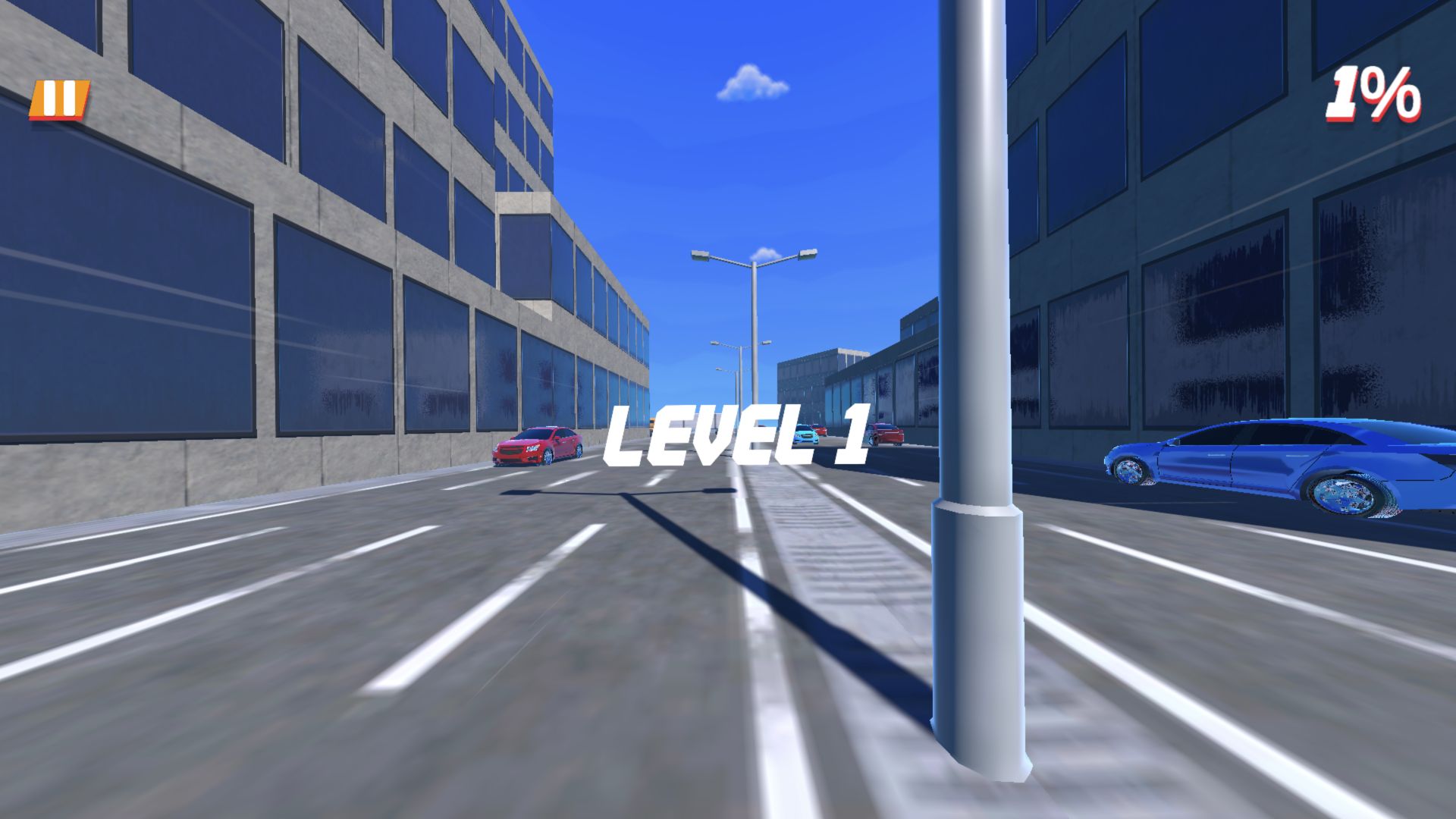
The most important problem was not a missed jump. Near a streetlight, the camera became badly obstructed and effectively stuck. The saved early frame at 1% already shows a thick pole occupying much of the right-center view; by the later blocked state, the obstruction prevented a dependable read of the route. In a first-person runner, visibility is part of the control system. When a nearby object fills the camera and the player cannot confidently reorient, the problem is more serious than cosmetic clipping because it removes the information needed for the next decision.
Level Failed made the retry clear, but not the cause
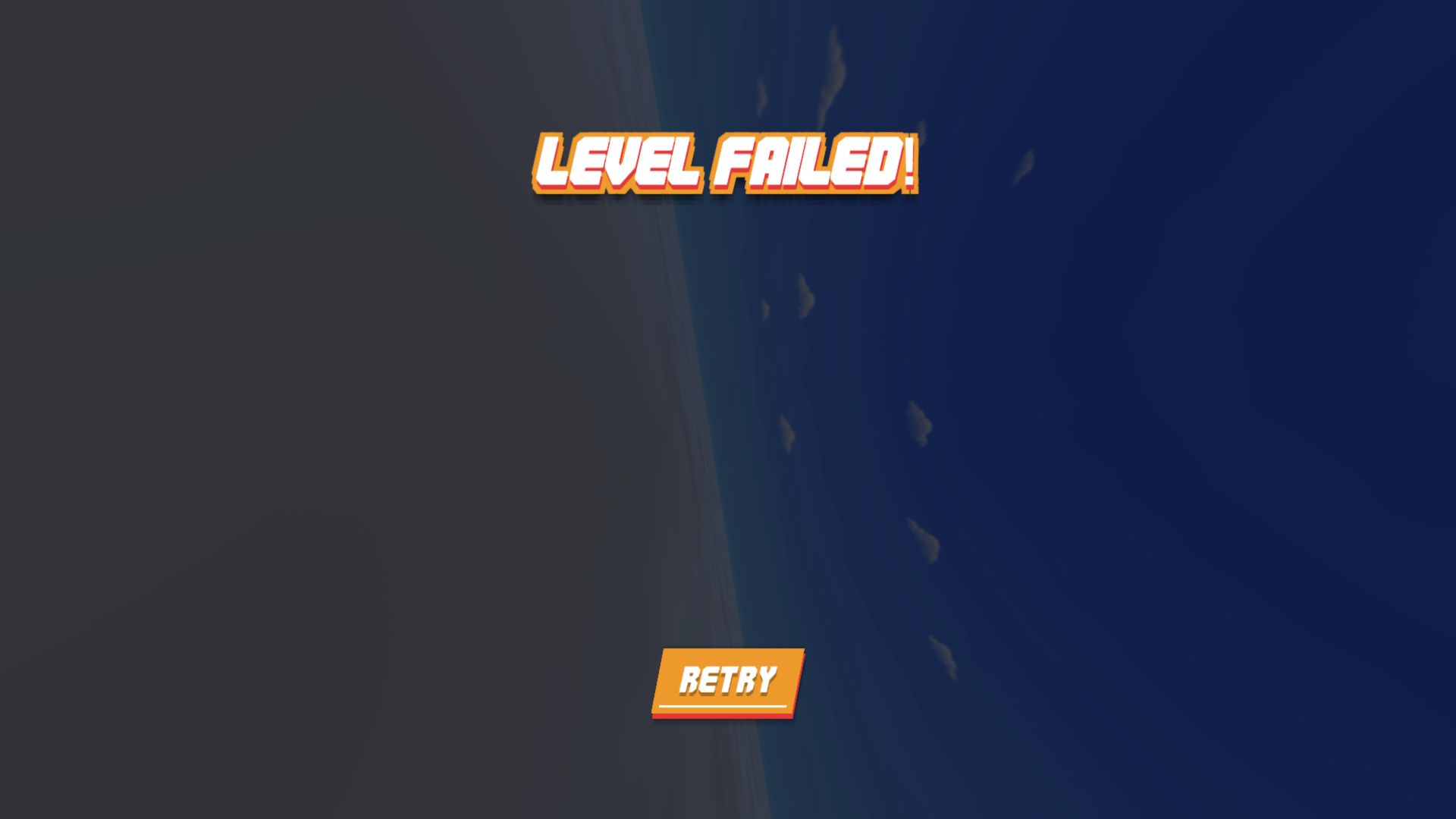
The live percentage counter made the stopping point easy to locate, and the separate failure panel supplied a direct route back through RETRY. What it did not provide was a cause, score, checkpoint, or performance breakdown. The camera obstruction is visible evidence from the run; whether the game registered a collision, missed movement, or another condition cannot be established from the result panel alone.
I did not observe enough of the course to identify a reliable obstacle rhythm, safe line, enemy pattern, or recovery rule. Advice about a specific jump, boost moment, or lane would therefore be guesswork. The defensible beginner lesson is more basic: use the camera tutorial deliberately, then keep nearby street furniture out of the center of view whenever the game allows it.
That distinction makes the retry useful without making it informative. A player can restart immediately, but the game does not say which input or collision ended the attempt. The next test should therefore change one thing at a time: begin with the camera angled away from the nearest lamp, observe whether forward motion follows the same line, and avoid treating a different outcome as proof until the obstructed section is reached again.
Shooting is listed in the catalog, but it was not part of this evidence
Rooftop Run's catalog text includes a fire input on desktop and a fire button on mobile. The bounded opening assessment also treated weapon content as a limitation rather than declaring it absent. During the verified 0% to 20% portion described here, however, I did not observe a weapon, fire a shot, hit a target, or see injury, blood, or gore. A responsible review has to keep those facts separate: the game may introduce combat later, but this session cannot say when it happens, what it looks like, or whether it affects progression.
The same caution applies to monetization and interaction. The catalog marks in-game purchases as No, and the opening assessment found no shop, currency, random reward, username, chat, or multiplayer surface in the tutorial state. Provider advertising may still interrupt the route, and later screens may introduce systems that were invisible at the start. I did not click an advertisement or purchase anything, so those untested surfaces remain outside this verdict.
A promising sense of speed comes with a concrete camera warning
The opening makes a good first impression through immediacy. One tap starts Level 1, one large prompt teaches the camera, and the progress counter turns movement into an easy-to-read objective. The low-detail city is not visually intricate, but the straight road, reflective windows, vivid cars, and deep blue sky keep the route legible when the camera is clear. Players who enjoy direct arcade runs may appreciate that lack of menu friction.
The bounded verdict is clear: Rooftop Run started quickly, reached 20%, became unreadable against a streetlight, and then supplied LEVEL FAILED with RETRY. That supports a material camera warning and a verified failure loop, not a claim that Level 1 was completed. I separately entered Playflaming's fullscreen player at 390 by 844, dismissed the provider preroll, and reached the portrait Level 1 Tap to Play screen with the site back control and title strip visible. I did not start a comparable touch run, so that check verifies mobile launch and fit—not movement quality, a finish, combat, rewards, or real-phone performance.