RIVALS FPS: Online Shooter made me wait before it let me judge anything
This is a connection report, not a completed combat verdict. I reached RIVALS FPS: Online Shooter's interactive hub, opened its mode menu, joined a 1v1 queue, voted for a map, and waited for a second player. The session then ended at the game's own Connection Error panel before an arena spawned. I repeated the launch in a fresh isolated browser profile and received the same error during startup. Because I never fired a shot in a live match, I cannot honestly score its weapons, recoil, hit detection, movement speed, matchmaking quality, or victory conditions.
The first launch did get much farther. Version 1.1.3 opened on a full-screen Loading scene with a green progress bar. The blurred background showed a scoped rifle aimed toward colourful block-like fighters. Loading took long enough to pass through a black transition screen, but the game eventually connected and placed me in a rendered 3D hub without asking for an account or name.

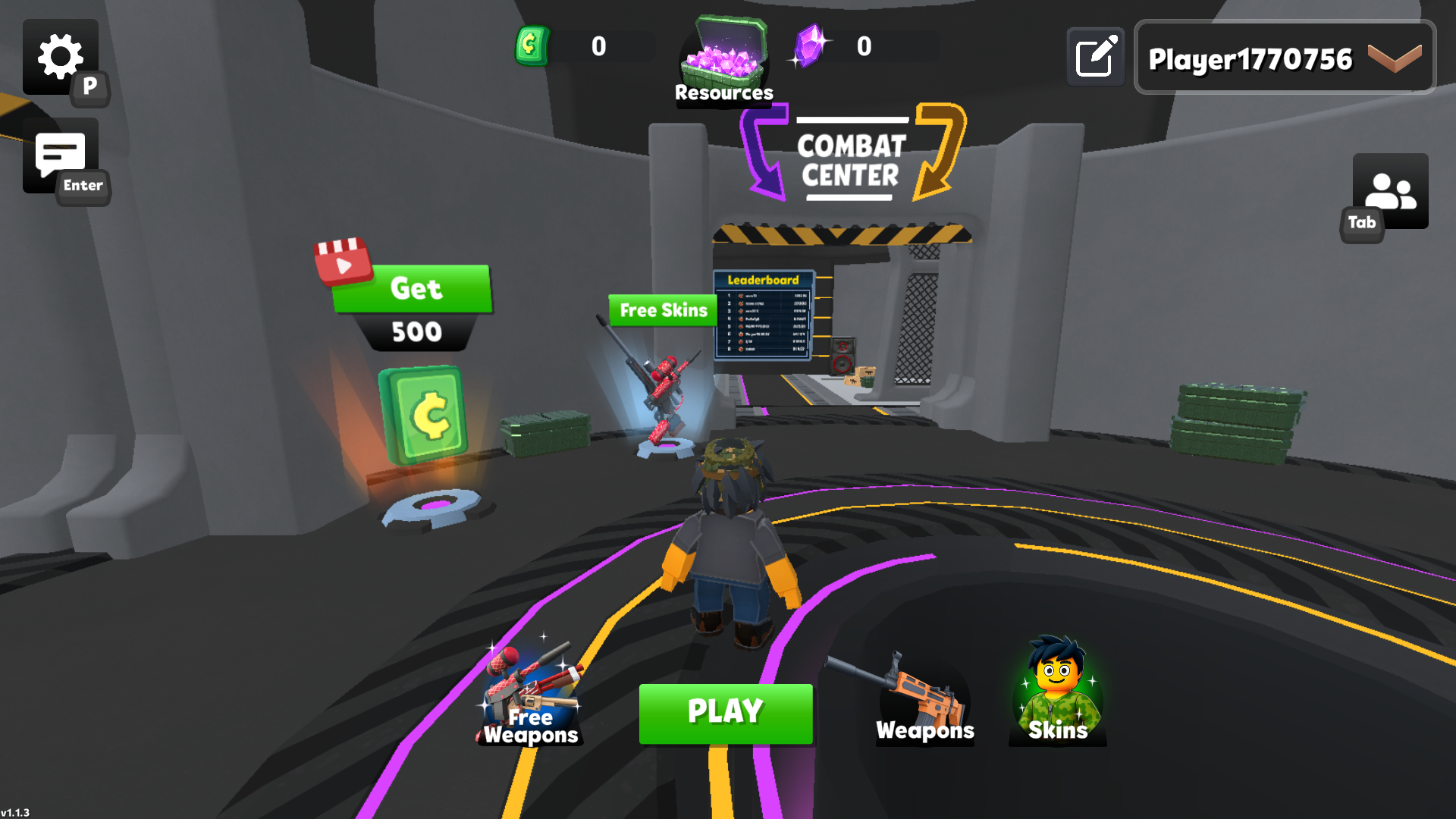
The Combat Center lobby is functional, busy, and third-person
The successful startup placed my randomly named Player1770756 avatar in a circular Combat Center. Despite the FPS title, this hub uses a third-person camera behind the character. A large green Play button sits at the bottom, flanked by Free Weapons, Weapons, and Skins. The upper bar showed zero green currency and zero purple crystals, while the left side offered a video-marked Get 500 panel and another Free Skins prompt. I did not open those offers, watch an ad, or purchase anything.
The lobby communicates a lot at once. A leaderboard stands in the passage ahead, resource crates decorate the walls, and keyboard hints identify P for settings, Enter for chat, and Tab for the player panel. Along the lower edge, Shift is Sprint, C is Crouch, R is Reload, and I is Inspect. The signs also point toward Shop and Train corridors. Those visible hints are useful, although the amount of currency, reward, equipment, and social messaging competes with the most important action: starting a match.
The Play button offered 1v1 and Deathmatch
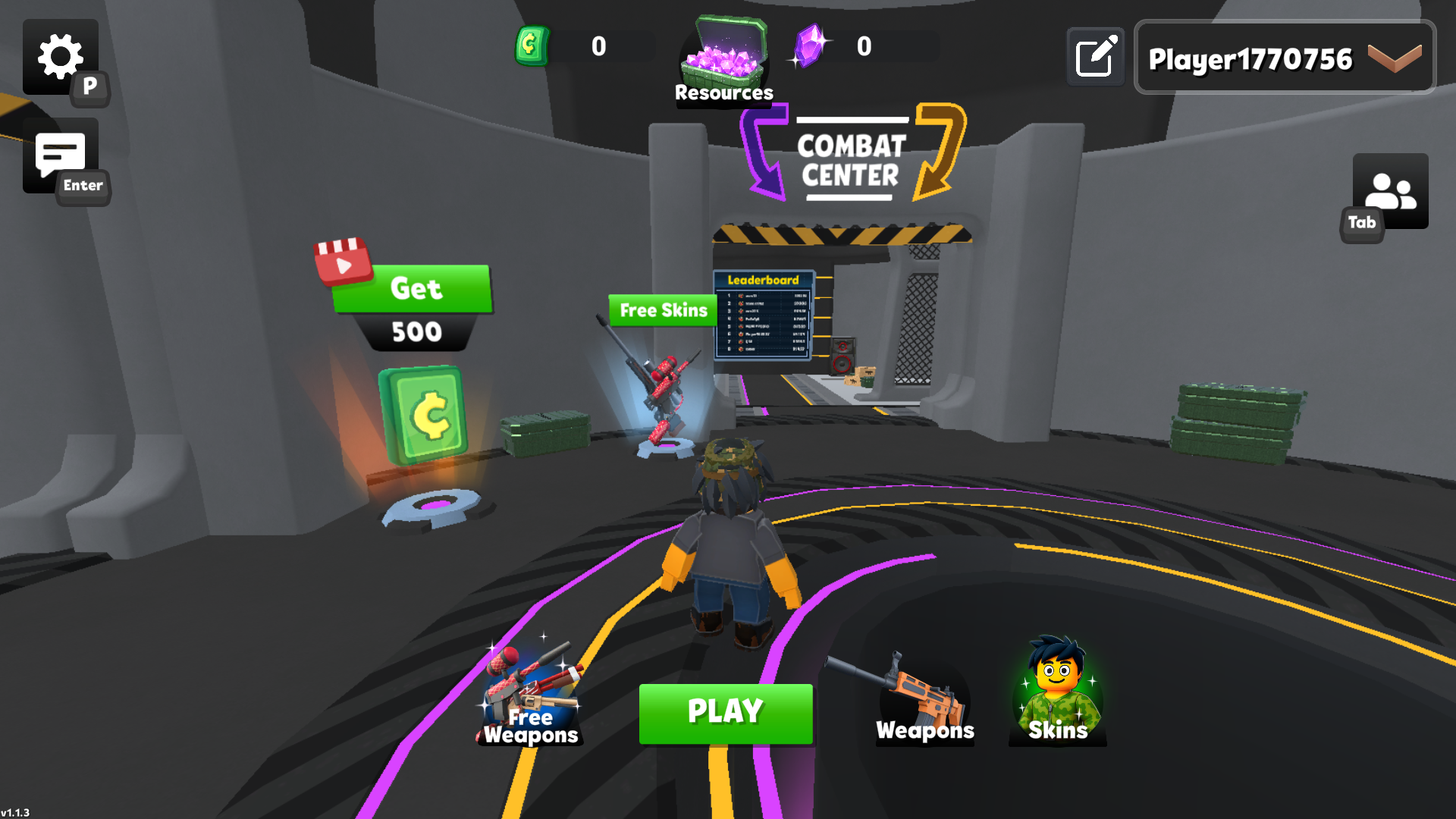
Pressing Play opened a simple two-card Game mode panel. The left card was labelled 1vs1 and showed a close-range opponent with a revolver. The right card was Deathmatch and showed multiple fighters around a rifle sight. I chose 1vs1 because it offered the smallest, clearest representative loop for a first session. The menu itself responded immediately and did not require account authentication.
This is also the point where the catalog's promise of online multiplayer becomes dependent on the backend. There was no offline bot toggle on the mode panel, no practice-match choice beside the two competitive cards, and no visible way to guarantee an opponent. The hub's Train sign suggests a separate practice area, but the later connection failure and repeated startup failure prevented a verified training run.
Map voting began while the queue still read 1/2
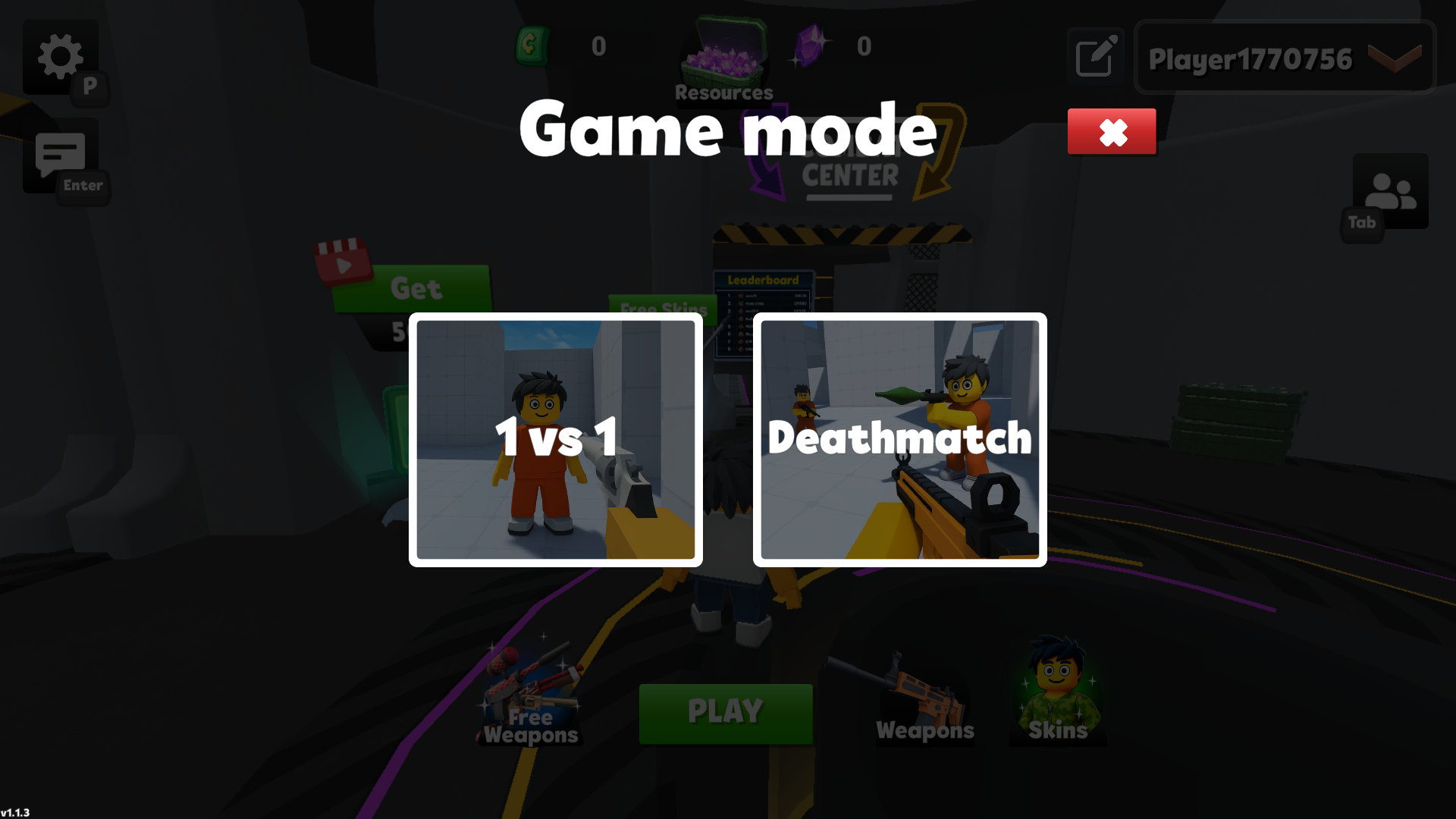
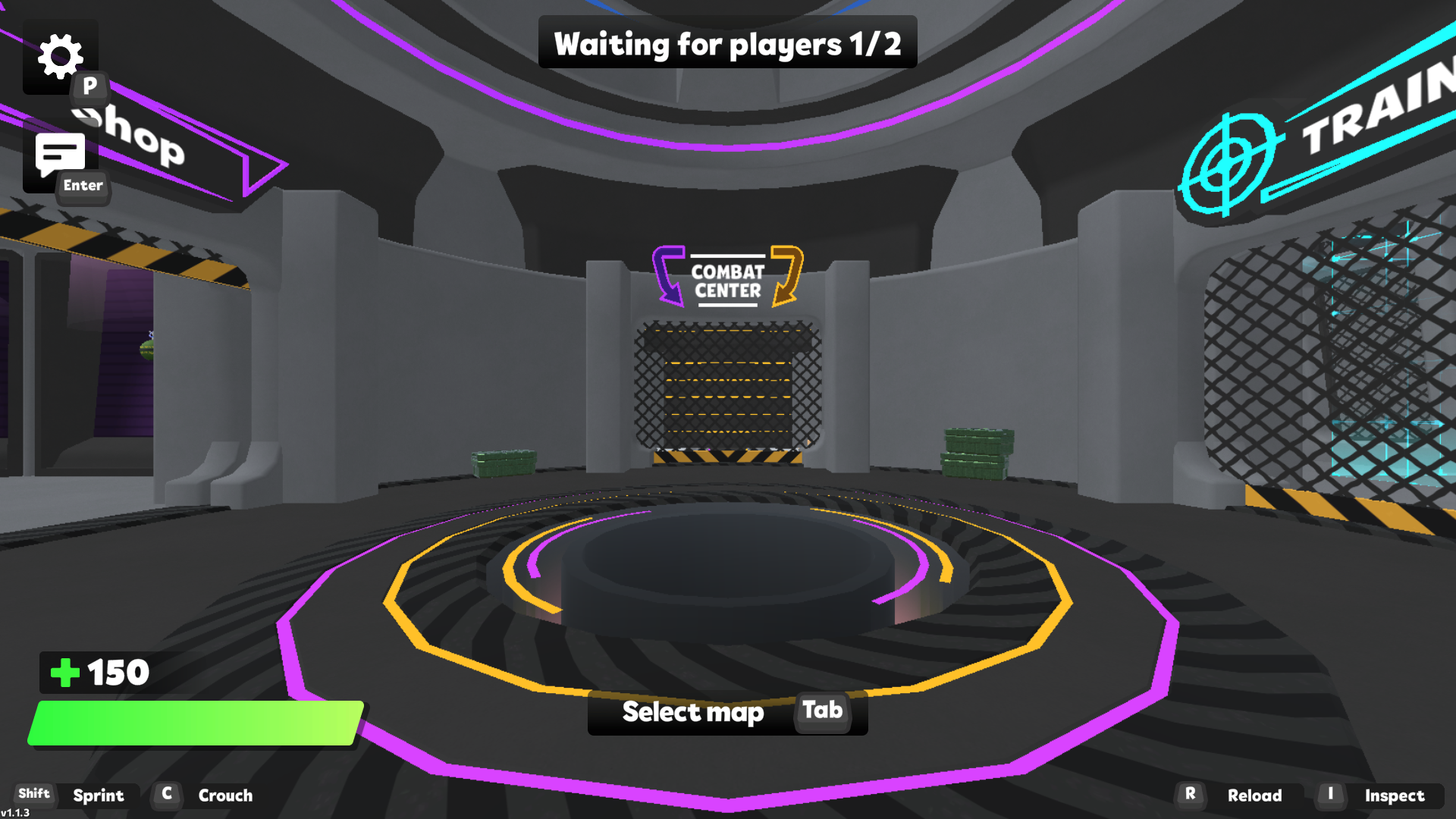
The queue returned me to a first-person view of the Combat Center and opened three map thumbnails: a dense cluster of white blocks, a pale central structure, and an outdoor bus area. Each started with zero votes. I selected the bus map and confirmed with the blue OK button. Throughout that screen, the top banner said Waiting for players 1/2. The lower-left HUD showed 150 health, and the same sprint, crouch, reload, and inspect reminders remained visible.
Map voting before a full lobby is a sensible use of waiting time. It also gave me the clearest look at the arena variety that the build intended to offer. Still, thumbnails are not gameplay evidence. I did not enter any of those spaces, so I will not infer sight-line length, cover quality, spawn safety, or whether the bus map actually won the vote.
The queue stayed open, but it never produced a playable opponent
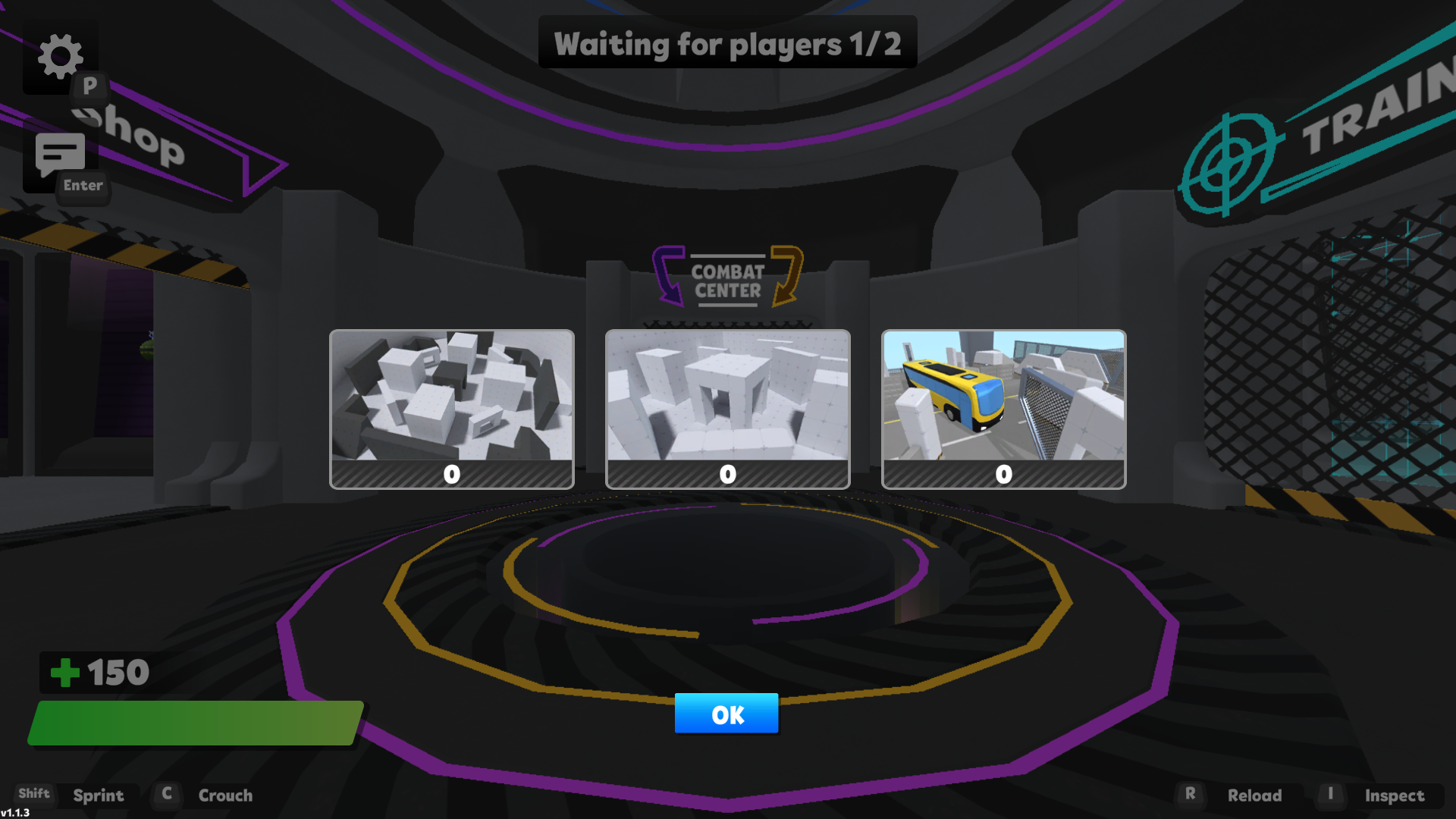
After confirming the vote, the selection panel closed and the 1/2 banner remained over a shut Combat Center gate. I waited rather than backing out. A second isolated client was also attempted as a recovery measure. That pushed the first session into a Connecting screen, but it did not create a stable match. Both clients ultimately reached the same service-level error instead of a spawn countdown or scoreboard.
This failure matters more than polish in the hub. RIVALS FPS is built around online competition, and an attractive Play button cannot substitute for an accessible arena. A future retest should begin with the same 1v1 path, verify that the banner reaches 2/2, complete a start-to-scoreboard match, and then compare Deathmatch. Until that happens, claims such as fast gunplay, precise mouse aim, balanced weapons, or rewarding progression would be guesswork.
The tested outcome was a Connection Error, not an arena result
The final visible outcome was an in-game Connection Error dialog. It supplied [email protected], plus Copy Mail and Reload page buttons. I used Reload page once, then also launched the direct build in a new temporary browser profile. The fresh launch failed at the same panel before reaching the hub, so this was not treated as proof of a one-off input mistake. I did not copy the email, contact support, log in, or transmit any data.
What can be said fairly is narrow: the build can expose a polished neon lobby, two mode choices, a three-map vote, clear keyboard hints, equipment menus, and currency or video offers. What cannot be said is the part most players need from a shooter: how combat feels and whether a full online round currently completes. I tested the direct desktop export at 1920 by 1080 in an isolated Chrome session. On the local Playflaming route at a 390 by 844 Android-style viewport, the page Play button opened the required fullscreen modal and visible exit control, but the inner Let's Play launch led only to a black player surface before returning to the launcher on a later wait. Android and iOS remain declared rather than verified here. There is no best-device recommendation; both the online match and mobile gameplay loops were blocked.
