Level 1 Gives You a Ball, a Dummy, and No Long Explanation
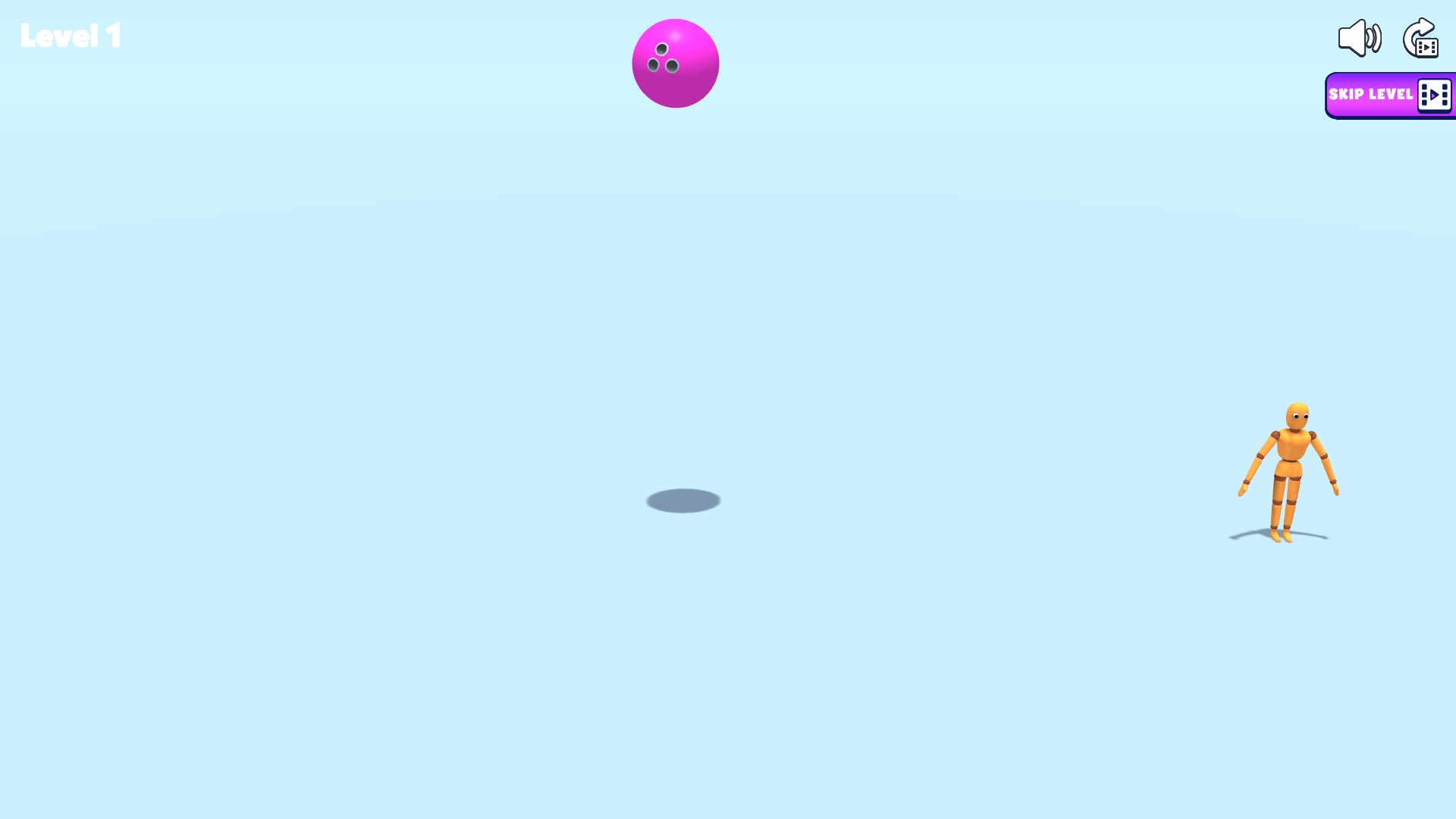
Playground Man! Ragdoll Show! opens Level 1 as a nearly empty blue room containing one purple ball and one orange wooden dummy. There is no paragraph explaining the solution. The mouse cursor or finger is the tool, and the first useful discovery is that the objects can be dragged directly. That makes the scene feel more like a physics toy than a conventional puzzle board.
The sparse presentation helps experimentation. Level number, sound, restart, and a Skip Level button are the only prominent interface elements. The skip control carries a video icon, so I left it untouched and completed the test through direct interaction instead. No login or purchase prompt appeared during the recorded desktop and fullscreen mobile sessions.

Dragging the Ball Beside the Dummy Creates the First Useful Contact
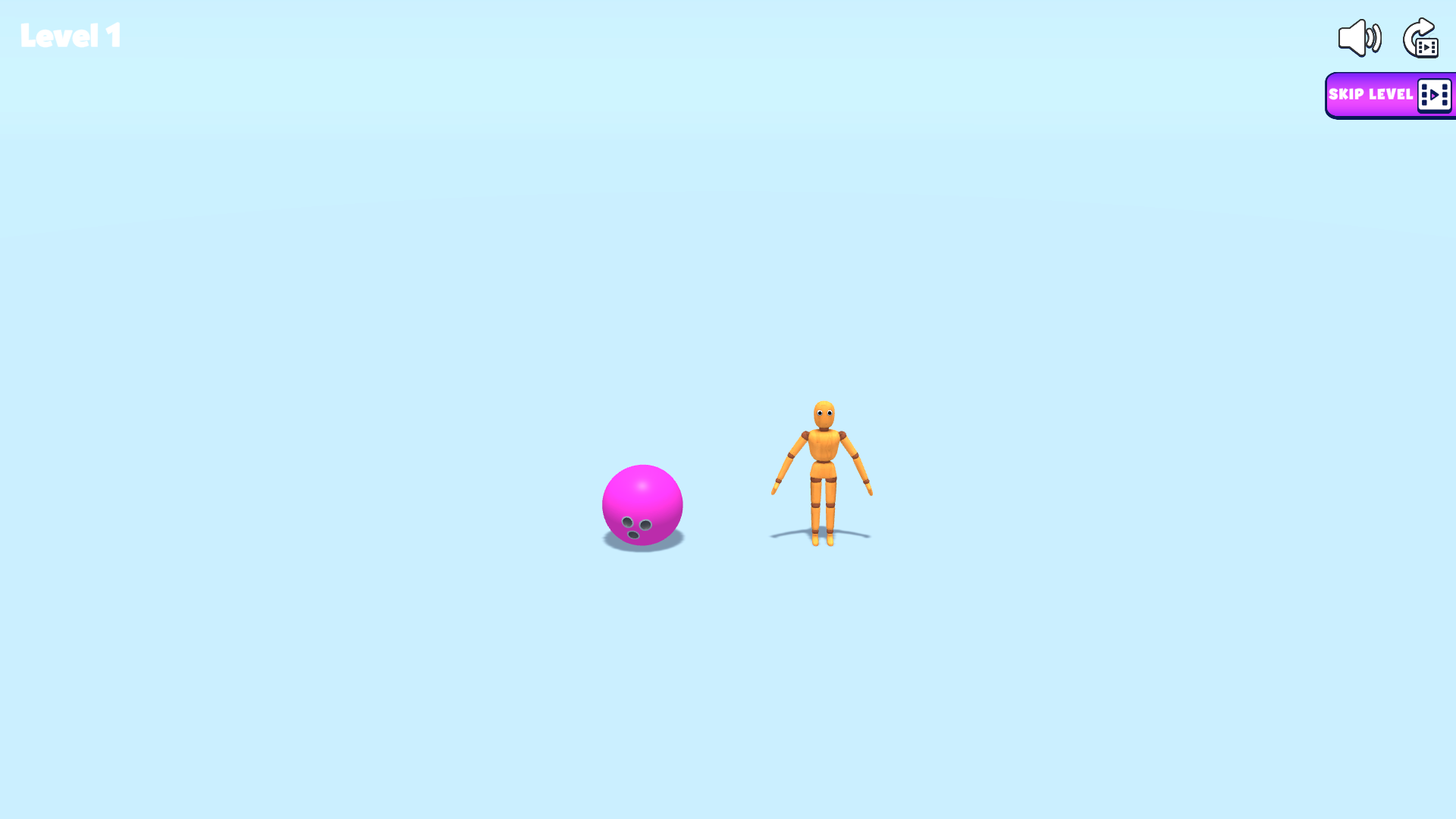
My first deliberate move was to drag the ball toward the dummy. The object follows the pointer with a loose, weighted response instead of snapping to a grid. Releasing it nearby creates a small collision, while pushing through the dummy transfers enough force to disturb the pose. The important lesson is that the drag path matters as much as the release point.
A slow drag is good for positioning. A longer, faster pull creates a more dramatic impact but is harder to aim. On desktop, the full 1920-by-1080 scene made the separation between the objects easy to judge. On mobile, the same action worked through touch, though the portrait framing gave less horizontal room for a long launch gesture.

The Ball Can Bounce Away While the Dummy Keeps Its Balance
One attempt moved the ball but barely changed the dummy. That failure was useful because it showed that proximity alone is not the objective. The ball can roll or bounce away after a shallow contact, leaving the ragdoll upright. A better attempt needs either more speed, a cleaner line through the body, or a direct manipulation of the dummy itself.
The physics are intentionally imprecise. The same-looking drag can settle differently because the ball rotates, the dummy's joints react, and contact occurs at a slightly different height. That unpredictability creates funny outcomes, but it also means players looking for a single exact puzzle solution may find the control less dependable than a fixed-angle launcher.
A Stronger Collision Finally Folded the Ragdoll
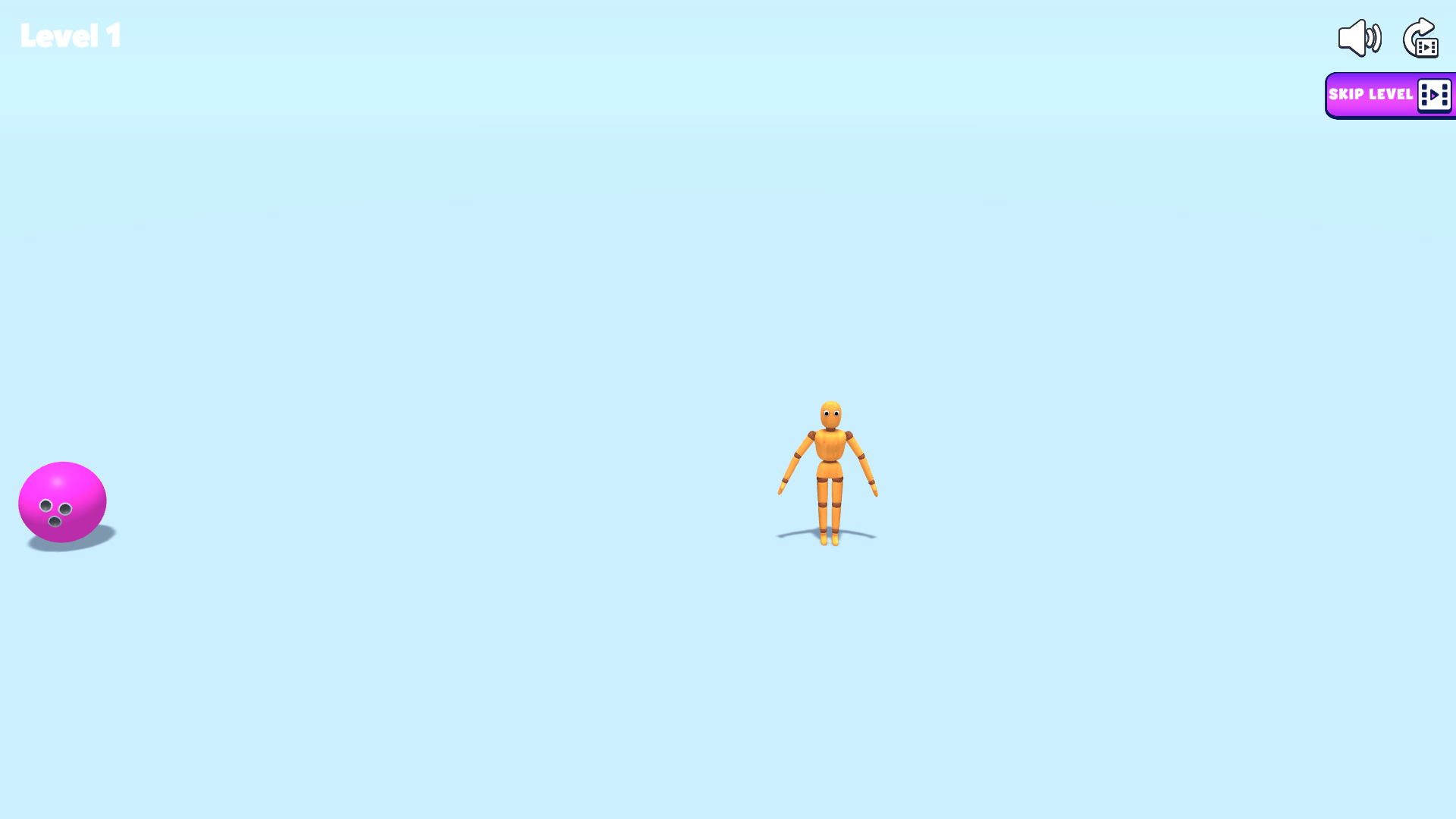
After several adjustments, the dummy folded onto the floor while the ball remained airborne. This was the clearest start-to-result loop in the test: begin with two separated objects, move the ball into contact, and observe the articulated body lose balance. The fall looks deliberately awkward because the limbs respond independently instead of playing a canned collapse animation.
Touch input could also move both the ball and ragdoll inside Playflaming's fullscreen mobile player. The visible back control confirmed that the evidence came from the site player. I did not treat emulation as proof of real-phone performance; it only confirms that the fullscreen layout, touch dragging, and physics interaction worked in the tested mobile profile.

Directly Throwing the Dummy Is Faster but Less Puzzle-Like
The game also allowed me to grab the ragdoll and throw it toward the edge of the arena. That produces a faster spectacle than carefully lining up the ball, but it weakens the sense that Level 1 has one strict solution. Playground Man is at its best when approached as an experiment: test which object can move, see how momentum transfers, then create a result worth watching.
This freedom is also the main ambiguity. The sampled scene did not display a score, written goal, or clear completion panel after the fall. The level later returned to its starting arrangement, but I am not claiming a hidden star threshold or reward that never appeared. The screenshots document the physical outcome rather than inventing a formal victory condition.
The Reset Makes Repeating the Experiment Easy
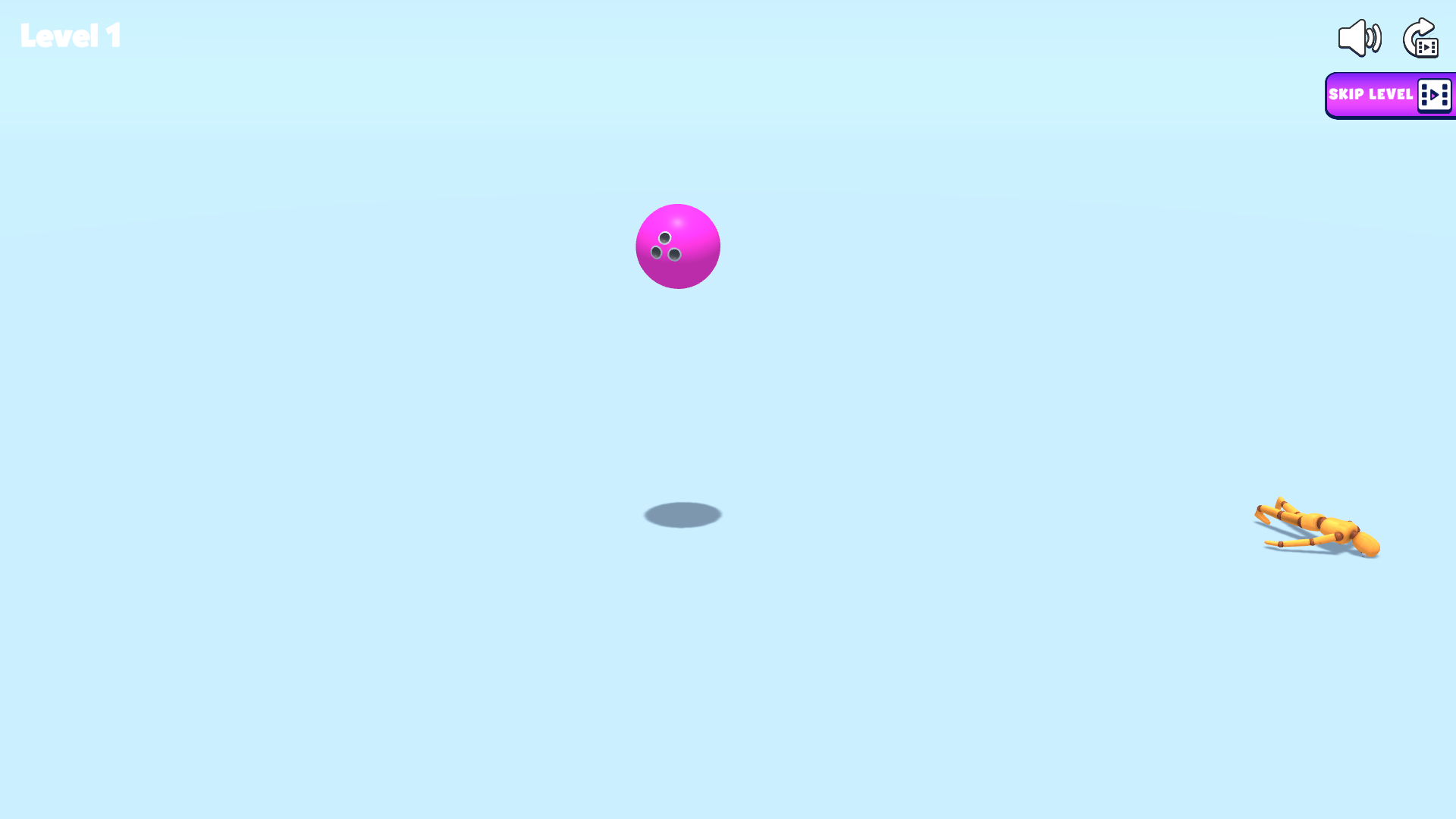
The reset state restores the ball and dummy without clutter, which makes side-by-side experiments practical. Try a low, slow push, restart, then compare it with a higher, faster drag. The game provides immediate visual feedback even when it does not explain the underlying physics. That is enough to support a short, playful loop of prediction, impact, collapse, and reset.
Desktop is my preferred way to play because the wide arena gives the pointer more travel and makes object spacing easier to read. Mobile touch is functional and satisfying for direct grabs, but the portrait viewport compresses the horizontal setup. I recommend Playground Man to players who enjoy loose ragdoll toys and funny collisions; players who want explicit objectives and precise scoring should expect a more improvised experience.