Paper Doll Diary: Dress Up DIY starts with a literal paper-doll choice
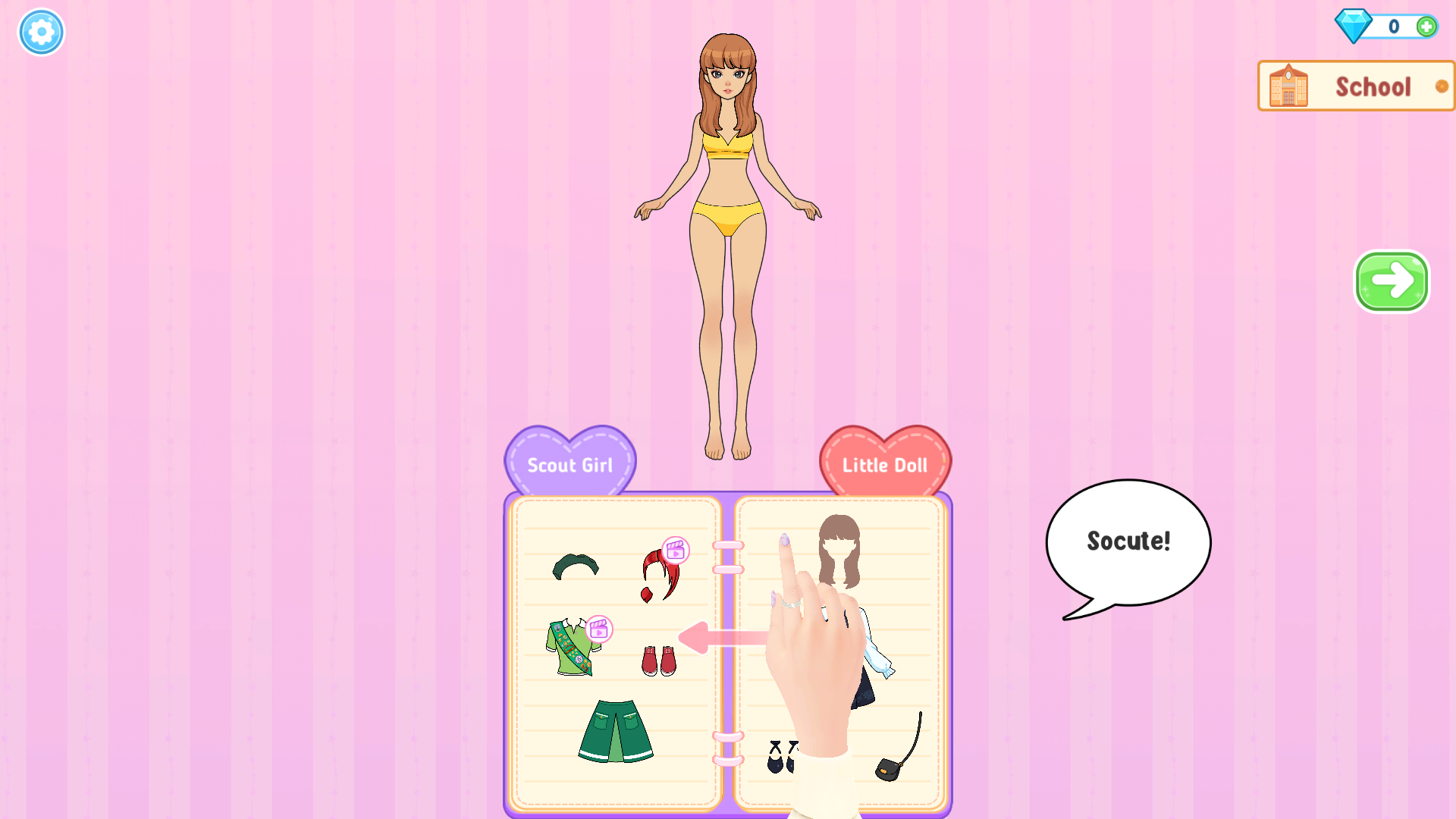
My first session did not begin in a catalogue or a generic makeover menu. It opened with four illustrated dolls laid across stitched cards. I chose the first brunette, followed the oversized tutorial hand, and pulled the card downward to place her into the opening scene. A short introduction then led straight to a diary-like wardrobe labelled School and Little Doll. That sequence took patience because the game teaches almost everything through animated hands and arrows rather than written instructions, but the visual language became clear once I completed the first swipe.
The wardrobe is presented like an open notebook, with the doll above it and items arranged on ruled pages. Hair, tops, bottoms, dresses, shoes, and accessories remain visible together, so I could see the shape of a complete look without opening a chain of tiny category tabs. The layout is playful and readable, although the doll sits far above the book on a 16:9 desktop screen. That distance makes each drag longer than a simple tap-based dress-up game.

The first successful drag changed more than a thumbnail
The first required item was a long brown hairstyle. Clicking it only lifted the cut-out under the tutorial hand; the actual selection happened when I dragged it from the book to the doll's head. Once released, the old bun disappeared and the new fringe and shoulder-length hair snapped neatly into place. That clean before-and-after response is the strongest part of the interaction. Pieces behave like paper cut-outs, yet the finished layers line up precisely instead of floating around the face or body.
I made one genuine control mistake here: I initially clicked where the hand was pointing and waited, assuming the animation had confirmed the choice. It had not. The game wanted the full drag. Later items used the same pick-up-and-place idea, but page changes and the hand animation occasionally made it difficult to tell whether I had selected, lifted, or actually applied an item. Beginners should watch the doll itself, not just the wardrobe. If the clothing on her body has not changed, finish the drag before moving on.
Free choices sit beside diamond and video locks
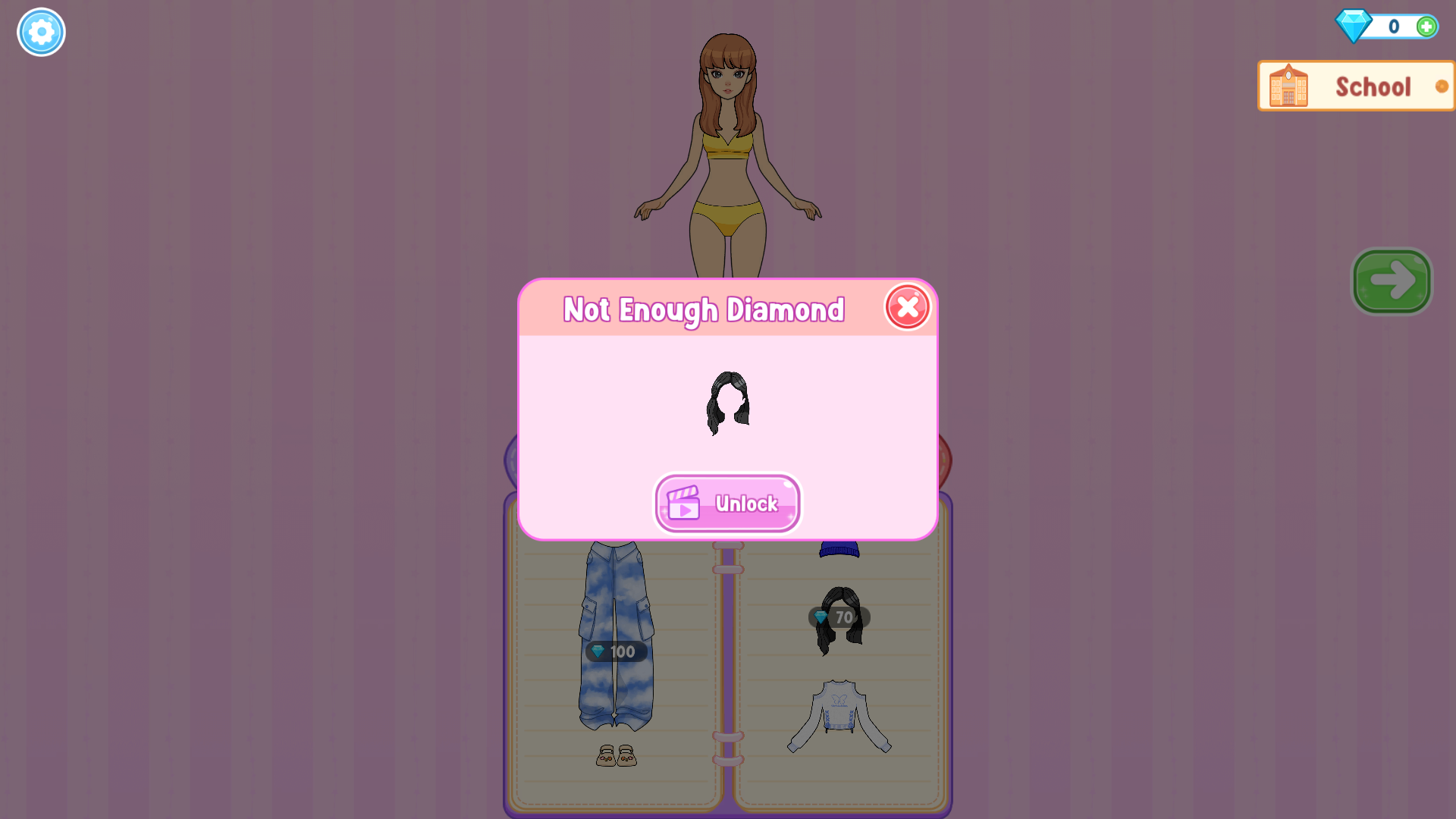
The opening pages mix immediately available pieces with premium-looking options. Some items carry a pink video badge, while later denim trousers showed a 100-diamond label and a black hairstyle cost 70. I began with a zero balance and deliberately tried that 70-diamond hair. The game stopped the action with a Not Enough Diamond panel and offered an Unlock button marked with a video icon. I closed it and continued with free pieces; I did not watch the ad or purchase anything.
That interruption is easy to understand, but the locks are woven directly into the same pages as the free wardrobe. A younger player may discover the boundary only after trying to place an appealing item. The useful counterpoint is that the first level still supplied enough unlocked material to make a coherent look. I never had to leave the School chapter or earn currency before completing the outfit.
A navy school dress became the first complete look
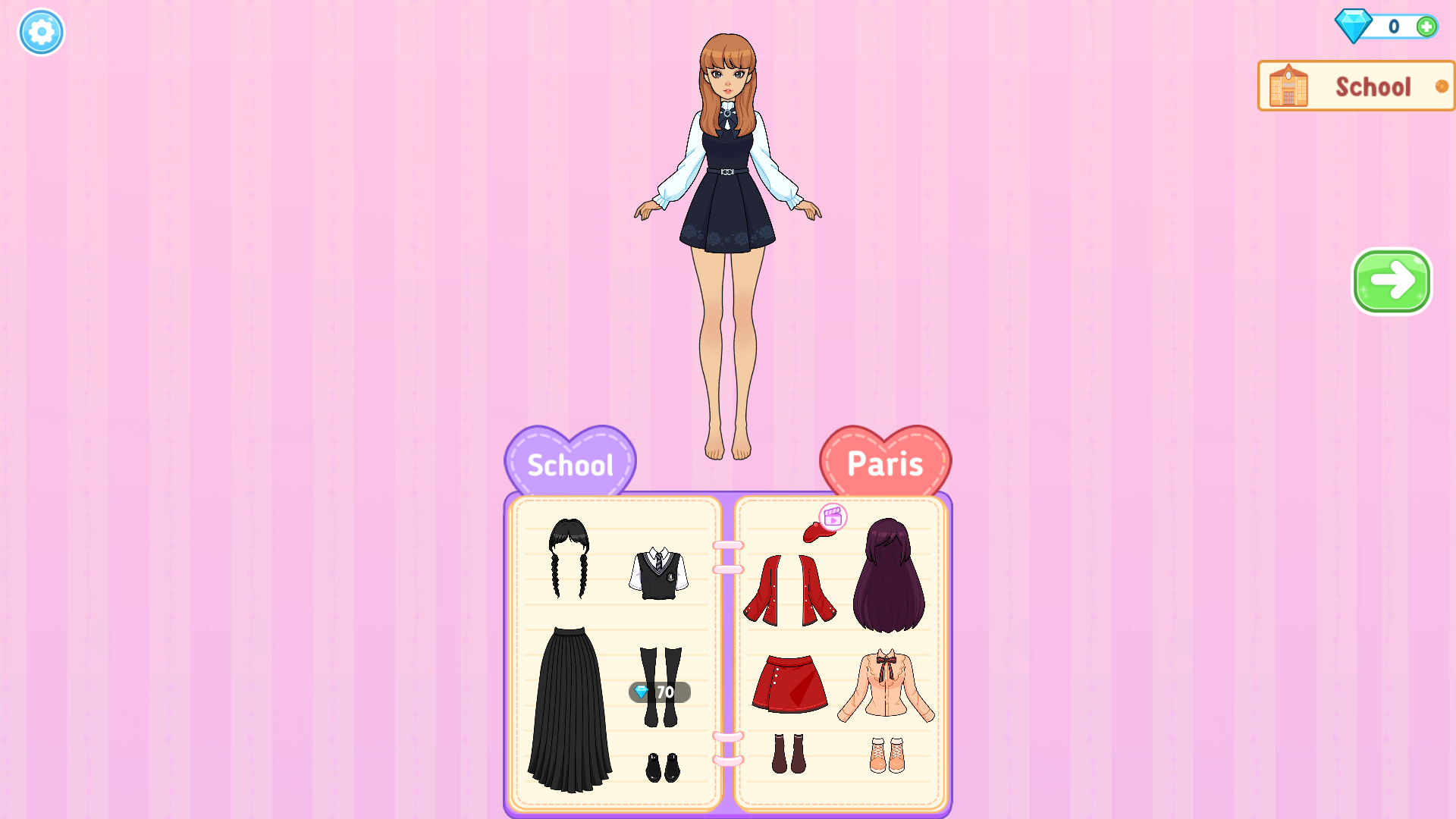
I settled on the free navy dress with pale blue sleeves and a small ribbon at the collar. The shape covered the yellow starter underclothes in one placement, so it was a more decisive choice than assembling a separate shirt and bottom. After the dress snapped into position, the wardrobe advanced to School and Paris pages containing braided hair, a vest, a long skirt, boots, red separates, and a peach top. That automatic change made the collection feel broader, but it also happened quickly enough that I almost mistook it for an accidental swipe.
The finished look was visually consistent: warm brown hair, a dark dress, pale sleeves, and a flower pattern near the hem. Paper Doll Diary is most satisfying when a full piece transforms the silhouette at once. The art is clean, colours remain distinct against the pink notebook background, and the doll is large enough to judge the result. The long drag distance is the main desktop friction; it asks for more pointer travel than the styling decisions themselves require.
The outfit leaves the notebook and enters a first-day story
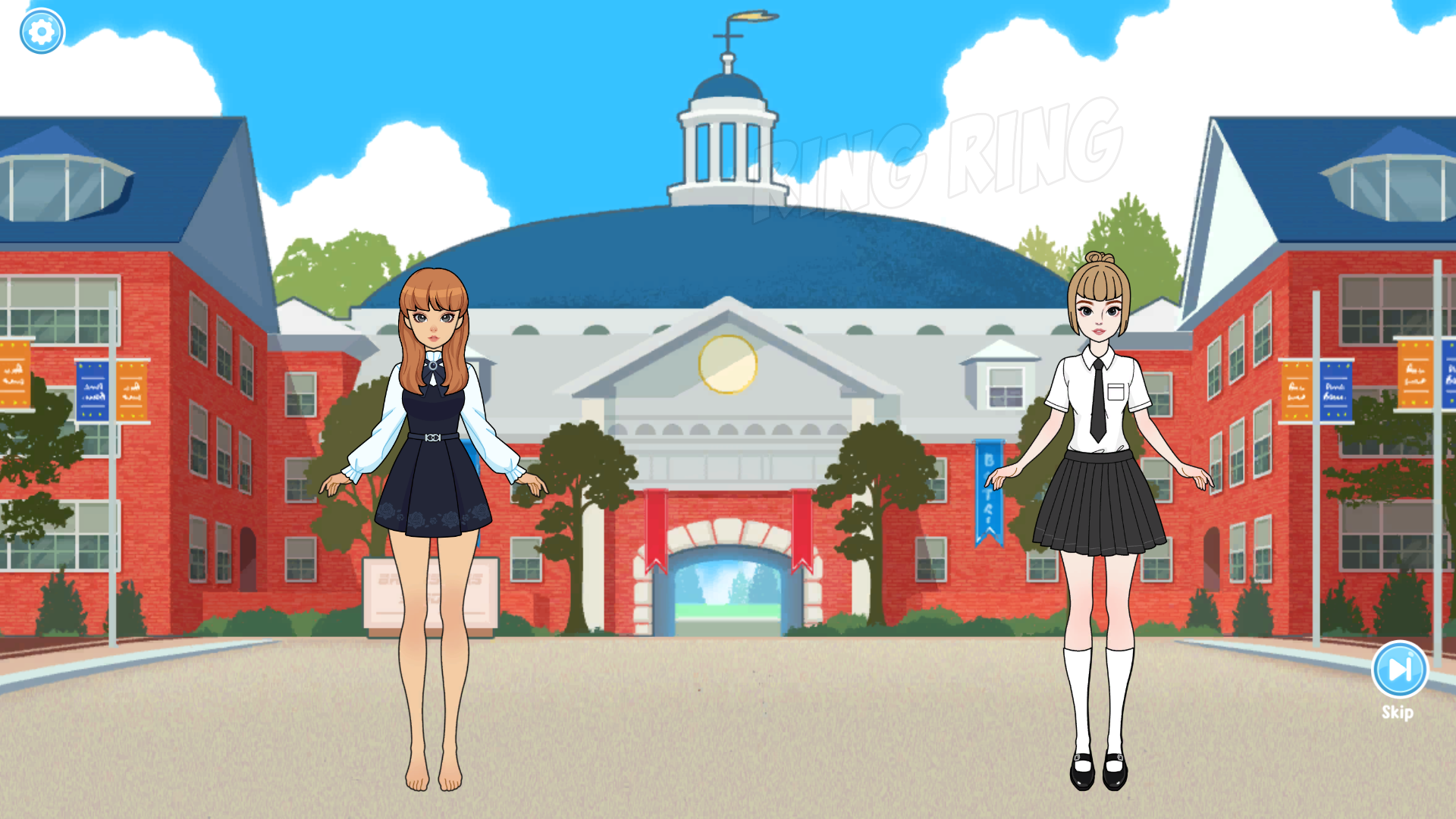
Pressing the green arrow moved the completed doll out of the wardrobe and into a bright school courtyard. Her chosen hair and navy dress remained intact. A second student appeared opposite her, a faint RING RING effect signalled the bell, and a Skip control sat in the lower-right corner. I let the short scene run instead of skipping it. This continuity gives the styling a purpose: the clothes are not confined to a static result card but become the character's first-day appearance.
The scene is simple rather than branching. I did not see a dialogue choice or a score based on matching a hidden dress code. Players who want competitive judging may find that gentle, but players who enjoy dolls, outfit stories, and visual role-play get a more concrete payoff than a bare makeover screen. The school backdrop is also much less busy than the wardrobe, which lets the final outfit read clearly.
My first School level ended with 100 diamonds
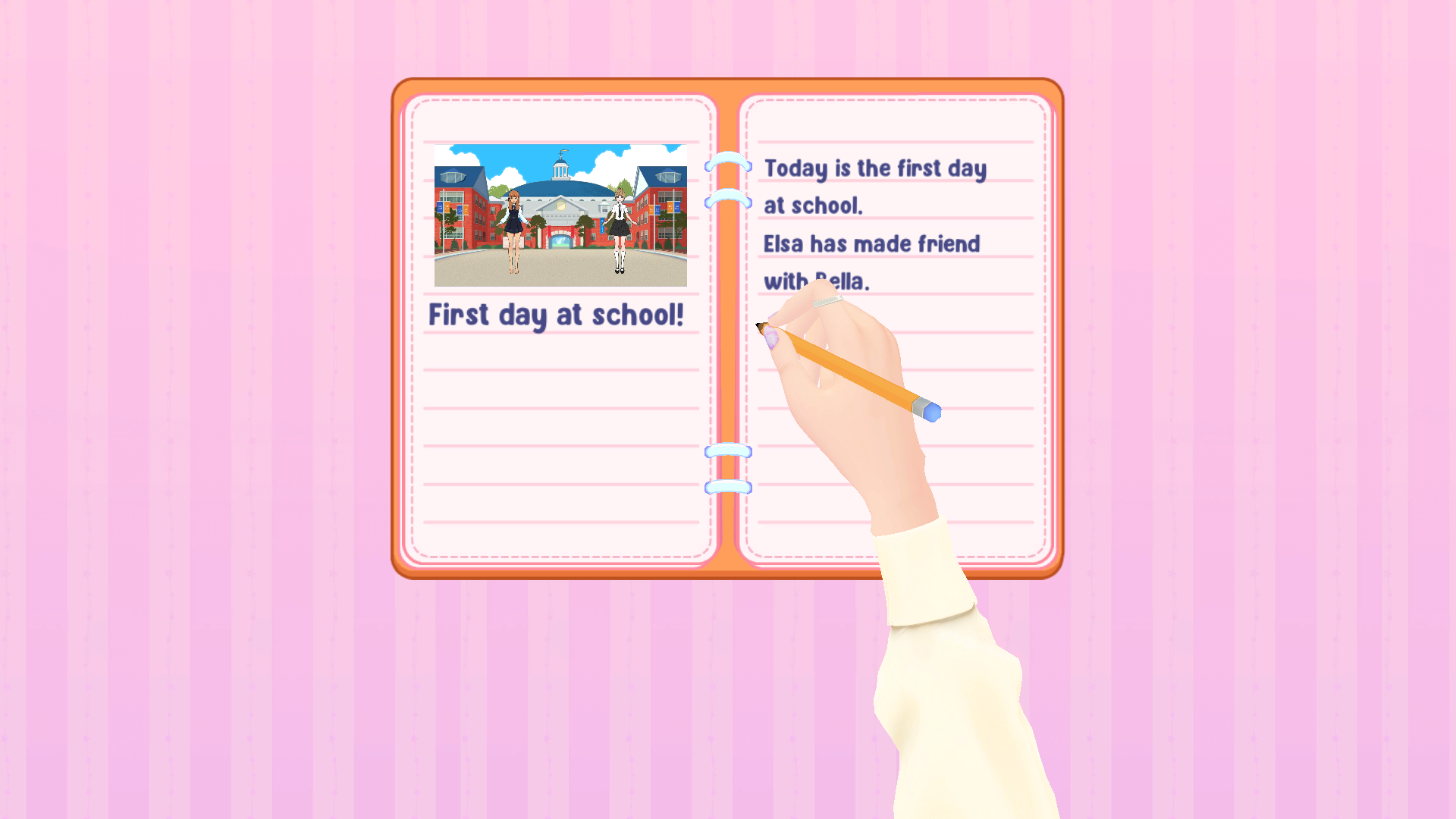
The complete loop ended on an open diary. Behind the result panel, the entry described the first day at school and showed a small snapshot of the two students. The foreground panel read LEVEL COMPLETE and awarded exactly 100 diamonds. That reward neatly reframed the earlier locks: the pair of 100-diamond jeans seen during styling would become attainable after one completed chapter, while the 70-diamond hairstyle would also fit within the new balance.
After this first level, my verdict is that Paper Doll Diary works best for players who value a guided makeover story more than free-form sandbox precision. The drag mechanic makes each piece feel physical, the outfit follows into the scene, and the diary gives the session a real ending. Its weak points are the ambiguous tutorial gestures, long desktop drags, and tempting locks mixed among free items. I completed the desktop loop in an isolated Chrome session at 1920 by 1080. On the local Playflaming route at a 390 by 844 Android-style viewport, the Play button did open the required fullscreen modal and its visible Exit game control, but pressing the inner Let's Play button produced a persistent black player in both portrait and landscape retries. The included mobile images document that launcher and blocker, not gameplay. Android and iOS therefore remain declared rather than verified, and there is no best-device recommendation.
