MR RACER - Car Racing starts with a tiny yellow car and a very large welcome bonus
My desktop session opened in a dusty outdoor garage with a yellow hatchback, an EXP level of 1 and an empty cash counter. The car is hardly the exotic machine promised by the billboard behind it, but that contrast gives the first run a useful baseline: I was starting with an ordinary-looking compact and no upgrades. The three large choices along the bottom were an optional video reward, Game Mode and Garage. I went directly to Game Mode because I wanted the untouched first challenge rather than a boosted or customized test.
Maria, the game's illustrated assistant, interrupted with a long first-run introduction. Her panels previewed Challenge, Time Trial, Endless, Career, Free Ride and Chase, then awarded 20,000 cash after I pressed Claim. That generous number removes any sense of starting from zero, although the tutorial took several clicks before driving began. I did not spend the money, open the shop or watch the optional +500 reward video, so the race result below reflects the stock starter car and normal keyboard input rather than an upgrade advantage.
I repeated the launch through the local MR RACER detail page with touch emulation enabled, rather than substituting the direct export. Tapping Play replaced the page with Playflaming's modal player; its back control remained visible at the upper left, and the status strip said that the short break was preparing. This confirms the required modal boundary, not successful mobile gameplay.

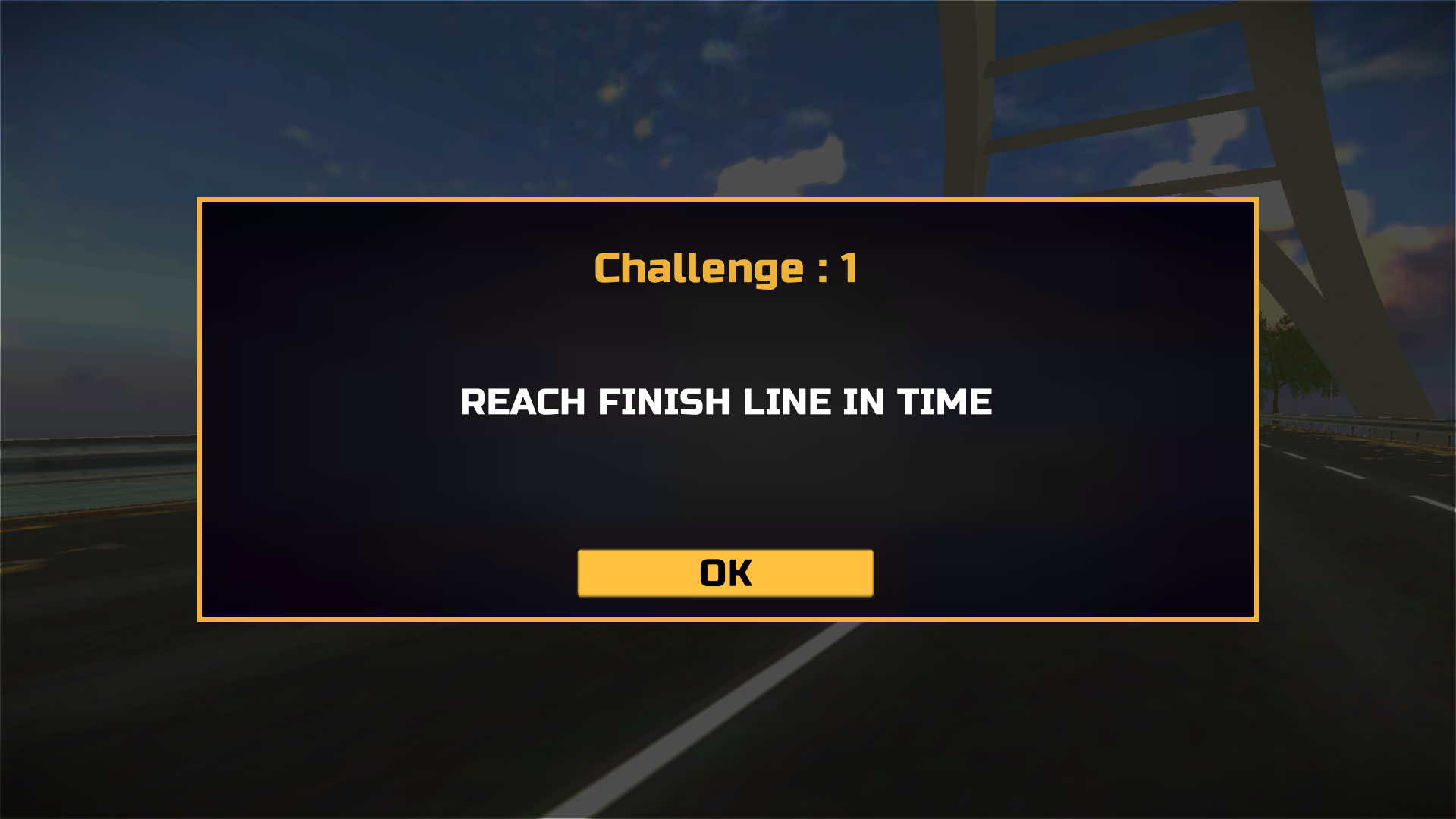
Challenge 1 gives one clear instruction and no practice lane
The first event was Challenge 1, and its briefing said exactly what mattered: reach the finish line in time. There was no target score, required overtake count or complicated secondary condition on that card. Once I confirmed it, the camera dropped behind the yellow car on a broad highway framed by white bridge arches and autumn trees. A tanker occupied the road ahead, while a progress strip across the top marked the route and finish. The setup looked spacious enough to be forgiving, but the countdown was already the real opponent.
Before the car could settle into the run, a control-layout panel appeared. It mapped W or the up arrow to acceleration, A/D or the left/right arrows to steering, S or down to braking, H to the horn, C to the camera and Escape to pause or back. I closed it and used W plus the arrow keys for this attempt. The panel is comprehensive, yet seeing it only after entering the event added a little startup friction; a short practice stretch would have made the first steering correction less abrupt.
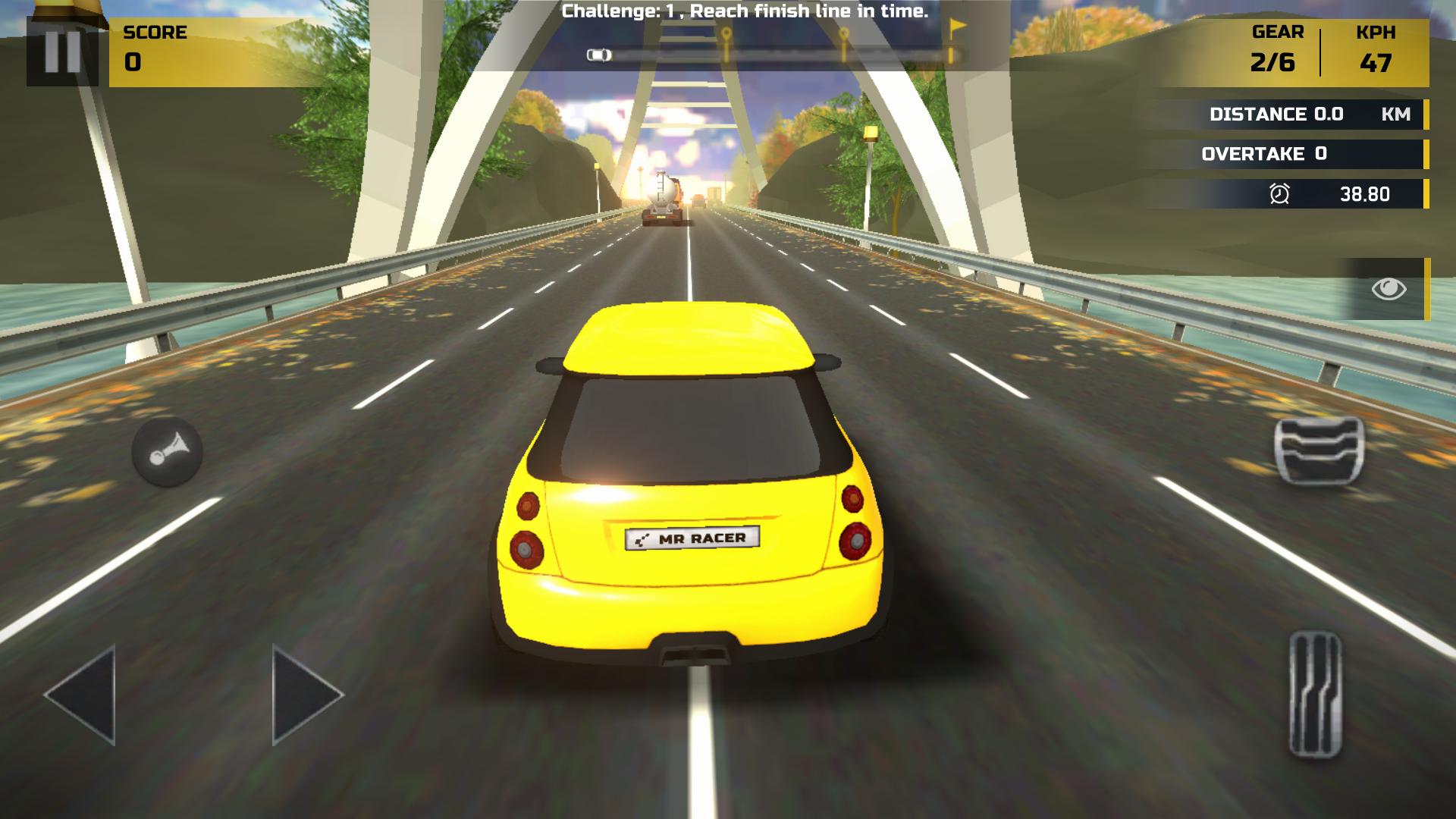
The readable HUD made the opening seconds easy to diagnose
The first playable frame showed 47 KPH in gear 2 of 6, zero score, zero distance and 38.80 seconds remaining. I appreciated how little interpretation the HUD required. Speed and gear occupied the upper-right corner, the challenge sentence stayed centered above the road, and distance plus overtakes sat directly beneath. Even with the bright sunset and reflective yellow bodywork, none of those numbers disappeared. That clarity matters in a time trial because I could tell immediately whether the car was actually accelerating and how much of the short route remained.
The downside was how much space the touch-style controls still occupied on desktop. Large translucent steering arrows, accelerator, brake and horn buttons remained visible even though I was using a keyboard. They never blocked the tanker or center lane, but the screen felt busier than a keyboard-specific layout needs to be. I also left the default third-person camera unchanged. It gave a useful view of both lane markings and the car's position, which became important once the steering test started pushing the hatchback toward the edge.
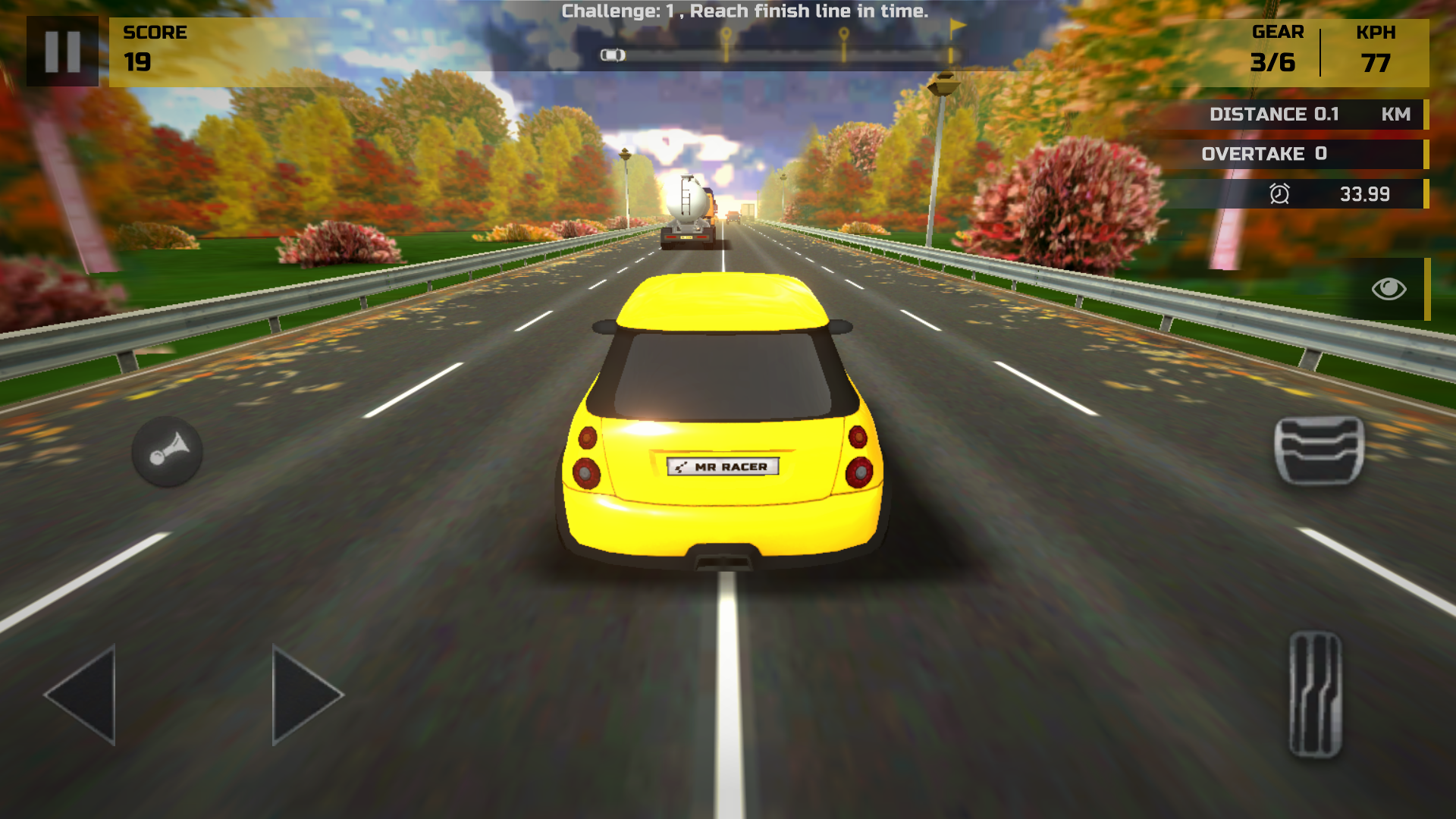
Holding W produced speed quickly, not a dramatic launch
With W held, the stock car climbed to 77 KPH and shifted into gear 3 by the 0.1 km mark. The acceleration felt progressive rather than explosive: the road began to blur at the edges, but I still had time to read the tanker and choose a lane. The score reached 19 while the overtake counter stayed at zero. That distinction is useful because it showed the game was awarding basic forward progress even though I had not completed a risky pass. The first challenge therefore did not feel empty while I was learning its speed curve.
The environment also changed just enough to sell motion. Bridge supports gave way to a straight boulevard bordered by dense red, orange and green foliage, and the tanker grew steadily larger. The actual roadway remained wide, with several lanes in the same direction, so the challenge was not finding space. It was applying a small enough steering input at rising speed. My best beginner lesson from this section is simple: build speed in the middle lane first and tap toward an opening instead of holding a direction until the car reaches it.
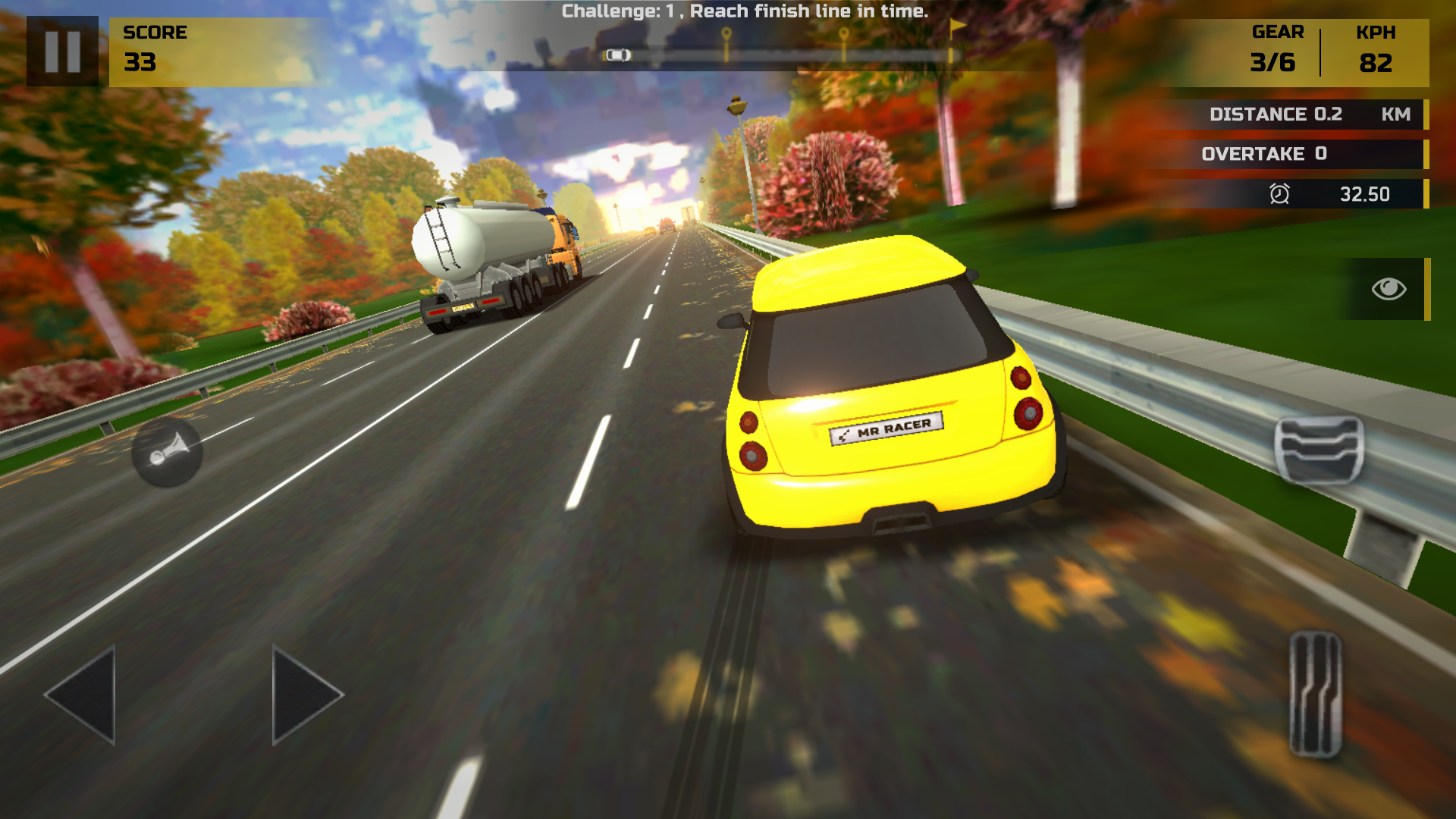
One long steering input turned a safe lane change into the whole mistake
I held the right arrow for roughly a second while accelerating. At 82 KPH the hatchback crossed lanes much faster than the gentle opening suggested, leaned visibly and approached the right guardrail. The tanker was now safely to the left, but I had traded one obstacle for another. I applied a left correction, yet the attempt ended before I could stabilize. This was not a case of unreadable traffic or a hidden hazard. It was a clear input mistake: I treated the steering like a lane selector when it behaved more like continuous wheel pressure.
That sensitivity gives MR RACER its first real skill check. The car responds immediately, which is satisfying when a gap is closing, but new players can over-correct in alternating directions. Short taps are likely safer than long holds until the response is familiar. I did not test the brake, horn or alternate camera deeply enough to judge them, and I did not complete an overtake. The screenshot preserves the exact moment that shaped my verdict: a readable tanker on the left, plenty of asphalt ahead, and my own car needlessly crowding the barrier.
A failed 0.19 km run still paid 20 cash and exposed the progression loop
The result screen did not soften the outcome: Challenge Failed. It recorded a score of 49, total distance of 0.19 km, zero close overtakes, no high-speed bonus and 20 cash earned. Returning later showed 49/10000 EXP and 20,020 cash, so even this short mistake advanced both counters slightly. I prefer that to a pure reset because it acknowledges the attempt without pretending it was successful. More importantly, the detailed breakdown told me exactly what was missing: distance, a clean pass and sustained speed rather than a mysterious star rating.
On desktop, MR RACER is an approachable arcade traffic racer with a sharp first steering lesson hidden inside a glossy presentation. The stock car accelerates cleanly, the HUD stays legible and the broad road gives mistakes room to be understood. The tutorial is click-heavy, the touch buttons remain oversized on a keyboard screen, and a timed starter-pack panel appeared on a later reload, although no ad interrupted the tested race. Desktop gameplay is verified here. In a separate 390 × 844 touch-emulated check, the local Playflaming page opened its fullscreen modal, but the embedded Unity build stopped after its Bridge splash while reporting that getGamepads was disallowed by the iframe permissions policy. No mobile race began, so this review makes no claim about touch steering and no best-device recommendation.
After 25 seconds the same run was still showing the purple Bridge logo. The browser console recorded a Unity error because access to navigator.getGamepads was disallowed by the iframe permissions policy. A reload reproduced the stop, so I ended the bounded recovery there. These screenshots are honest launch-failure evidence: they do not support claims about touch responsiveness, mobile HUD readability or a completed mobile challenge.
