Beginner Mode Still Asked Me to Finish the Job
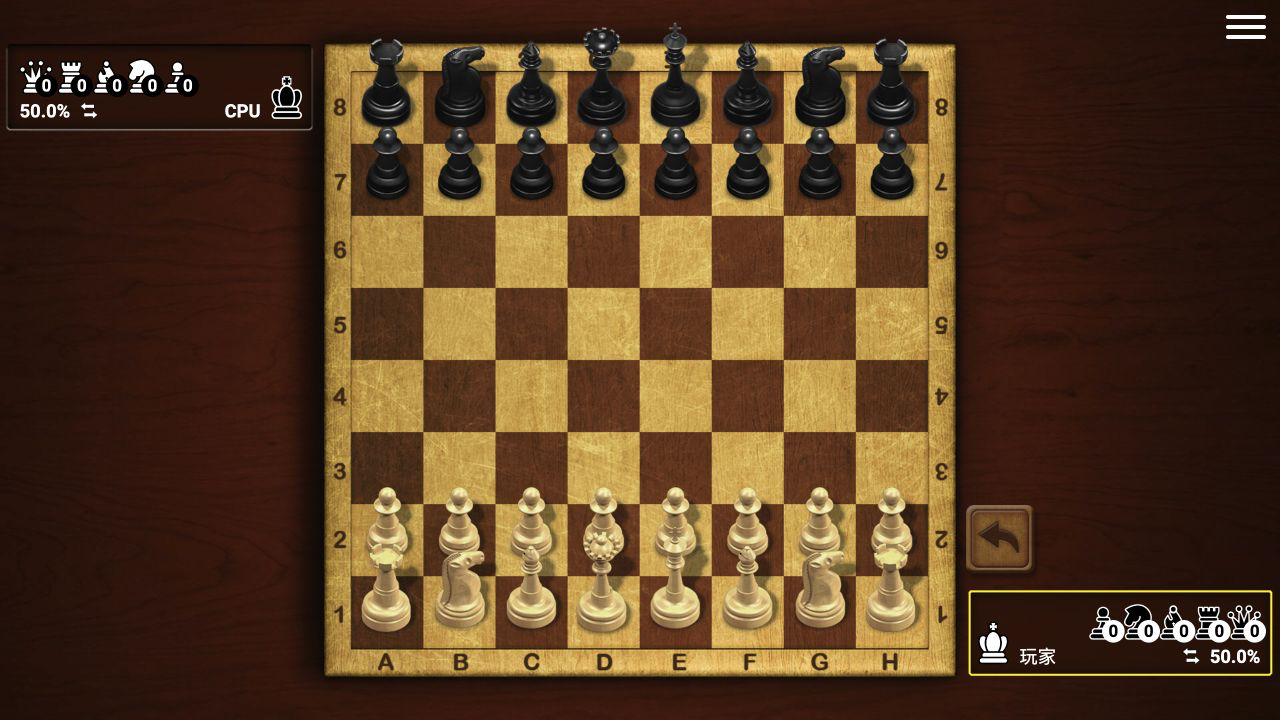
I chose Training, white pieces, Beginner difficulty, and the untimed option. That menu also offered black or random color, one-, three-, five-, and ten-minute clocks, and three harder AI levels: Amateur, Professional, and Master. The board then opened in the standard position with a wooden tabletop presentation, captured-piece counters, and a percentage readout beside each player.
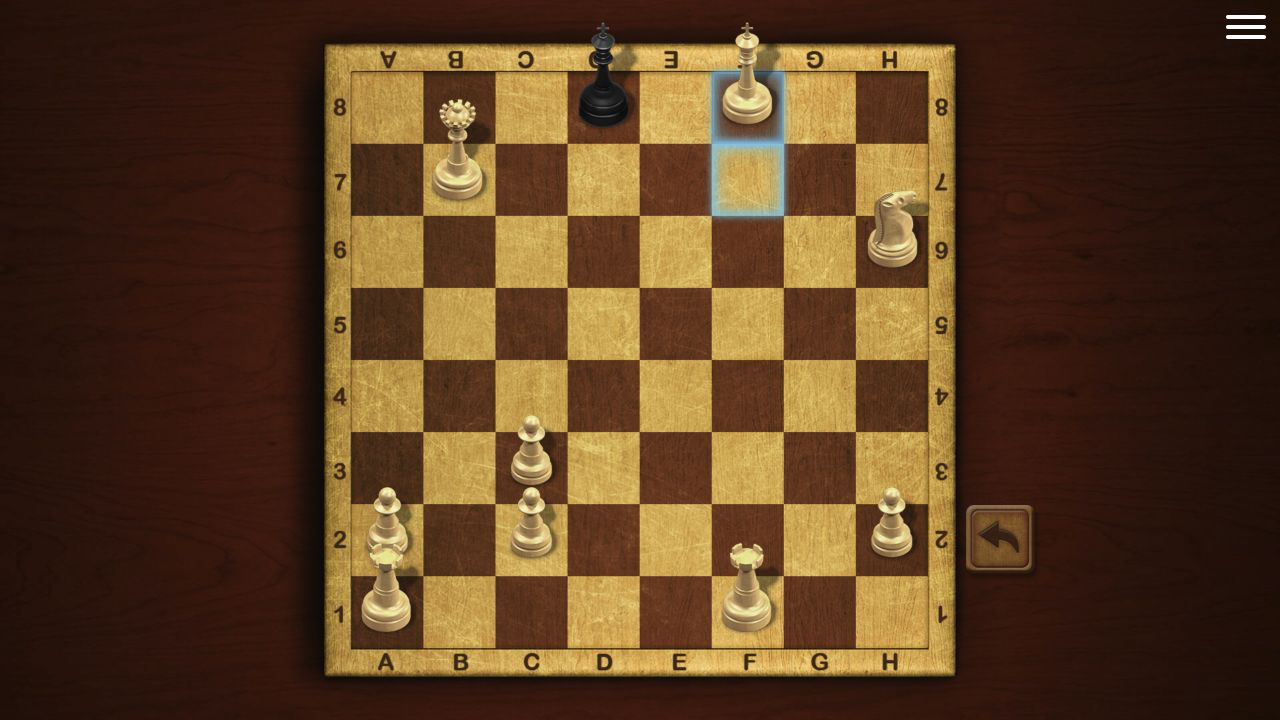
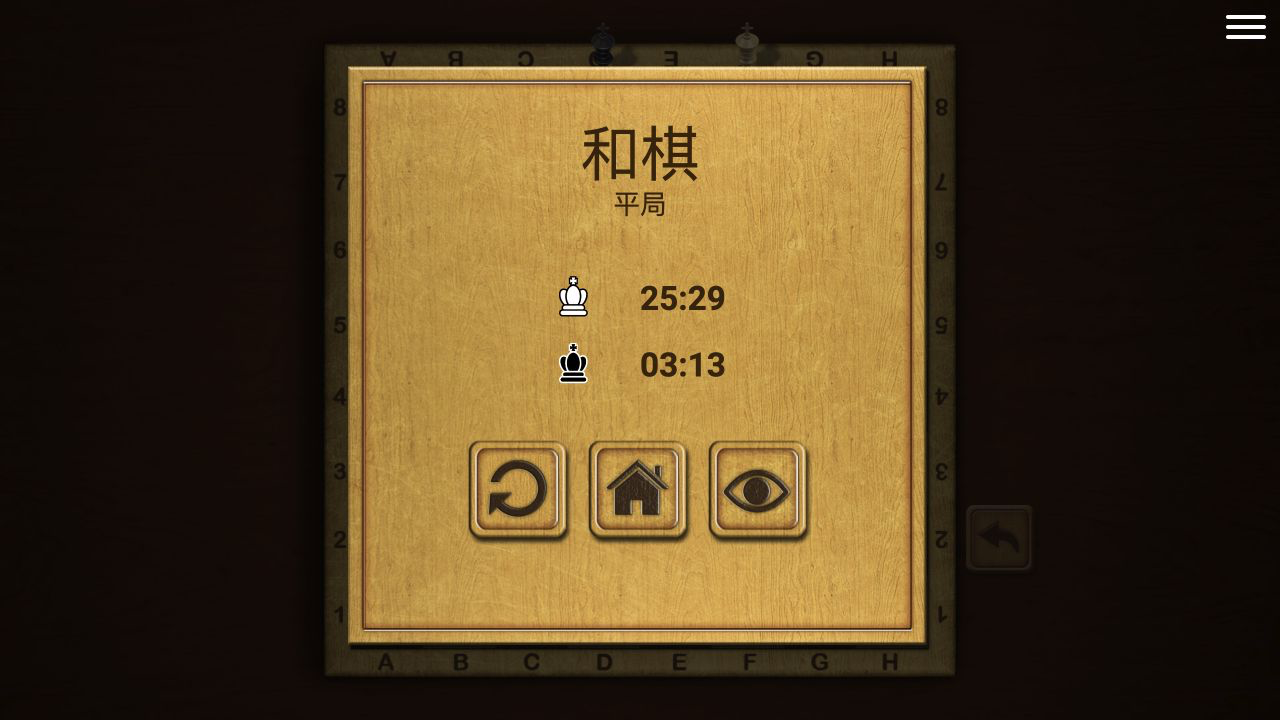
My game ended in a draw by stalemate, not a win. White's clock showed 25:29 and the CPU's showed 3:13. That outcome matters because I had removed every black piece except the king, promoted a pawn to a second queen, and reached a displayed 94.1% advantage. One careless king move took away the opponent's final legal square without giving check, so the game correctly stopped immediately.
That finale made Beginner mode more useful than its label suggests. The AI made obvious material mistakes, but the rules engine did not rescue my conversion. Master Chess is easy to enter and strict about how the position actually ends. A huge advantage is still only an advantage until checkmate appears on the board.
Two Clicks per Move Kept the Board Calm and Readable
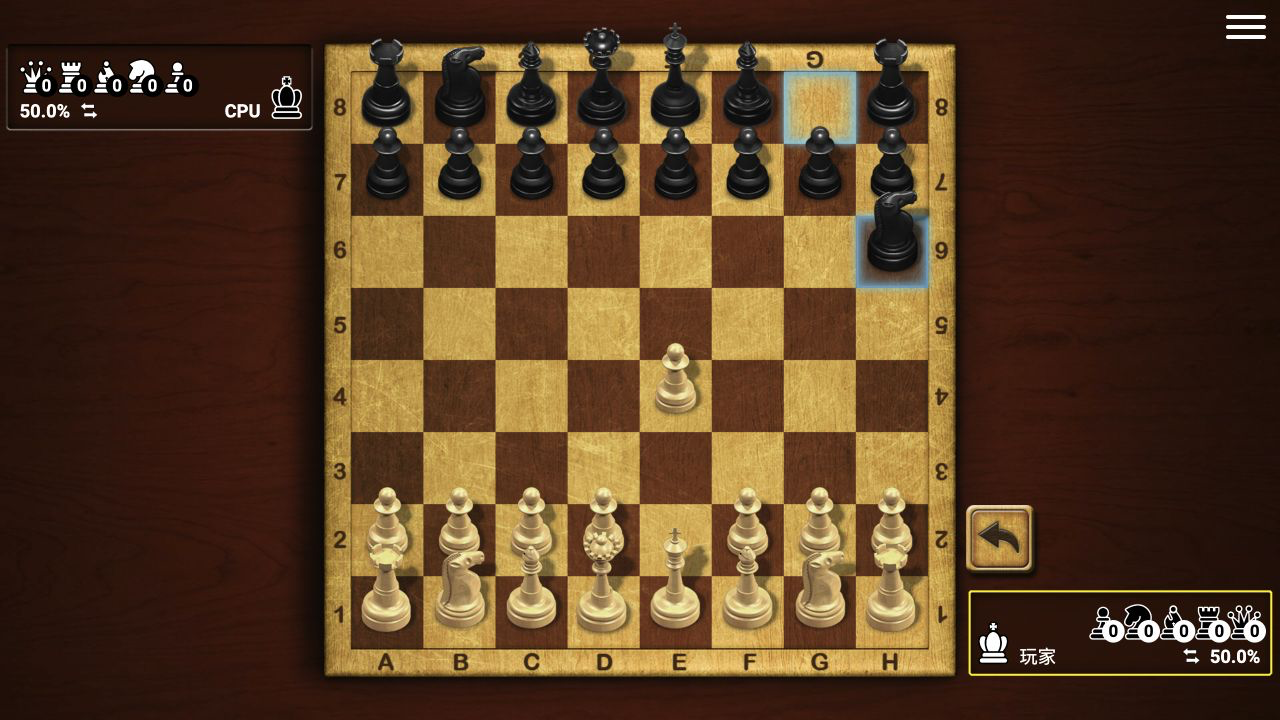
The control scheme is exactly what a browser chess board needs: click a piece, then click its destination. Selecting a piece lights the available squares, the last move remains marked in blue, and an illegal destination simply leaves the position unchanged. There is no dragging requirement and no camera movement to fight.
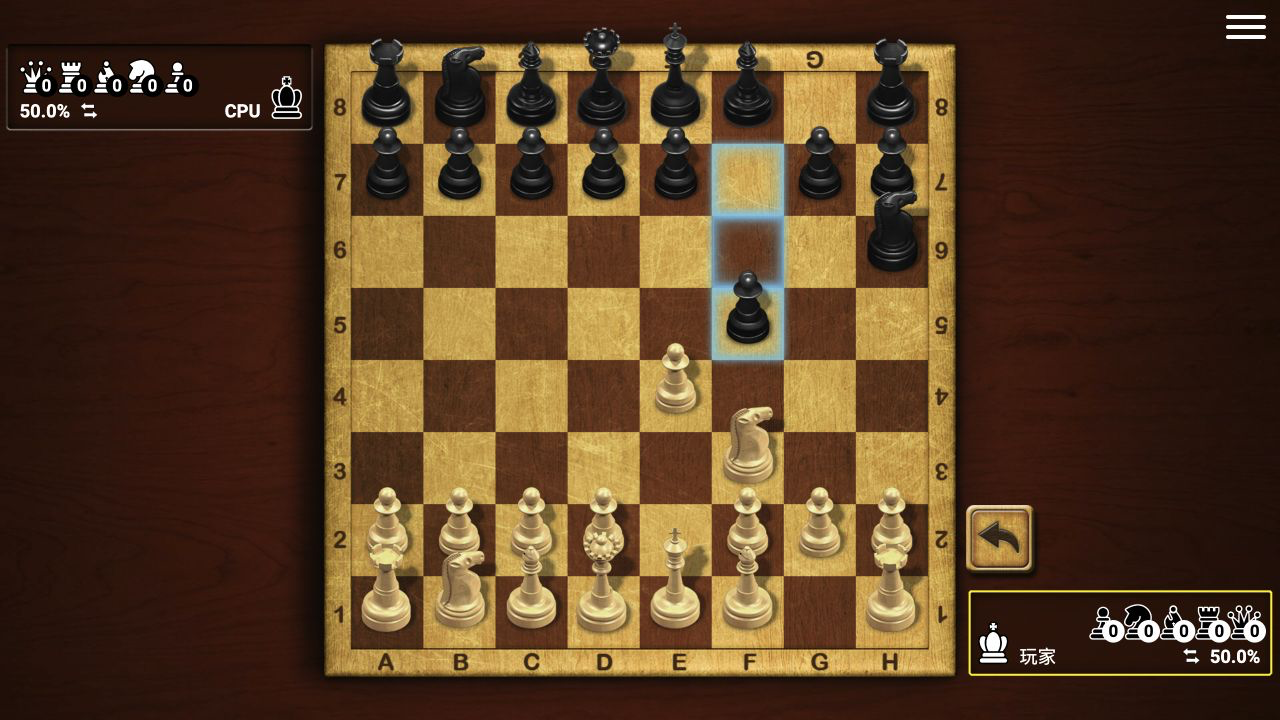
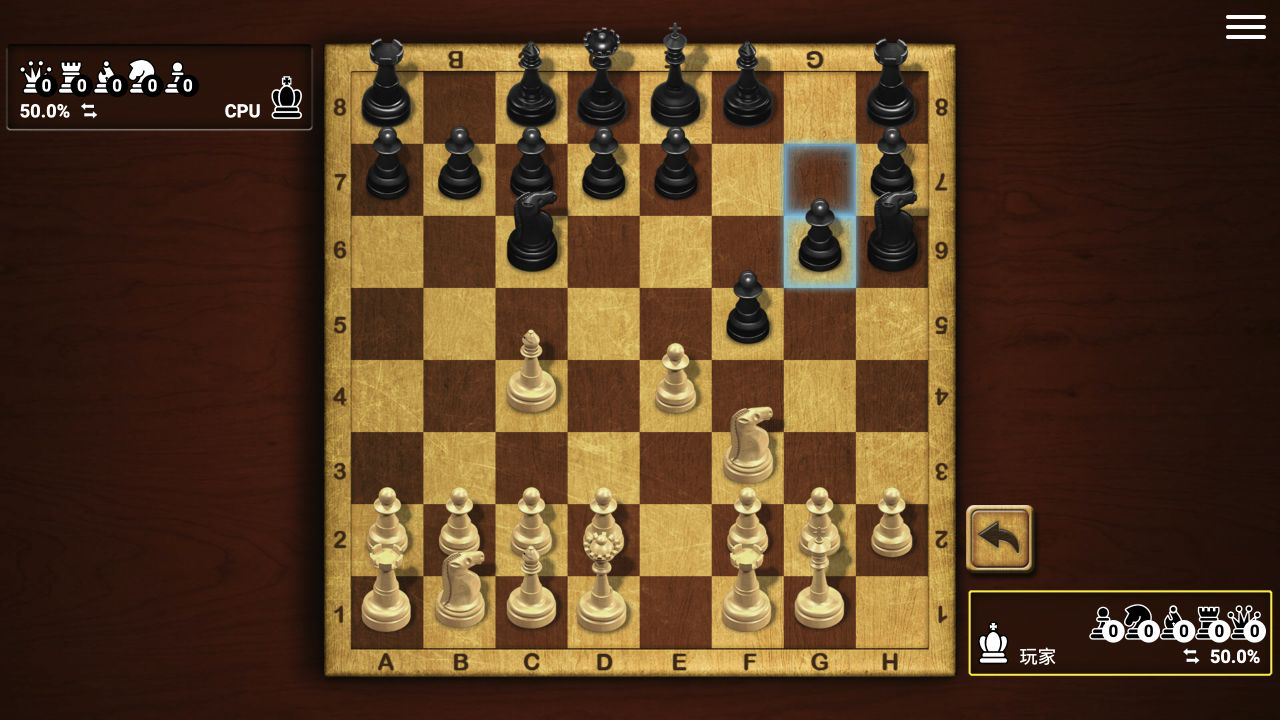
I opened with the e-pawn and used e5 to challenge an early knight. Across two desktop games, the Beginner AI handled that pressure differently. In the completed game it left the first knight available for capture after spending another move on development; in the screenshot run it sent the knight toward the edge instead. The variation was welcome because the opening did not feel like a fixed demonstration script.
The most useful beginner habit is to look at the highlighted destination before the second click. I once tried to move a pinned knight because its geometric moves looked tempting, but shifting it would have exposed my king to the black queen. The game refused the illegal move. That small pause is good training: check the king first, then confirm the tactic.
The HUD Explained Material Better Than My Position Did
The side panels count captured queens, rooks, bishops, knights, and pawns, while the percentage shifts after exchanges. In the long game, taking a loose knight only nudged the display to 51.9%. Capturing a rook with my king later pushed the evaluation much harder, and removing the black queen took the position to 80.0%. The numbers were a useful summary, but they never replaced board safety.
My king became exposed after castling because a black rook invaded the g-file and captured on g2. I answered by taking that rook with the king, then captured a checking bishop on h3. The material gains looked excellent, yet the king spent several moves bouncing between g2, h3, h4, and h5 while the black queen found checks along files and diagonals.
That sequence is the clearest criticism of the Beginner AI and of my own play. The AI sometimes placed valuable pieces where they could be taken immediately, but it also spotted forcing checks once my king wandered. New players can win material here without learning a safe plan. Treat the evaluator as a scoreboard, not permission to stop calculating.
Castling Was Simple; King Safety Was Not
Kingside castling worked through the same two-click language as an ordinary move: select the king on e1, then choose g1. The king and rook shifted together, blue squares showed the origin and destination, and a short on-board label identified the special move. No separate button or tutorial interruption was required.
The comfortable animation tempted me to think the king problem was solved. It was not. My g-pawn later disappeared, the open file became an entry lane, and the king had to do tactical work itself. The undo-shaped control beside the board remained visible, but I did not rely on it during the completed game. The result therefore reflects the moves I actually committed.
A better plan after castling would have been to complete development and challenge the center before collecting every available pawn. Move the queen and second bishop only when their routes are clear, keep a defender near g2, and ask where an opposing rook or queen can check before grabbing material with the king.
I Won Everything, Blundered a Queen, Promoted, and Still Drew
The middle game became a chain of material swings. I took both black knights, both bishops, both rooks, seven pawns, and eventually the queen. Then I placed my original queen on c5 with check while it was unprotected. The black king stepped onto c5 and captured it. The evaluator still showed 92.0% for White, but the mistake turned a short finish into a long technical cleanup.
I responded by pushing the f-pawn from f2 to f8. Promotion paused the board and offered bishop, rook, knight, or queen as large piece icons. I chose a queen, cleared the final black pawn, and began driving the bare king toward the back rank. The promoted queen, knight, king, and two rooks were more than enough material.
The final mistake was subtler than the queen blunder. With the black king on d8 and my queen on b7, I moved my king to f8. Black was not in check, but every legal destination was covered. The result panel translated the verdict as a draw by stalemate. It was an honest, memorable lesson: when the opponent has only a king, every checking pattern must leave either checkmate or a legal square.
Who Should Play, and What I Could Verify
Master Chess suits players who want a traditional board, immediate AI practice, local two-player options, and visible feedback without creating an account. The menu also includes online multiplayer, position analysis, and chess puzzles, although this review's completed result comes from Training against the Beginner CPU. No purchase or login prompt appeared during the desktop games.
The presentation is attractive rather than minimal: carved pieces, warm wood, move highlights, capture counters, an evaluator, and a hamburger menu all remain visible around the board. The 1280 by 720 desktop player kept every square, file label, rank label, and HUD number readable. The game interface automatically appeared in Chinese on this system, so the English descriptions here translate the visible mode and result labels.
The catalog lists Android, iOS, and desktop support. I completed the representative loop on desktop. At a 390 by 844 responsive viewport, tapping Play loaded the game inline instead of opening Playflaming's required fullscreen mobile player with a back control, so I did not treat that layout as valid touch evidence and do not recommend one device over another. On the verified desktop route, start with Beginner and no clock, develop before hunting pawns, castle early, and remember that a bare king can still save half a point.