The First Rescue Started 91 Meters Away
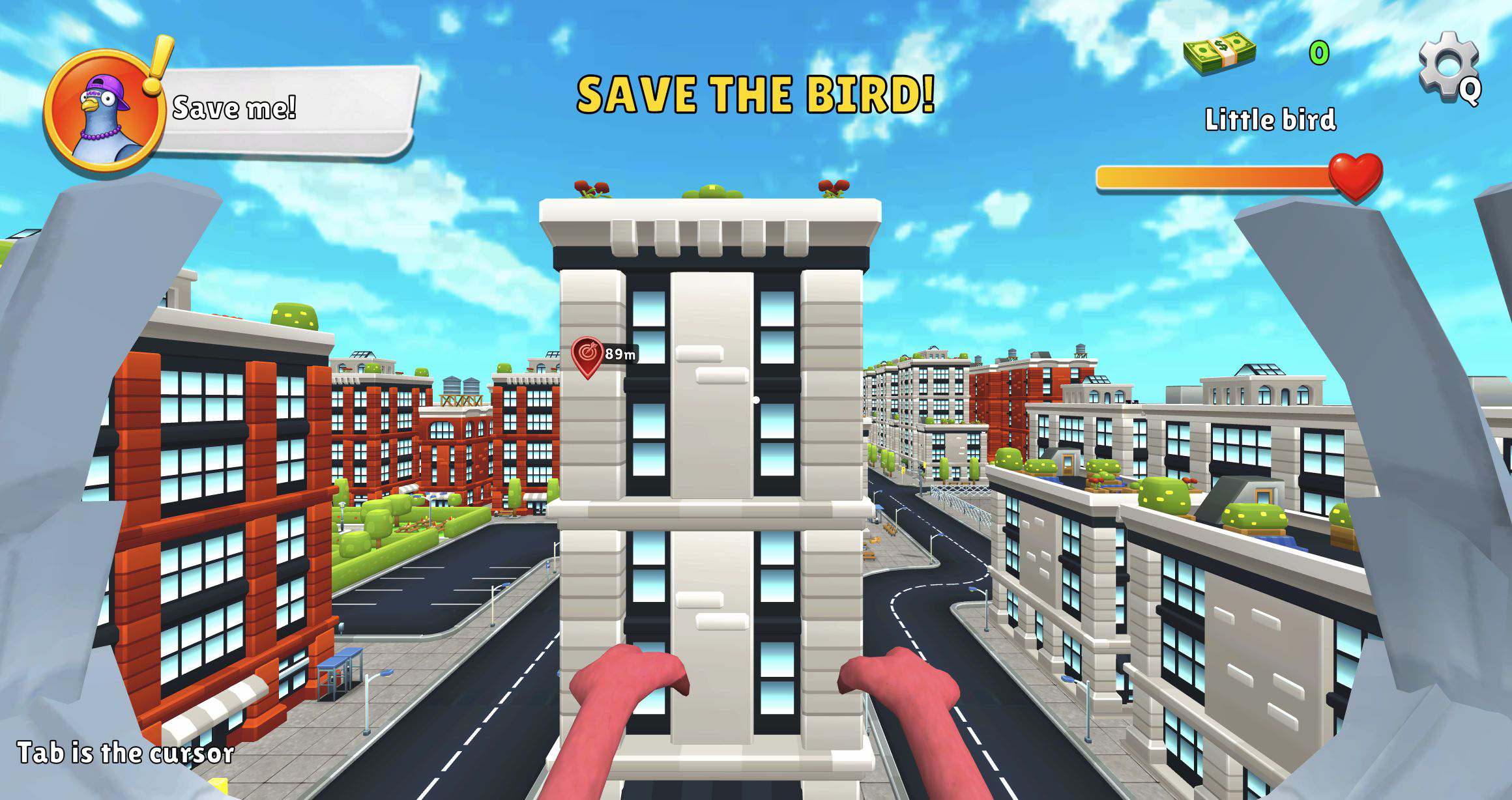
My first playable objective in I am Crazy Bird was not an open-ended destruction spree. A rooftop cutscene ended, a purple bird called "Save me!", and the screen announced SAVE THE BIRD! The HUD named my character Little bird, showed a full health bar and zero money, and placed the target 91 meters away. I pressed Space to take off and nudged forward with W; the marker dropped to 89 meters while a tall white apartment block filled the center of the route.
That is an effective opening image. The game puts two long, angular wings at the edges of a first-person view, while a bright low-poly city stretches across rooftops, roads and courtyards. The objective, portrait, health and distance marker are all easy to read on a large desktop canvas. What the screen does not explain is how to turn cleanly around the building in front of you. The only persistent tutorial note was "Tab is the cursor", which says little about steering a flying character through narrow urban gaps.
The Marker Reached 70 Meters, Then the Wall Won
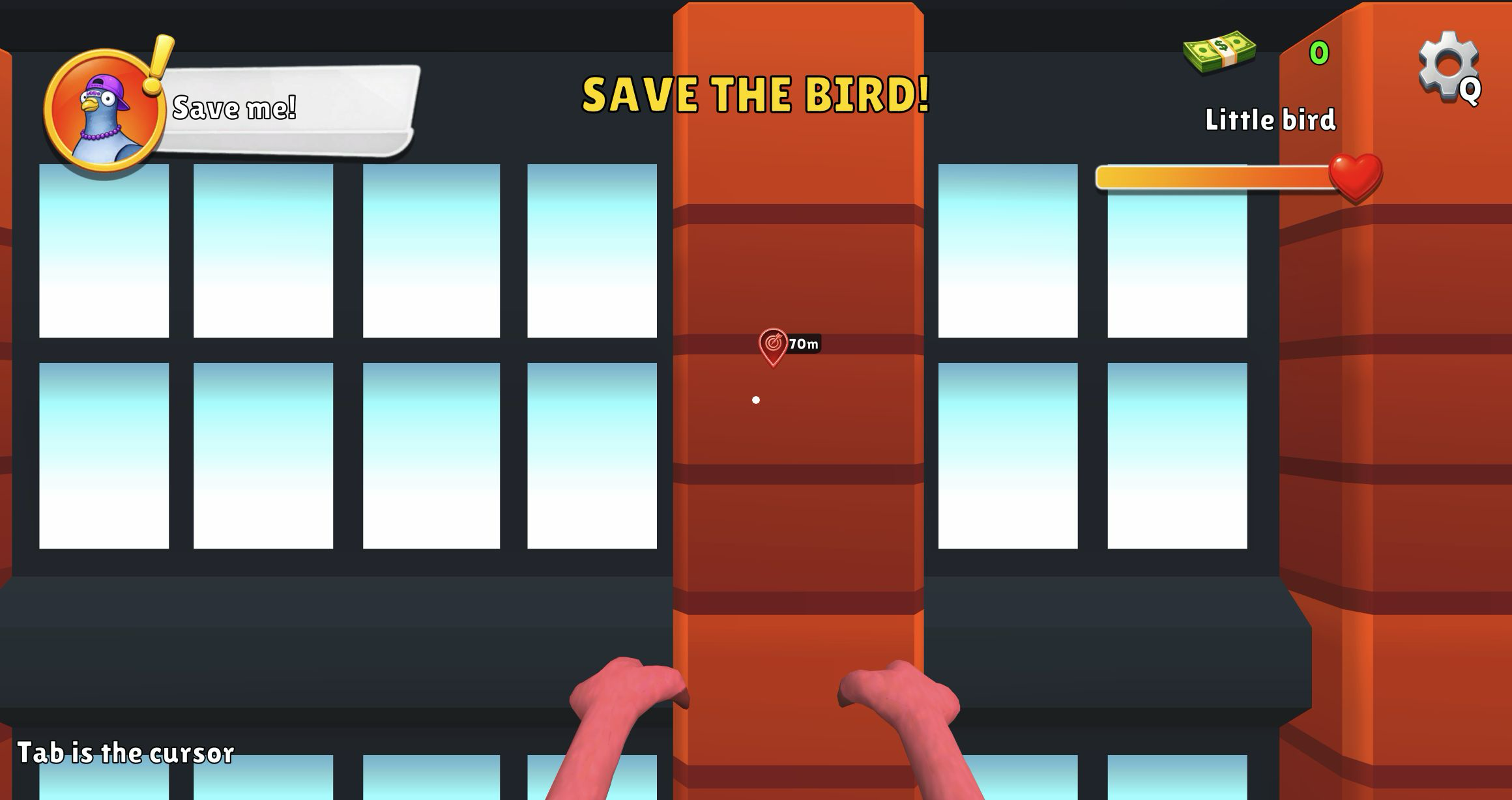
Holding W and adding Shift produced the biggest early gain. The distance fell through the seventies, and a later route reached 70 meters. Shift also triggered an on-screen Acceleration lesson, confirming that boost is meant to be part of normal flight rather than a rare stunt. The extra speed feels satisfying over open space, but it magnifies every steering mistake. My 70-meter attempt ended with the camera pressed flat against a red-brick façade, windows and wall filling almost the entire frame.
Collision did not cost health in the attempts I recorded, and there was no dramatic crash animation. That makes experimentation forgiving, but it also makes a bad angle oddly sticky. Repeated forward taps did not slide the bird around an obstacle, while the large wings obscure some peripheral space. New players should resist boosting directly at the waypoint. A shorter distance is not useful if the straight line ends in a wall; establish a corridor first, then accelerate.
Strafing Opened the City but Moved Me Off Course
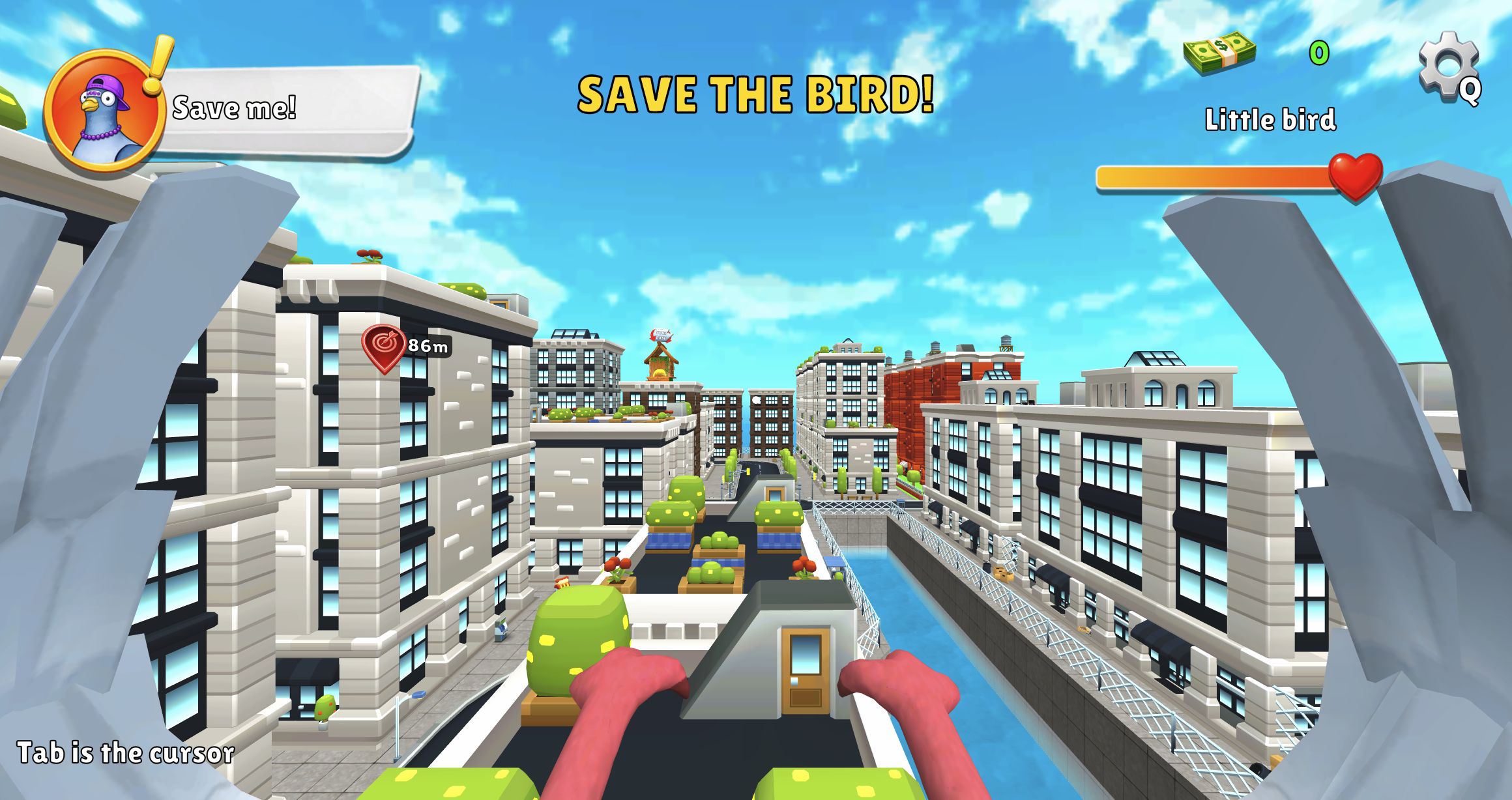
A and D were more useful than repeatedly forcing W. One lateral move cleared the nearest building and opened a broad view across rooftop shrubs, a canal, pedestrian bridges and several blocks of white and red apartments. The tradeoff appeared immediately on the waypoint: it now read 86 meters. That increase was valuable evidence because it showed that the marker responded to lateral movement; it was not simply a fixed arrow painted over the scenery.
The city is the strongest part of this limited session. Rooftop gardens, traffic lights, awnings, little trees and the blue canal give each route recognizable landmarks. There is enough visual variety to make wandering appealing even before the rescue is solved. Yet those same façades create a navigation problem in first person. Without a minimap, compass or clear turn tutorial, I often knew that I was beside the target line but not whether the safer path ran above, around or back through the street grid.
A Bad Descent Turned Flight into Street-Level Recovery
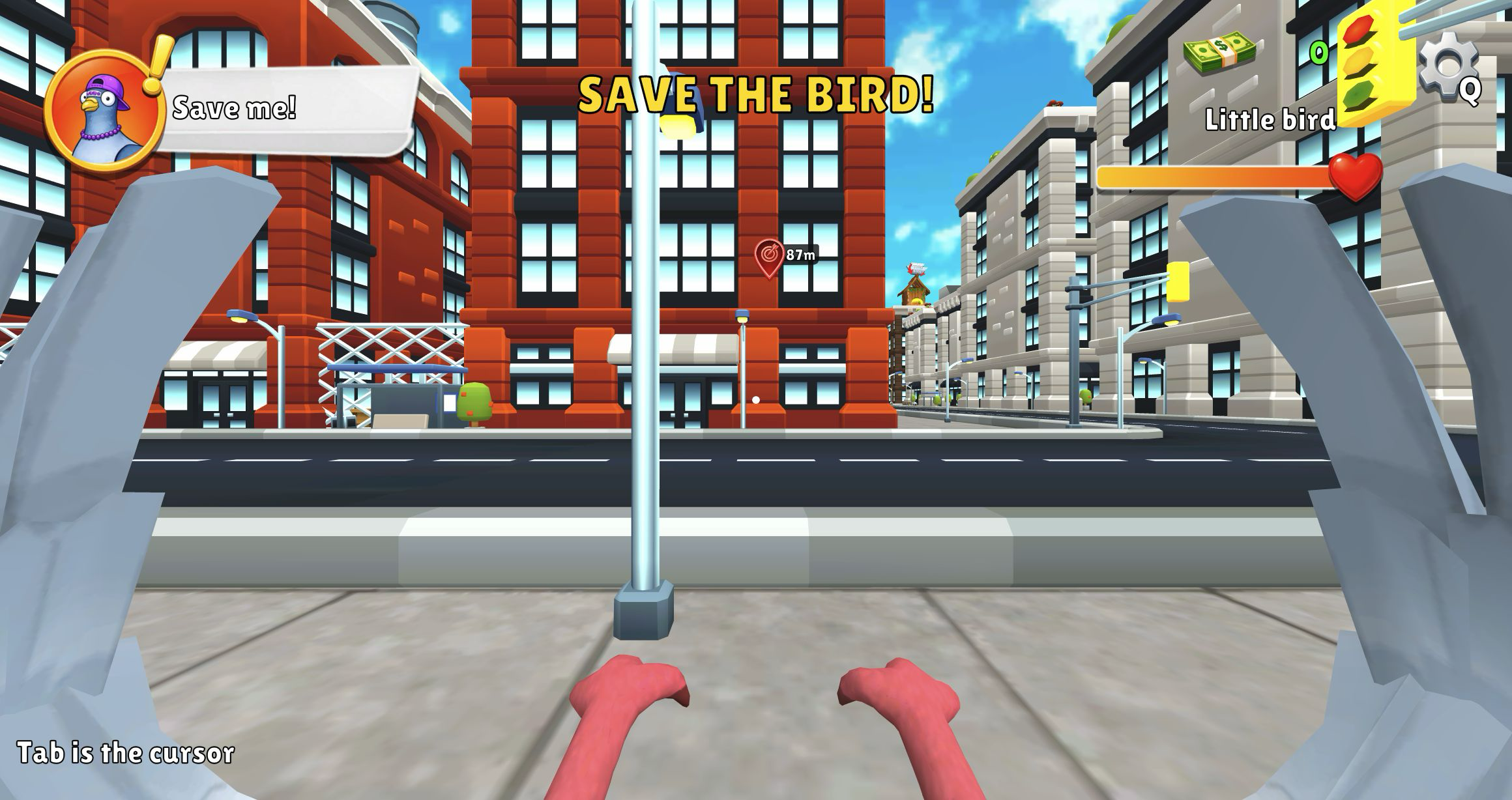
My clearest mistake came after repeated Space inputs. Instead of climbing cleanly, the bird lost the rooftop line and ended at sidewalk height with a lamp post centered in front of the camera. The objective sat 87 meters away across the street. The full health bar survived, but the route was worse than before. S finally created space from the obstruction and made a new turn possible.
This recovery explains the control problem better than a list of keys. W, A, S, D, Space and Shift all responded, yet the relationship between pitch, altitude and the camera was never made clear enough for precise navigation. The game briefly displayed an "In the air" lesson during the descent, but it did not teach how to regain a stable height. The generous collision model kept the attempt alive; the missing flight feedback kept it from becoming confident.
The Street Corridor Was Clear but Not the Rescue Route
Turning right from street level produced the cleanest ground corridor I found. The road ahead was open, tree-lined and free of the rooftop façades that had stopped earlier boosts. It was also the wrong direction: during this recovery the objective distance rose as high as 99 meters. I could move reliably once the environment gave me a straight lane, but reliable movement alone did not solve the mission.
After a reload, a leftward opening was more promising. Shift plus W carried the bird above another city block, the Acceleration overlay appeared, and a wooden structure labeled YOUR BASE came into view. Even then, the rescue marker disappeared from the immediate frame and no rescued-bird or mission-complete screen followed. I therefore cannot present a victory, reward or complete mission result, and I am not turning an unfinished rescue into a claimed success.

The Declared Mobile Build Still Asked for Space and Tab
The catalog declares Android, iOS and desktop support, so I also opened the local Playflaming page at 390 by 844 and tapped Play. The required fullscreen modal did open: its white back/Exit control remained visible at the upper left and the game title bar framed the bottom, while the site's recommendations stayed outside the gameplay area. After the ad and cutscene, however, the landscape game was squeezed and cropped inside the portrait player.
The blocking evidence was literal. The center of the mobile capture said "Press Space to fly up", the lower edge said "Tab is the cursor", and no joystick or touch action buttons appeared. A normal tap did not create a usable flight loop. Supplying a synthetic Space key advanced the prompt but only exposed a large blank cropped band and the same desktop-oriented view. Because touch input could not support the first mission, I cannot validate the declared mobile experience or recommend one device over another.
The desktop build also showed a Playgama preroll before play. I did not click any shop, purchase or reward prompt, and the money counter stayed at zero. I am Crazy Bird has a cheerful city and an amusing first-person premise, but I cannot give it a full verdict from this run: the rescue remained unfinished on desktop, while the local mobile fullscreen flow was unusable with touch.
