The hotel story starts with a neglected front door
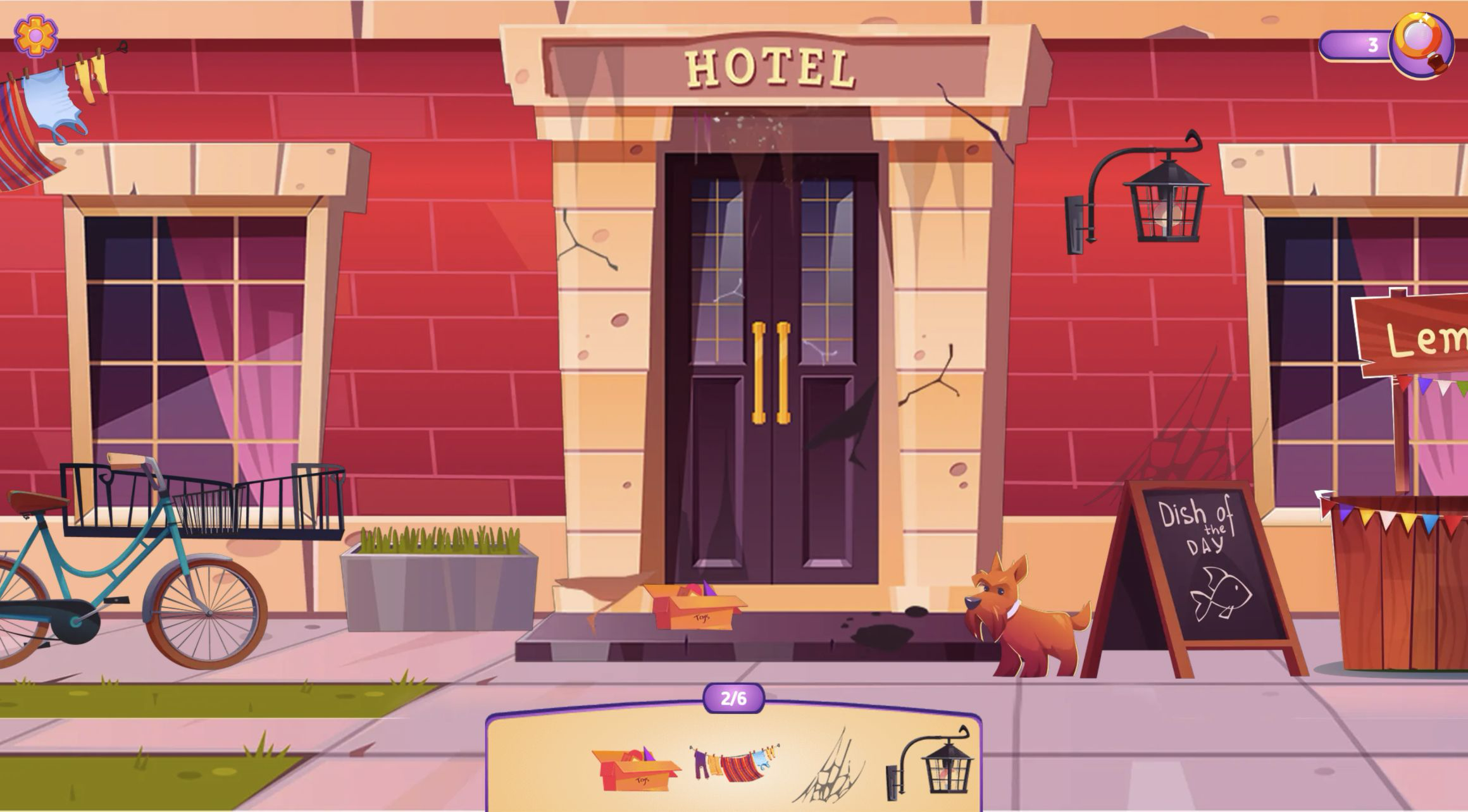
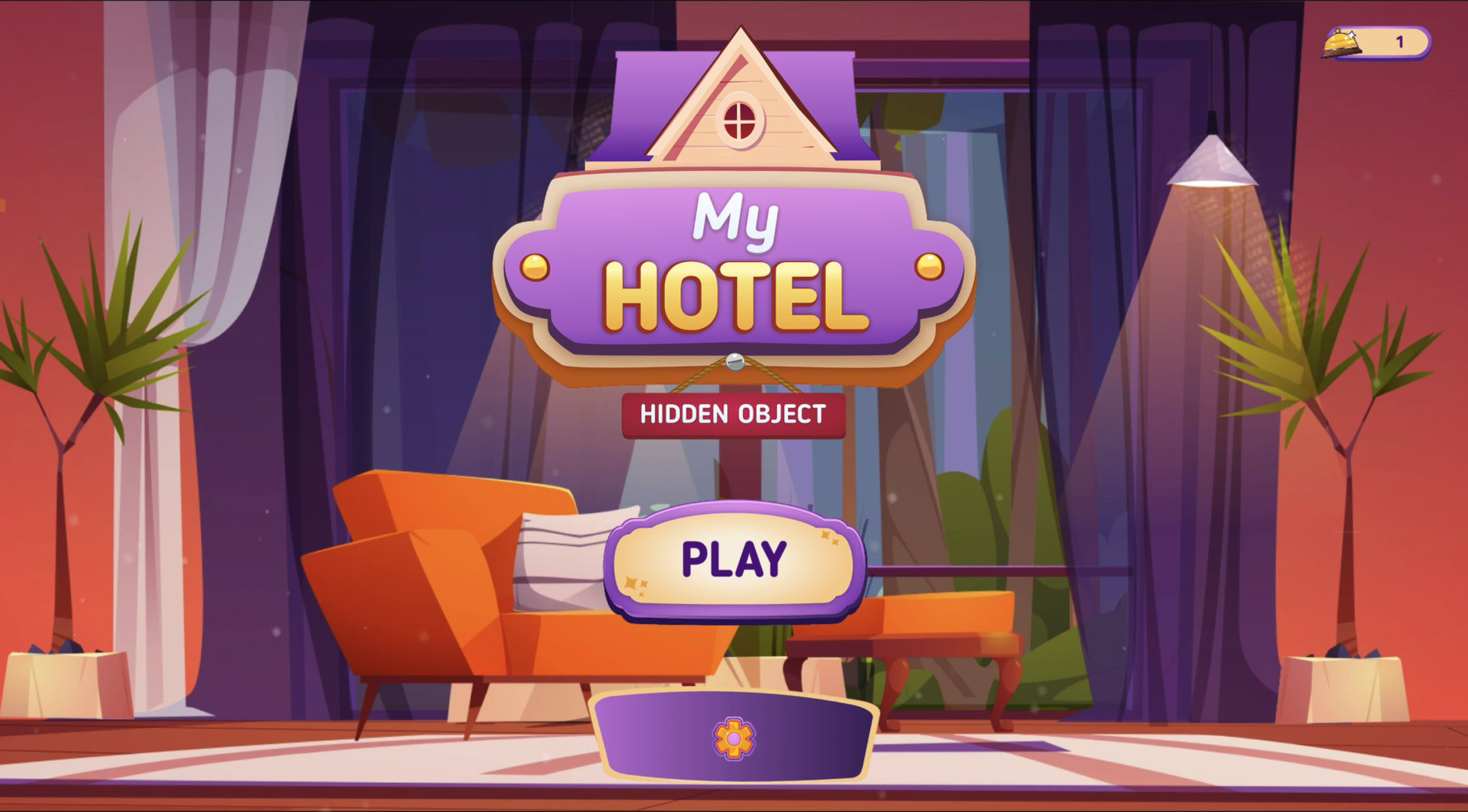
My Hidden Object: My Hotel session began in a polished purple lounge, but the opening story quickly undercut that neat image. The heroine has bought an old hotel, and the property she inherits needs attention before it can match the dream. The first playable scene does not rush into a guest room or decorating menu. It places the search outside a red hotel facade where the sign is crooked, cracks mark the masonry, cobwebs cross the wall, boxes sit by the steps, and a dog waits beside a chalkboard.
That setup gives the hidden-object list a practical theme. I was not collecting treasure from an unrelated pile; I was clearing visible problems from the entrance. The first loop asked for six objects, represented as pictures in a tray at the bottom. A 0/6 counter sat above the tray, while a magnifying-glass button at the upper right showed three available uses. The story is lightweight, but it gives a reason for examining every messy corner of the frontage.
A highlighted lock teaches the first selection
The game teaches selection with a very direct first prompt. The exterior darkens, a circular spotlight encloses the lock wrapped around the front-door handles, and a thick yellow arrow points straight at it. The matching lock picture is the first icon in the tray. Selecting it begins the counter's movement and establishes the one rule needed for the rest of the stage: compare each picture with the scenery, then click its real counterpart.
This is generous onboarding rather than a genuine test, and that is appropriate. After the first object, the spotlight disappears and the hotel returns to full color. The remaining tray includes recognizable shapes such as a box, hanging laundry, cobweb, and wall lantern. Because the game does not rely on written item names, success comes from matching shape and color. That also makes the tray useful even when an object is stylized differently by scale in the larger scene.

Progress literally cleans the picture
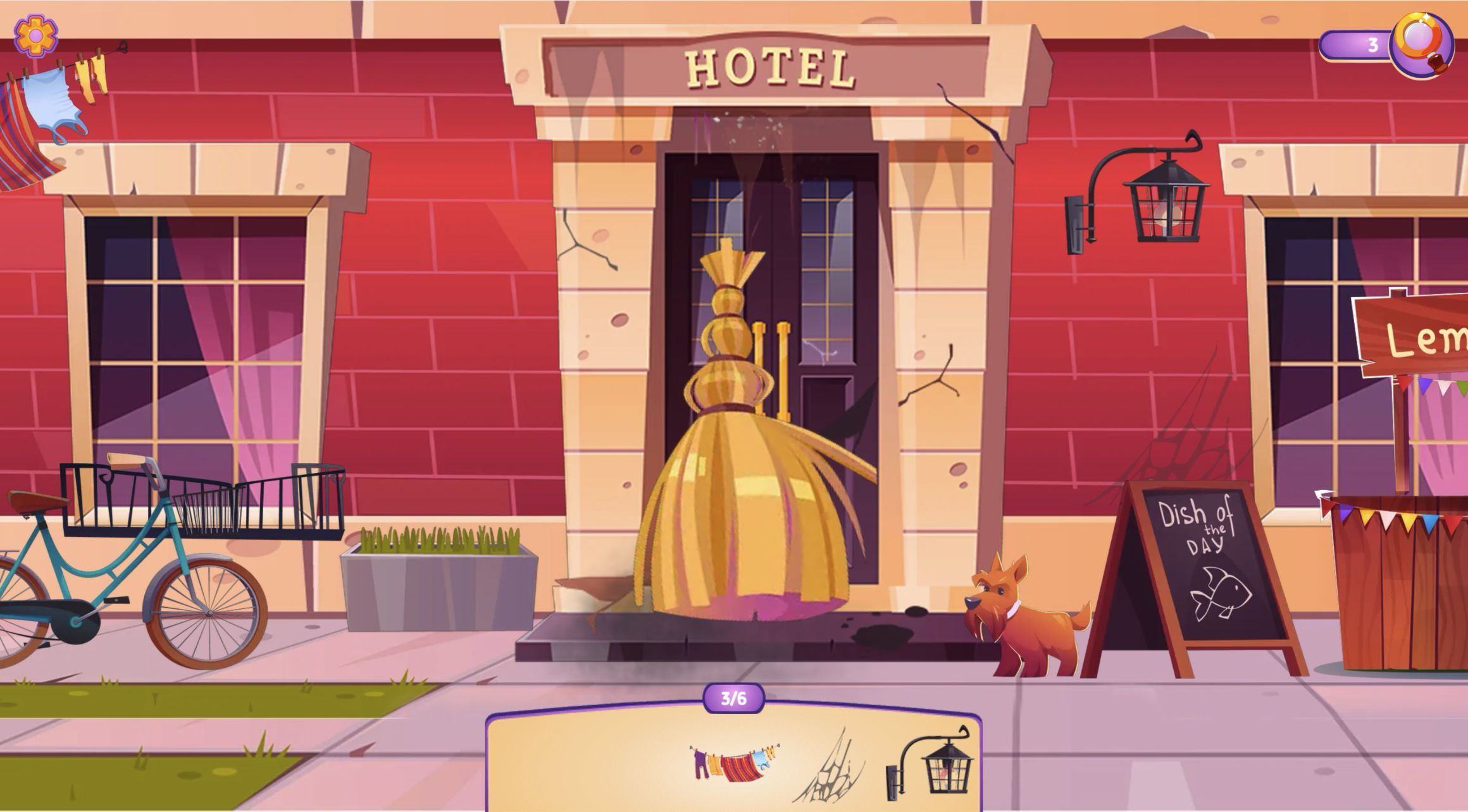
Correct selections make the cleanup readable in two ways. The relevant picture disappears from the tray, and the exterior itself loses the selected piece of clutter. By 2/6, four pictures remained beneath the hotel. At 3/6, a large golden broom briefly swept across the doorway as feedback, leaving the laundry, cobweb, and lantern pictures in the tray. The effect is cheerful and obvious, so I never had to wonder whether a click had counted.
The scene is easier to parse after every find. At the start, laundry hangs near the upper-left edge, a bicycle fills the lower left, and the box, planter, door, dog, chalkboard, lantern, and lemonade stand compete for attention. Removing targets turns that visual crowd into a shorter checklist. It is satisfying in a modest way: the reward is not a complicated score screen but the sight of the frontage becoming less burdened as the counter rises.
The last two targets reward a disciplined sweep
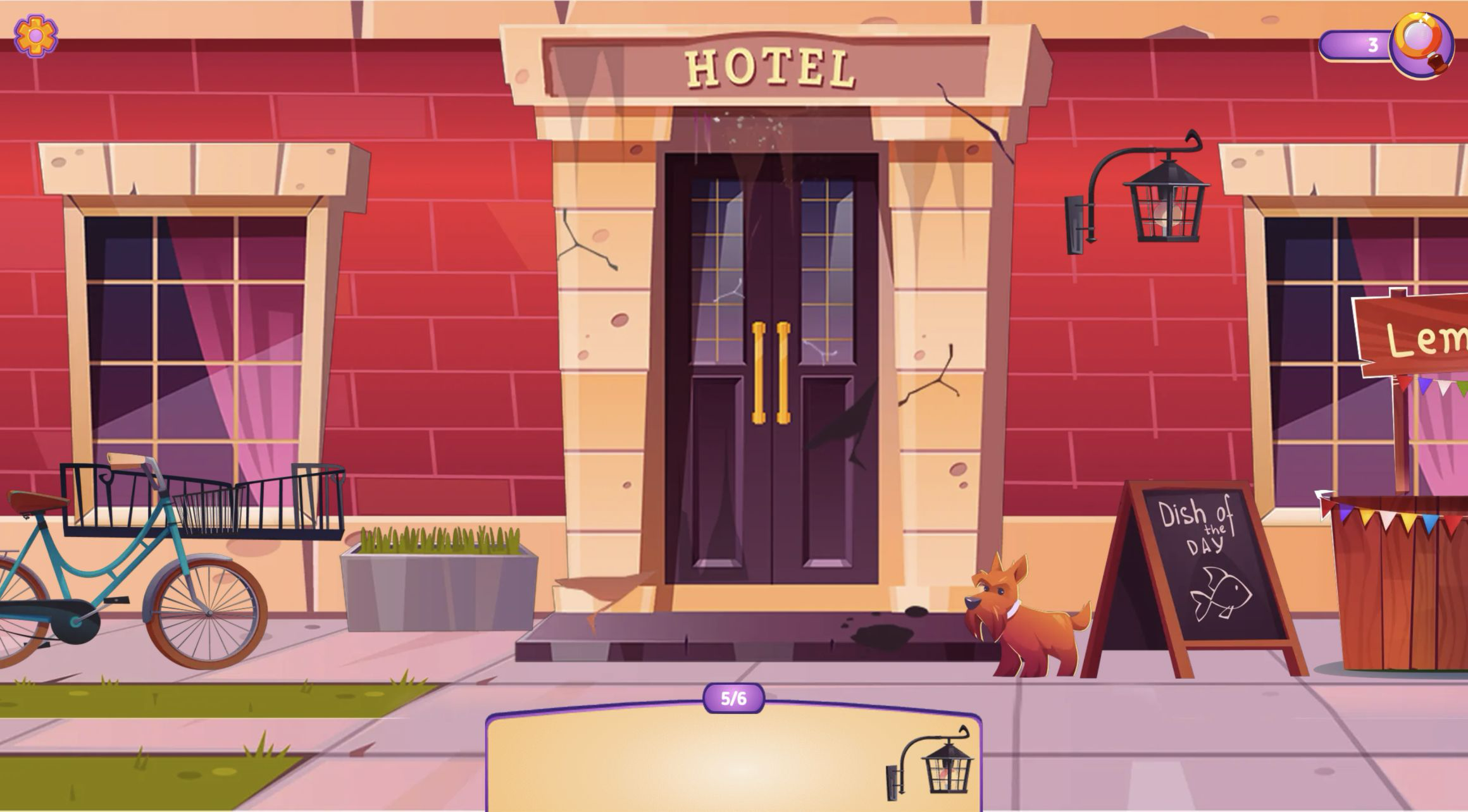
The strongest part of the first stage comes near the end, when the tray stops feeling like clutter and becomes a precise clue. At 4/6, only a cobweb and wall lantern remained. The web's thin lines merged naturally with cracks and shadows on the red wall, while the lantern looked like a permanent building fixture rather than discarded rubbish. Finding the web reduced the tray to one unmistakable black lamp silhouette at 5/6.
My useful beginner method was to sweep by architecture rather than by object category. Start at the upper wall, follow the windows and doorway down to the pavement, then move across the storefront edge. Large decorative objects can pull the eye away from small targets that sit where they logically belong. When only one picture remains, compare its outline with every fixture before clicking at random. The visible magnifying-glass button offers help, but the opening exterior can be solved through the shrinking list and a patient scan.
The 390x844 modal turns the frontage into a moving window
I completed the same exterior loop from the local Playflaming page at a 390x844 pointer viewport. Pressing the page's Play button opened its fullscreen modal, with a visible back control at the top left and a Playflaming footer naming the game. The portrait frame initially concentrated on the hotel doors. Moving horizontally revealed the right side, where the lemonade stand fills most of the view and the 3/6 counter remains visible above the target tray.
That layout makes scene coverage more deliberate than on desktop. In the wide capture, the bicycle, entrance, dog, chalkboard, lantern, and stand can be compared at once. In portrait, each slice offers larger local details but less awareness of what lies beyond the edge. The browser did not establish touch capability, so I used pointer actions inside the modal. The test confirms the fullscreen path, portrait framing, horizontal movement, first object, and 6/6 completion, but it does not prove touch feel or physical-phone performance.

Six finds end with a candid verdict on the entrance
Finding the final lantern completed the representative loop. The heroine appeared with a yellow cleaning cloth and said, “If this hotel wanted to test my patience right from the entrance, it clearly didn’t know who it was dealing with!” I reached that dialogue after clearing all six targets on desktop and again in the 390x844 Playflaming modal. The result is concrete: the exterior list was finished at 6/6, not merely sampled for a few easy clicks.
From this first stage, Hidden Object: My Hotel looks suited to casual puzzle players who enjoy visible cleanup progress and a light narrative reason for each search. Its friendly tutorial, shrinking picture tray, and large confirmation effects make the rules easy to follow. The mild friction comes from the panoramic facade: a target can sit outside the current portrait slice or resemble part of the building. I am not recommending a best device because the narrow run used pointer input rather than verified touch hardware. Both tested layouts did, however, support the complete six-item exterior search and its closing story beat.
