Three level cards start at 0%, with more hidden behind an arrow
My Geometry Arrow session opened on a black menu with three large face cards numbered 1, 2, and 3. Every card showed 0%, a right-arrow button suggested another page, and a speaker control sat opposite a Music Delay setting of 0.00. I chose Level 1 rather than treating the catalog's larger level count as verified. The menu proves that at least three stages were immediately selectable, but it does not settle the catalog's contradictory references to six and thirteen levels.
There was no account prompt, currency counter, shop, energy meter, leaderboard, or purchase button on this opening page. The catalog records no in-game purchases, while the Playgama route did show a provider preroll before launch. I closed that ad through its visible control and never clicked the creative.
The three faces appear to communicate difficulty: a smiling blue face for 1, a neutral green face for 2, and an angry yellow-orange face for 3. I did not turn that visual progression into a factual difficulty ranking because only the first card was played, but it gives the menu a readable order without requiring a block of instructions.

Level 1 pauses at Click to Start before every attempt
Selecting the first card loaded a gray cave with a white arrow, a top progress bar, and the message Click to Start. The upper-left corner labels Esc as Exit, while the speaker button remains visible at the lower left. A click begins a short countdown before the arrow moves automatically from left to right. That staging pause is useful because the obstacle field offers almost no time to learn once movement starts.
The control scheme is genuinely minimal. Space or a click changes the arrow's vertical direction, so survival depends on the rhythm between quick upward corrections and the fall that follows. There is no steering wheel, jump meter, or forgiving lane snap. The first real input already commits the run.
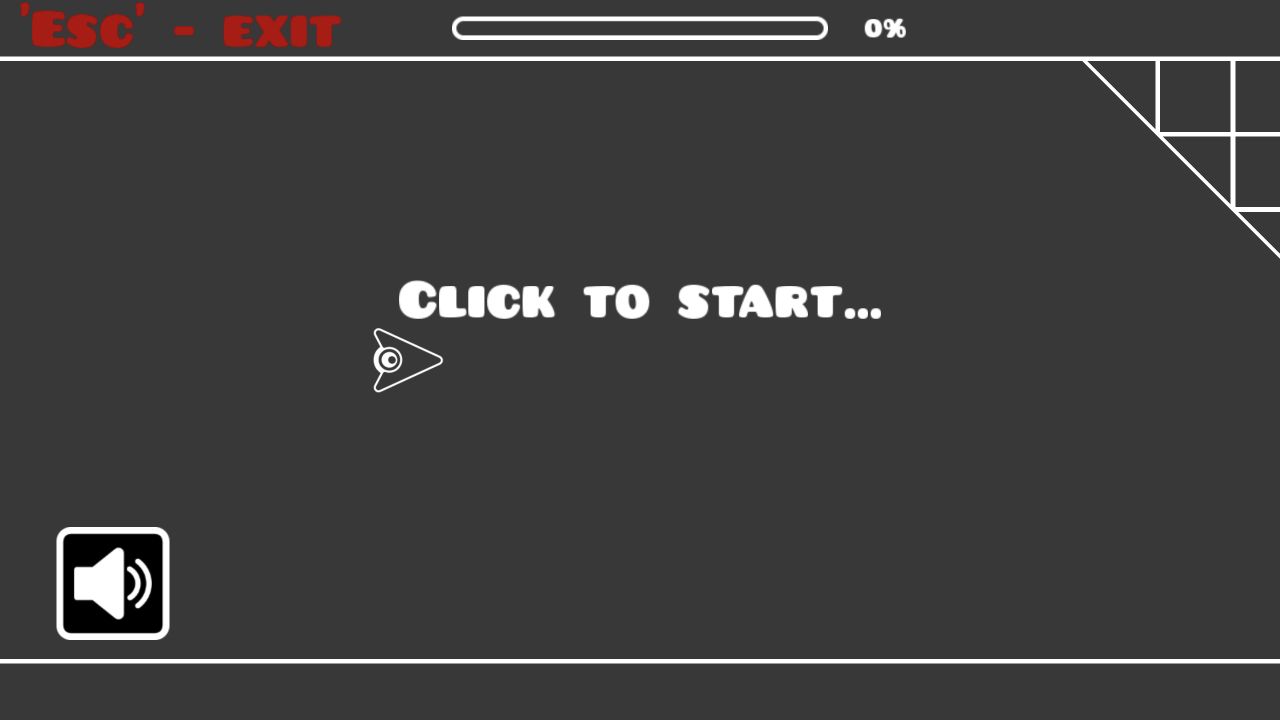
The countdown is brief enough to make timing the first tap matter
After starting, a large numeral appeared over the arrow while the progress bar remained at 0%. On my first attempt I waited too long after the countdown and hit the opening geometry almost immediately. The game did not show a separate score summary or failure panel; it simply returned to Click to Start. That instant reset keeps retries fast, although it also gives little feedback beyond the progress percentage you happened to see before the collision.
A second attempt worked better when I began sending short Space presses just before the countdown fully cleared. This is the kind of game where input latency and rhythm matter more than a long rules explanation. The visible Music Delay adjustment is therefore notable: it appears designed to help players align the soundtrack with the obstacle timing, though I left it at 0.00 for the verified run.
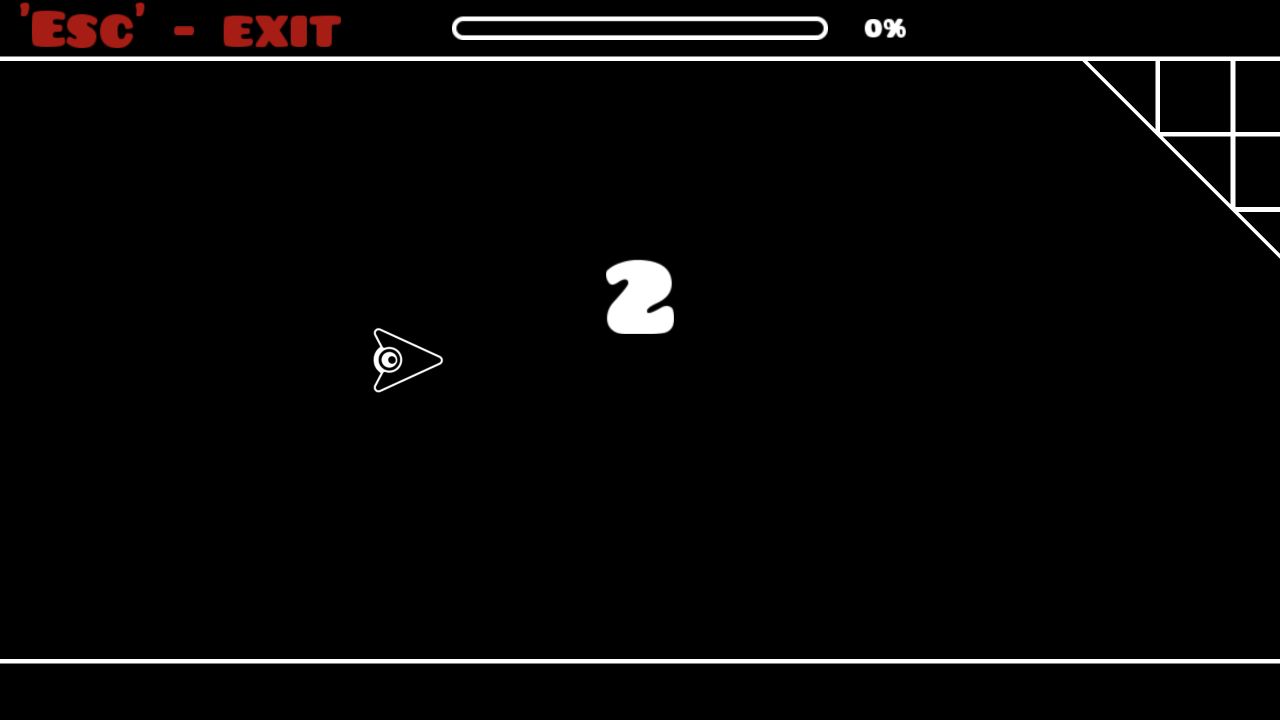
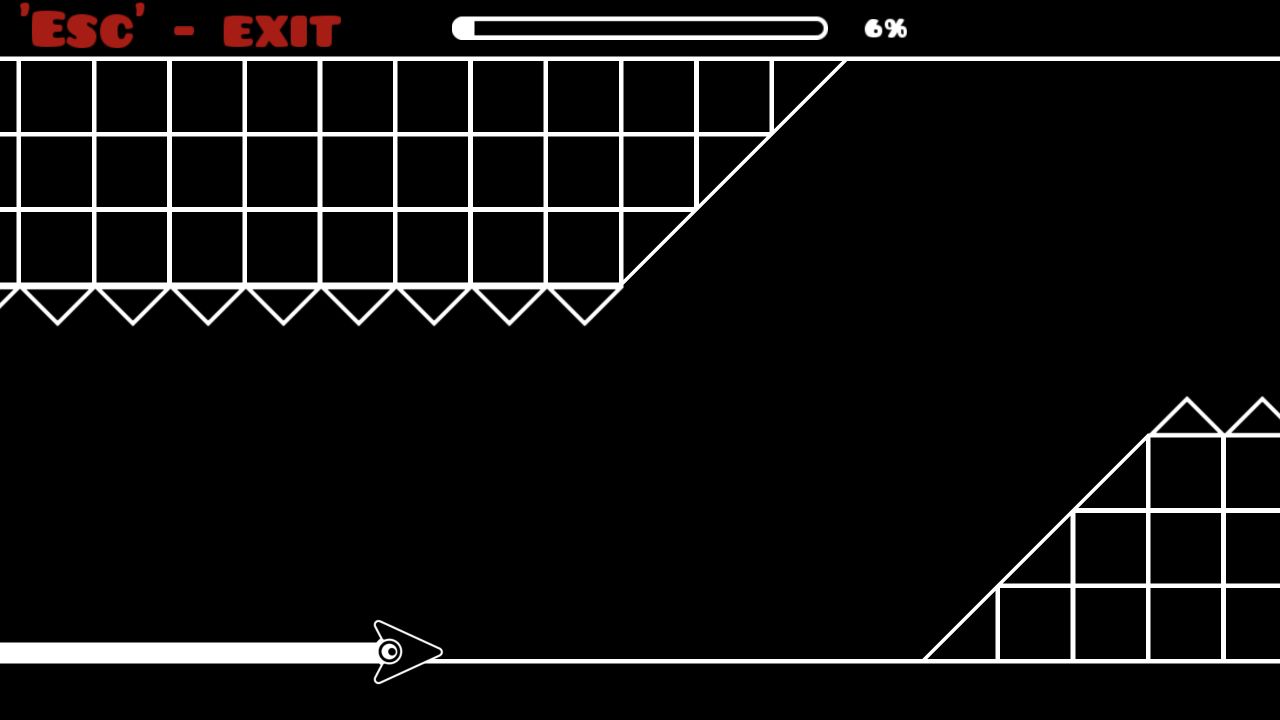
Seven quick Space presses carried the arrow to 6%
On the clearest run, seven short Space presses brought the arrow to 6%. The screenshot caught it close to the floor between an upper ceiling of square cells and a lower ramp lined with triangular spikes. The white-on-black art makes the collision boundaries easy to see, but the available gap is still tight. Press too often and the arrow rises into the ceiling; wait too long and it drops into the floor or a ramp.
The movement feels closer to controlling a continuous wave than making discrete jumps. Because the arrow never stops, corrections must be planned in advance rather than made after reaching an obstacle. That simplicity is the game's strongest quality and its main source of difficulty. A player can understand the input immediately and still fail within seconds.
The progress bar is the only persistent performance measure I saw. It updates by whole percentages and resets to 0% with the next attempt. There was no checkpoint, best-run banner, medal, or star rating during this opening test, so a small improvement from 6% to 8% had to be read directly from the live HUD rather than a post-run history.
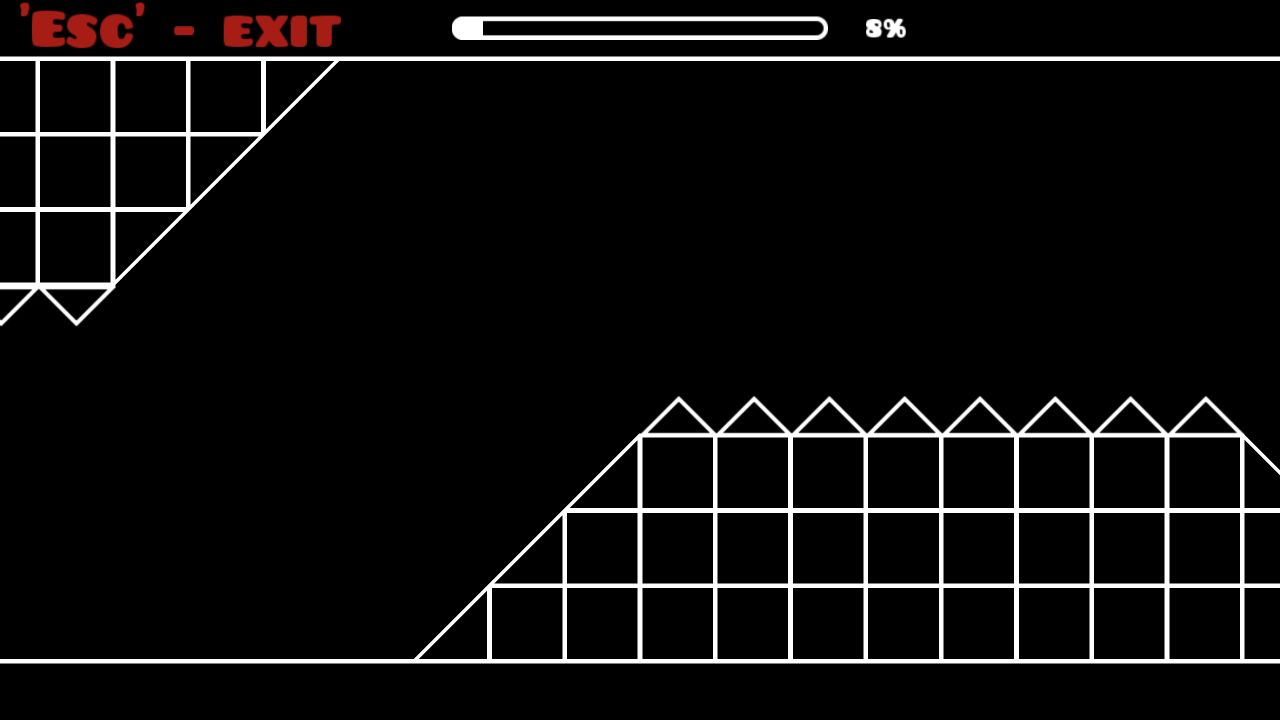
My best opening attempt reached 8% and then reset instantly
Continuing the same rhythm pushed the progress display to 8%, where the cave showed a long raised obstacle field. The arrow was already outside the safe line when I captured the state, and the next correction did not recover it. A moment later the game returned to the ready message with no separate result screen. My verified best for this session is therefore 8%, not a completed level or an assessment of the later cards.
That narrow result still reveals the loop: choose a card, click to stage the run, wait through the countdown, pulse one input, collide, and retry immediately. There were no coins, upgrades, lives, rewarded revives, or social prompts during these attempts. Difficulty came purely from timing and obstacle reading.
Editorial assessment: mechanically clear, visually derivative
Geometry Arrow strongly resembles the wave sections, high-contrast geometry, progress bar, and retry cadence associated with Geometry Dash. That resemblance is an intellectual-property and audience-expectation risk, so this is independent editorial coverage rather than an implication of affiliation, endorsement, or originality. The game is listed here only as a review target; its assets should not be reused beyond the captured hands-on evidence.
As a small browser challenge, the tested first card is responsive, readable, and brutally immediate. It is suitable for players who want a one-button precision loop, not anyone seeking gentle onboarding or a complete run on the first few tries. I verified the three-card opening menu and an 8% desktop best on Level 1. I also entered Playflaming's fullscreen player at 390 by 844, dismissed the preroll, and reached the portrait level menu with all three 0% cards, sound control, and Music Delay setting visible. I did not run the arrow on touch, so phone layout passed this bounded check while touch timing and real-device performance remain unverified.