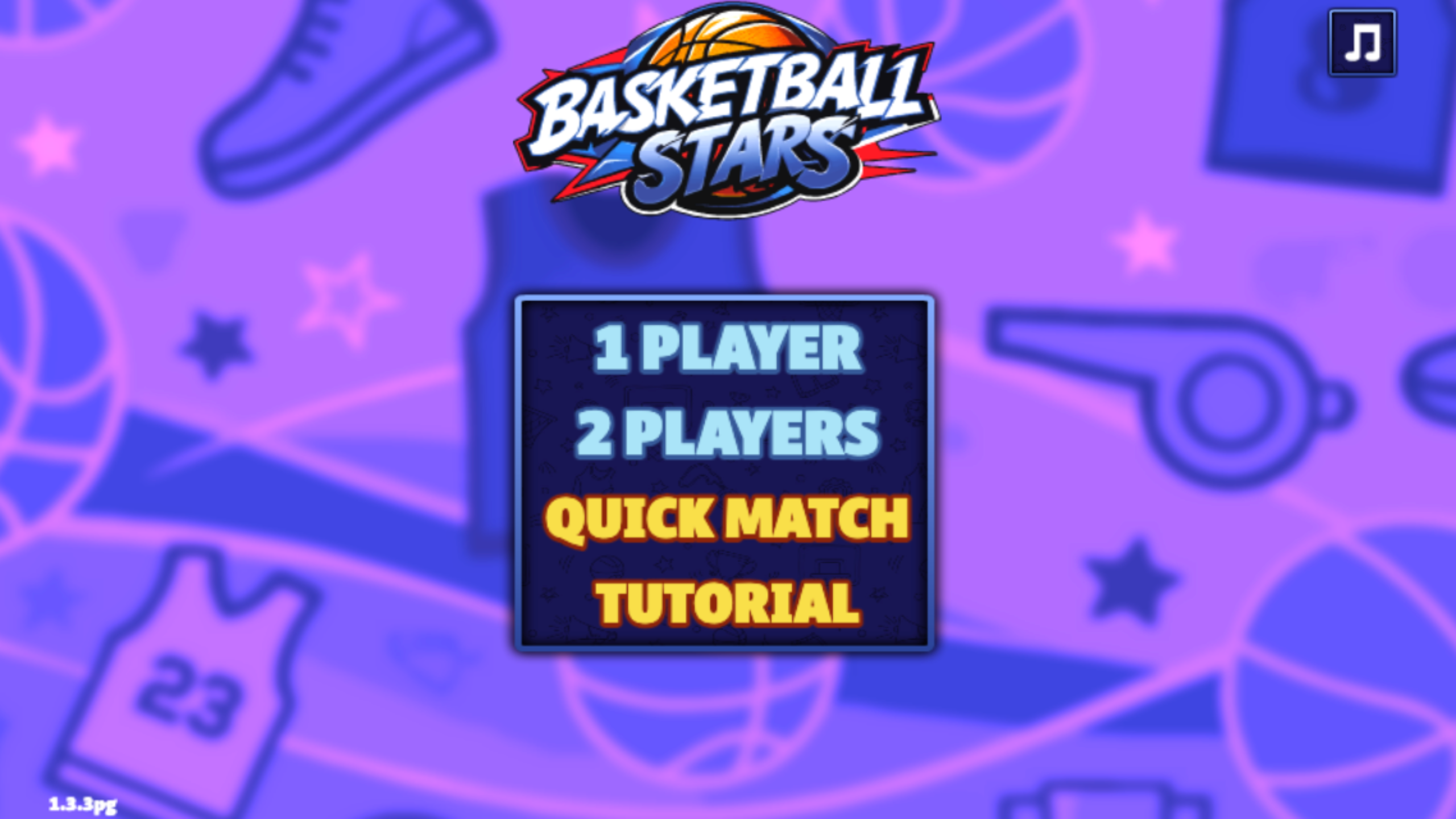
Quick Match Put Me on the Clock Immediately
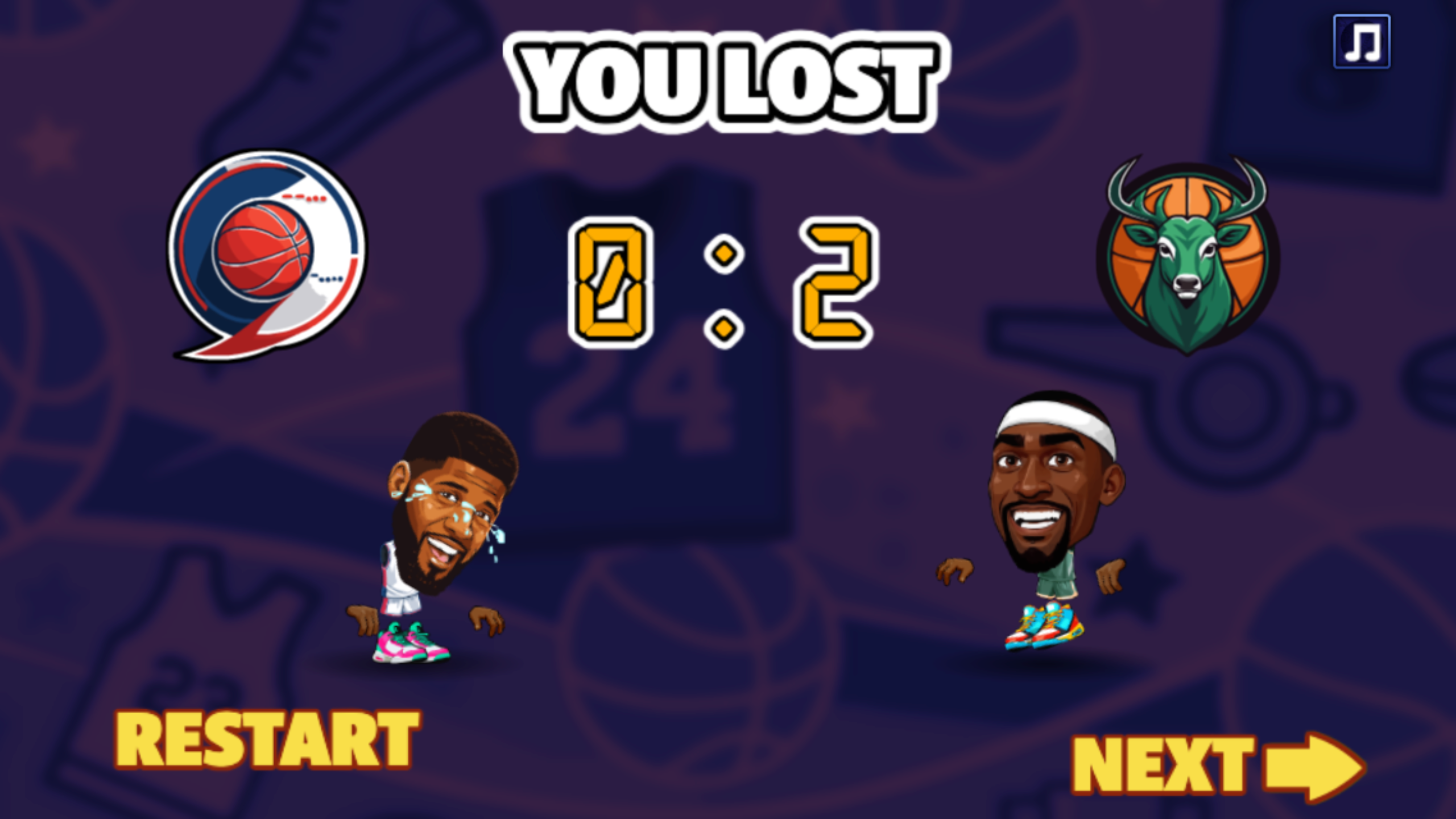
My first Basketball Stars session ended with a 0–2 loss. I chose Quick Match from the four-option menu, selected Play Game on the first-run prompt, read the control panel, and entered a one-minute game without choosing a team. The game randomized the team badges and players, dropped both characters at center court, and placed a green ring under the character I controlled.
The short clock changes the mood immediately. There is no warm-up possession and no room to spend twenty seconds discovering which direction your player is facing. My opponent converted the only basket of the opener while I stayed too close to the same side of the court and reacted to the ball after it had already moved. The final panel made the failure plain: You Lost, 0–2, with Restart and Next as the only decisions.
Restart is useful because it returns directly to another randomized Quick Match. Next goes back to the main menu. I used both paths during testing, which made it easy to compare a cautious opener with a more frantic replay rather than treating one bad minute as the whole game.
One Action Button Changes with Possession
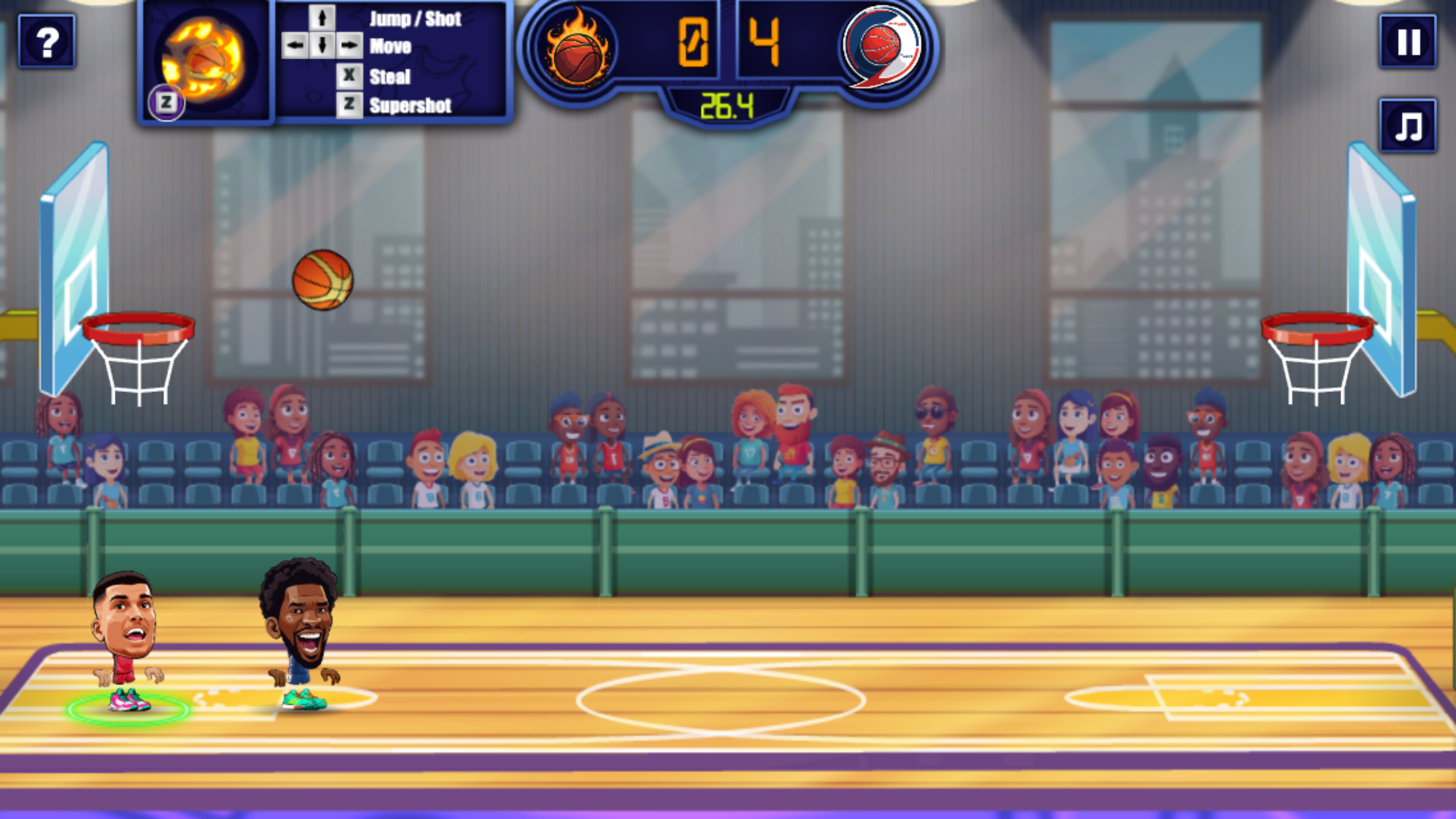
The control scheme is compact but contextual. Arrow keys move the first player. Up jumps or shoots, X is the main action, Down pumps on offense or blocks on defense, a double tap left or right dashes, and Z triggers the supershot. The help panel also shows a WASD layout with L for action and K for supershot, which supports the second local player setup.
X is the button that took me longest to read. With the ball it becomes a shot action; without the ball it becomes a steal. That sounds economical, but in a crowded collision it is easy to press X for the state you wanted rather than the state the game currently recognizes. In the 0–2 frame, both players are shoulder to shoulder and the ball is almost under their feet. Repeated steal attempts did not rescue the possession before the opponent moved it away.
The best beginner adjustment is to separate movement from the action press. Move into the ball's path, release the direction, then use X once. Mashing movement and action together kept my character bunched against the opponent and made it difficult to tell whether I had possession.

The Ball Punished Late Reactions Near the Rim
My replay was worse. By 26.4 seconds the score was 0–4, the ball was already arcing above the left rim, and both players were still clustered near the left baseline. I had chased the visible ball instead of anticipating where a rebound or made basket would send the next possession. That is the central lesson from these short matches: the court is small, but arriving half a second late still matters.
The supershot indicator adds another layer of pressure. Its icon starts muted and becomes a bright flaming basketball as the match develops. I reached the lit state, pressed Z, and still did not record a successful supershot. The failure may have been possession or timing, so I would not treat a full-looking icon as permission to press immediately. Secure the ball first, create space, then use the special input.
Defending also rewards position more than panic. Down is the visible block control, while X attempts the steal. A block makes sense when the opponent is rising or already close to the hoop; a steal makes sense when the ball is exposed. I mixed those moments together and gave the opponent uncontested time near the basket.
The 0–4 Replay Exposed My Worst Habit
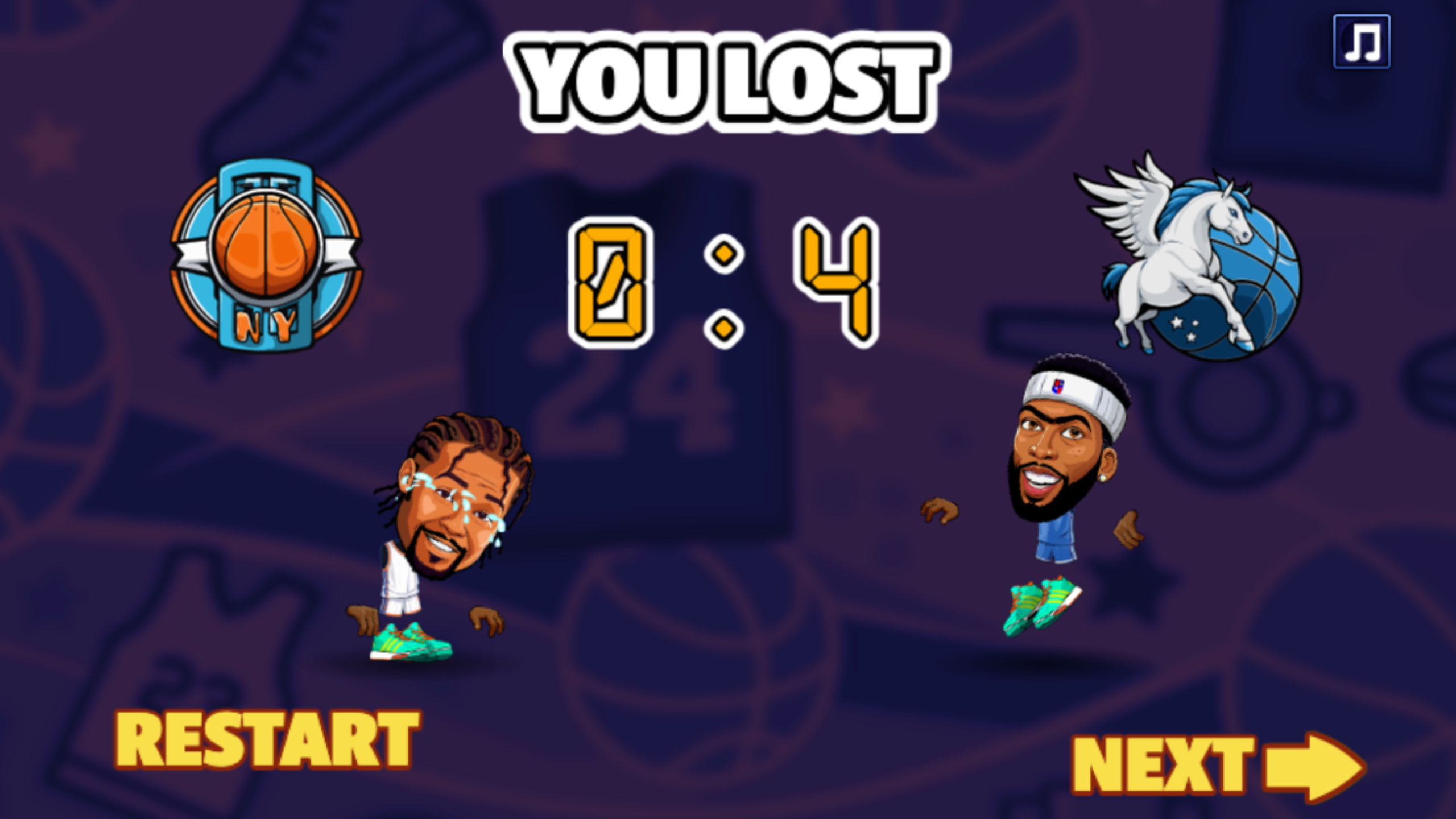
The first replay finished 0–4. A later practice run fell to 0–8. Those scores were not caused by a complicated playbook; they came from the same repeated mistake. I moved only after the ball was visibly out of reach, then pressed action several times in a collision. Every recovery attempt began too late and ended with both players occupying the same patch of floor.
The game does allow quick recovery. Double-tapping a direction produces a dash, and the compact court means one clean dash can close a large fraction of the distance. My next attempt would use that burst before the opponent settles under the rim, then stop and choose between steal and block. The input is simple enough to learn in one match, but the timing is sharp enough that the first few losses still teach something specific.
I also appreciated that the result screens preserved the exact score, both team badges, and the defeated player's reaction. The presentation is exaggerated and readable rather than realistic. It turns a bad minute into a clear invitation to restart, which suits an arcade sports game better than a long statistics screen would.
Mobile Worked, but the Court Became a Narrow Strip
The local Playflaming page passed the mobile flow in an iPhone 12 Pro emulation at a 390 by 844 layout viewport. Tapping Play opened the fullscreen player with Playflaming's back control at the upper left. The game exposed large touch buttons for left, right, action, jump or block, and supershot. I completed a comparable Quick Match and lost 0–2.
Touch input is easy to identify, but portrait orientation is not flattering to this landscape game. The court occupies a narrow horizontal strip between large blue areas, while the controls take most of the lower half. The score and timer remained readable in the 1170-pixel-wide native capture, yet the players and ball were much smaller than on desktop. The touch layout worked; it simply asked me to read a fast arcade match through a smaller window.
This was browser device emulation, not a physical phone test. It supports claims about the modal, touch controls, layout, and completed result, but it says nothing about battery use, thermals, or real-device performance. No login or purchase prompt appeared in either test. The local player showed a brief preparing message before the game, then loaded the menu and match normally.

Desktop Is the Better Fit for This One-Minute Duel
Basketball Stars is best suited to players who want a loud, immediate sports duel rather than a simulation. The one-minute Quick Match, readable score, randomized badges, contextual action button, dash, block, steal, and supershot meter create enough decisions for repeat runs without slowing the game down. Local two-player support is the most interesting promise on the menu, although this review's results come from the tested single-player Quick Matches.
Desktop is my recommendation after the comparable tests. The wide court keeps both hoops, the ball, the timer, and the supershot state visible at once, and a physical keyboard gives the movement and action commands separate positions. Mobile is playable and completed the same 0–2 loop, but the portrait fullscreen player devotes far less space to the court.
My practical beginner plan is simple: use Quick Match, watch the green control ring, dash toward the next landing area rather than the current ball, press X only after confirming possession, and save Z until the flaming icon is ready and the ball is secure. The game punished my late reactions with 0–2 and 0–4 losses, but those defeats were short, legible, and specific enough to make another restart feel worthwhile.